Ask CAIRE
The AI guide that explains current data and links to safe workflows.
| Field | Level | Why it matters | Used for |
|---|---|---|---|
| Page context | First schedule | The AI guide reads whether you are on onboarding, a resource, or a schedule. | Correct answers and correct links. |
| Readiness and diagnostics | Better metrics | Gives structured explanations instead of guesses. | Missing data, bottlenecks, and the next safe step. |
Proposals and links lead to the right workflow. A chat response is not itself an approval or publication of a plan.
What the AI assistant does
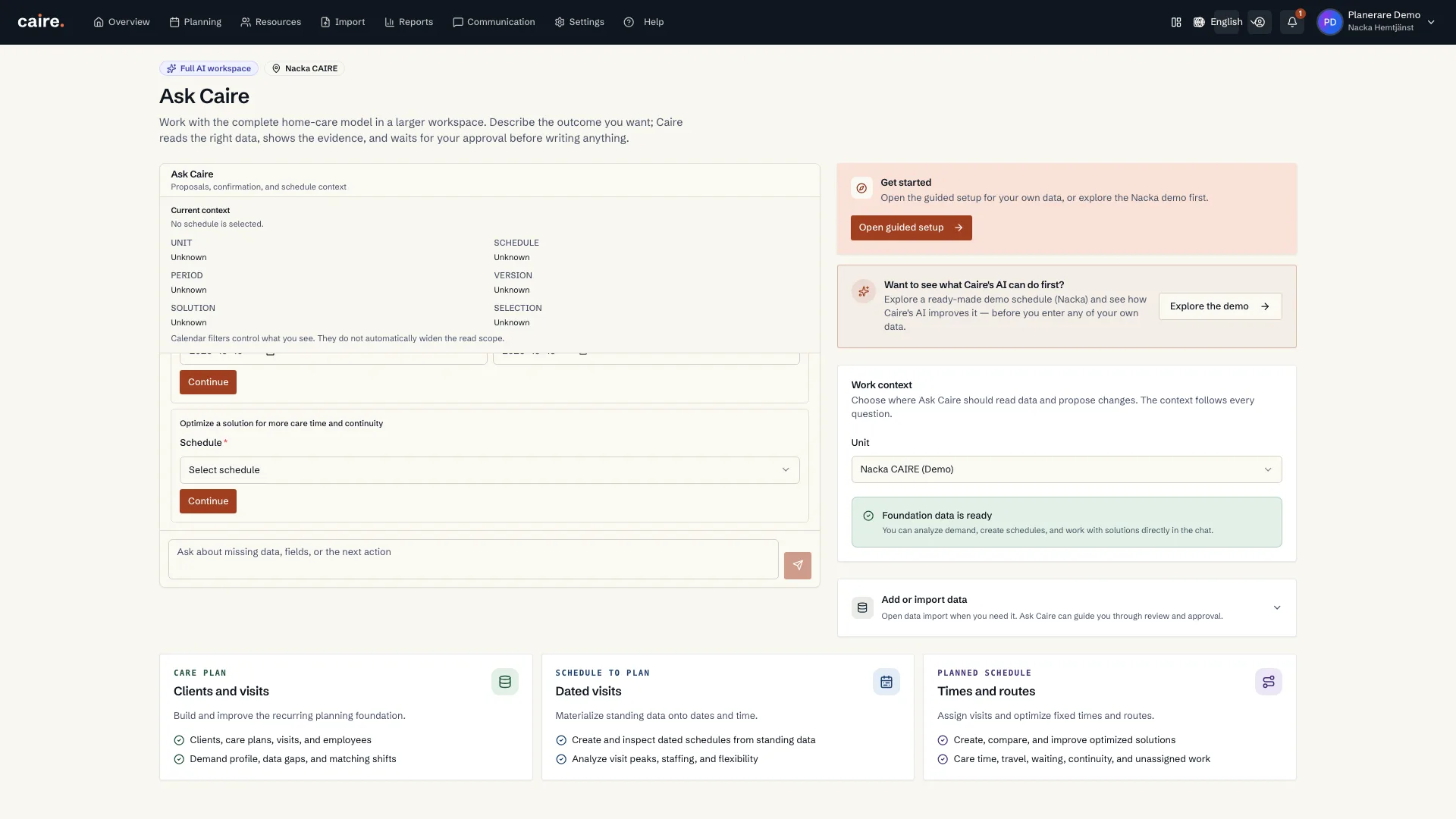
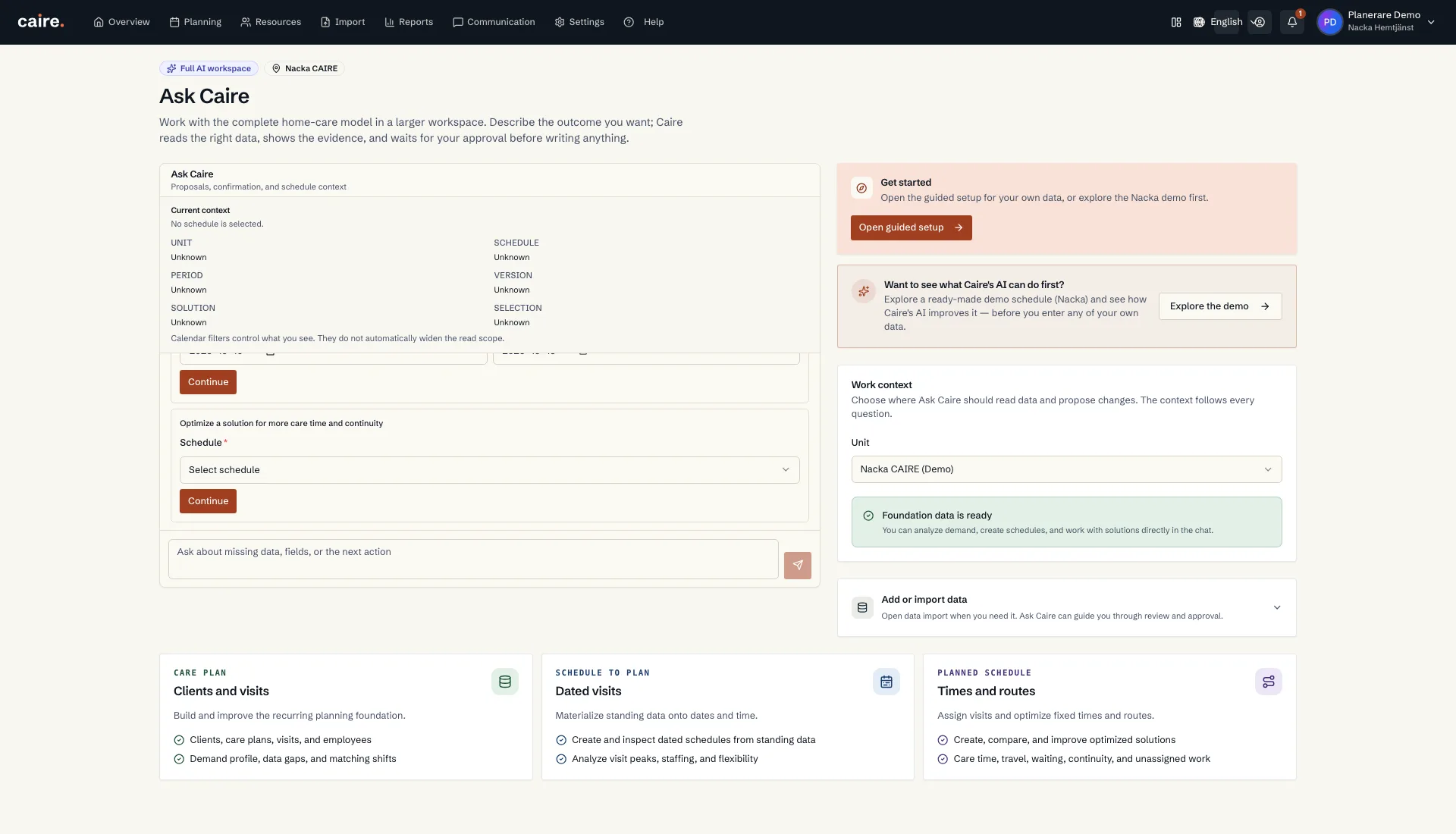
You open the AI assistant with the Ask CAIRE button right inside the schedule. You write in plain language and get answers grounded in the current solution – the same numbers shown in Diagnostics, the continuity metric, and the key figures.
In the current product, the schedule assistant is read-only and explanatory. It can summarize the schedule, solution, diagnostics, continuity, unassigned visits, and lightweight replacement candidates. When something needs to change, it points to existing scenario and reoptimization workflows where the planner reviews and approves.
Analyze the schedule and metrics
Ask the assistant to summarize the situation or explain a single metric. It pulls values from the solution instead of guessing.
- Summarize today's schedule.
- What is the efficiency of this solution? Explain strict paid-shift efficiency.
- What is the client time (brukartid) in percent on June 6th?
- What is the utilization for Johan Asp today?
- How many unassigned visits are there?
- What does continuity look like for Anna Larsson in this schedule? How many different caregivers does she have according to the continuity metric?
- What are the most important issues in Diagnostics, and what next actions do you recommend?
Find stand-ins and prepare replanning
When someone calls in sick or visits are cancelled, the assistant can show which decision data is available and point to the next safe workflow. Replacement candidates are lightweight and must be reviewed by the planner before a scenario or reoptimization run starts.
- Susanna Ek is sick today – show possible stand-ins and which constraints are visible in the schedule.
- Which low-priority or non-care visits can we defer/move out of today's schedule so all important visits get assigned?
- How can I improve continuity for Anders Larsson? Show whether his designated caregiver or preferred caregivers are missing from the solution.
From answer to approved action
The assistant should not silently change the solved calendar. When an answer points to a possible change, the planner uses the existing workflows: complete standing data, run a planning profile, or re-run optimization.
- Complete missing client, employee, district, or visit data and run a new solution.
- Record sick leave or a capacity shortage, run a new solution, and compare the result.
- Start reoptimization when the planning input is ready.
- Use the calendar to inspect visits around a bottleneck, such as 08:00–10:00.
How the assistant stays accurate
Answers are built on the current solution's data, not on assumptions. When the assistant lacks evidence, it should say which data is missing or which workflow is needed. You, the coordinator, have the final say before anything becomes a new solution.