What this helps you improve
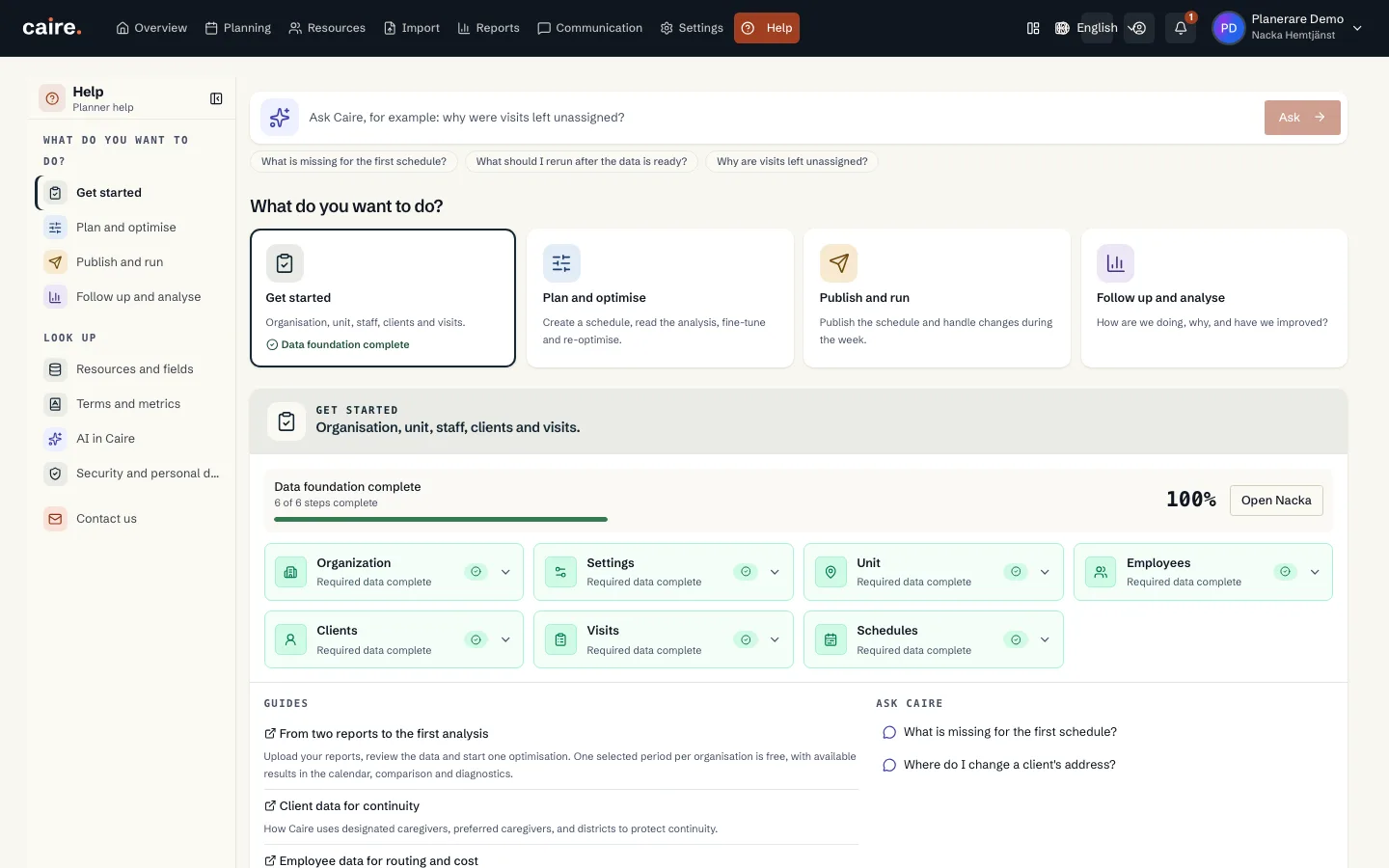
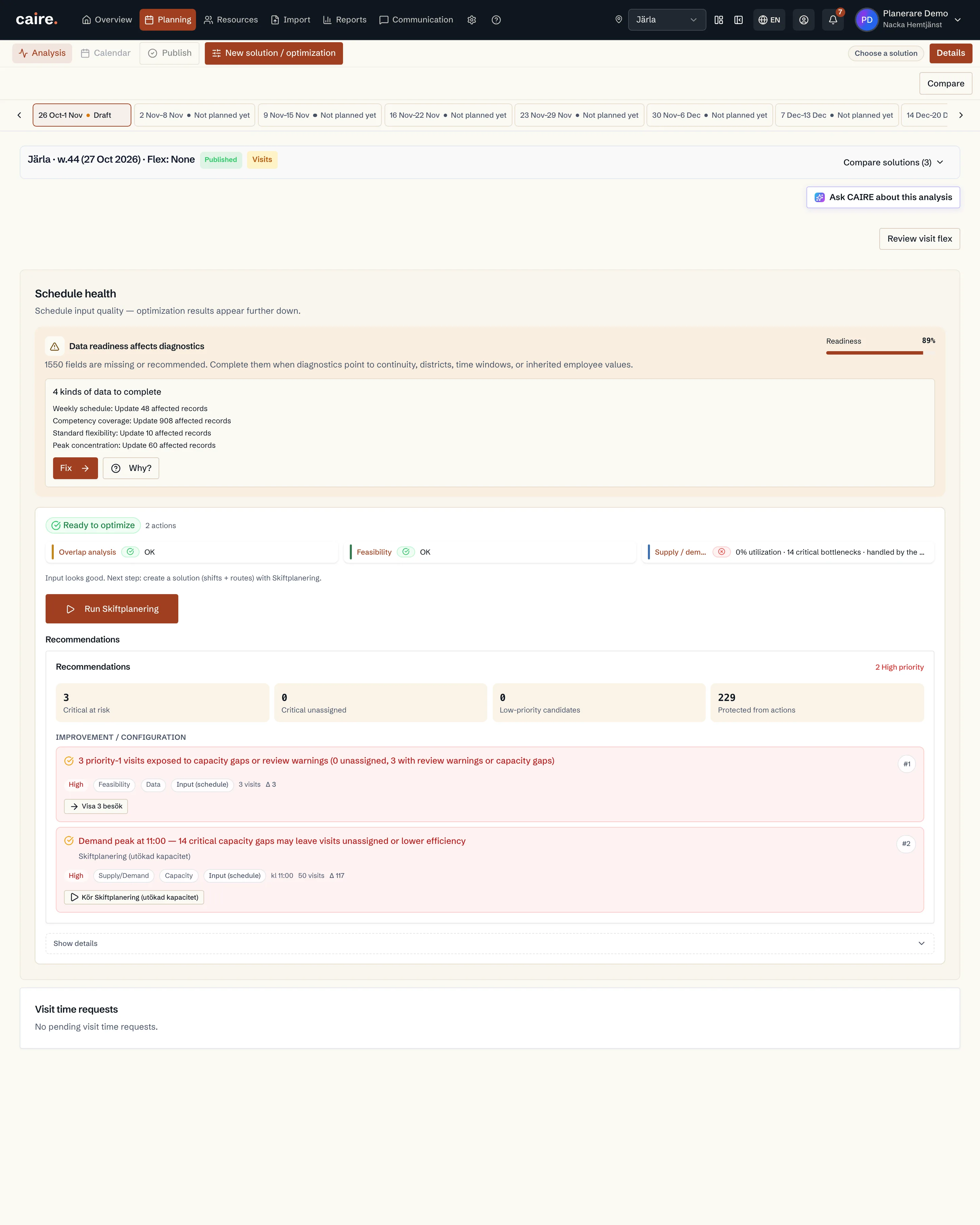
Optimization readiness is the layer after basic onboarding. Foundation data answers whether Caire can create a first schedule. Optimization readiness shows whether Caire can explain and improve continuity, district matching, time-window flexibility, and cost quality without guessing.
The goal is to make thousands of small data fields manageable. Caire groups them at the overall level, per resource type, and per client, employee, district, or visit template.
How Caire uses the information
When a solution runs, scheduling uses the fields that already exist. If data is missing, diagnostics explain why the result is limited and link back to the exact field that should be updated.
- The unit decides which team, clients, and employees belong together in planning.
- Designated and preferred caregivers strengthen continuity scoring.
- Districts make local capacity and route fit visible.
- Visit templates, time windows, groups, dependencies, priority, and preferences describe care-plan demand.
- Employee data makes shifts, skills, availability, districts, and cost assumptions traceable.
Before and after in scheduling
Before completion, Caire can often create a schedule, but recommendations stay broad. After completion, the same schedule can identify the client, visit, or district behind a bottleneck and what should change before the next run.
Data and resources
Unit
The planning boundary: the team, clients, employees, and period scheduled together.
Read resourceDistrict
A local area inside the unit for geographic matching.
Read resourceEmployees and shifts
The supply side of planning: who can work, when they work, and which skills they have.
Read resourceClients
The people receiving care. The client's address and care plan create demand.
Read resourceCare plan and visit templates
Recurring visits that later become dated visits in a schedule.
Read resourceSchedule diagnostics
Shows which time slots, visits, and shifts constrain a selected solution.
Read resource