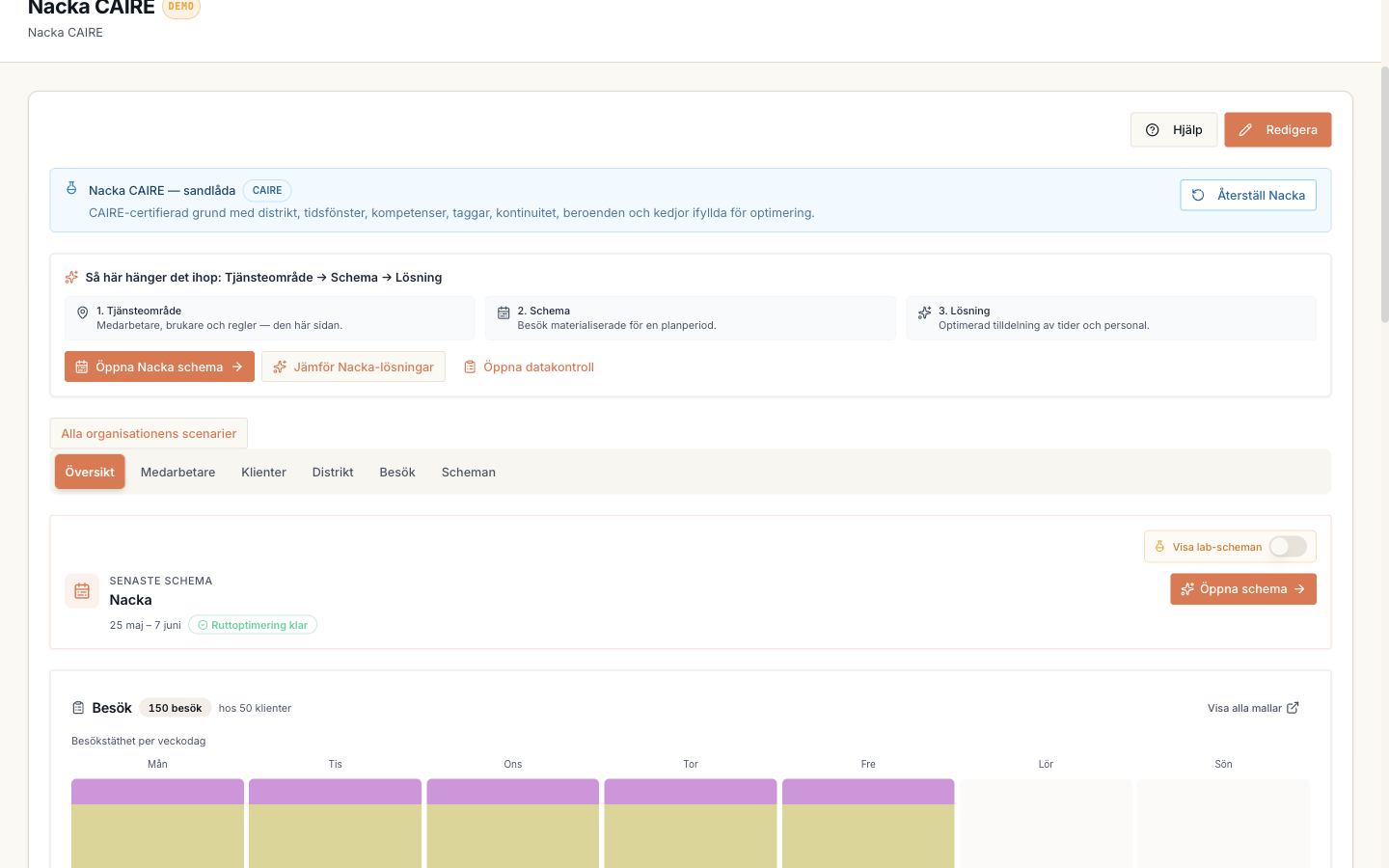
District
Guide
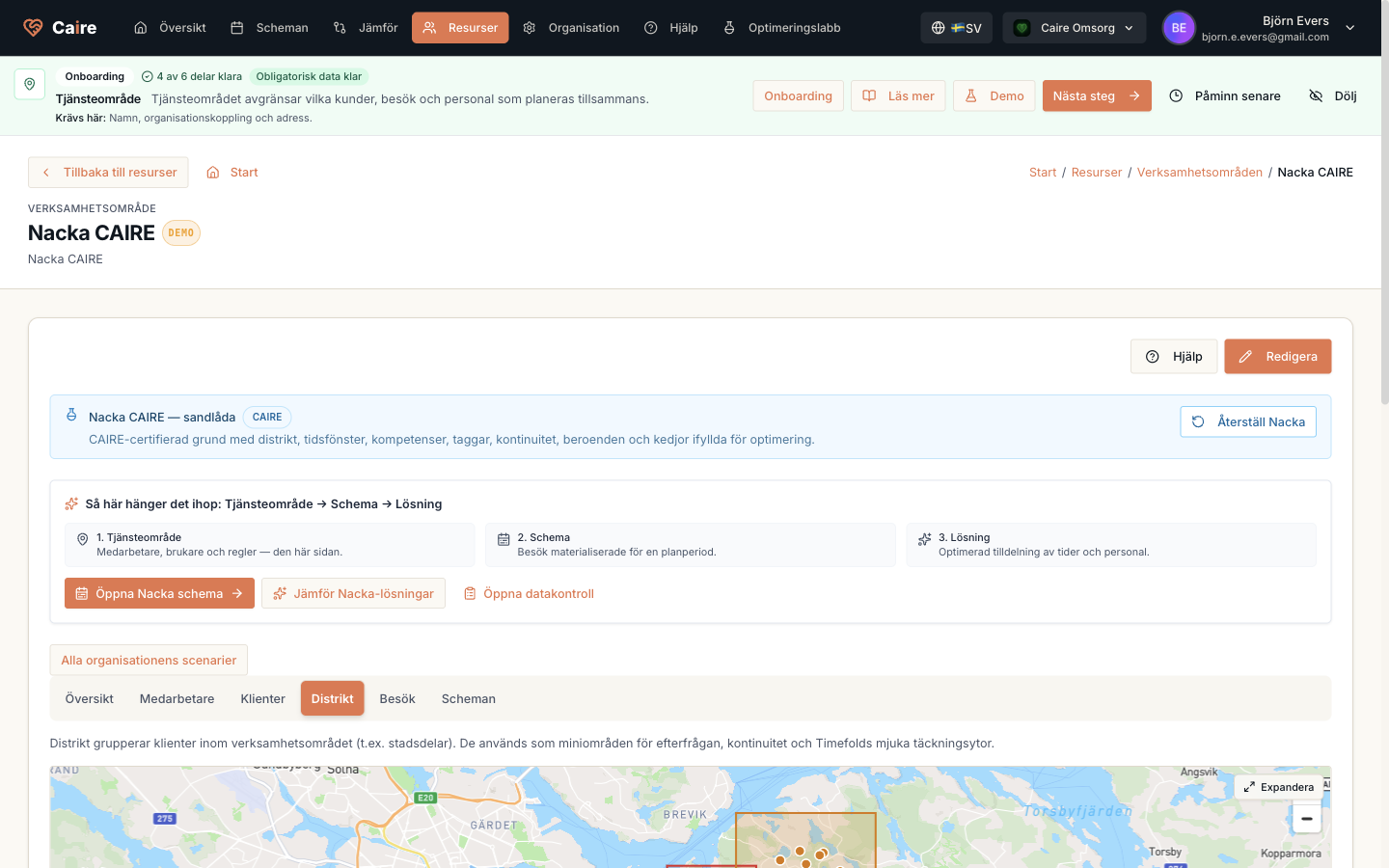
See how districts show local demand, local capacity, and coverage within one unit.
- 1. Open districts in the unit.
- 2. Check the coverage area.
- 3. Compare client and employee coverage.
- 4. Use districts in route readiness.
Districts tab with geographic groups inside a unit.
Fields and use
| Field | Level | Why it matters | Used for |
|---|---|---|---|
| Coverage area | Better metrics | Describes the district's geographic boundary. | Route fit and local bottlenecks. |
| Client coverage | Better metrics | Shows demand in the district. | Supply-demand and continuity. |
| Employee coverage | Better metrics | Shows local capacity. | Capacity gaps and replacement suggestions. |
Where it appears