- For
- Coordinator · Unit manager
- Type
- Concept
Weeks are planned without you adding them
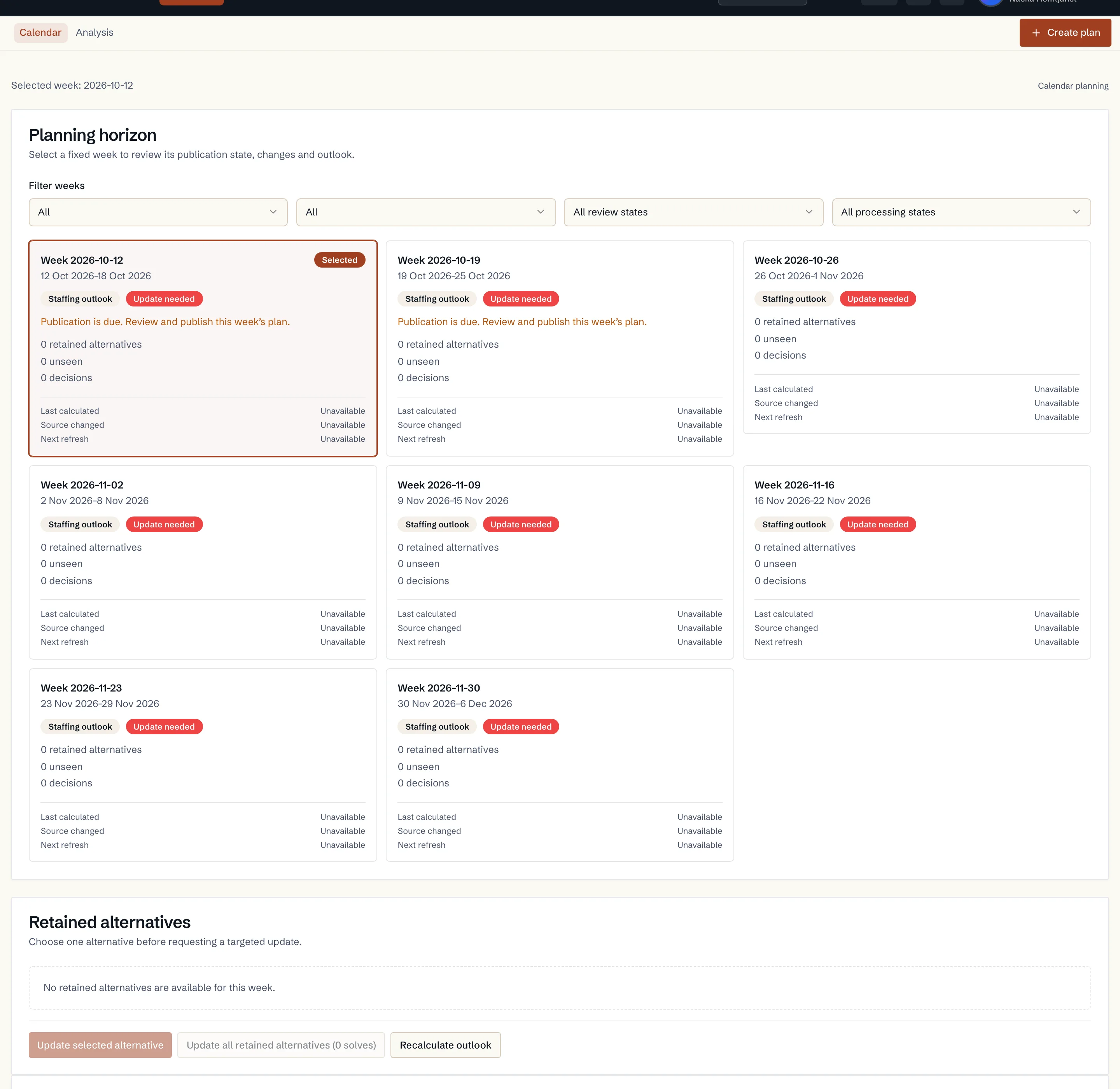
With Scheduling, Caire plans the unit's coming weeks automatically. By default this covers eight weeks ahead, and the number can be changed per unit from one to eight. Every unit with automatic planning switched on is evaluated at least once a day. You do not need to add the weeks yourself.
Each week runs Monday to Sunday and is planned with the same flow and the same settings as when you create a schedule yourself.
Two alternatives per week
Each week normally gets two route plans. The default has care flex ±15 and service flex ±60 minutes. The alternative has care flex ±30 and service flex ±60 minutes. If the two turn out the same, only one is calculated.
Automatic planning never moves a recurring visit to another weekday. The weekday and time window are set in the care plan.
Only what changed is recalculated
A night without changes recalculates nothing. When accepted input or a setting changes, the affected weeks are recalculated. A new calculation never replaces the draft you have accepted. It is shown alongside until you choose it.
If a recalculation fails, the previous result stays and is shown as out of date.
What you see in Planning
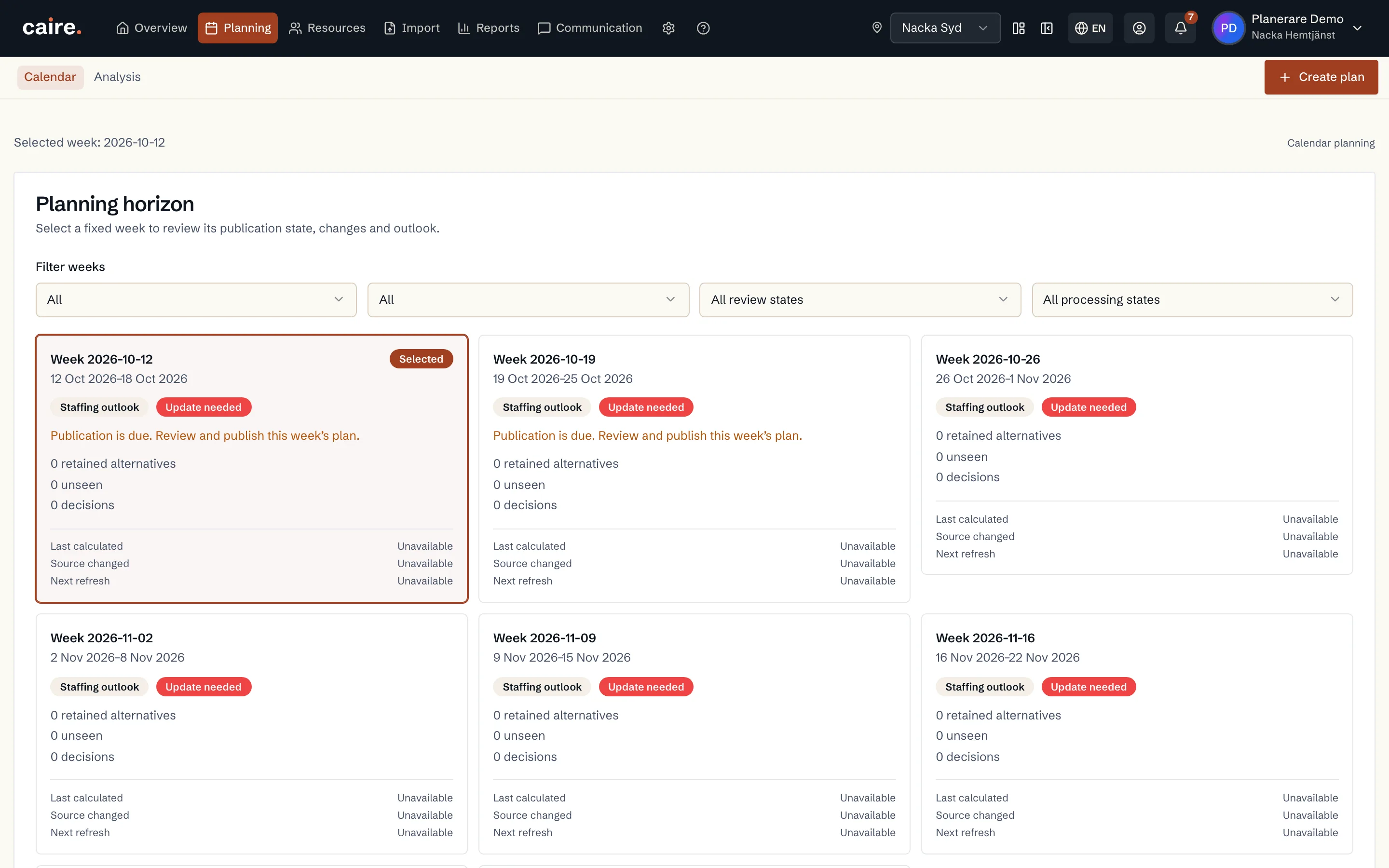
- The calendar first shows the week's published schedule, otherwise the draft you chose, otherwise Caire's recommendation.
- When there is no draft, the calendar says so and shows the week's status. There you can choose Create schedule to create the week the usual way.
- A running calculation is shown as such. The planned time appears under next update only when it is known.
- Opening or comparing another draft only changes what you see. Choosing a draft, accepting a new version and publishing are separate decisions.
Settings per unit
The planning policy is on the unit's overview. There you switch continuous planning on or off and choose the planning horizon in weeks. A unit that has been switched off shows as paused. Shortening the horizon removes no existing results or publications.
When you accept an import of your schedules, the import's first week is planned at once and the other weeks in the next planning run. Nothing is accepted or published automatically.
- Automatic planning, editing and re-optimisation are part of a paid Scheduling subscription. Trials and the free analysis are not included.