Visit and shift planning
Caire plans eight weeks ahead every night. Create and optimise schedules.
- EfficiencyBelongs to Care plan
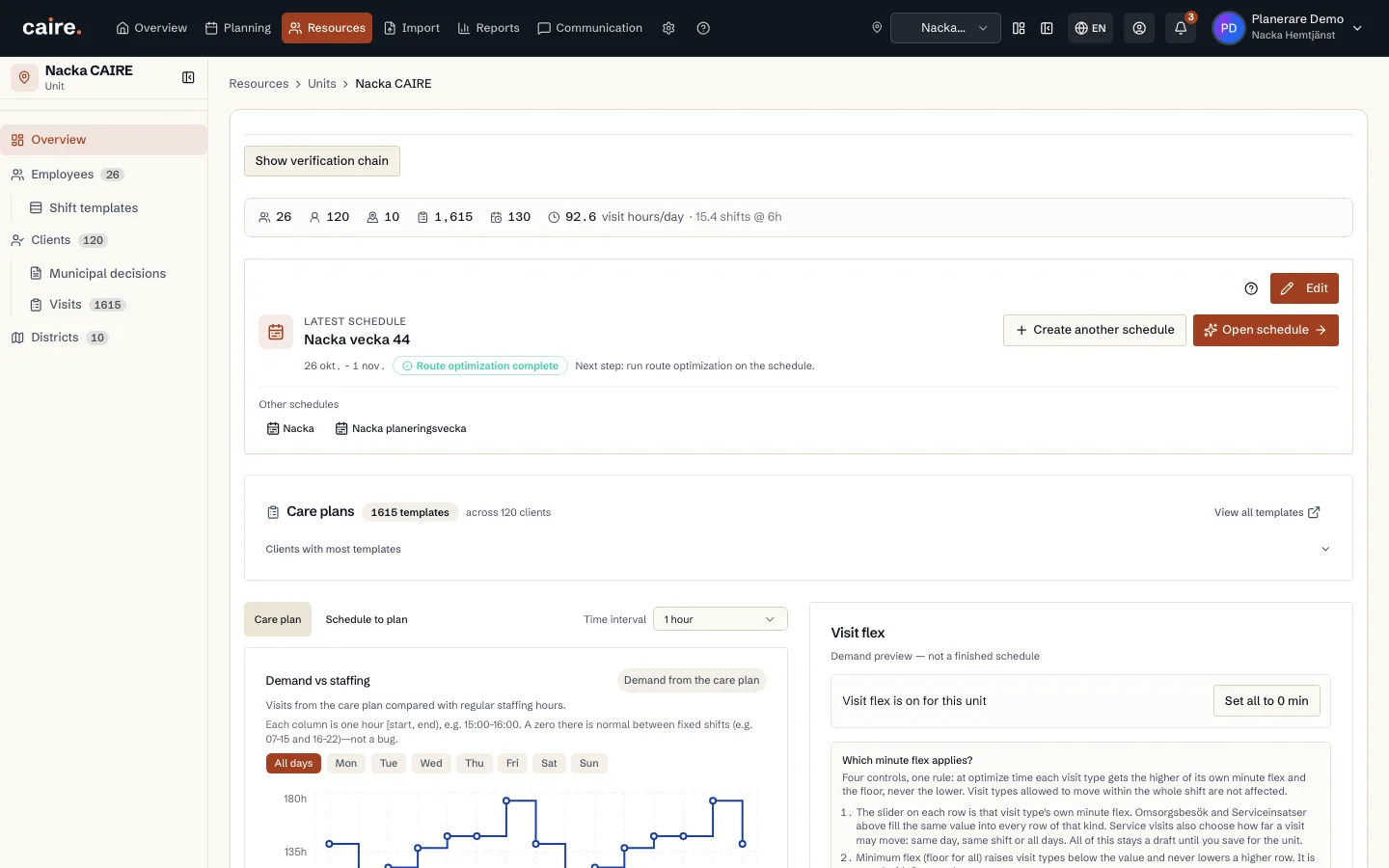
Demand and inset flex
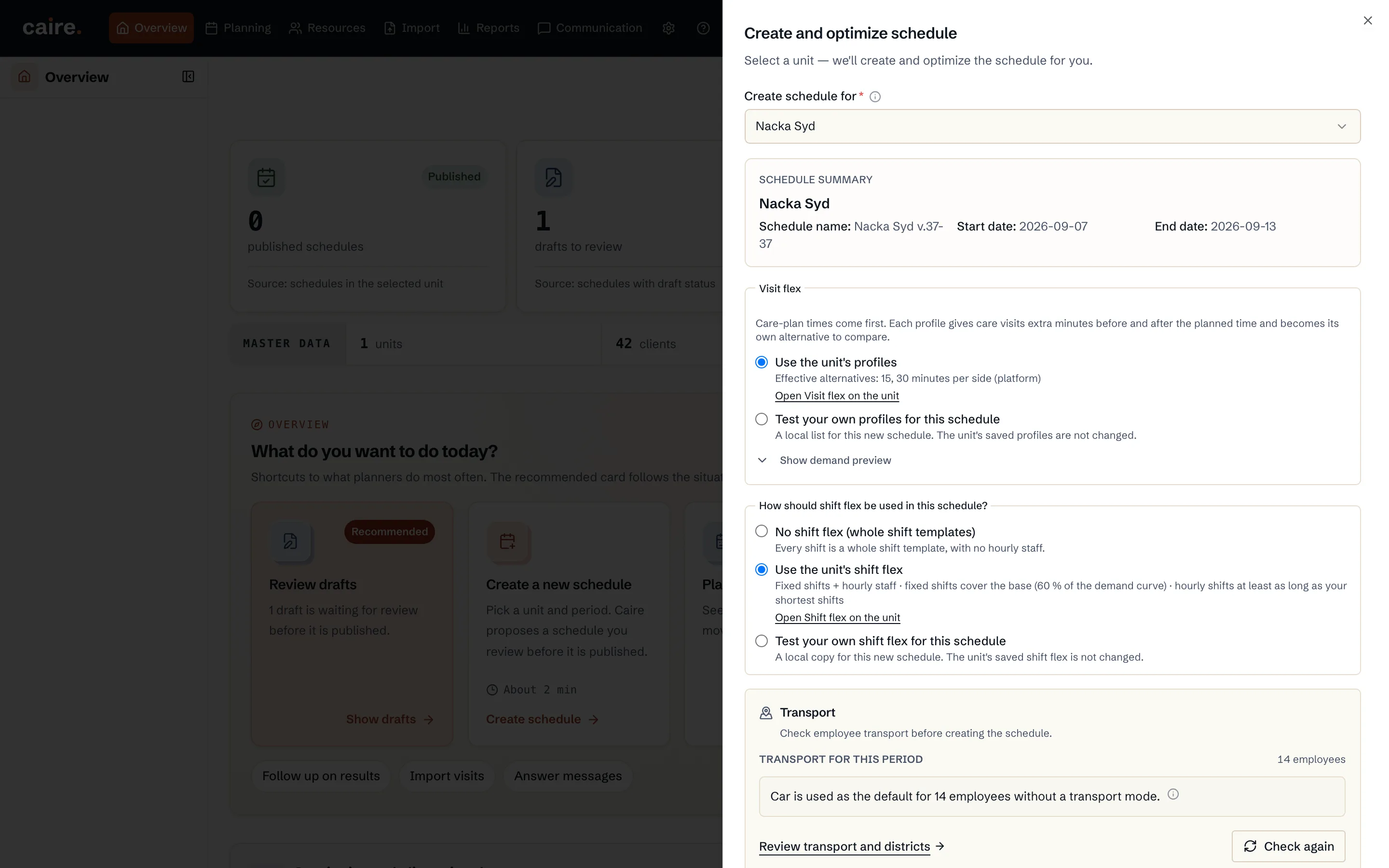
On the unit overview, the chart shows demand. The sliders are inset flex (widen allowed time windows in the preview). Use recommended values to reduce the peak–floor gap. The scope can be saved to the unit or used only for the next schedule proposal. It does not change care plans.
Read guide: Demand and inset flex - OnboardingBelongs to Getting started
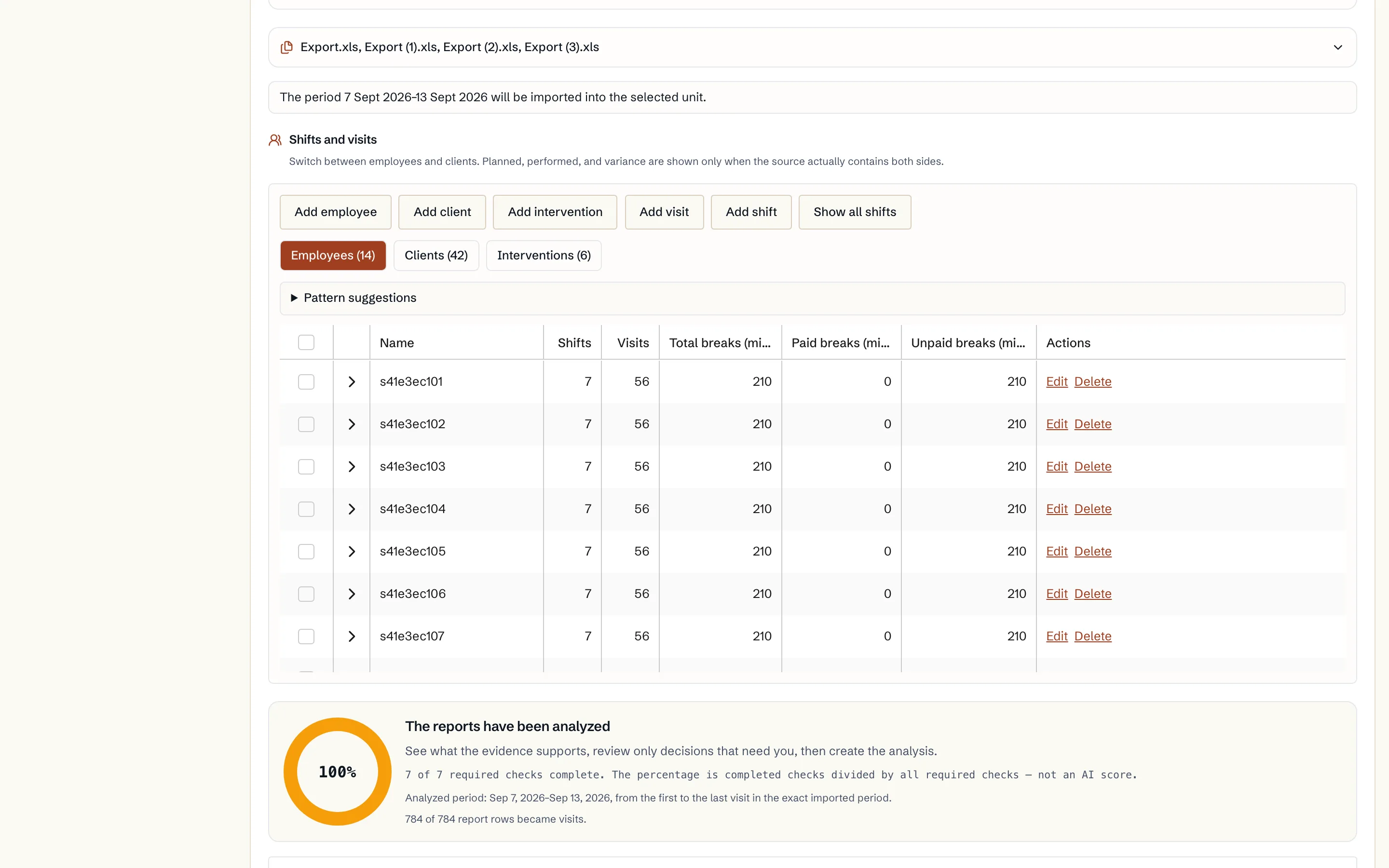
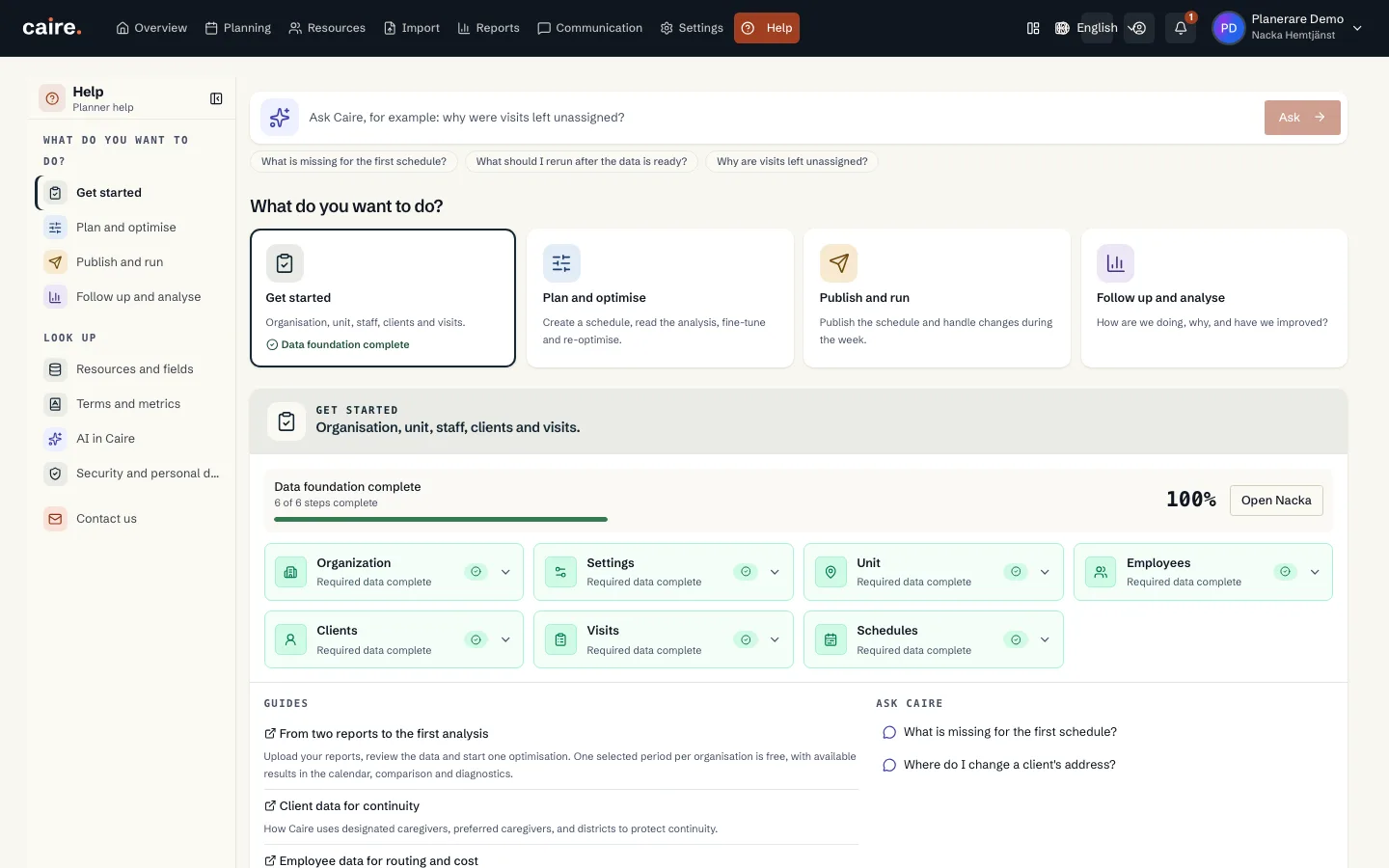
From two reports to the first analysis
Upload your reports, review the data and start one optimisation. One selected period per organisation is free, with available results in the calendar, comparison and diagnostics.
Read guide: From two reports to the first analysis - Onboarding
From analysis report to a decision-ready calendar
Read the source planned and evidenced actual state, follow CAIRE candidates in the background, and compare them in the same calendar.
Read guide: From analysis report to a decision-ready calendar - Onboarding
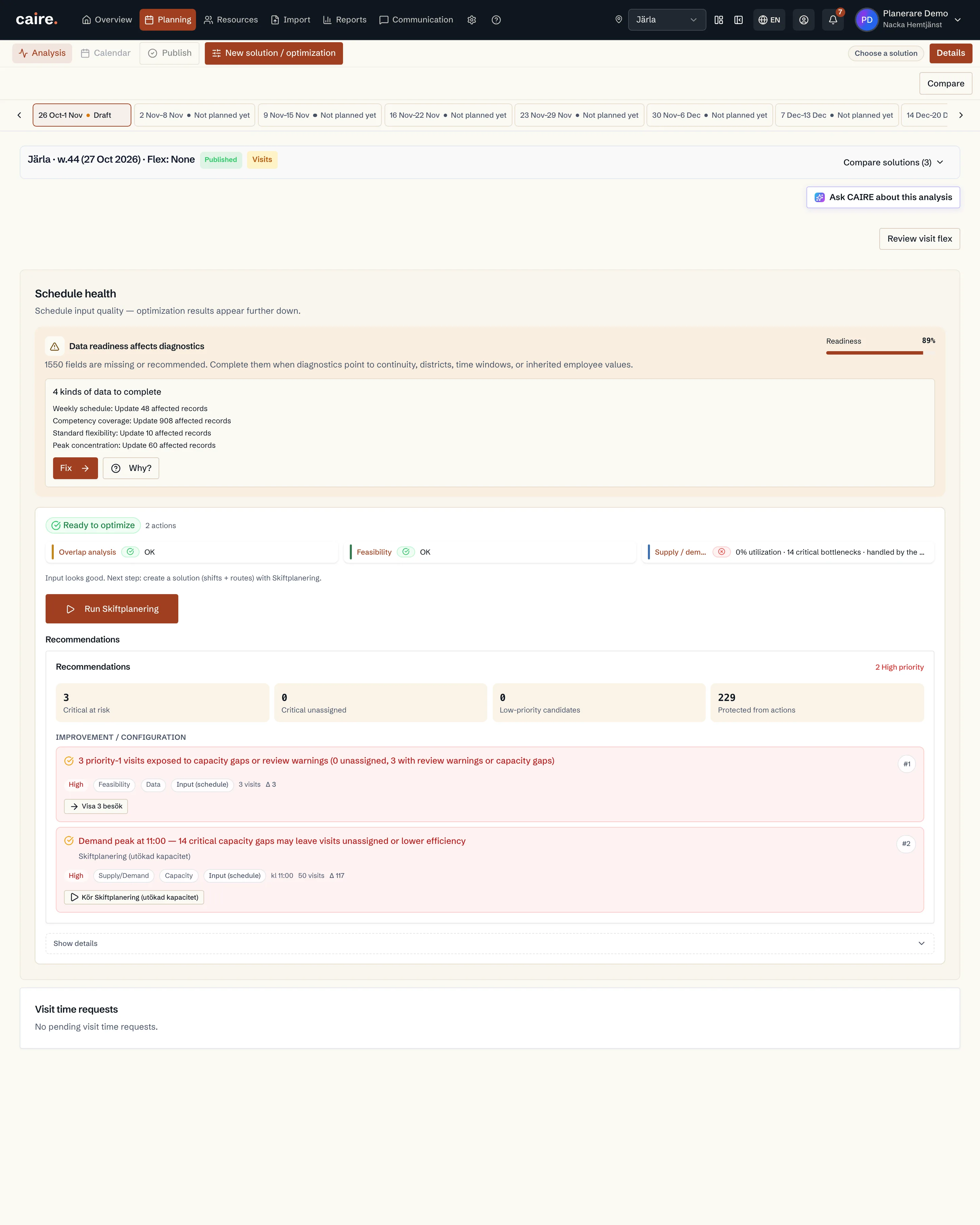
Optimization readiness
See which data is enough for the first schedule and which extra fields unlock stronger continuity, efficiency, and diagnostics.
Read guide: Optimization readiness - EfficiencyBelongs to Staff and shifts
Districts and coverage
How districts reveal local demand, local capacity, and routes that cross the wrong area.
Read guide: Districts and coverage - Solutions
Create a schedule
How the unit's clients, visits, caregivers and shift templates become a schedule for a period: one click gives the unchanged schedule and the visit-flex alternatives side by side.
Read guide: Create a schedule - OnboardingBelongs to Settings
The settings cascade
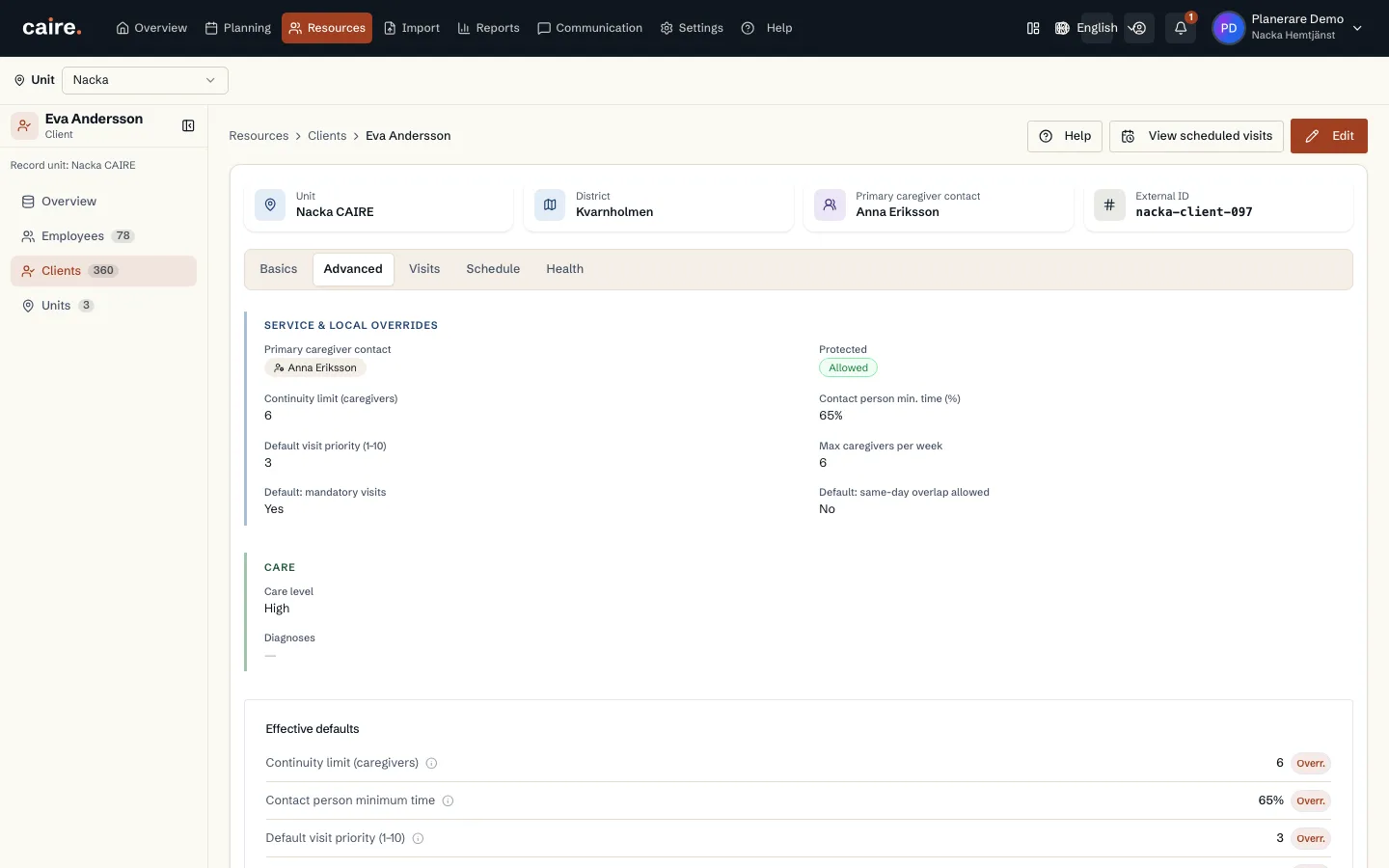
Why the same setting can exist on the organisation, the unit, the client, the employee and the visit, and how you see which value actually applies.
Read guide: The settings cascade - Solutions
Automatic planning eight weeks ahead
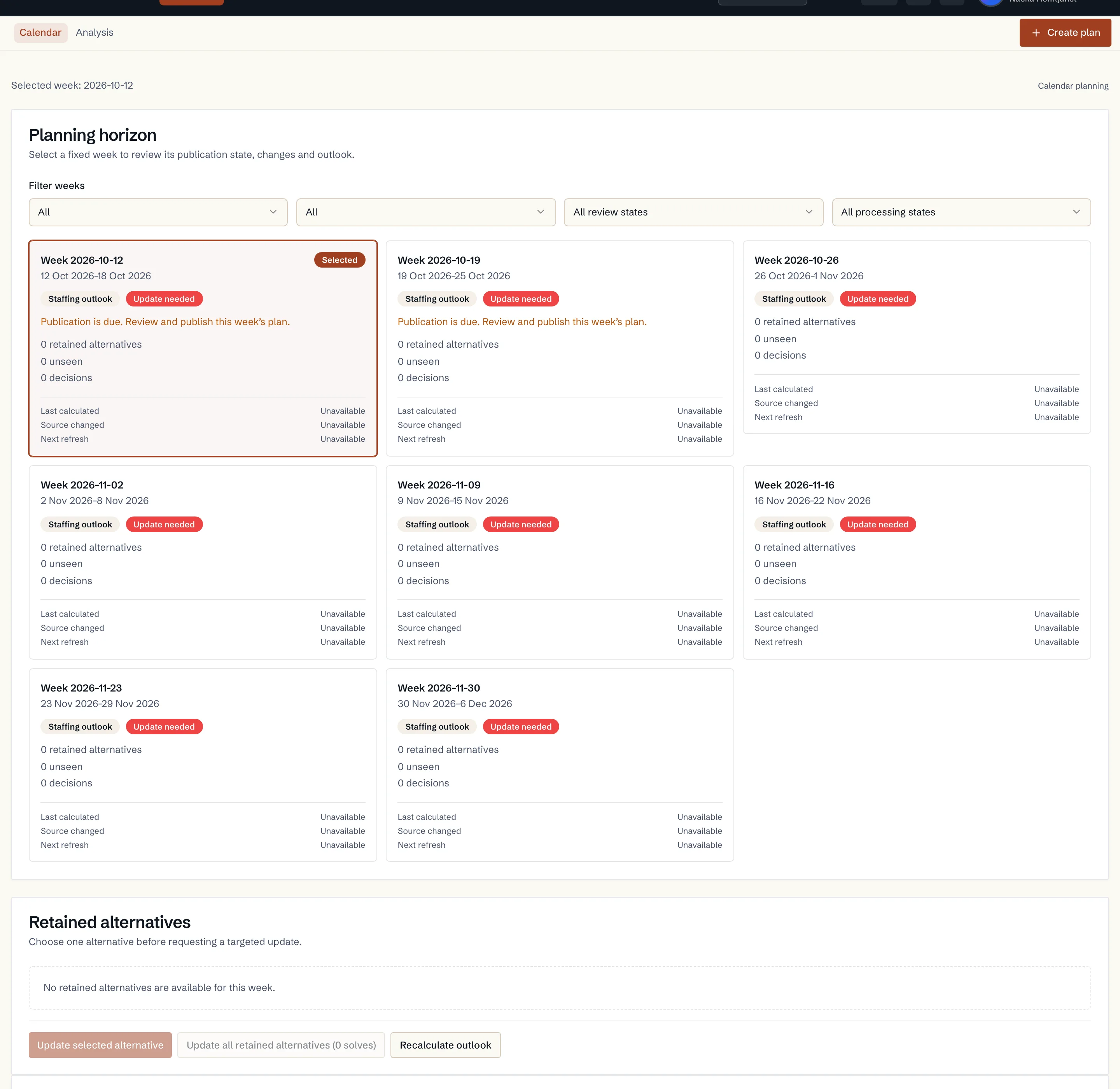
How Caire plans the unit's coming weeks on its own: every week gets route drafts, only changed input is recalculated and nothing is published without your decision.
Read guide: Automatic planning eight weeks ahead
Data fields in this step
Operational settings
Defaults for staff, optimization, services, time slots, skills, and tags.
Read resourceEmployees and shifts
The supply side of planning: who can work, when they work, and which skills they have.
Read resourceCare plan and visit templates
Recurring visits that later become dated visits in a schedule.
Read resourceSchedule
The dated planning period and source snapshot behind a solution frontier with different time-window and capacity policies.
Read resource