- For
- Unit manager · Operations manager
- Type
- Guide
One report, two places to open it
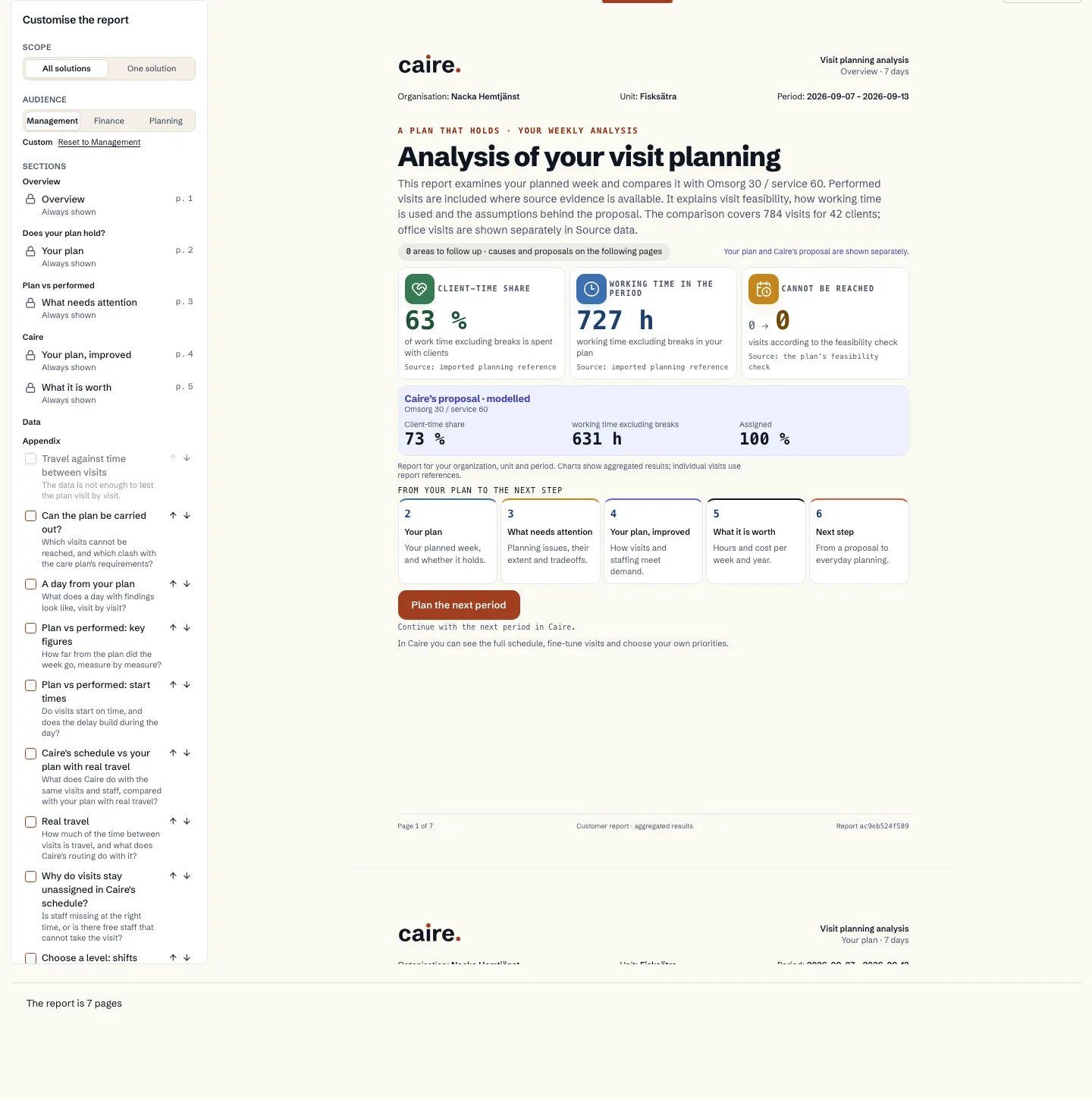
Caire has one report that you tailor, En plan som håller (A plan that holds). Under Rapporter (Reports) in the main menu you choose the scope yourself: a unit and a period, several schedules over time or named solutions. Unit, period and Ändra urval (Change scope) sit in the scope row.
A schedule has the tabs Analys, Kalender, Jämför and Rapport. The Rapport tab is the same report, narrowed to the solution you have open.
What the report contains
The report starts with a summary of the unit's key measures, the organisation, the unit and the period. For a solution it then compares Caire's solution with your imported plan and what was performed in the period. Solutions are labelled by origin: planned, performed or Caire. When the schedule has no imported period, the report says so and shows no comparison.
The main report has six chapters: overview, your plan, planning issues, Caire's proposal, the value and next steps. Appendices with the full evidence can be added.
- You choose the scope, a preset and which sections to include. The PDF prints what you see.
- Every figure comes from the same calculations as the rest of Caire.
- How planned and performed are compared is described in Plan versus reality.
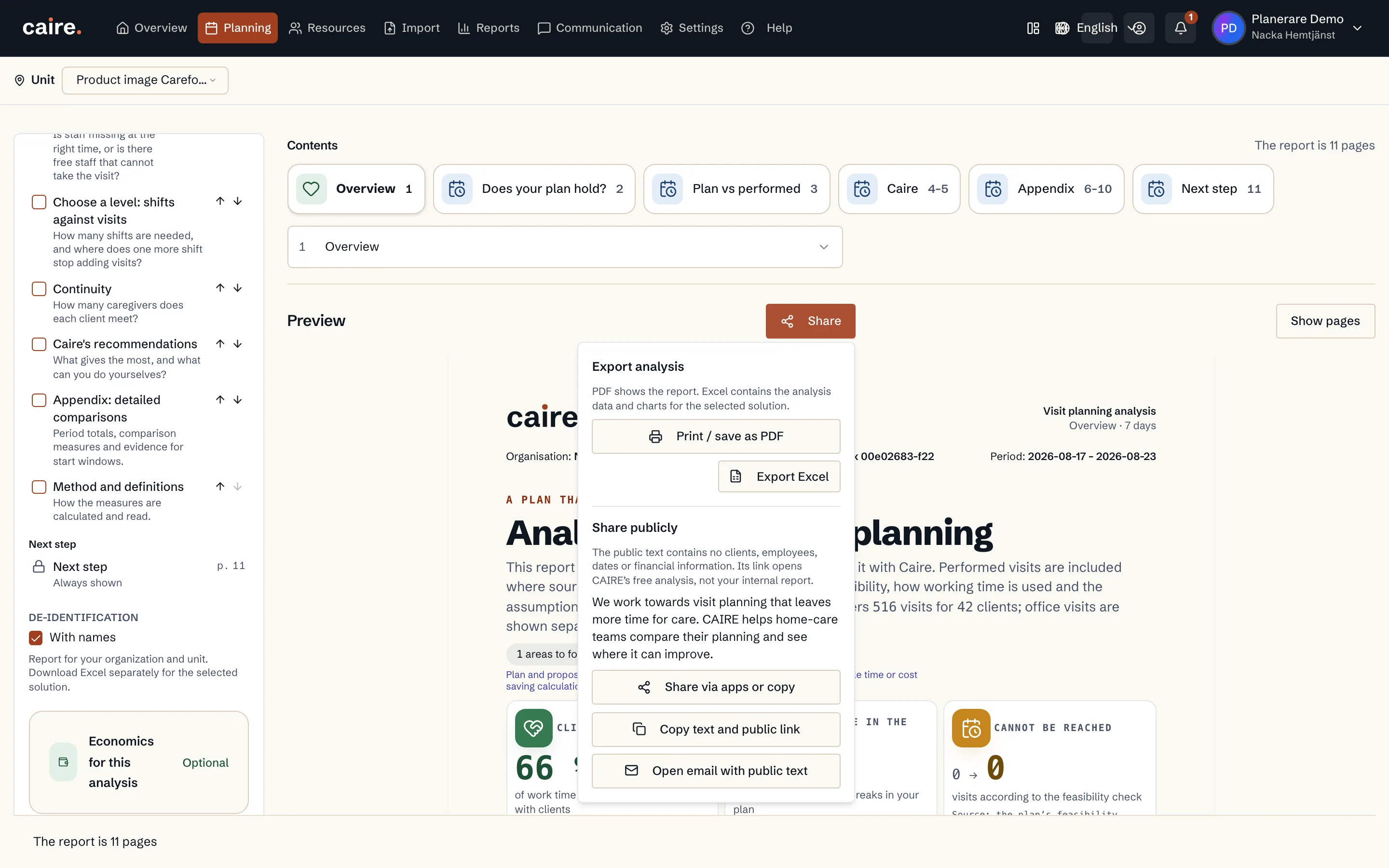
PDF and Excel
The PDF prints the report's pages. Excel builds a workbook for the same scope, with charts, named sheets and numbers you can keep calculating with.
The free analysis gives the standard report and an Excel with aggregate measures. Your own scopes and detail per visit and shift are included when you use Caire for planning.
Names appear only when you choose them
By default the report contains no client or caregiver names and no addresses. Each page shows the organisation, the unit and the period. If you want an Excel with names per person, choose Med namn (With names). The choice is not remembered and turns off when you change the scope.