Employees and shifts
Availability, skills, working time, breaks, preferences, and historical client relationships.
AI scheduling only works when resources are clear. Caire brings employees, clients, service areas, skills, travel buffers, and cost models into one operating model.
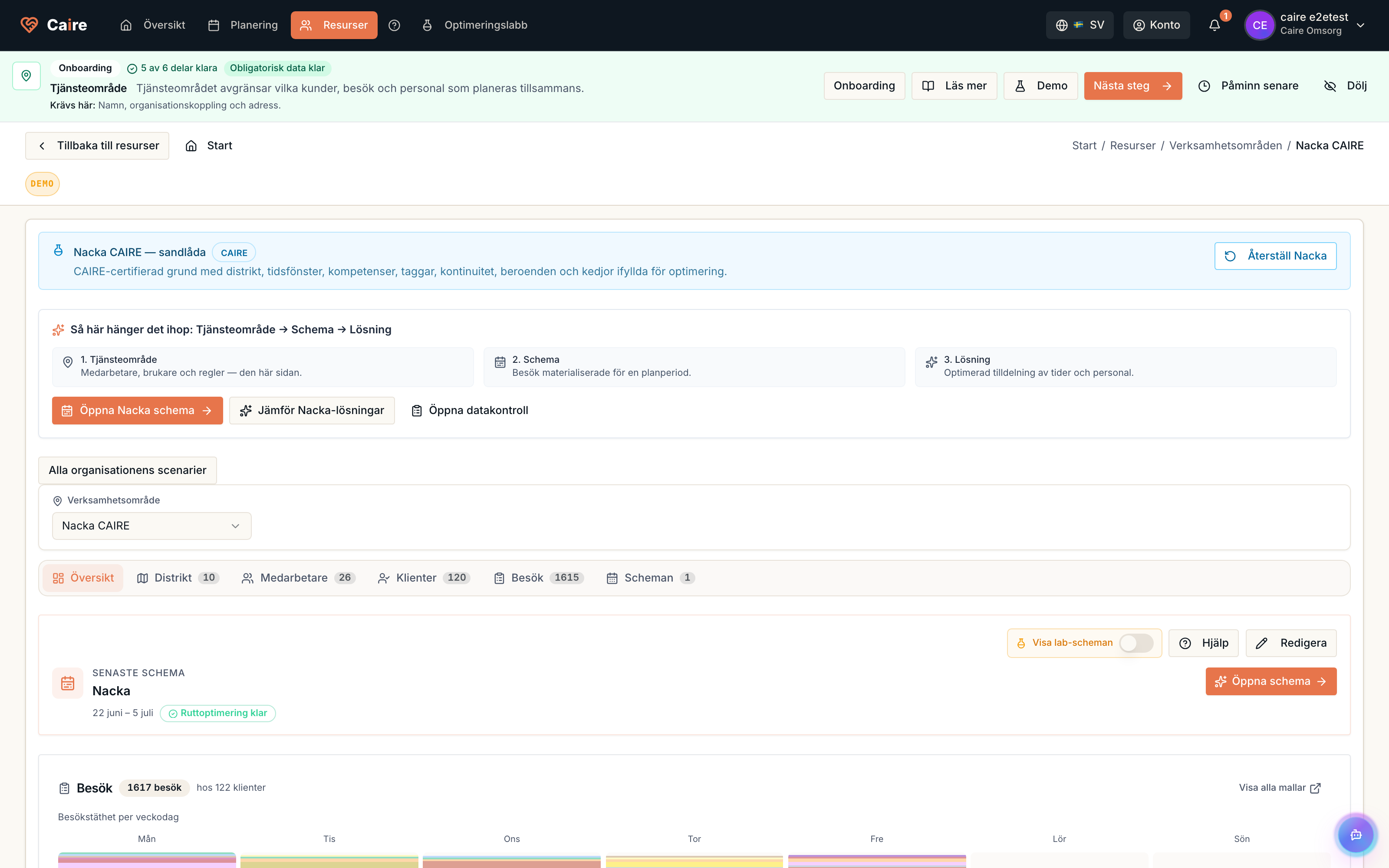
Current page
Resource management
Employees, clients, skills, travel buffers, and cost models.
Caire Core uses the resource model to decide which visits are possible, which are good, and which need planner review. Resource data is also part of the continuous learning loop when outcomes reveal better buffers, areas, or skills.
Availability, skills, working time, breaks, preferences, and historical client relationships.
Address, time windows, services, needs, contact paths, and local area rules.
Match visits against delegations, language, experience, onboarding needs, and role-specific routines.
Plan with realistic travel, movement, margins, and variation between areas.
Make overtime, travel, utilization, and economic impact visible without hiding care quality.
See where resources are missing, where routes become too difficult, and how service areas should change.
Comprehensive resource hub
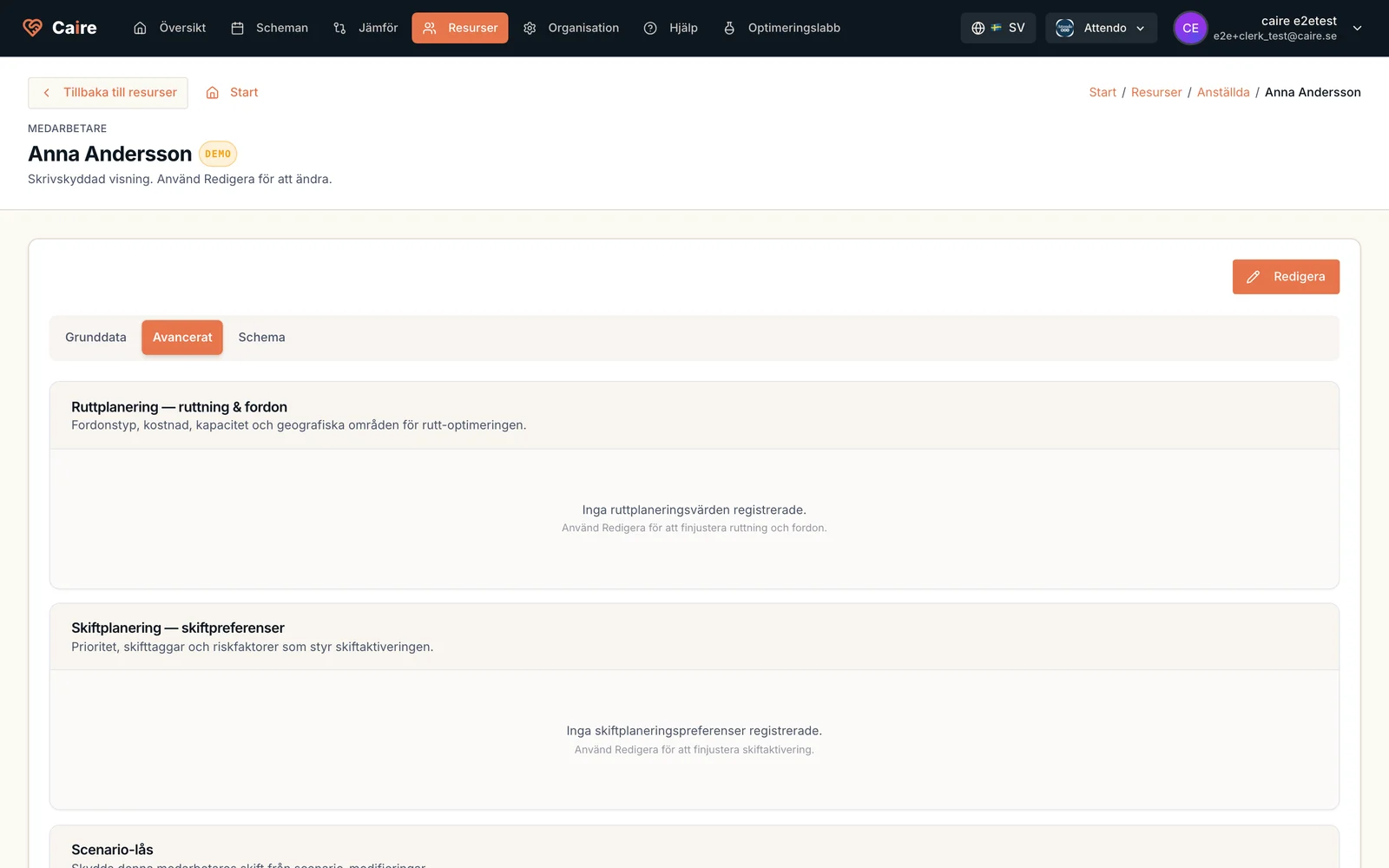
Organization, service area, employee, and client settings cascade into the planning model. Schedule travel buffers, skills, hourly rate, monthly salary, billing, and continuity caregiver limit stay visible instead of becoming hidden assumptions.
| Setting | Description | Configuration Levels |
|---|---|---|
| Monthly Salary | Fixed monthly compensation for full-time/part-time employees | Individual Employee |
| Hourly Rate | Hourly compensation for flexible/temporary employees | Individual Employee, Service Area, Organization |
| Payment Model | How hours are calculated (A=Service, B=Service+Travel, C=Shift to Last, D=Full Shift) | Organization (applies to all hourly employees) |
| Break Policy | PAID or UNPAID breaks | Organization, Service Area, Individual Employee |
| Break Duration | Standard break length (e.g., 30 or 60 minutes) | Organization, Service Area |
| Setting | Description | Configuration Levels | Example |
|---|---|---|---|
| Monthly Allocation Hours | Municipality-approved service hours per month | Individual Client | 100h/month for Anna |
| Billing Rate | Revenue per service hour for financial tracking | Individual Client, Service Area, Organization | 500 SEK/hour municipality contract |
| Continuity Caregiver Limit | Maximum number of distinct caregivers allowed per client within a rolling period (default 14 days) | Individual Client, Service Area, Organization | 10 caregivers per 14 days (tighten to 6-8 for dementia or palliative care) |
| Responsible Caregiver | Primary caregiver (contact person) for client | Individual Client | Lisa assigned to Anna (lead caregiver designation) |
| Minimum Lead Visits | Minimum number of visits the responsible caregiver must complete per period | Individual Client | Lisa: >=18 of Anna's 60 monthly visits |
| Time Window Flexibility | Allowed time buffer for visit start times | Individual Client, Service Area, Organization | +/-5 min (strict) vs +/-30 min (flexible) |
| Setting | Description | Default | Impact |
|---|---|---|---|
| Cross-Service Area Assignments | Allow employees to be assigned visits across different service areas | Disabled | When enabled: Staff can work in multiple areas. When disabled: Staff only assigned to their home service area. |
| Include in Import | Include this service area in automatic imports from external systems | Enabled | When disabled: Area excluded from manual imports and optimization runs. |
| Include in Optimization | Include this service area in AI optimization runs | Enabled | When disabled: Area maintains data but does not participate in scheduling. |
| Default Hourly Rate | Service area-level hourly rate override | Organization default | Override for high-cost areas, for example urban vs rural compensation. |
| Area Type | First Visit Delay | Last Visit Buffer | Reasoning |
|---|---|---|---|
| Urban (Dense) | 5 minutes | 5 minutes | Short distances, predictable traffic |
| Suburban | 10 minutes | 10 minutes | Moderate distances, variable traffic |
| Rural (Spread) | 15 minutes | 15 minutes | Long distances, unpredictable travel |
| Morning Rush | 10 minutes | 5 minutes | Traffic delays at shift start |
| Evening Shift | 5 minutes | 10 minutes | Return traffic at shift end |
| Model | PAID Breaks | UNPAID Breaks |
|---|---|---|
| Model A - Service Only | 6.5h x 185 = 1,203 SEK (service + breaks) | 6.0h x 185 = 1,110 SEK (service only) |
| Model B - Service + Travel | 7.5h x 185 = 1,388 SEK (service + travel + breaks) | 7.0h x 185 = 1,295 SEK (service + travel) |
| Model C - Shift to Last Visit | 8.0h x 185 = 1,480 SEK (full working time) | 7.5h x 185 = 1,388 SEK (working time - breaks) |
| Model D - Full Shift | 8.0h x 185 = 1,480 SEK (scheduled shift) | 7.5h x 185 = 1,388 SEK (shift - breaks) |