Staffing Scenario Comparison
Compare planner-reviewed staffing candidates from the same source snapshot
Match staffing to visits by skills, continuity, units, and travel time — planners approve
Try Caire for freeBook a walkthroughYour organisation's permissions and rules govern who sees and changes the plan. Review trust and data protection
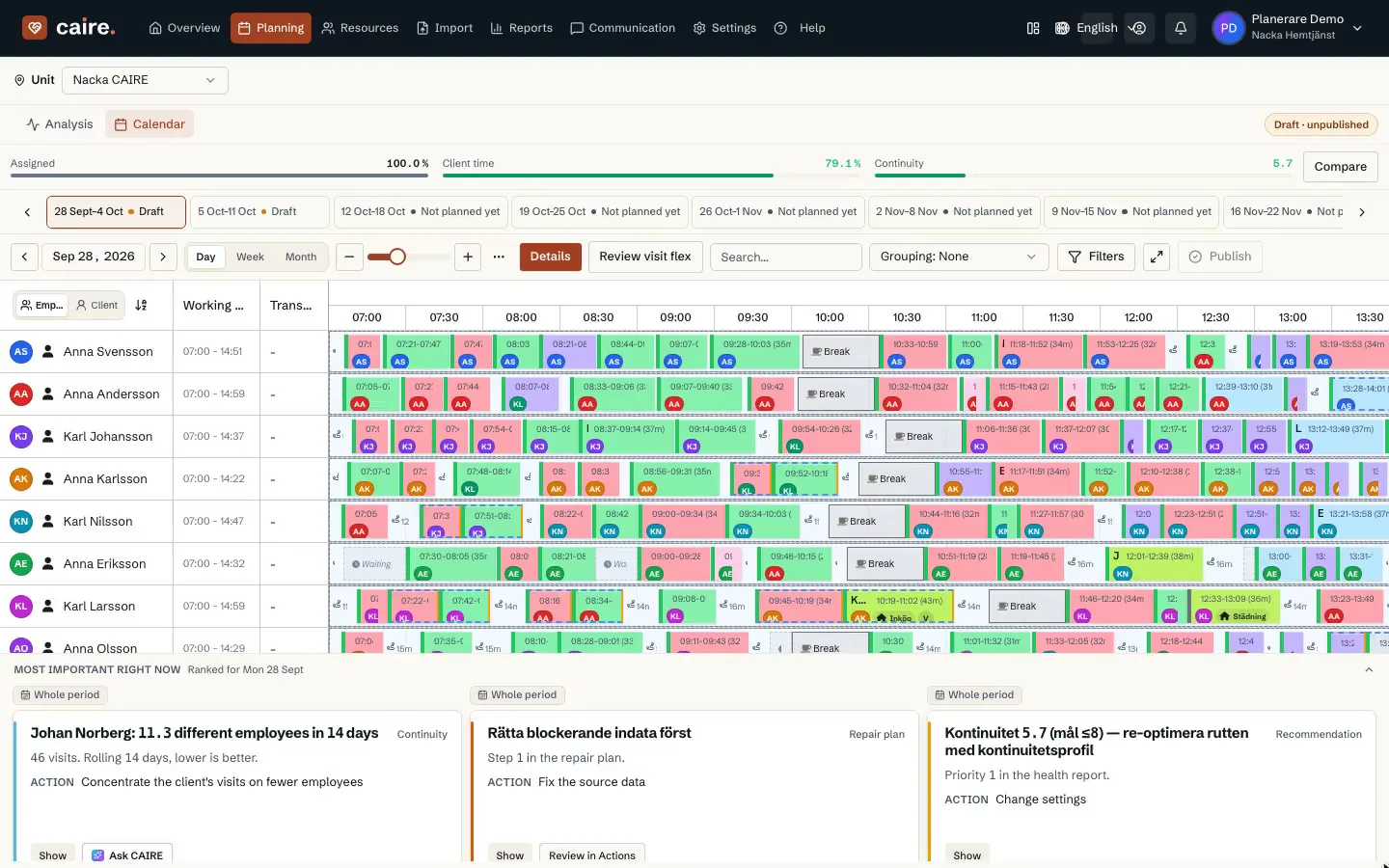
The results view shows calculation status and available candidates. A candidate and its results belong to a defined period.
Availability, skills and absence affect which visits fit. Open gaps and exceptions need to stay visible in the same working view.
Current page
AI staff planning
Demand, skills, and preferences in staff planning.
Answer first
CAIRE proposes staffing and schedule options from care time, skills, continuity, travel time, and unassigned visits. Managers or planners approve changes; CAIRE does not replace HR, payroll, records, or source systems.
CAIRE's AI-assisted staff planning compares recorded demand, known future events, and staff competencies in reviewable staffing candidates.
Demand-driven planning
Caire uses visit demand, skill requirements, configured constraints, and planner inputs to create reviewable staffing candidates. Teams compare per-run cost and continuity measures before approving a candidate.
| Dimension | Manual planning | CAIRE |
|---|---|---|
| Time | Depends on scope | Measured per run |
| Rules | Person-dependent | Diagnostics for review |
| Demand | History and gut feel | Comparable candidates |
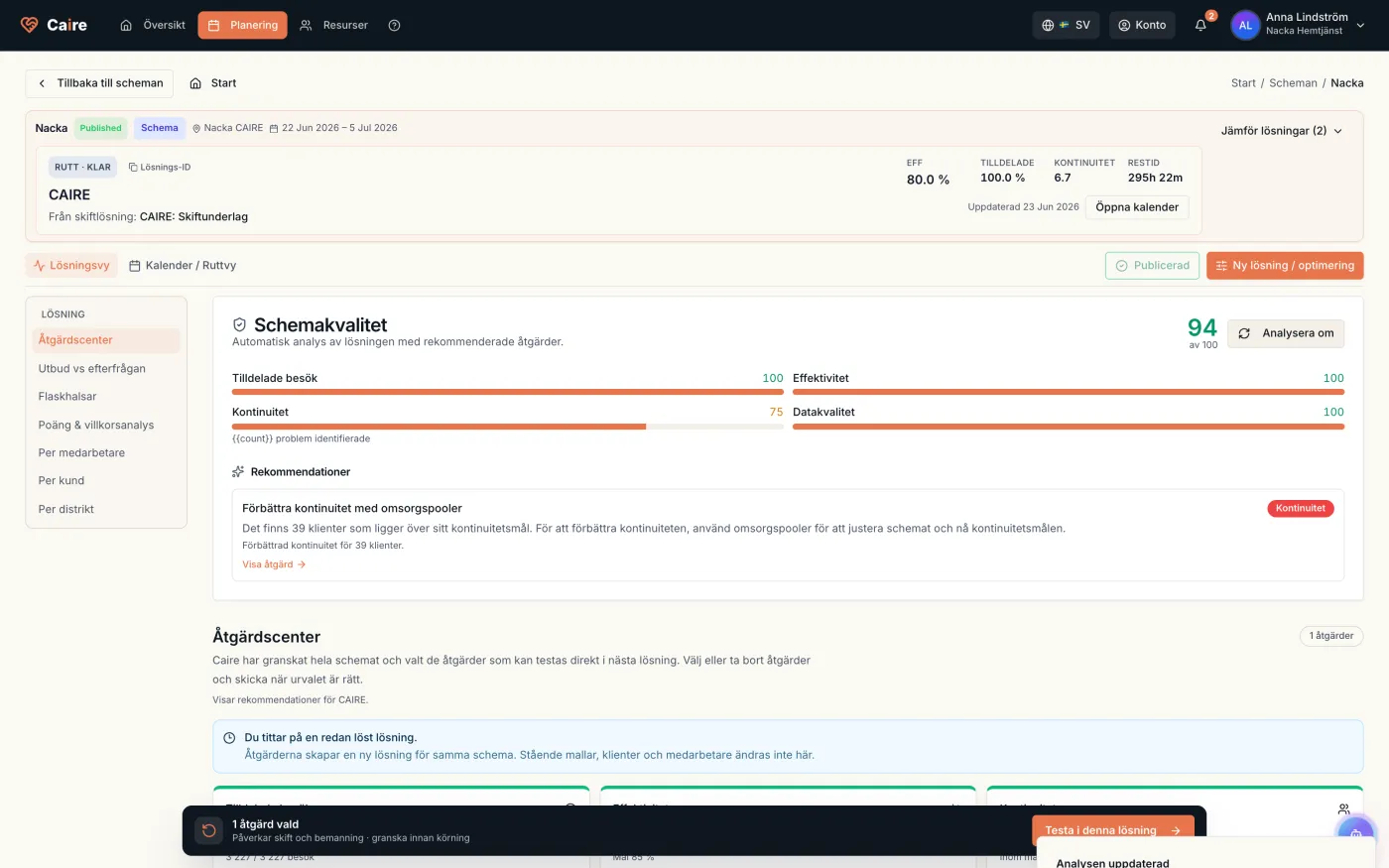
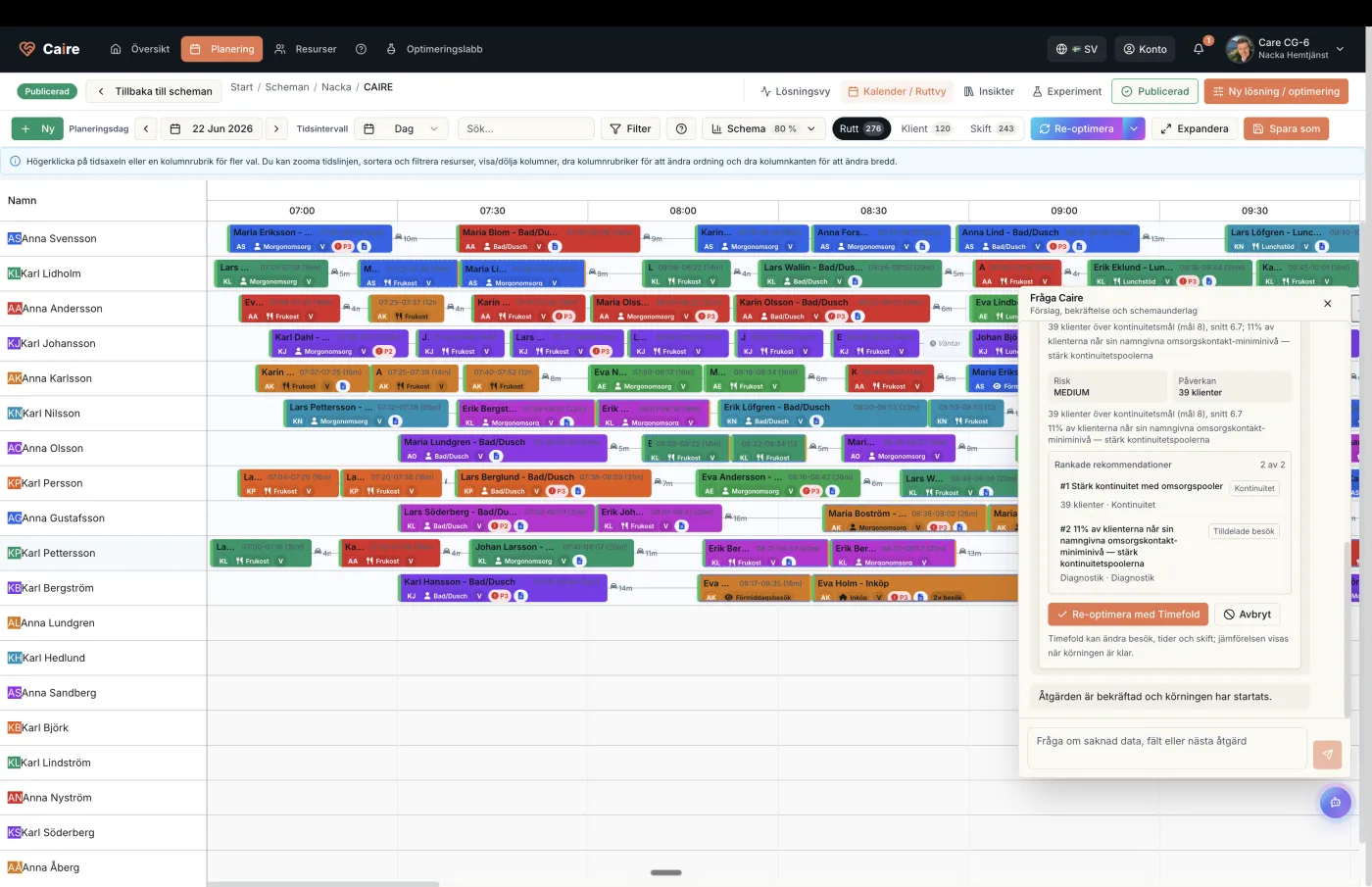
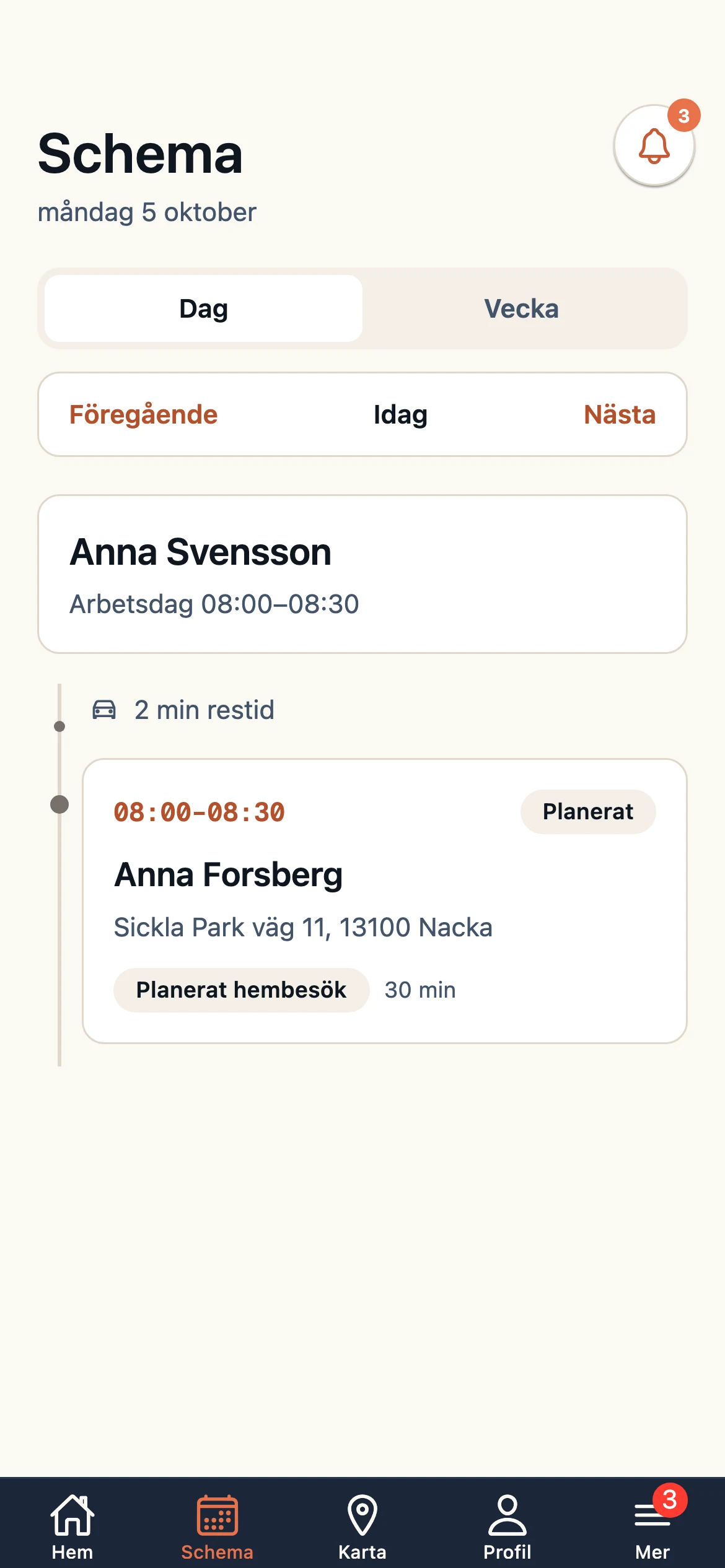
Compare recorded demand with known future events supplied and reviewed by the team. Caire does not promise an autonomous forecast.
Shows whether candidate assignments match configured skill requirements and surfaces gaps for the planner to decide.
Prepare work-schedule candidates from recorded demand, known future events, competencies, and availability. Review constraint diagnostics before publication.
Track and analyze absence patterns to improve planning. Manage sick leave, vacations and other absences in an efficient way.
Compare cost, overtime, and temporary-staff demand across candidates built from the same source snapshot.
Collect visits, skill requirements, availability, absences, and other planning inputs in a reviewed source snapshot.
The planner selects the recorded demand and known future events included in the scenario.
The system prepares staffing candidates from availability, skills, configured constraints, and planning objectives.
The planner reviews constraint diagnostics and run measures, adjusts when needed, and decides whether to publish the candidate.
Record the outcome and compare the next candidate against an equivalent source snapshot. Learning-based tuning is not promised as a default capability.
Staffing in practice
Visits, shifts, and capacity belong together. When a change creates a gap, planners get one place to find and review cover.
Step 1
Planned visits and their skill requirements are checked against scheduled shifts and available capacity for the period.
Step 2
Employees can respond to offered shifts and report sickness. Changes open or update the affected staffing gaps.
Step 3
Suggestions are checked against the visits and their skill requirements. Continuity is considered when possible replacements are ranked.
Step 4
The staffing policy is on by default and can be changed by the organization. Previously offered availability or an accepted request can progress automatically under the policy. The replacement is confirmed when the updated plan revision has been applied.
The planner can review suggestions, invite employees to an open shift, or record a response received by phone. If no suitable replacement is available, the gap stays visible for follow-up. Invited employees receive an in-app notification; SMS follows the organization’s setting.
Walk through the workflow for your planning and operating practices.
No. The proposal goes through the plan-change workflow. The replacement is confirmed only after the updated plan revision has been applied.
The gap stays visible to the planner, who can review other options, invite employees, or follow up manually.
No. The policy is on by default and can be changed in the organization’s staffing settings.
Compare staffing, skill coverage, and temporary-staff use across equivalent runs.
Compare overtime, staffing, and personnel cost between planning runs that use the same source snapshot.
Compare workload, preferences, and predictability before the planner selects a candidate.
Review diagnostics for the working-time and agreement constraints that have been configured. The organization remains responsible for legal review.
Complete planning system — Carefox can remain for the journal; planners publish in Caire
More client-facing time, protected continuity, and fewer unassigned visits — planners review every proposal
Contact us for more information about how CAIRE's AI staff planning can help your organization.
Contact usStart with one free analysis of a selected period. Understand continuity, time allocation and opportunities to improve, based on the evidence in your reports. Help from Caire is available.
Create an account, accept the terms, the privacy policy and the DPA, and upload your schedule from Carefox or Alfa eCare Welfare. Caire then analyses it.
One analysis of a selected period per organisation, including one optimisation with calendar, comparison and diagnostics for available results. Upgrade for ongoing planning. A paid pilot is a separate choice.
See how home care staff planning system – ai-assisted supports run-specific comparison
Compare planner-reviewed staffing candidates from the same source snapshot
Use recorded demand and known events as reviewed planning inputs
Review diagnostics for configured working-time and agreement constraints before publishing