AI assistant for the schedule – Ask CAIRE

Chat directly with your schedule. Ask about continuity, efficiency, client time, and unassigned visits in plain language – and get answers grounded in the current solution, not guesses. The assistant can also suggest stand-ins and help you replan. You approve every change.

Try Caire for freeBook a walkthrough

Your organisation's permissions and rules govern who sees and changes the plan. Review trust and data protection
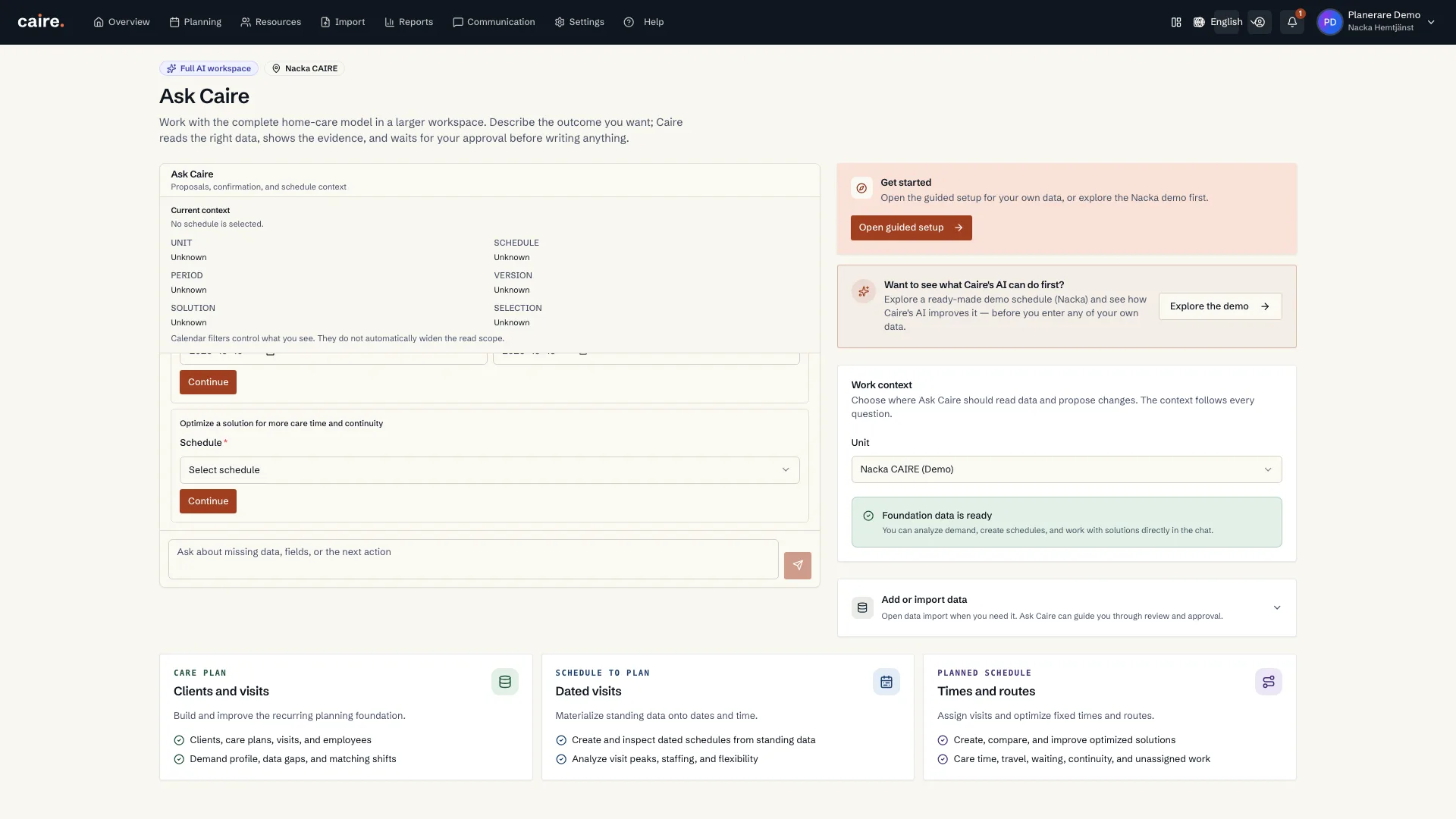
Ask CAIRE start card for optimising a solution with schedule selection
    Review the visible start card and choose which schedule a new solution should use.The card requires a schedule before the planner can continue to prepare a solution. The image shows the form at its starting state; no schedule is selected and no solution is prepared.

    Ask about the operational plan.

    Ask CAIRE in the platform uses authorised planning context. The public website assistant explains the product without private care information.

    Current page

    AI chat

    Operational assistance for planning and follow-up.

    Ask CAIRE

    Chat with your data – not with a manual

    Open Ask CAIRE with one click right inside the schedule. You write in plain language and the assistant answers with the same numbers shown in Diagnostics, the continuity metric, and the key figures. It does two things: answers questions about the schedule and proposes actions – always with you as the final decision-maker.

    Questions you can ask

    Analyze the schedule and metrics

    • “Summarize today's schedule.”
    • “What is the efficiency of this solution? Explain strict paid-shift efficiency.”
    • “How many unassigned visits are there?”
    • “What does continuity look like for Anna Larsson, and how many different caregivers does she have?”

    Find stand-ins and replan

    • “Susanna Ek is sick today – who can replace her? Rank the candidates.”
    • “Which low-priority visits can be moved out so all important visits get assigned?”
    • “How can I improve continuity for Anders Larsson?”

    Act on the schedule

    • “Help me add visits for Anna Ek tomorrow.”
    • “Berit cancelled her visits next week – update the schedule.”
    • “Mark and filter the unassigned or problematic visits.”

    How the assistant stays accurate

    Answers are built on the current solution's data, not on assumptions. When the assistant proposes a change, you always see what it wants to do and why before you approve.

    Want to see Ask CAIRE in your schedule?

    Book a demo and we'll show you how to chat with your schedule and get answers grounded in the solution.

    Contact us

    Read the AI assistant guide

    See what your own schedule reveals

    Start with one free analysis of a selected period. Understand continuity, time allocation and opportunities to improve, based on the evidence in your reports. Help from Caire is available.

    Create an account, accept the terms, the privacy policy and the DPA, and upload your schedule from a care system Caire supports. Caire then analyses it.

    One analysis of a selected period per organisation, including one optimisation with calendar, comparison and diagnostics for available results. Upgrade for ongoing planning. A paid pilot is a separate choice.

    What it gives your organisation

    How ai assistant for the schedule – ask caire helps day-to-day planning.

    Analyze the schedule

    Efficiency, continuity, client time, and unassigned visits – summarized in one place, pulled from the solution.

    Find stand-ins

    Ranked suggestions when someone calls in sick, with the constraints explained. It assigns nothing without your approval.

    You stay in control

    Answers are grounded in the current solution, and every proposed change is reviewed and approved by you.
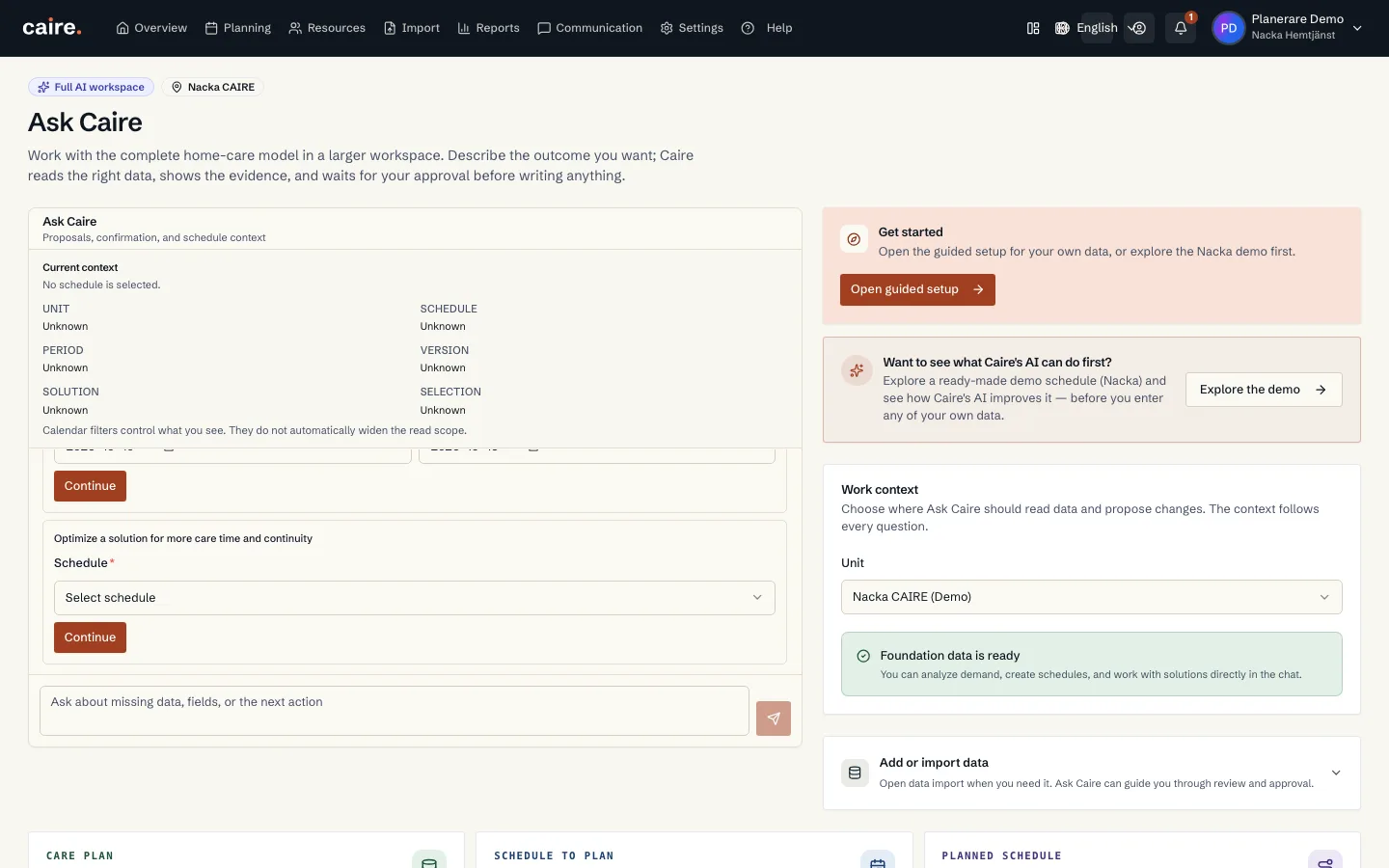
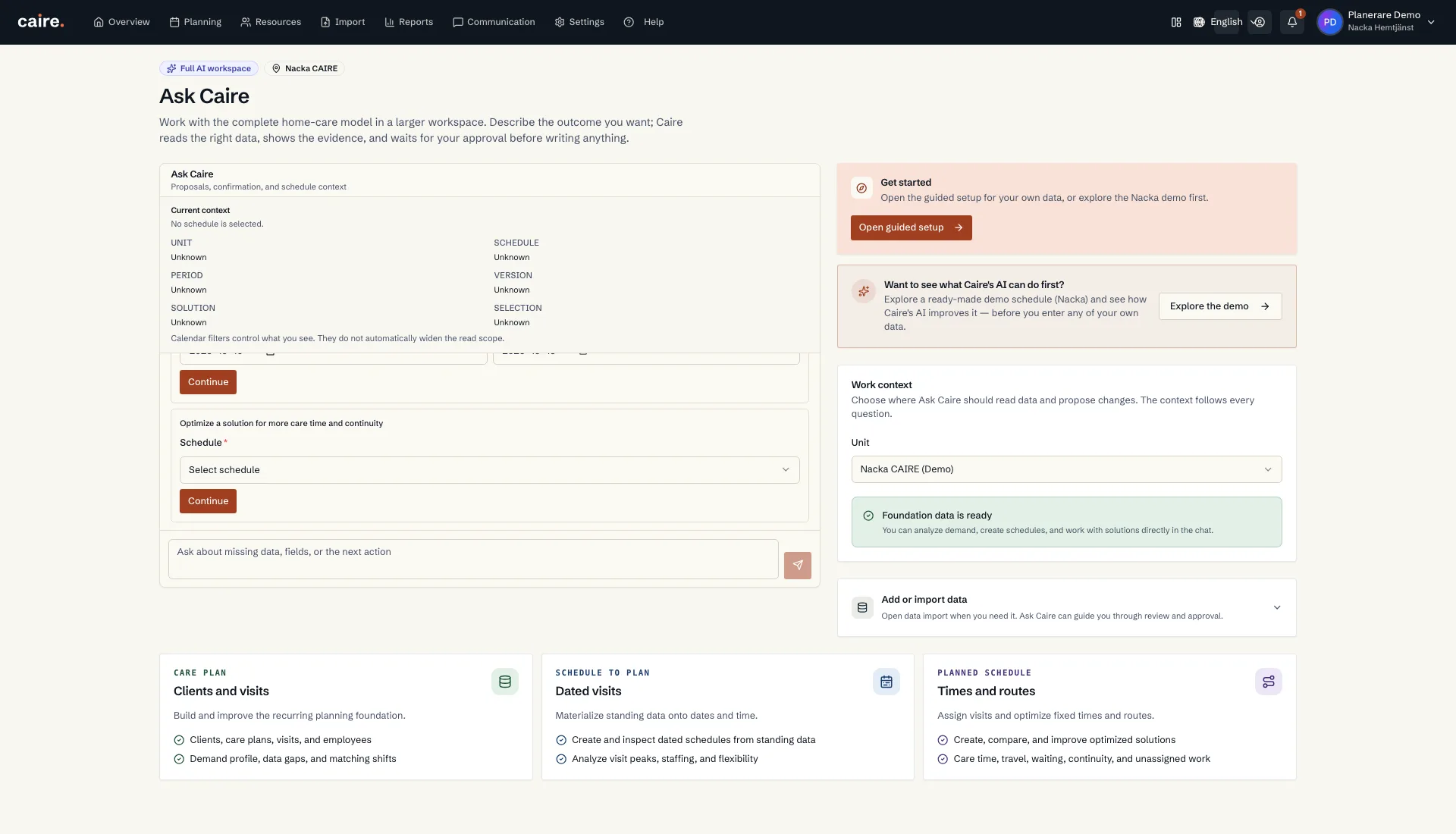
    Ask CAIRE start card for optimising a solution with schedule selection
    Review the visible start card and choose which schedule a new solution should use.The card requires a schedule before the planner can continue to prepare a solution. The image shows the form at its starting state; no schedule is selected and no solution is prepared.
    Current planning foundation and service-area context in Ask CAIRE
      See which service area the conversation uses and how its planning foundation is currently shown.The work context and foundation status are read from the selected organisation's data. The view reports current readiness without changing settings or source data.
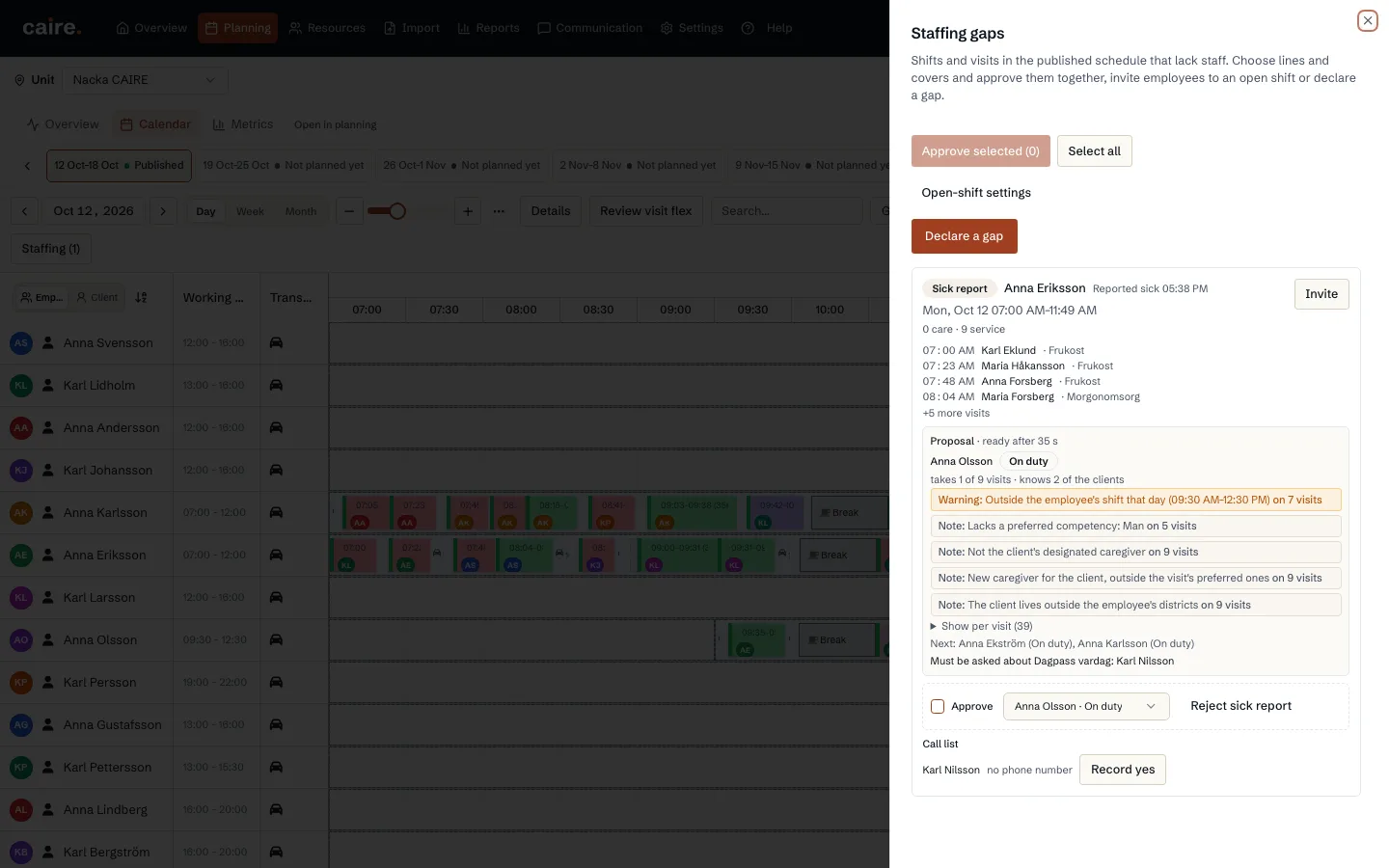
      Replacement proposal
      A saved replacement proposal shows who can cover affected visits before the planner decides.The view shows the published result and the organisation's staffing rules. A proposal remains separate from planner approval.