Clients
Guide
See how clients, addresses, and continuity fields become demand Caire can schedule.
- 1. Add the client to the correct unit.
- 2. Check address and active status.
- 3. Add continuity data when needed.
- 4. Continue to the care plan.
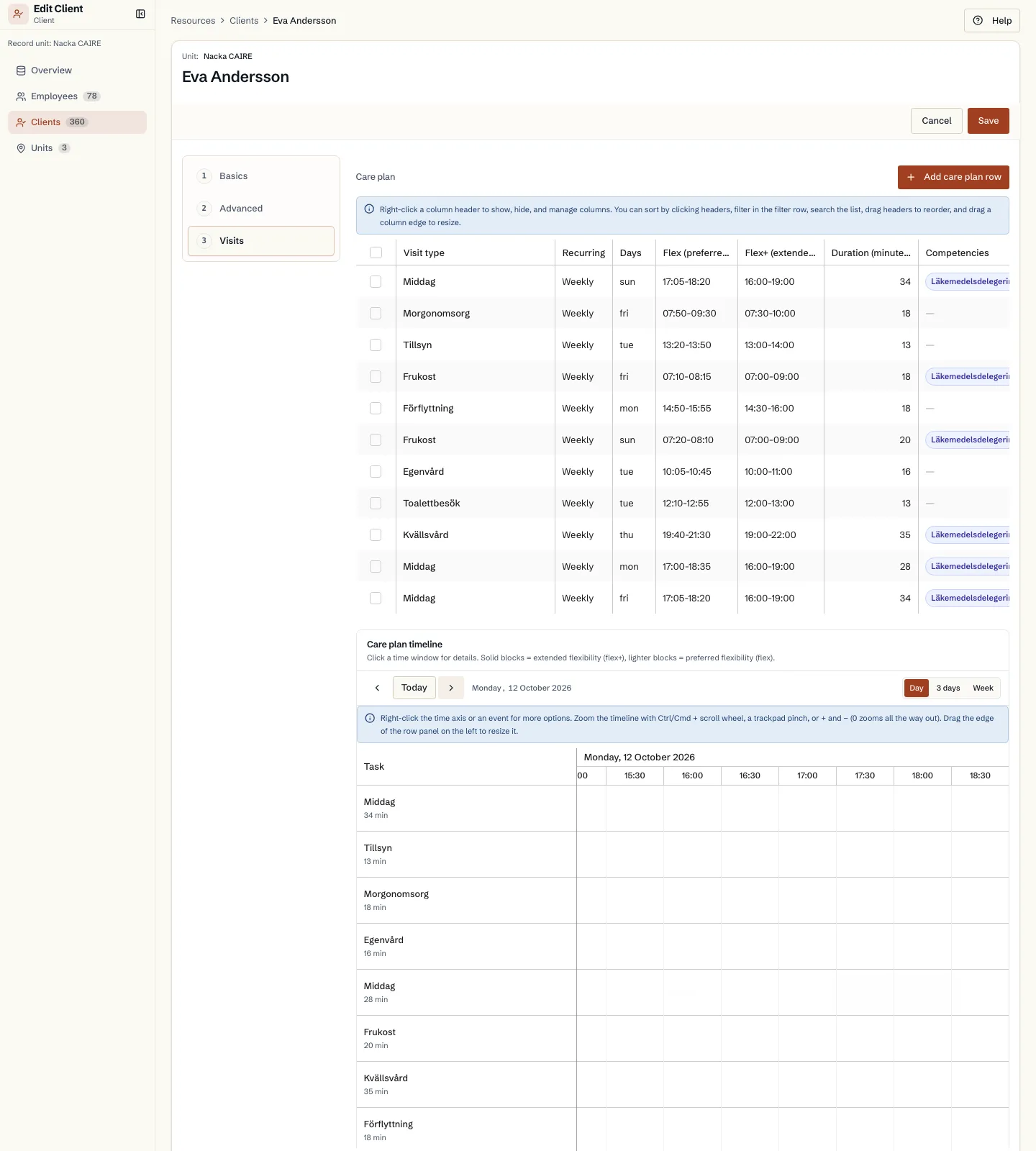
The Visits tab in the client form
Fields and use
| Field | Level | Why it matters | Used for |
|---|---|---|---|
| Name and active status | First schedule | Shows which clients should be planned. | Schedule selection, lists, and reports. |
| Unit | First schedule | Connects the client to the correct team. | Schedule creation and local diagnostics. |
| Address and coordinates | First schedule | Defines where visits take place. | Routes, travel time, and geographic bottlenecks. |
| Designated and preferred caregivers | Better metrics | Gives Caire a clear continuity signal. | Continuity metrics and improvement suggestions. |
Where it appears