Operational settings
Guide
See how to set staff defaults, services, and optimization basics inherited by the rest of the resources.
- 1. Open staff defaults.
- 2. Check services and time slots.
- 3. Review collapsed advanced rules.
- 4. Save defaults for the next schedule.
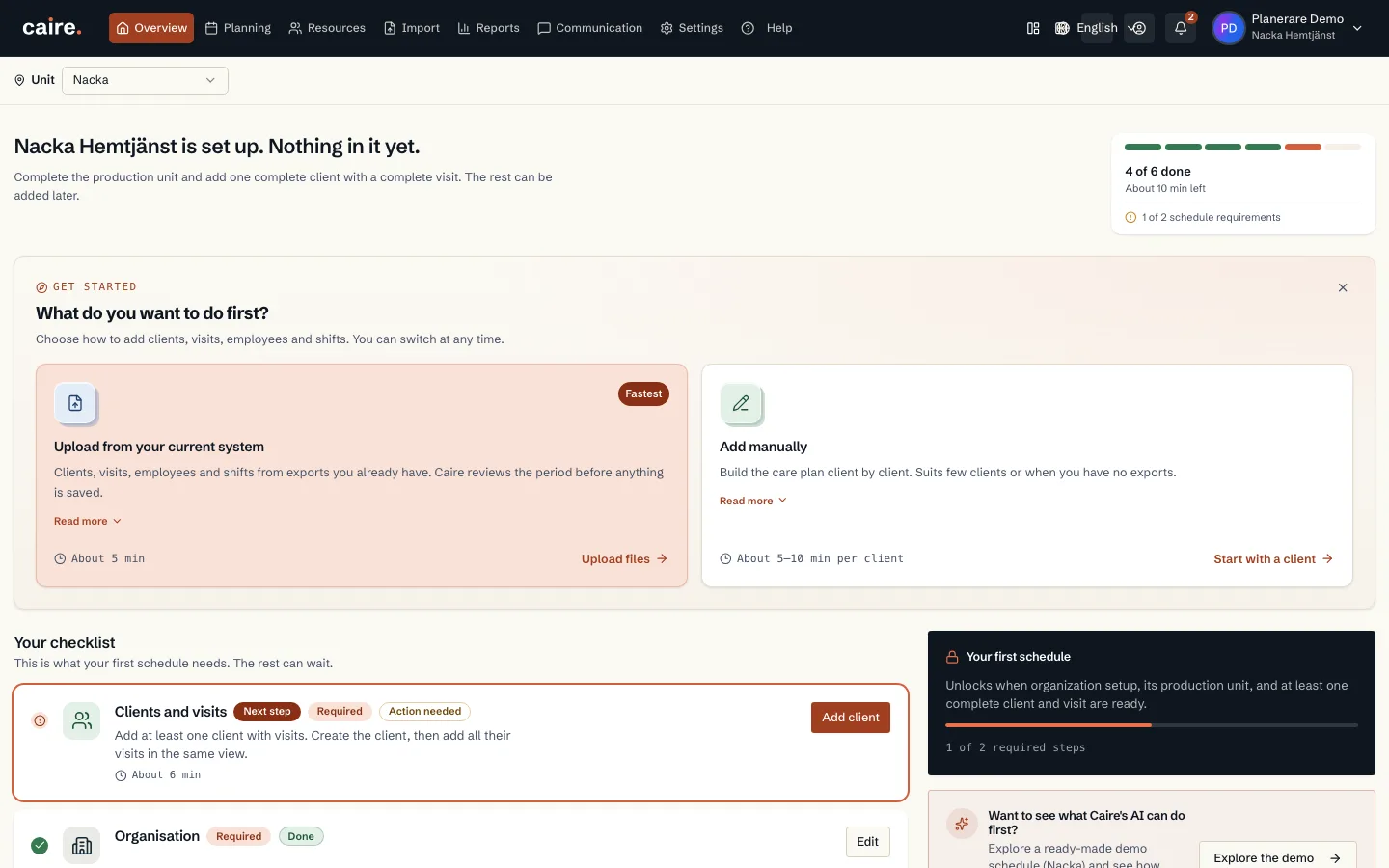
Get-started checklist with the organisation's setup steps
Fields and use
| Field | Level | Why it matters | Used for |
|---|---|---|---|
| Staff defaults | First schedule | Defines working days, shift templates, and capacity rules when local values are missing. | Shift supply and the first schedule. |
| Services | First schedule | Describes which visit types the operation performs. | Visit templates, default duration, priority, and colors. |
| Skills and tags | Better metrics | Separates normal visits from visits that require specific qualifications. | Eligibility, continuity, and explanations for unassigned visits. |
Where it appears