Care plan
Services and visit templates, recommended day and time, time windows and continuity.
- Efficiency
Demand and inset flex
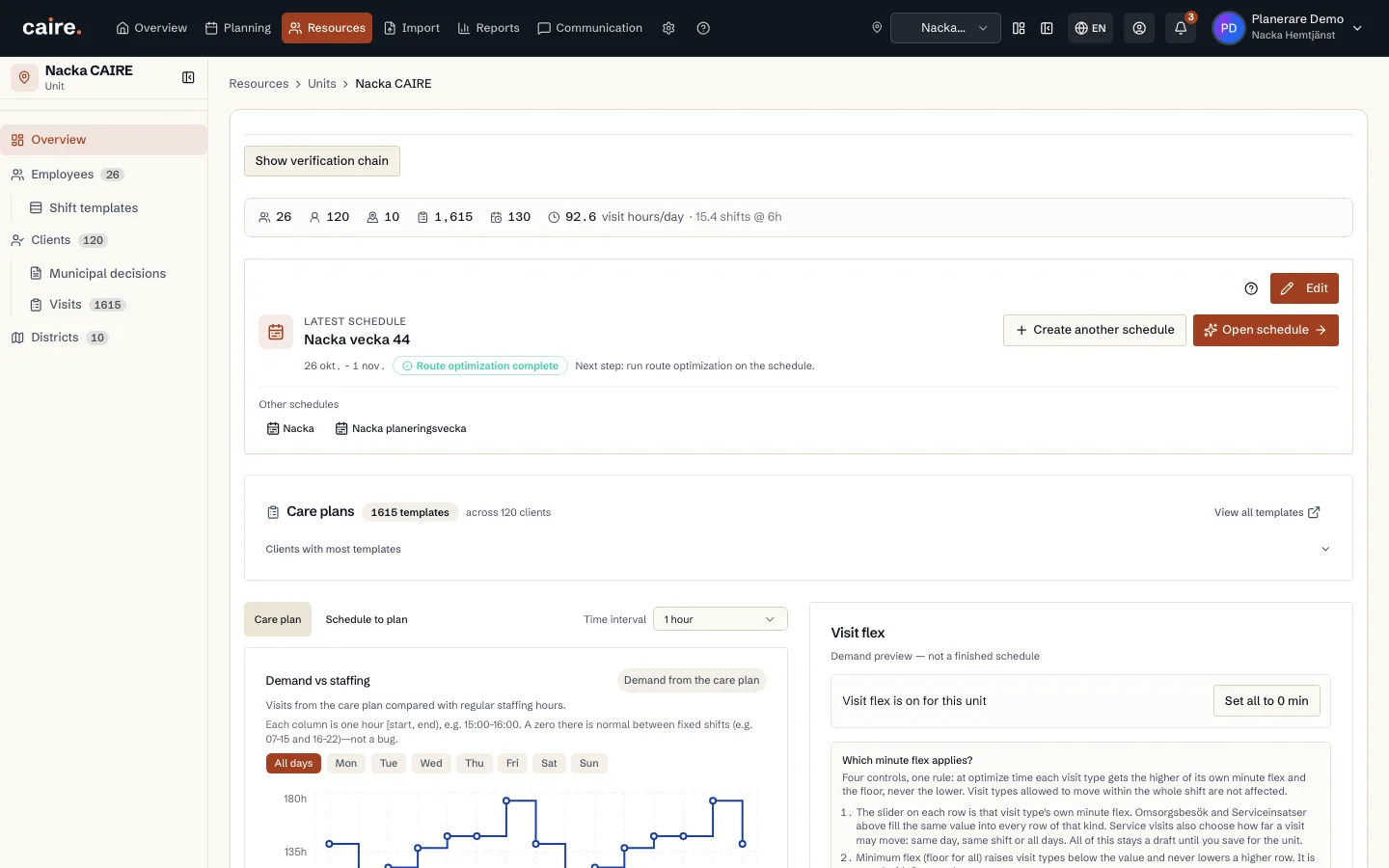
On the unit overview, the chart shows demand. The sliders are inset flex (widen allowed time windows in the preview). Use recommended values to reduce the peak–floor gap. The scope can be saved to the unit or used only for the next schedule proposal. It does not change care plans.
Read guide: Demand and inset flex - OnboardingBelongs to Visit and shift planning
Optimization readiness
See which data is enough for the first schedule and which extra fields unlock stronger continuity, efficiency, and diagnostics.
Read guide: Optimization readiness - Continuity
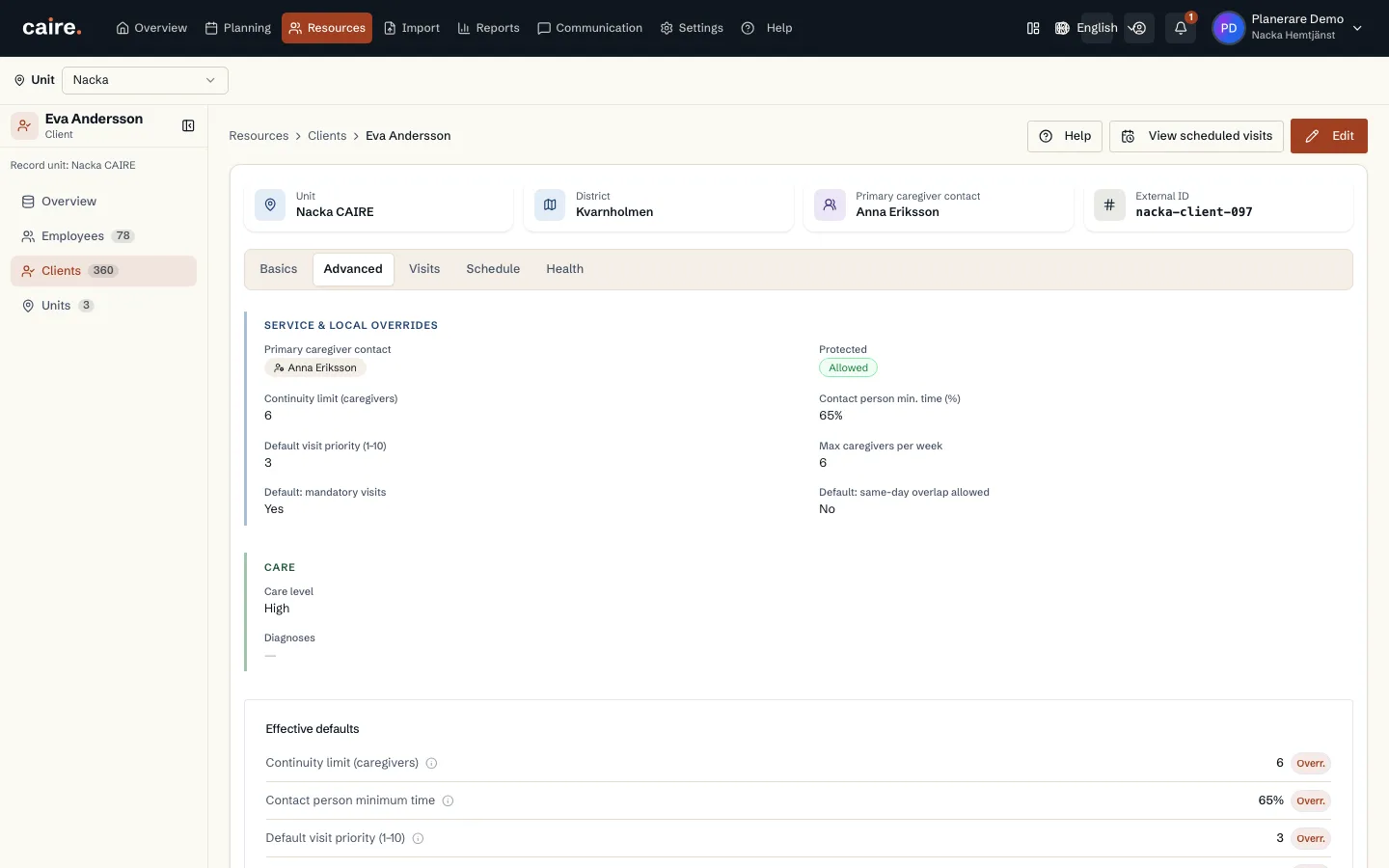
Client data for continuity
How Caire uses designated caregivers, preferred caregivers, and districts to protect continuity.
Read guide: Client data for continuity - Time windows
Preferred time, allowed window, and service properties
See the difference between preferred time and the allowed time window, and between routed field visits, office work, overlap, and double staffing.
Read guide: Preferred time, allowed window, and service properties - Time windows
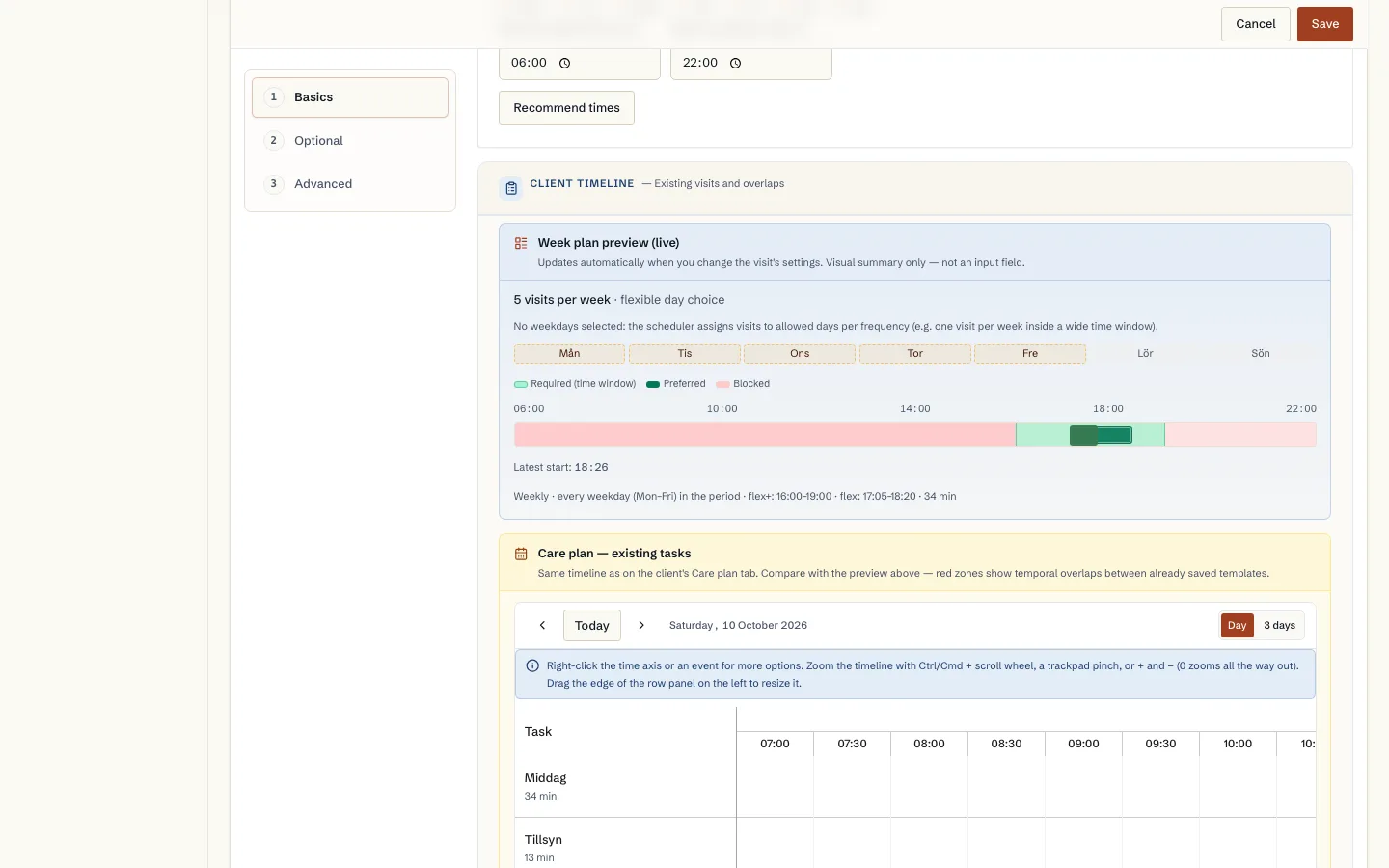
Recommended day and time for a new visit template
How Caire suggests a weekday and time when you add a visit to the care plan: tried against the unit's planned weeks and using the unit's visit flex.
Read guide: Recommended day and time for a new visit template - Time windows
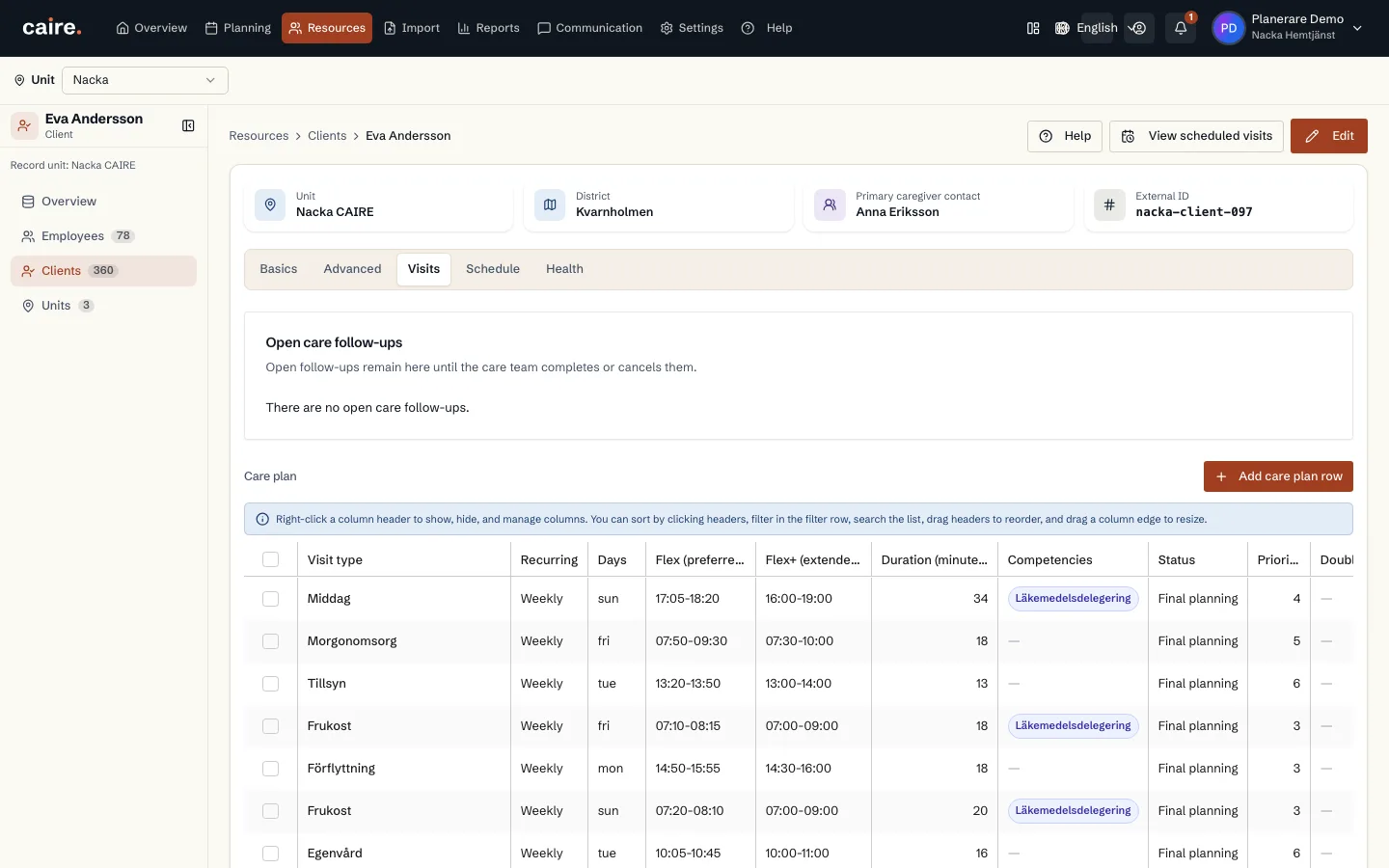
Care plan: services and visit templates
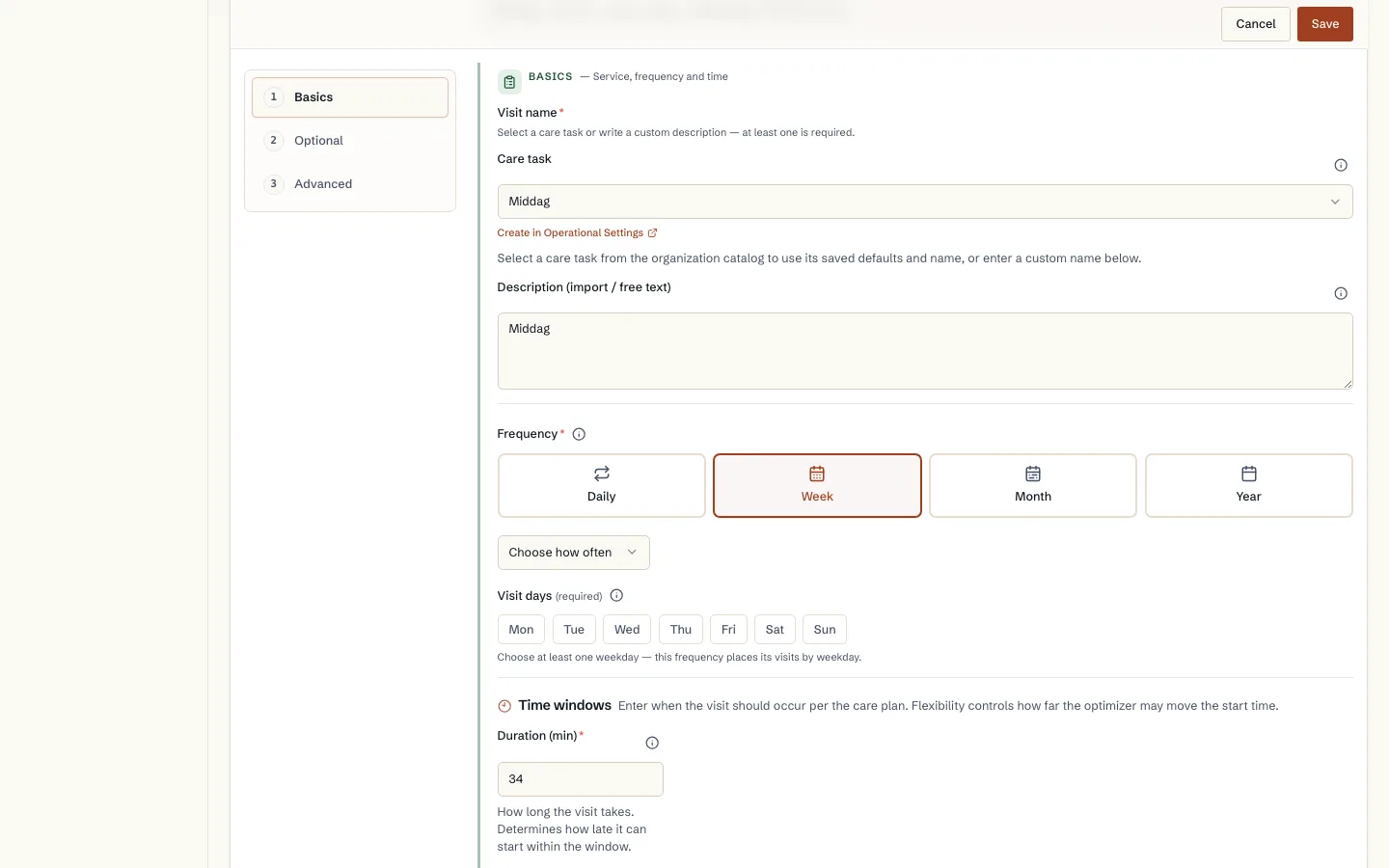
How the services in the client's decision become recurring visit templates: service, duration, frequency, time window, skill and double staffing.
Read guide: Care plan: services and visit templates - Integrations
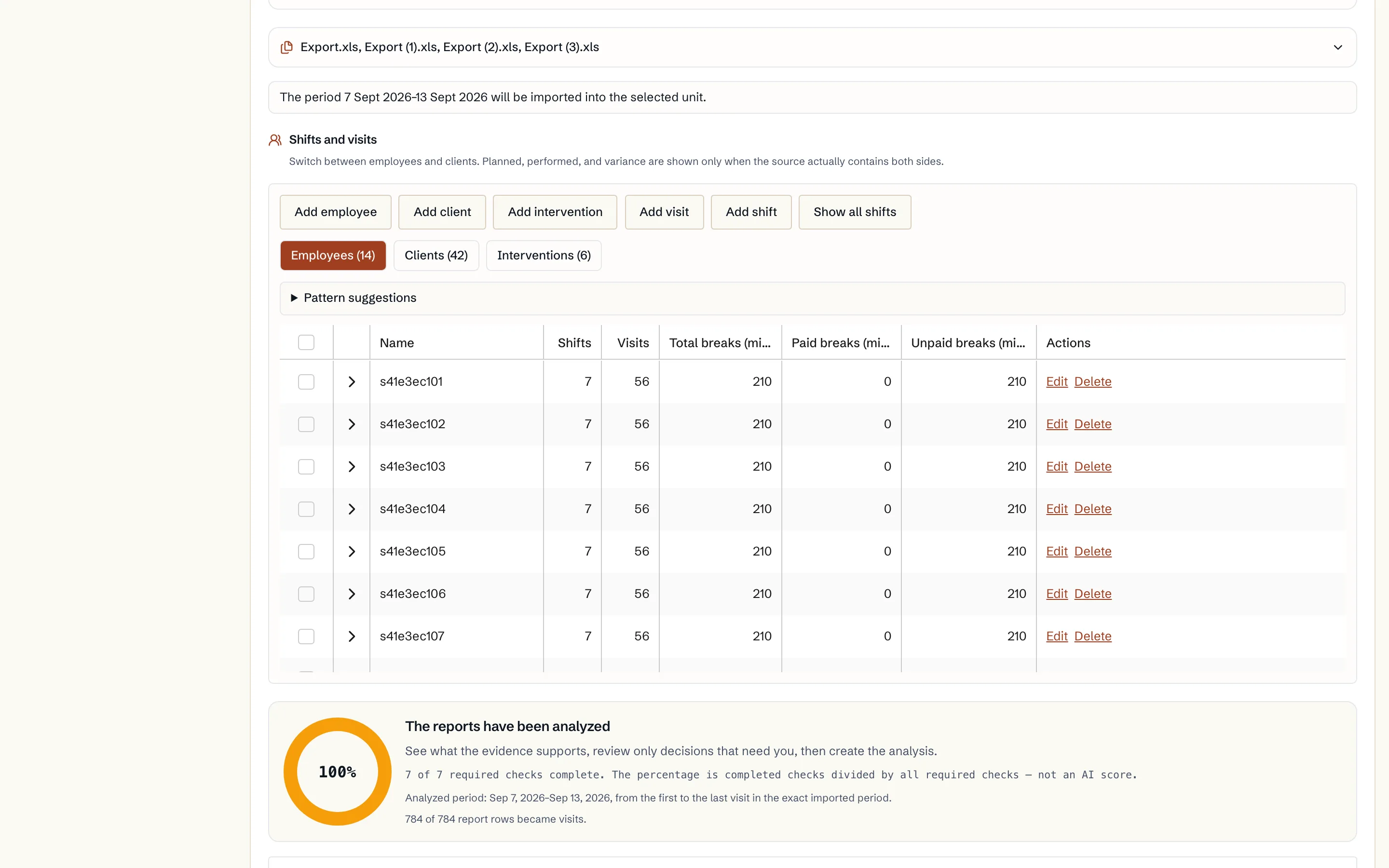
Import from your care management system (Excel)
How you export the reports from your care management system, upload them to Caire, review clients, visits and employees, and save what should be used.
Read guide: Import from your care management system (Excel) - Integrations
Import from your planning system (Excel)
How you export the reports from your planning system, upload them to Caire and review the result. And how to read a period directly from a connected planning-system account instead.
Read guide: Import from your planning system (Excel) - OnboardingBelongs to Settings
The settings cascade
Why the same setting can exist on the organisation, the unit, the client, the employee and the visit, and how you see which value actually applies.
Read guide: The settings cascade
Data fields in this step
Operational settings
Defaults for staff, optimization, services, time slots, skills, and tags.
Read resourceClients
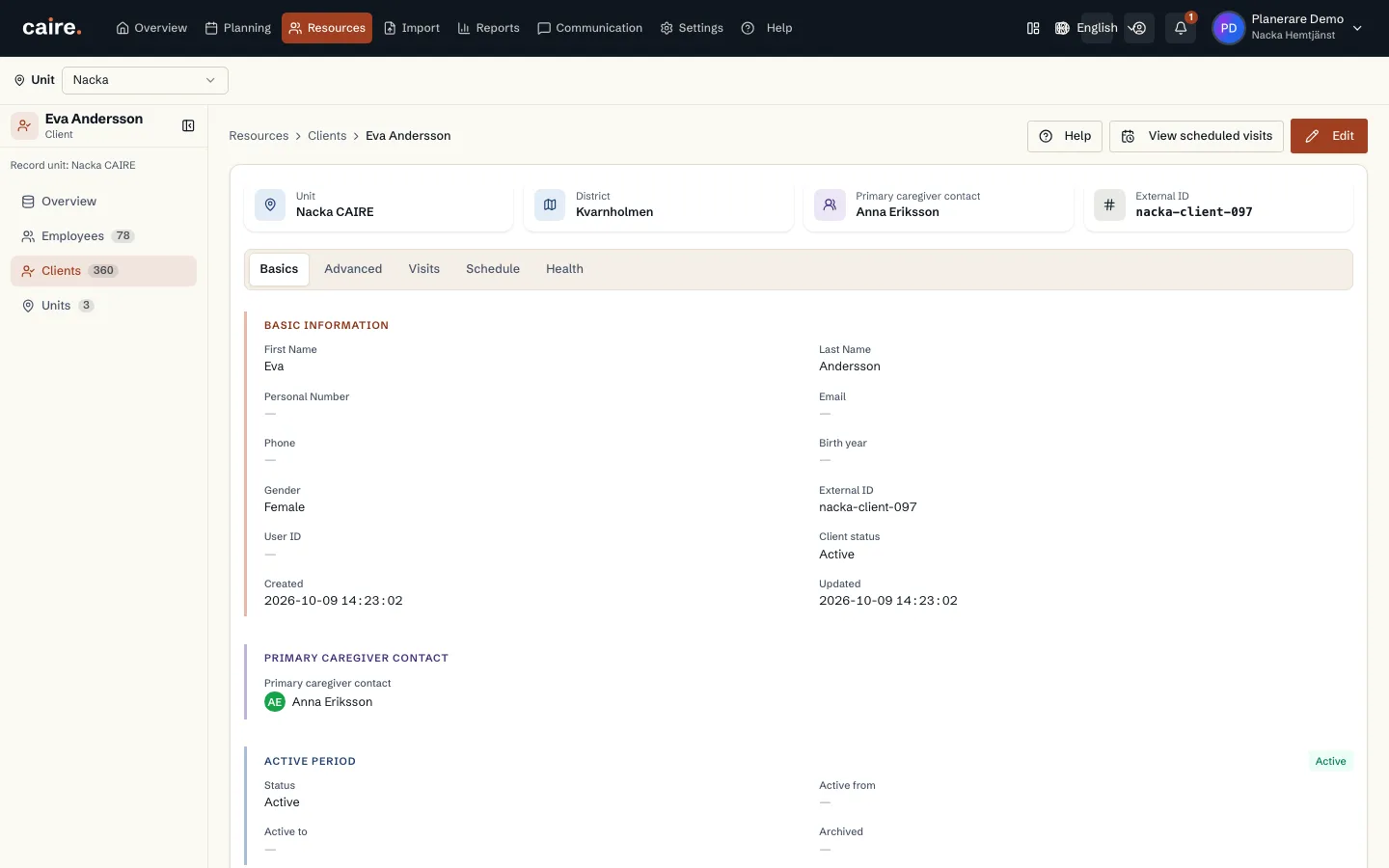
The people receiving care. The client's address and care plan create demand.
Read resourceCare plan and visit templates
Recurring visits that later become dated visits in a schedule.
Read resource