Unit
Guide
See how to create the planning boundary, check the location, and continue to clients and employees.
- 1. Create the unit as the planning boundary.
- 2. Check address and coordinates.
- 3. Add districts when needed.
- 4. Continue to clients and employees.
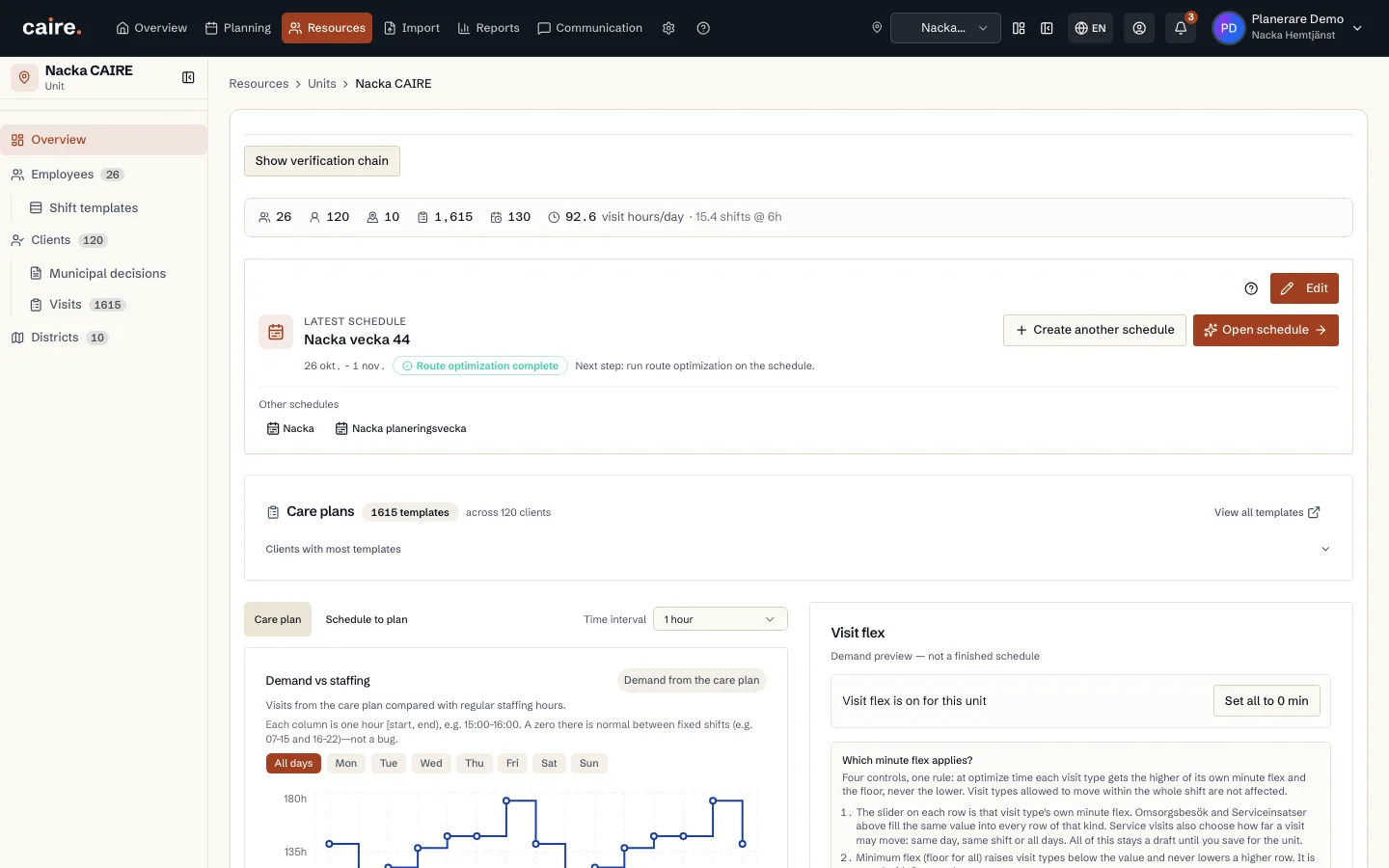
Unit overview with employees, clients, districts and visit hours
Fields and use
| Field | Level | Why it matters | Used for |
|---|---|---|---|
| Name | First schedule | Makes the unit selectable in schedules and resources. | Planning, filtering, and reports. |
| Address and coordinates | First schedule | Provides route start when employees have no explicit start point. | Routes, travel time, and data readiness. |
| Districts | Better metrics | Splits an area into local groups without creating separate schedules. | Local capacity, route fit, and continuity diagnostics. |
Where it appears