- For
- Coordinator
- Type
- Guide
A template describes a kind of shift
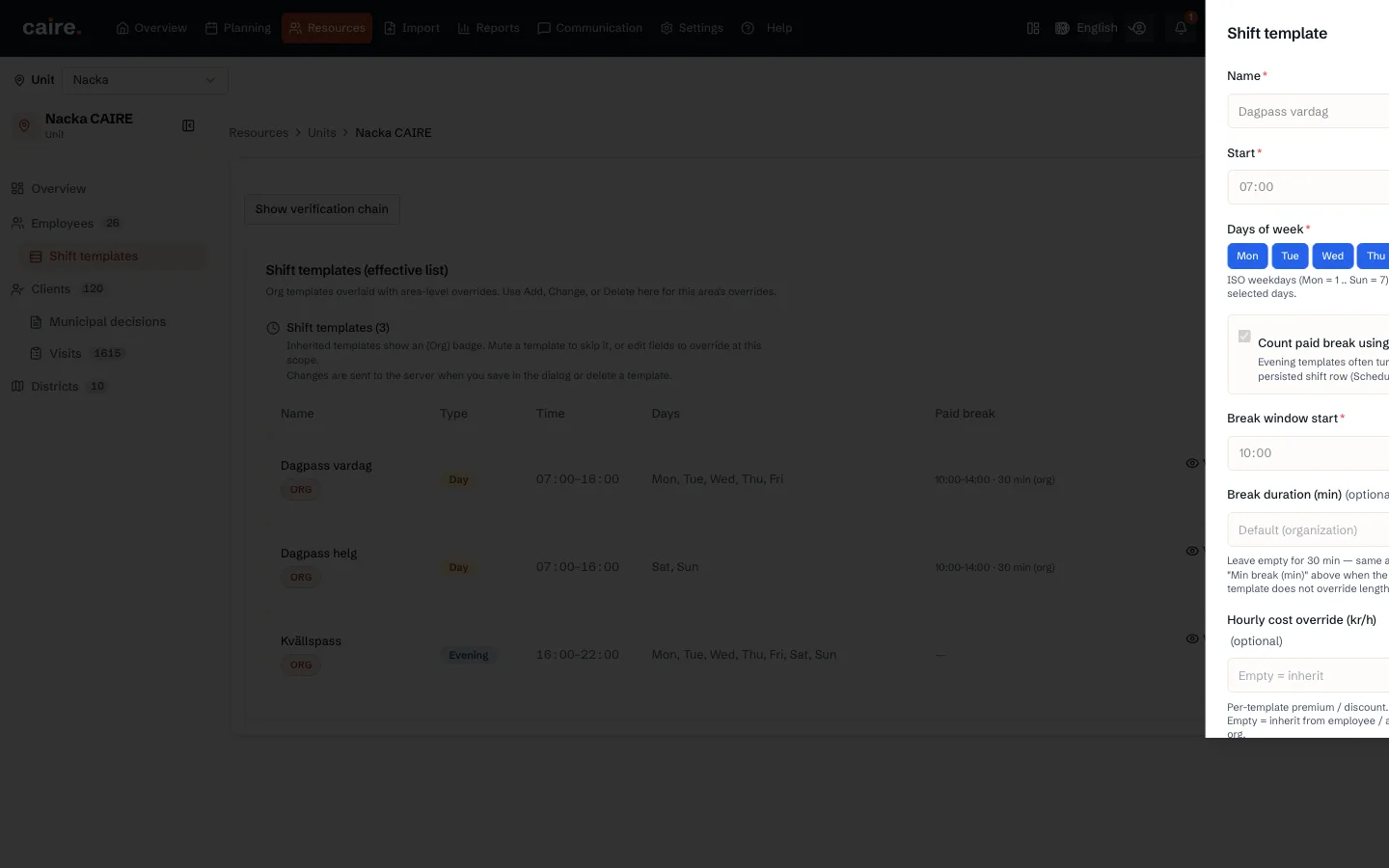
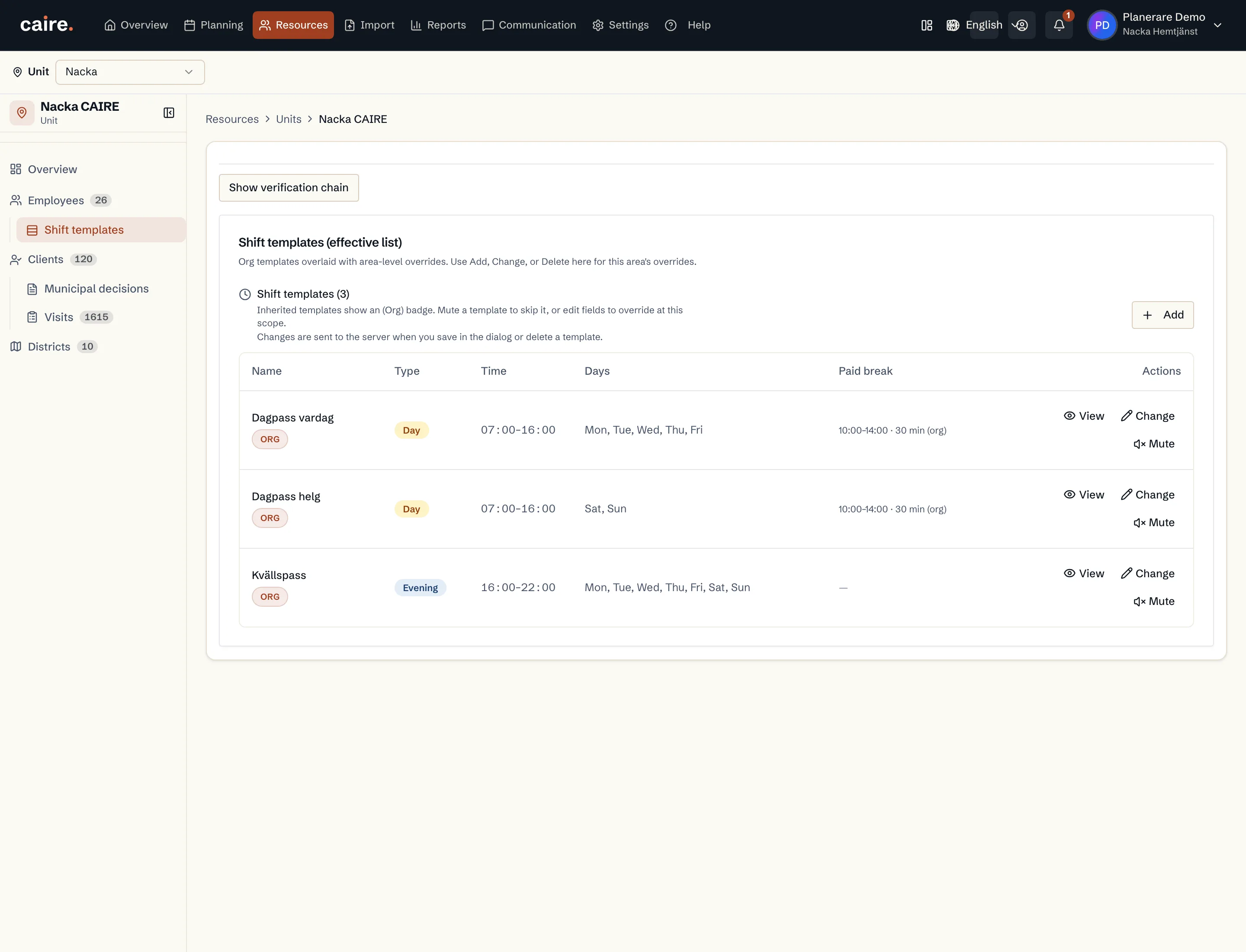
A shift template describes a kind of shift: time, weekdays, break and cost. Use the same template for several days when the rules are the same. Split weekday and weekend only when time, break, cost or rules differ.
A shift is always a whole template. Caire never creates shifts of an invented length. The break belongs to the template, and no visits are placed in it.
The organisation's and the unit's templates
The organisation's templates are under Settings and Shift templates. There you pick a unit under Applies to in order to see and change the unit's own shifts. All units changes the organisation's templates. Changes are saved when you save in the dialog or delete a template.
A unit can add to the organisation's templates or use only its own set. The unit's Shift templates tab shows the list that applies there.
The employee's weekly roster
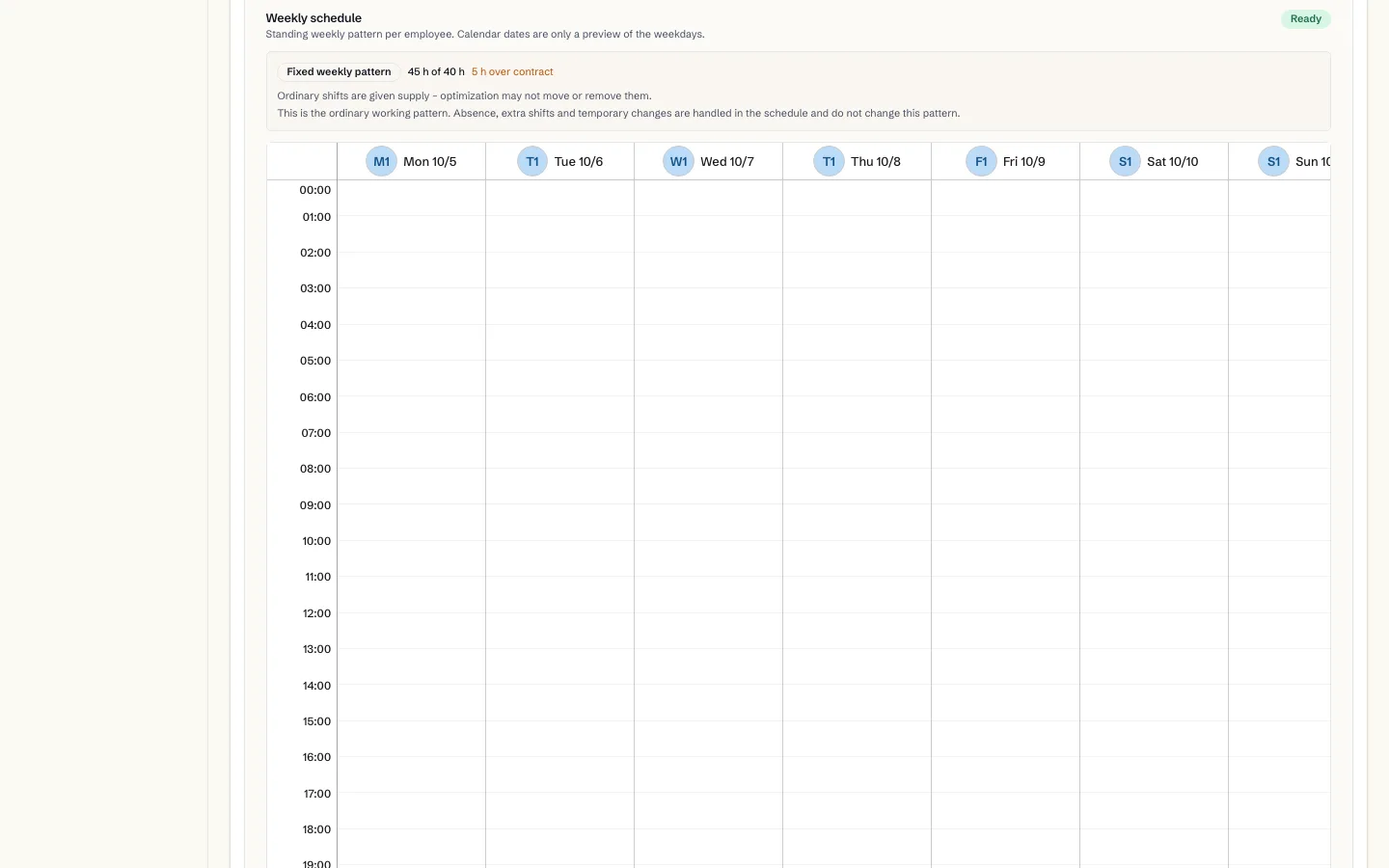
The weekly roster is the standing pattern per weekday. The dates in the calendar only preview the weekdays. Caire shows the rostered hours against the contract, for example matching the contract or hours under contract. The unit's Shifts tab shows every employee's weekly roster in one place.
- 1. Open the employee and the weekly roster.
- 2. Enter the date it applies from.
- 3. Drag a template onto the calendar, add a template, or apply the standard week.
- 4. Save the weekly roster.
Fixed shifts and flexible capacity
- Fixed weekly pattern: regular shifts are given staffing. The optimisation may not move or remove them.
- Flexible capacity: shifts are planned from the demand in the period, within the employee's available hours.
Changes and absence
Changes to templates and the weekly roster apply to coming schedules, not to those already published. Absence, extra shifts and temporary changes do not change the weekly roster. You add holidays and other planned absence on the employee with Add absence. Sudden illness is handled in the published schedule.