- For
- Coordinator
- Type
- Guide
The reports you need
Export the same unit and period in every report, and download as Excel, not PDF. Two reports are required and two are optional.
- Required, visit history: Statistik, Vårdtagare, Utförda insatser, Avancerat. Choose Specificera insatser under Vy, tick Alla vårdtagare and choose the unit. Leave Visa frånvarande/avbokade insatser ticked.
- Required, clients and addresses: Vårdtagare, Alternativ, Vårdtagare export, with address, postcode and city. Include Kundnummer or Personnummer in both reports so the files can be linked.
- Optional, staff: Medarbetare, Alternativ, Anställda export, with employee number, first name and last name.
- Optional, shifts and breaks: Statistik, Medarbetare, Arbetade timmar, Avancerat, Detaljerad.
Upload and review
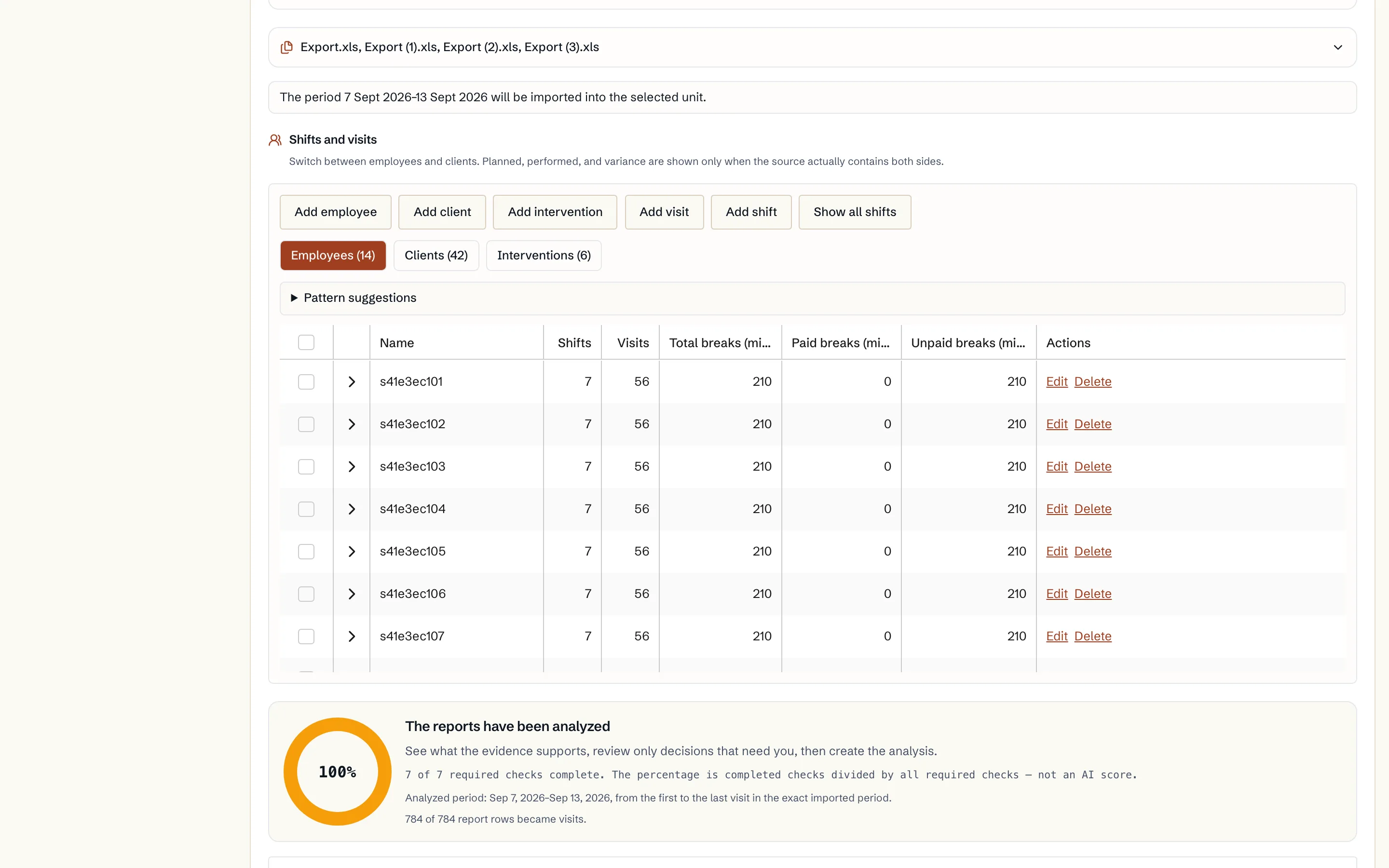
The report mapping shows each Excel column, a masked example and the Caire field it becomes. Visits that will be skipped are shown with a warning. You can continue with the valid visits, or pick another column or an existing client or employee. Caire does not guess which person a row concerns. Update the preview after a change.
- 1. Open Import, choose the unit and choose your planning system as the source.
- 2. Drop the reports in the box and choose Analyse.
- 3. Review clients, addresses, visit templates and time windows. Granted minutes become the visit durations in the care plan.
- 4. Choose an existing unit or a new unit and save.
Read directly from the planning system
If your organisation has connected a planning-system account, you can choose API-kopplingen as the source. Pick the dates, at most 31 at a time, and fetch the planning system's units. Choose the units and review clients, staff, locations and staff schedules the same way as for the reports.
Caire reads planned work only and changes nothing in the planning system. The connection's credentials are managed under Settings and Integrations.
After the import
Personal identity numbers are not written to the client register, and free text, medication and door codes are removed before anything is saved. The import does not work out future availability, skills or flex. Check that every client has visit templates with a time window and service, that double staffing looks right and that employees belong to the right unit and have shifts.