Staff and shifts
Employees, skills, shift templates, weekly roster and districts.
- OnboardingBelongs to Visit and shift planning
Optimization readiness
See which data is enough for the first schedule and which extra fields unlock stronger continuity, efficiency, and diagnostics.
Read guide: Optimization readiness - Efficiency
Employee data for routing and cost
How costs, shifts, and districts are used in routing and capacity analysis.
Read guide: Employee data for routing and cost - Efficiency
Districts and coverage
How districts reveal local demand, local capacity, and routes that cross the wrong area.
Read guide: Districts and coverage - Efficiency
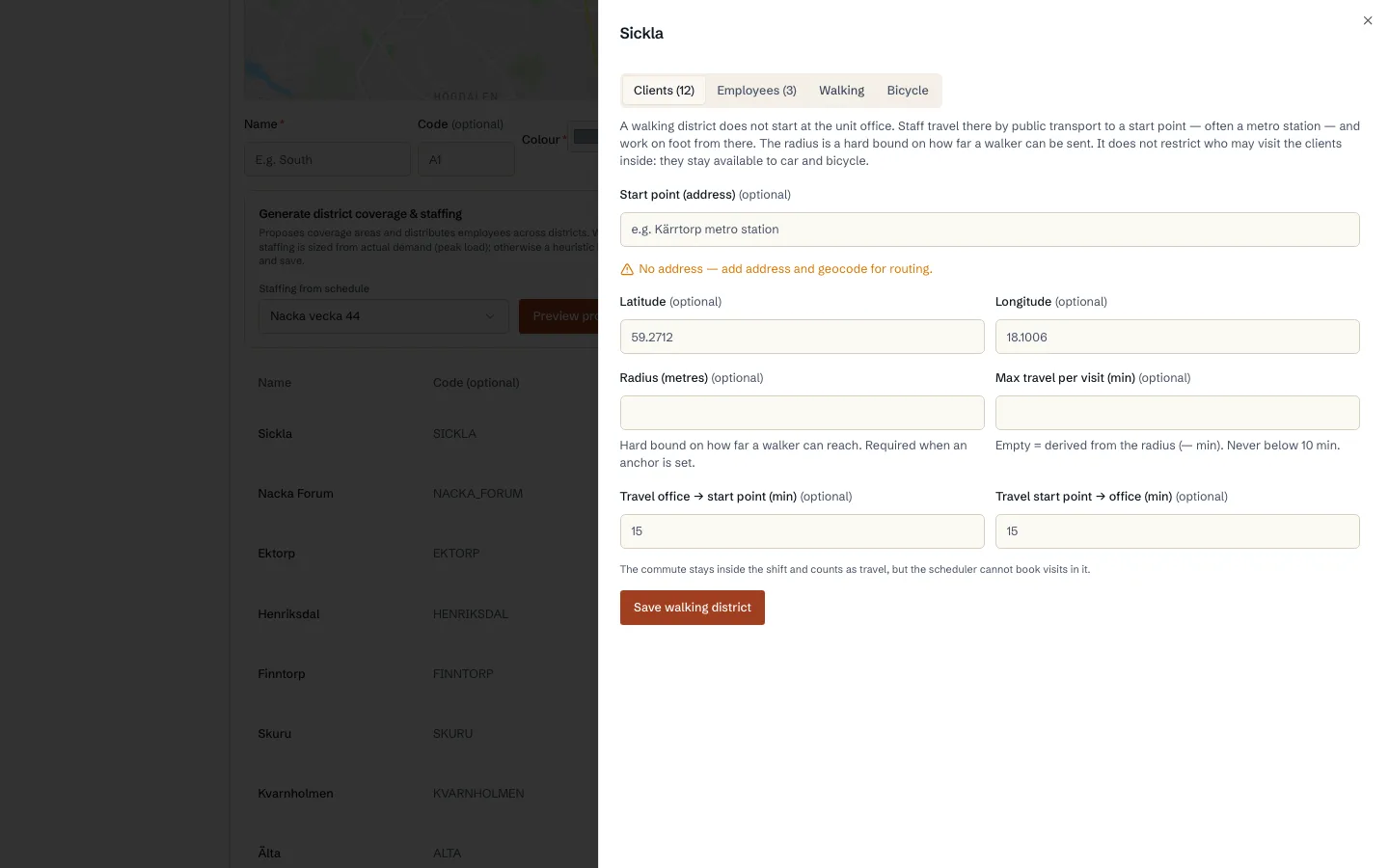
Walking districts
How a walking round is planned from a start point instead of the office, with the commute counted as paid time.
Read guide: Walking districts - OnboardingBelongs to Getting started
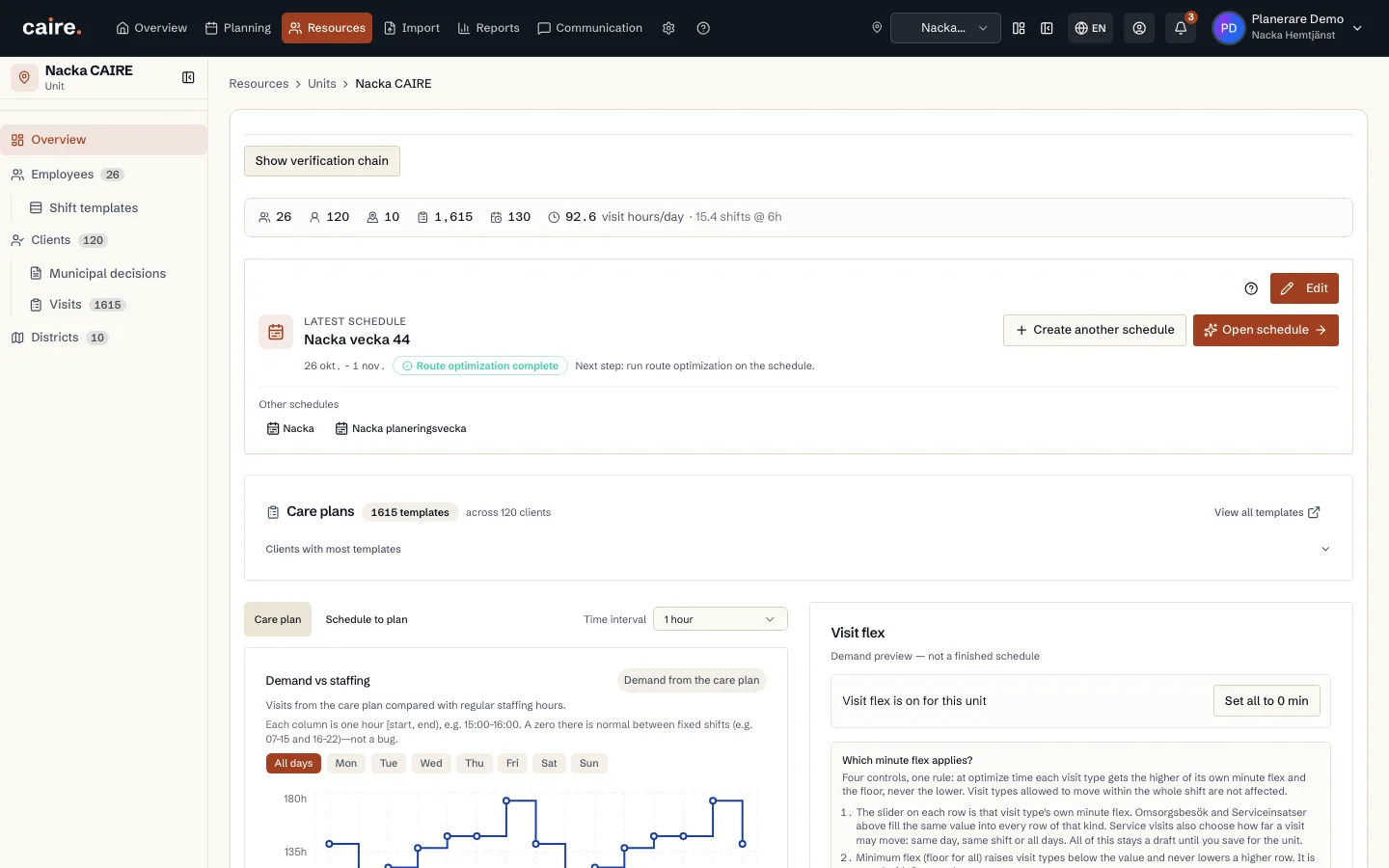
Units: create, archive and merge
How you create a unit, what happens when you archive or delete it, and how to merge two units when the organisation changes.
Read guide: Units: create, archive and merge - IntegrationsBelongs to Care plan
Import from your care management system (Excel)
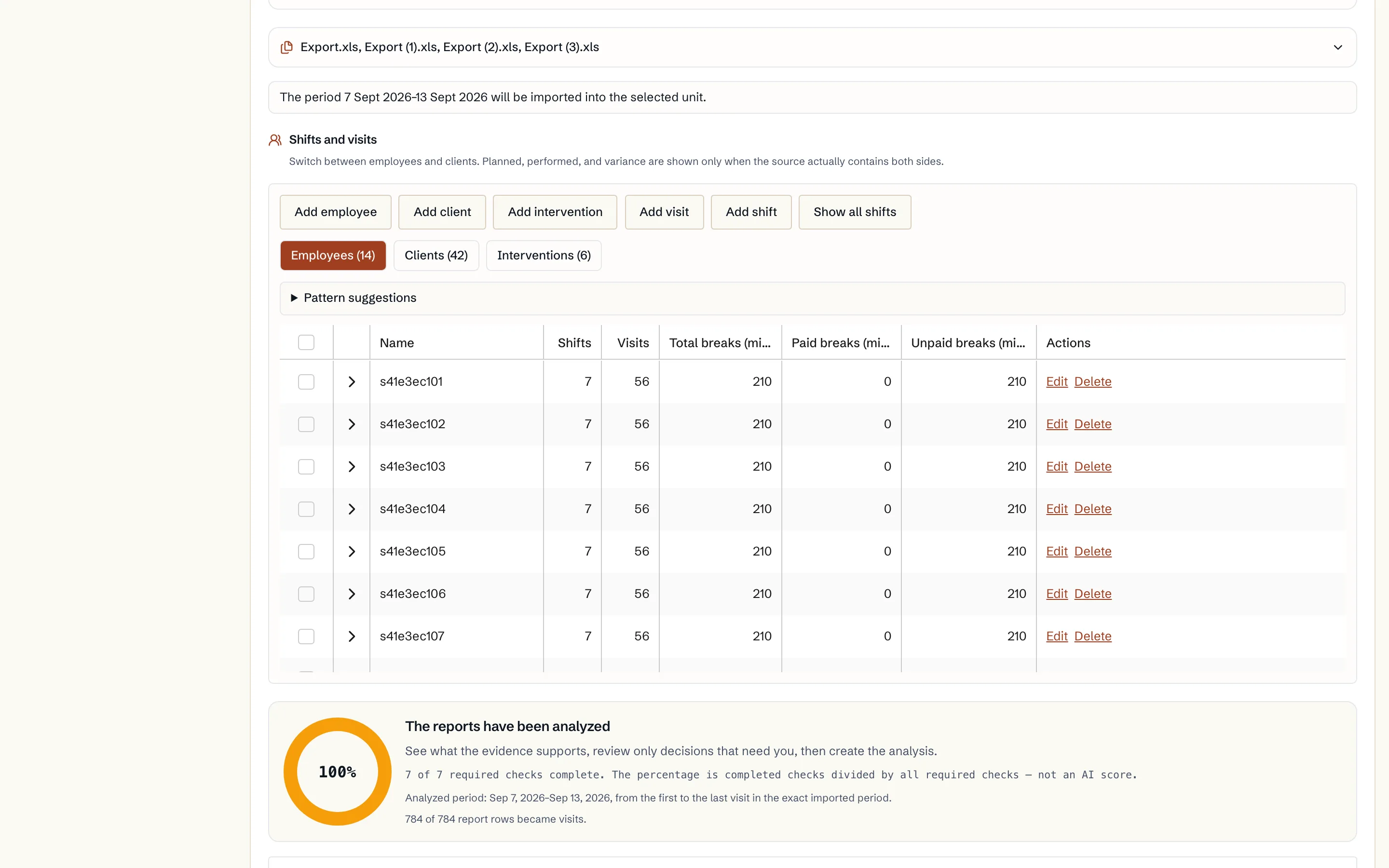
How you export the reports from your care management system, upload them to Caire, review clients, visits and employees, and save what should be used.
Read guide: Import from your care management system (Excel) - IntegrationsBelongs to Care plan
Import from your planning system (Excel)
How you export the reports from your planning system, upload them to Caire and review the result. And how to read a period directly from a connected planning-system account instead.
Read guide: Import from your planning system (Excel) - Efficiency
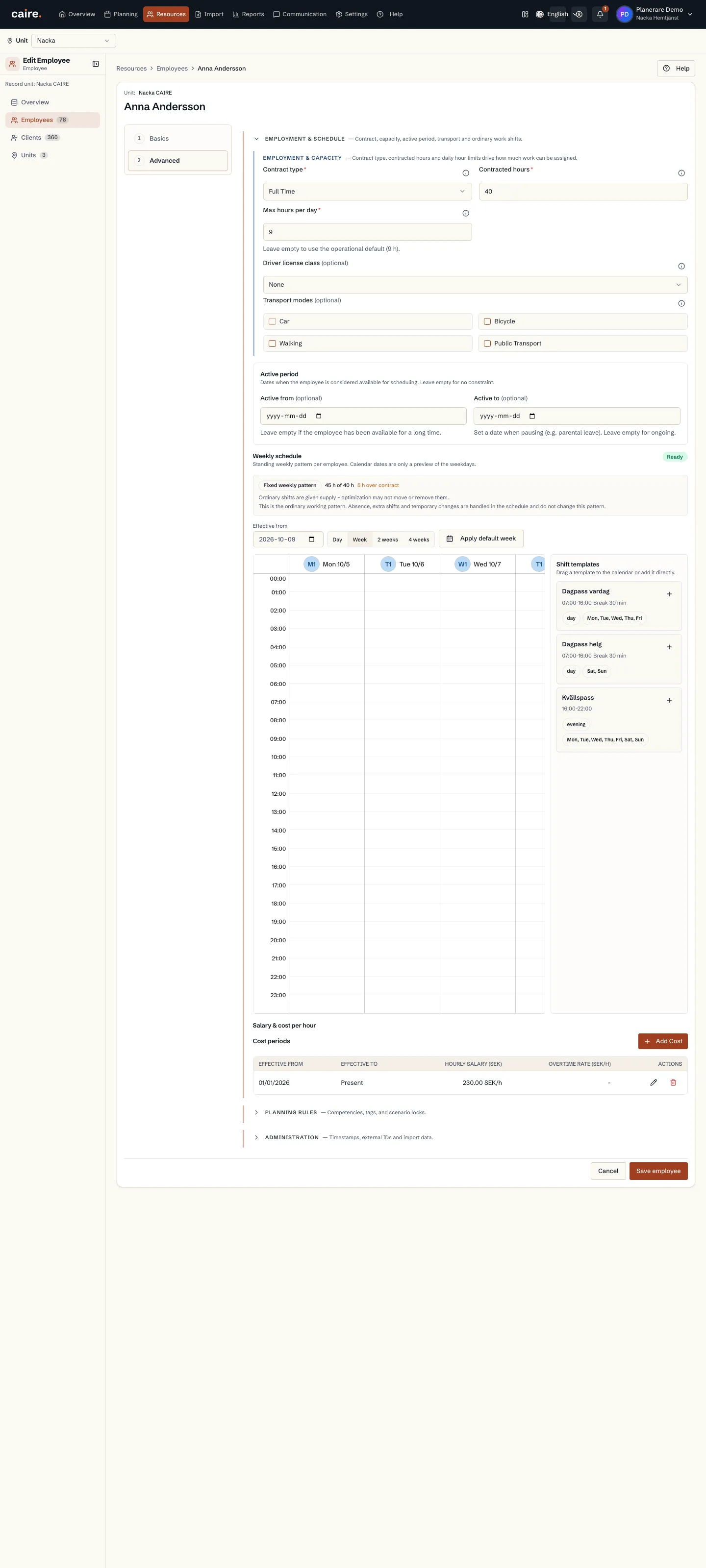
Shift templates and the weekly roster
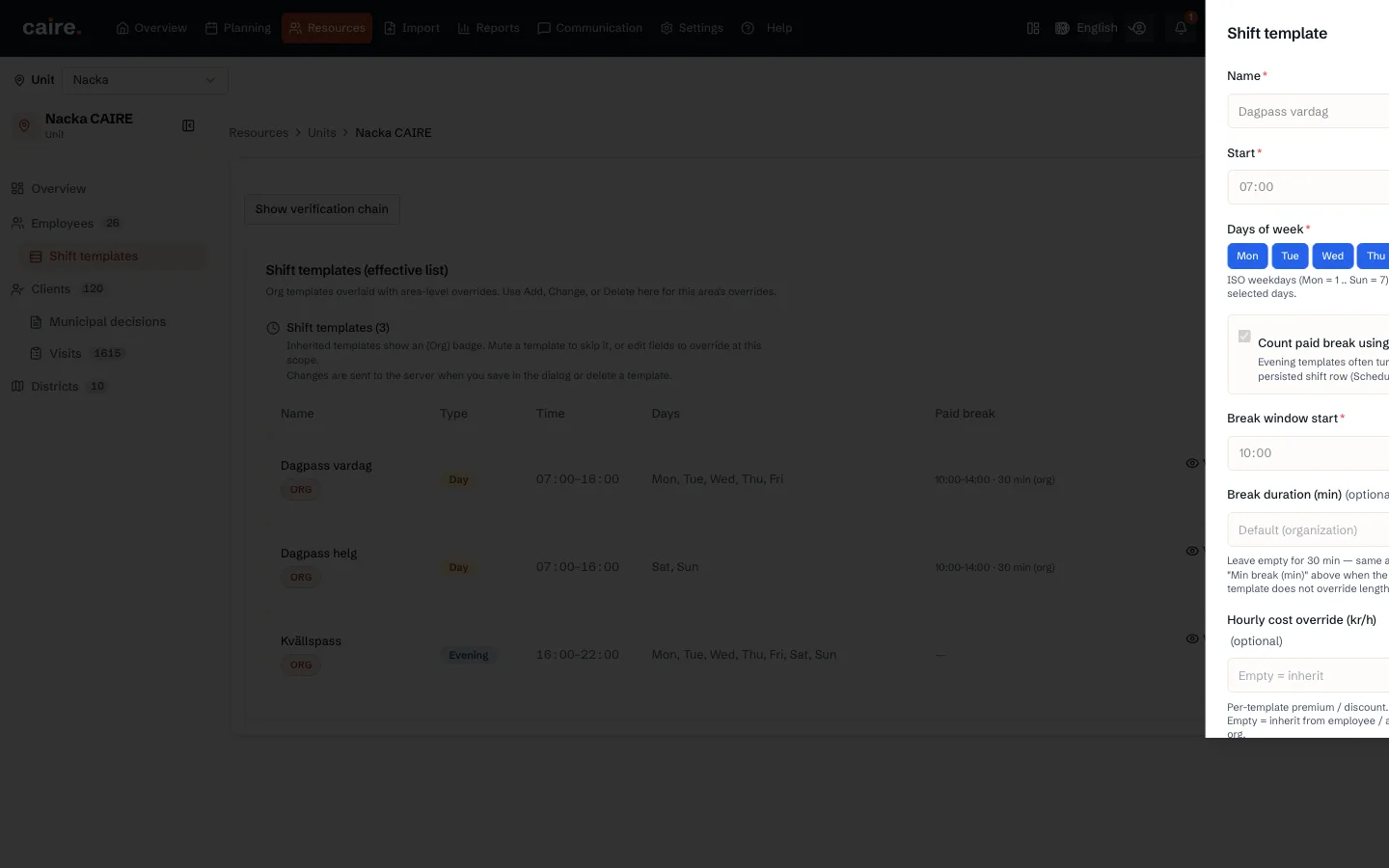
How you describe shifts with shift templates and set the standing weekly roster for each employee: times, breaks, fixed shifts and flexible capacity.
Read guide: Shift templates and the weekly roster - OnboardingBelongs to Settings
The settings cascade
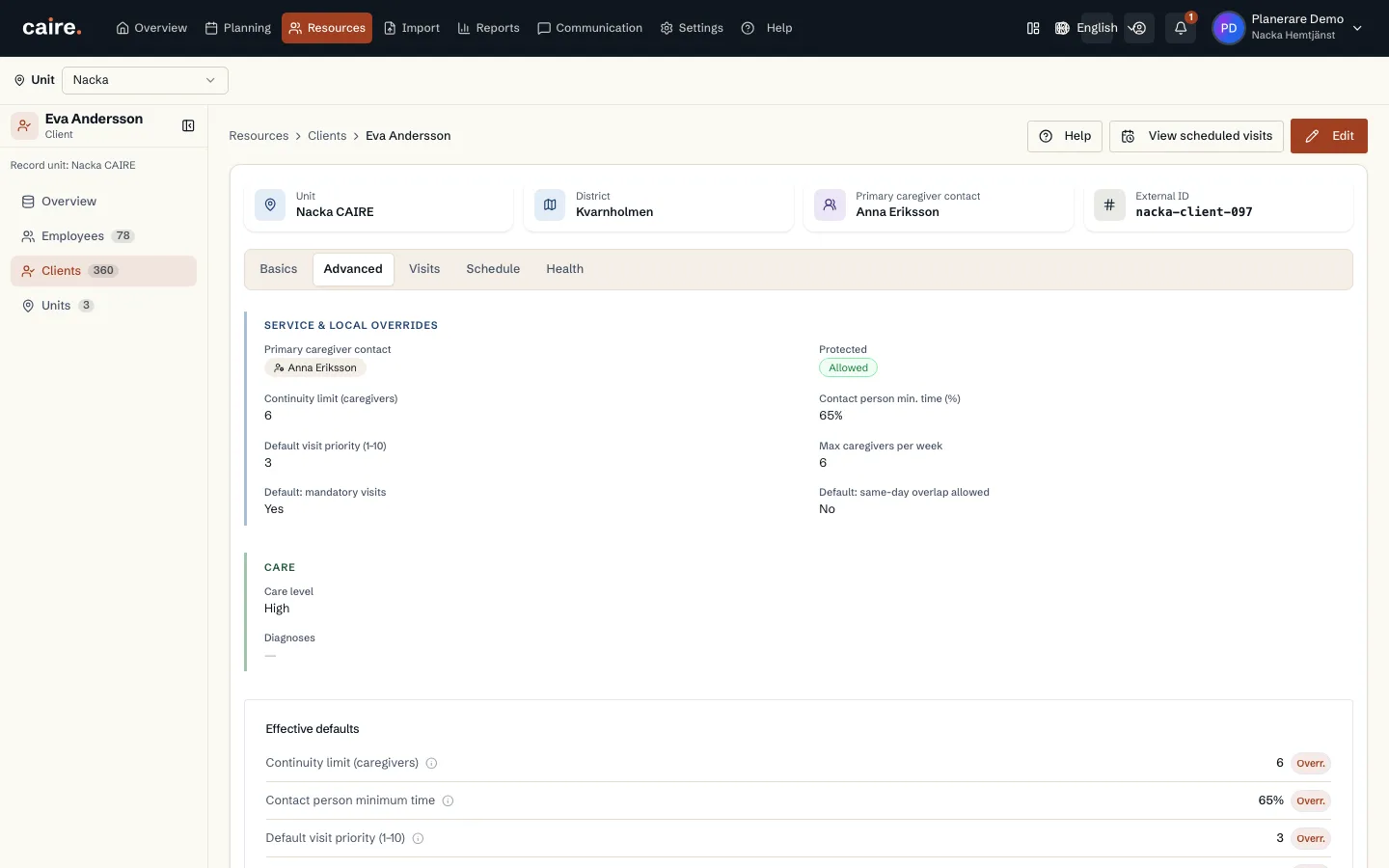
Why the same setting can exist on the organisation, the unit, the client, the employee and the visit, and how you see which value actually applies.
Read guide: The settings cascade
Data fields in this step
Operational settings
Defaults for staff, optimization, services, time slots, skills, and tags.
Read resourceUnit
The planning boundary: the team, clients, employees, and period scheduled together.
Read resourceDistrict
A local area inside the unit for geographic matching.
Read resourceEmployees and shifts
The supply side of planning: who can work, when they work, and which skills they have.
Read resource