Getting started
Account, organisation, units, users, sign-in and the data processing agreement.
- Onboarding
From two reports to the first analysis
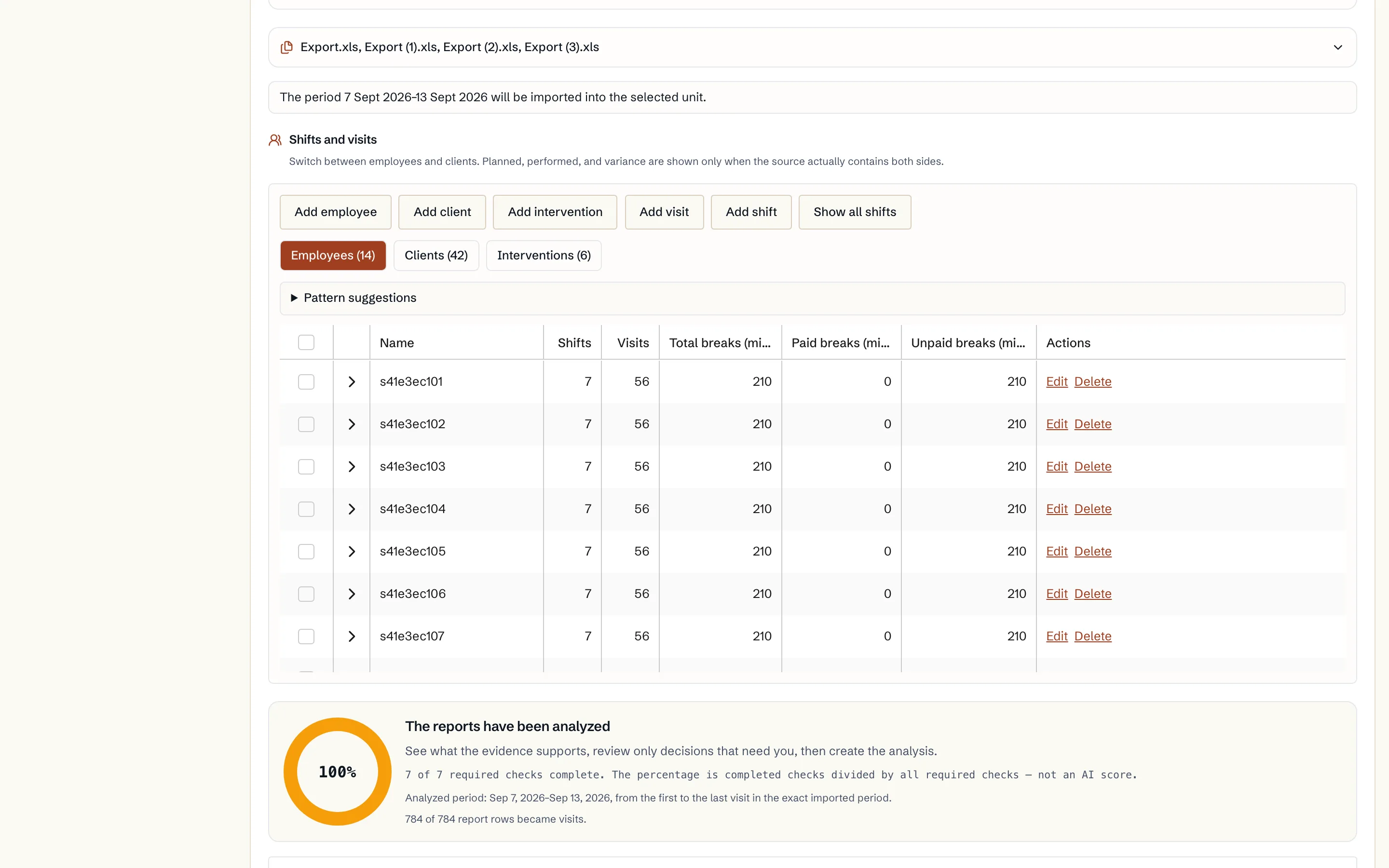
Upload your reports, review the data and start one optimisation. One selected period per organisation is free, with available results in the calendar, comparison and diagnostics.
Read guide: From two reports to the first analysis - Security
Security, sign-in and the data processing agreement (DPA)
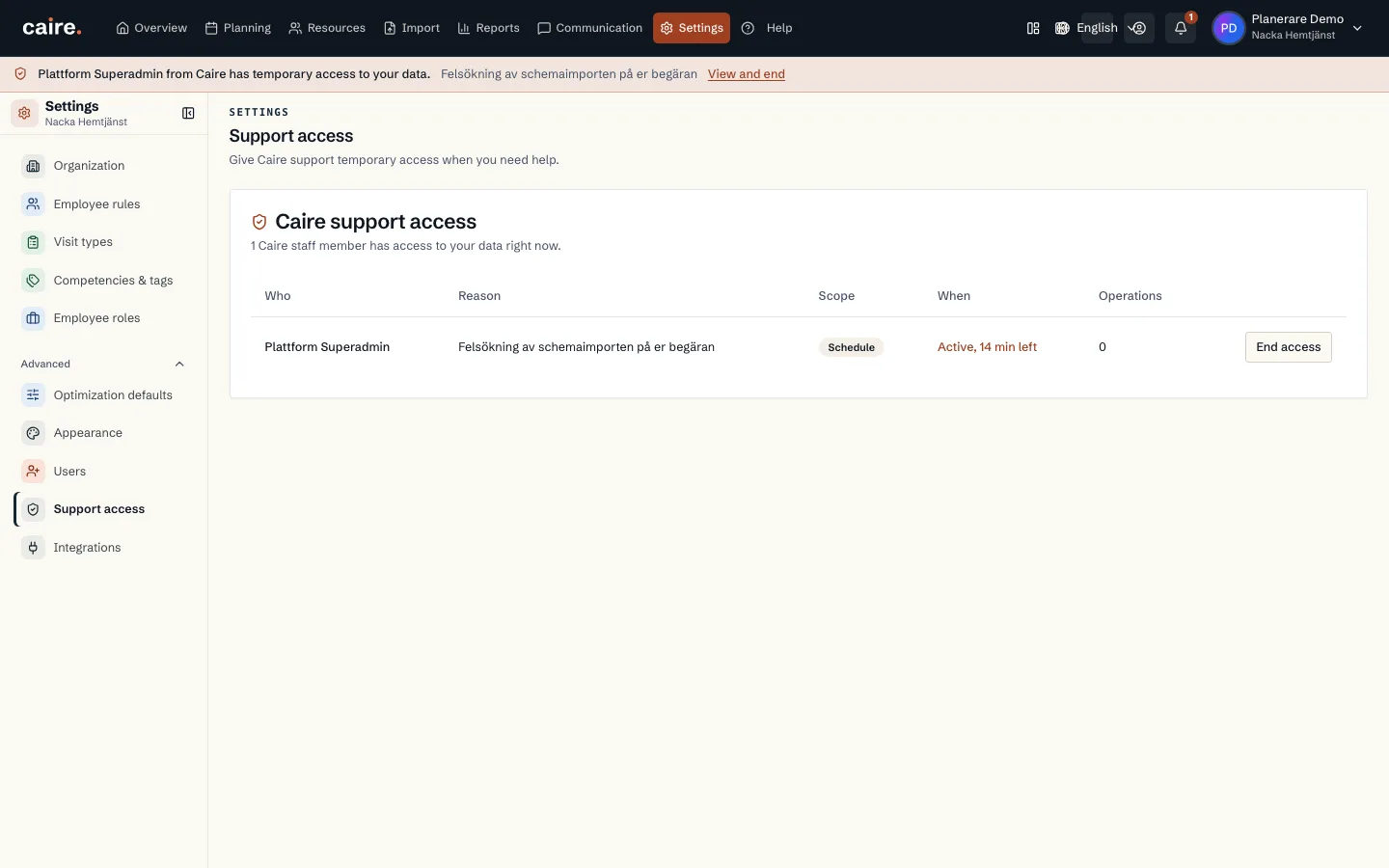
Who is responsible for the personal data, how you accept the DPA, what it unlocks, and where you see and control access to your data.
Read guide: Security, sign-in and the data processing agreement (DPA) - Onboarding
Create an account and an organisation
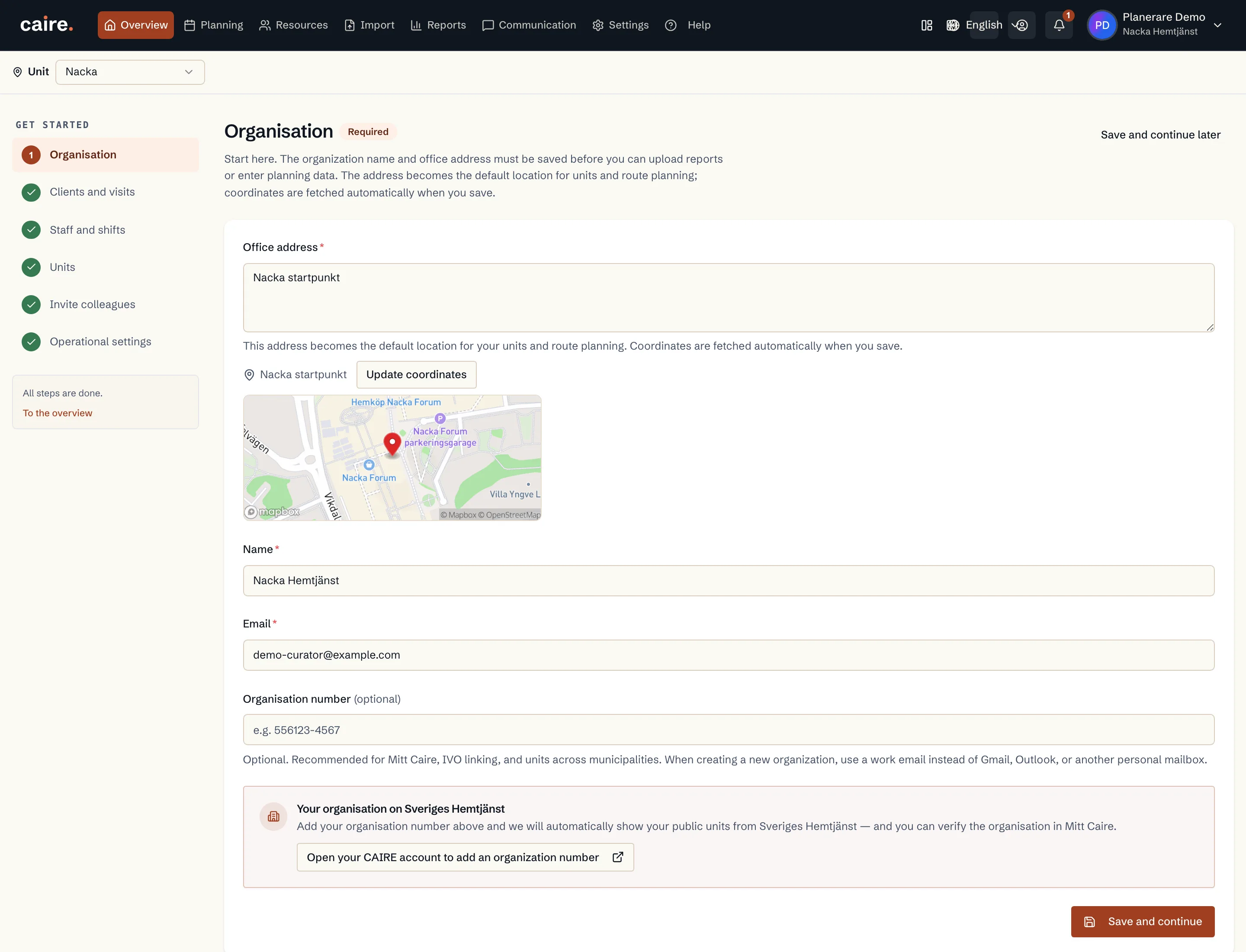
How you create your Caire account and set up the organisation: name, organisation number, office address and the data processing agreement.
Read guide: Create an account and an organisation - Onboarding
The getting-started checklist
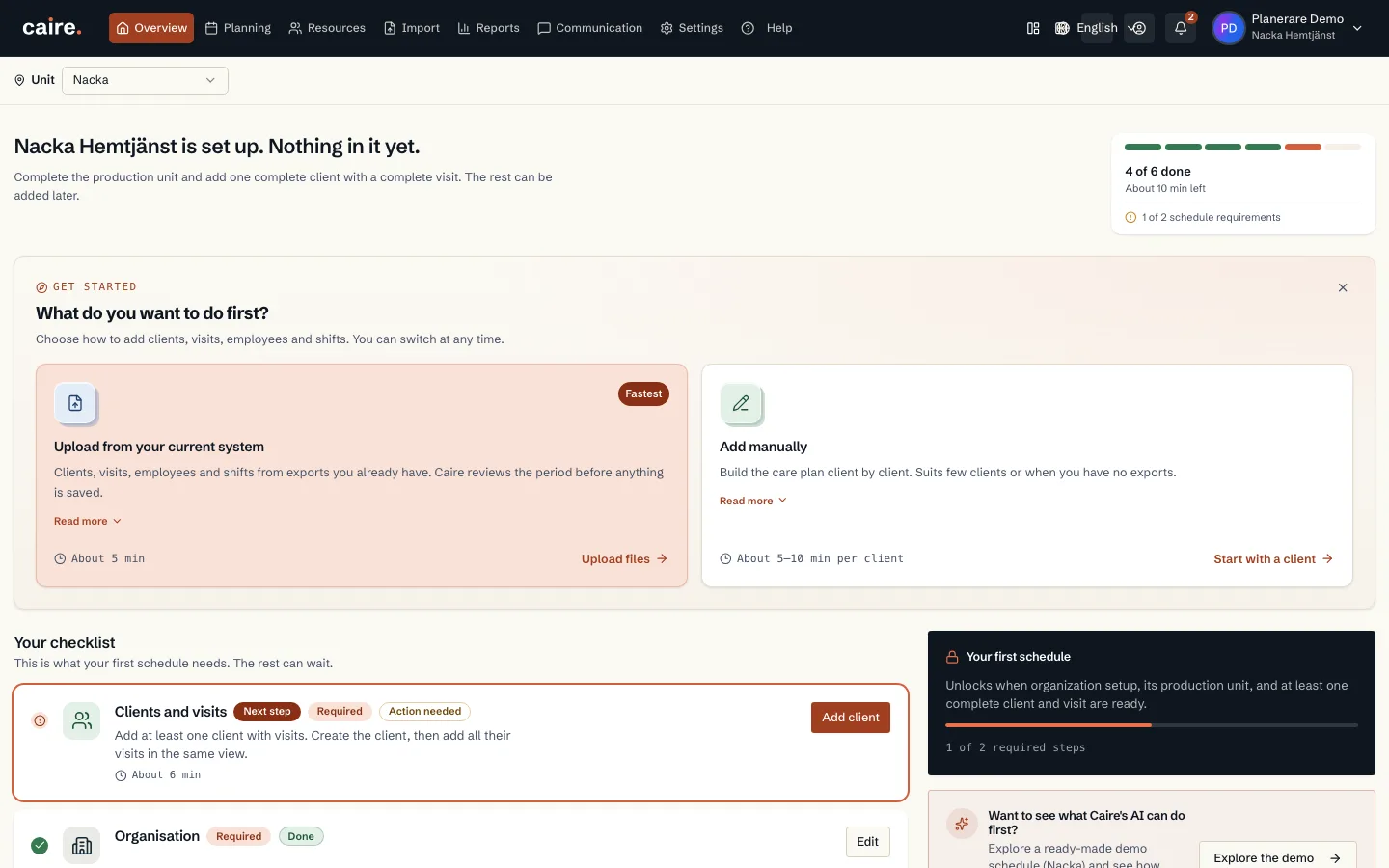
How to use Get started with Caire: what your first schedule needs, what is recommended and what can wait.
Read guide: The getting-started checklist - Onboarding
Units: create, archive and merge
How you create a unit, what happens when you archive or delete it, and how to merge two units when the organisation changes.
Read guide: Units: create, archive and merge - Security
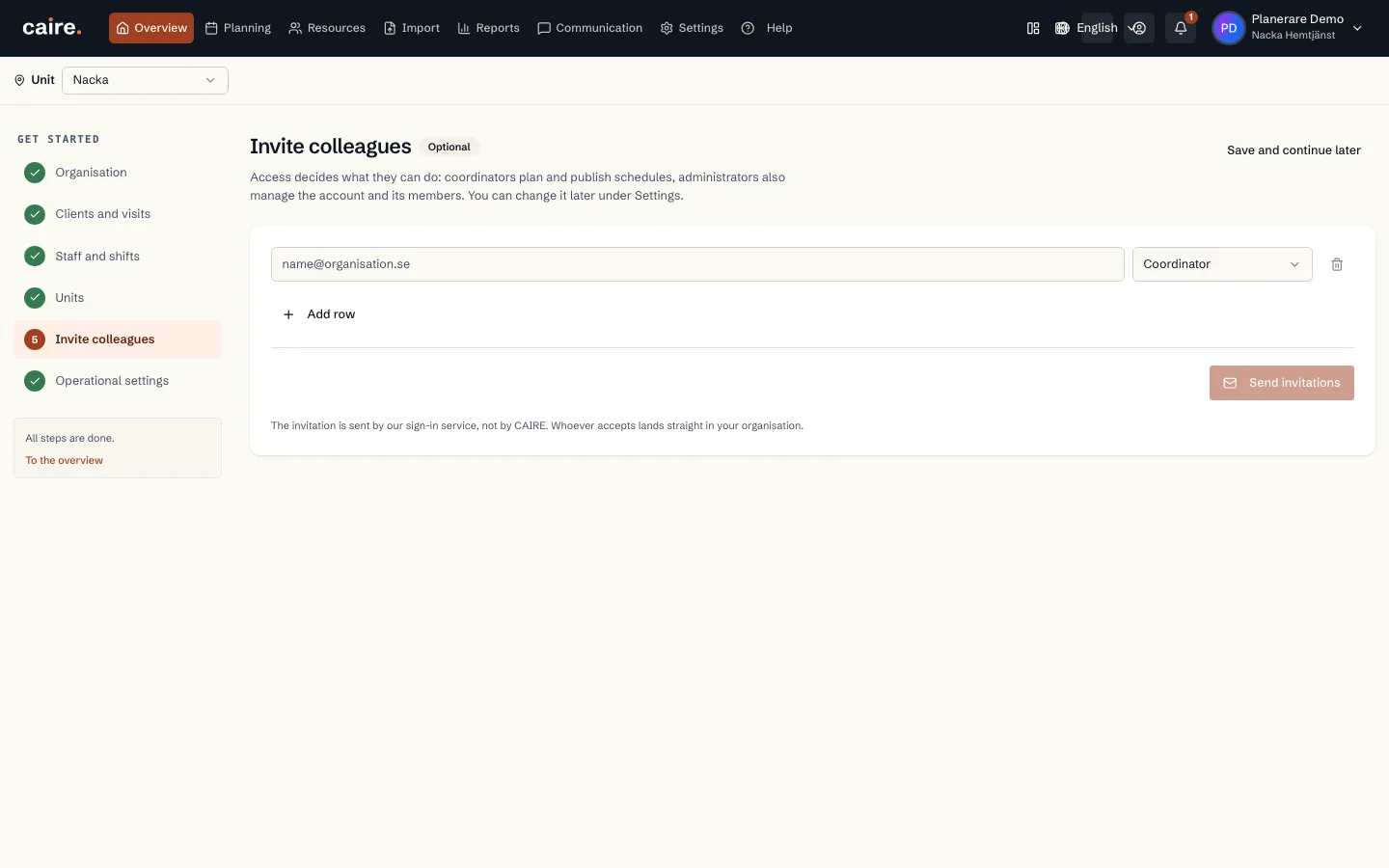
Users, roles and permissions
How you invite colleagues to Caire on the web, what the role controls, how sensitive data is protected and how app accounts differ from web users.
Read guide: Users, roles and permissions - OnboardingBelongs to Employee handbook
Getting started with the employee handbook
What the employee handbook is, who may administer it and how to get started in the handbook admin.
Read guide: Getting started with the employee handbook - OnboardingBelongs to Employee handbook
Caire templates: show, hide, copy and update
How to use Caire's template library: show or hide a template, copy it to make it your own, and follow up when Caire updates it.
Read guide: Caire templates: show, hide, copy and update - OnboardingBelongs to Employee handbook
Categories
Categories give the handbook its structure. How to create, change and delete a category.
Read guide: Categories - OnboardingBelongs to Employee handbook
Create, edit, publish and delete your own pages
Write your own handbook pages in the editor, save them as drafts, publish them, follow the version history and delete pages you no longer need.
Read guide: Create, edit, publish and delete your own pages - OnboardingBelongs to Employee handbook
Contacts and phone numbers
Gather phone numbers and contact details on a contact page that employees find under Contacts in the handbook.
Read guide: Contacts and phone numbers - OnboardingBelongs to Employee handbook
FAQ pages
Make a handbook page your organisation's page of frequently asked questions, so employees get quick answers under FAQ.
Read guide: FAQ pages - OnboardingBelongs to Employee handbook
Visibility by role and read confirmations
Which roles see a page, how the check works and how to require employees to confirm they have read it.
Read guide: Visibility by role and read confirmations - OnboardingBelongs to Employee handbook
Onboarding packages for new employees
Gather the pages a new employee should read in a package for their role, and follow how far each employee has come.
Read guide: Onboarding packages for new employees - OnboardingBelongs to Employee handbook
Languages and translations
Choose which languages the handbook is in, set the default language and translate pages, by hand or automatically.
Read guide: Languages and translations - OnboardingBelongs to Employee handbook
Branding, images and shortcuts
Give the handbook your name, logo and colours, gather images and files in the media library and put shortcuts on the start page.
Read guide: Branding, images and shortcuts