- For
- Coordinator · Administrator
- Type
- Guide
- Before you start
- Open the correct client and check the decision, services and agreed times.
Connect your organisation's account
An administrator manages your organisation's planning-system connection under Settings and Integrations. Check that the API key belongs to the intended planning-system account.
Select dates and fetch units
Open Import and choose API connection as the source. Choose the start and end dates, then fetch the units from the planning system. Both dates are included, with a maximum of 31 dates at a time.
Cancel the fetch to start again. You can retry with the same dates or change them. If the fetch fails, check the connection and retry. If the planning system asks you to wait, try again after a few minutes.
Check the source and destination
Select the units from the planning system to include and choose the destination in Caire. Open Details to review client locations and their distance from the selected office. The planning system supplies coordinates, and street names may be approximate.
Check source unit IDs and the office location before accepting. A working connection and a short distance from the office do not prove that all fetched data belongs to the intended unit.
Review and save
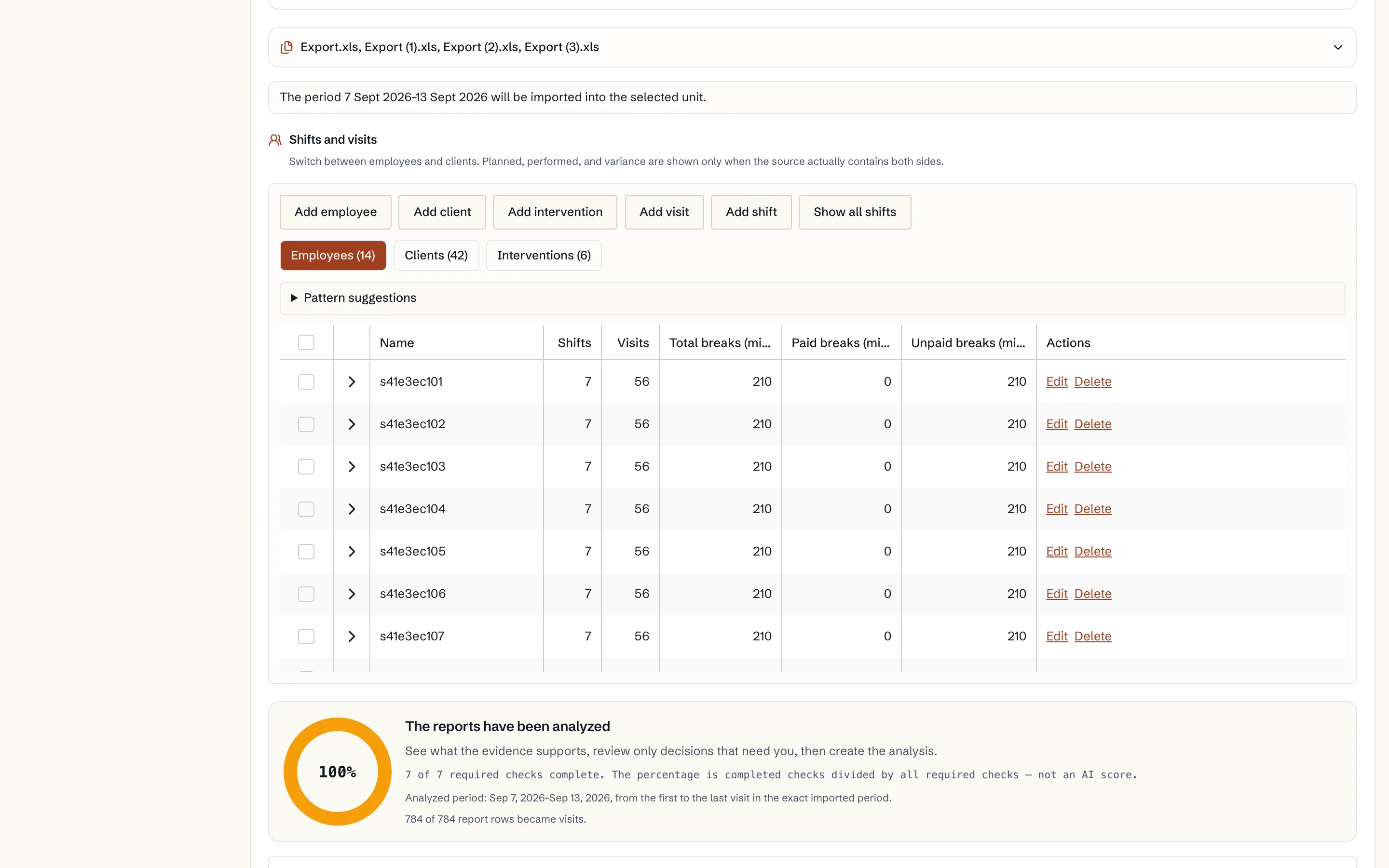
Review clients, employees, locations, visits and staff schedules in the preview. Check person links and the intended Caire unit before saving. Changes to dates or selected units require a fresh review.
Saving imports the reviewed planned work, care plans and staff schedules for the period. Keep the receipt so that you can return to the import.
Continue after import
Once the import is ready, Caire continues through the ordinary analysis and planning flow. Check locations, visit templates and employee details that need completing. Your planning system remains your operational system. The API import reads planned work and writes no changes back to the planning system.
Troubleshooting
Are the visits wrong? Check recurring rules, dates and time windows. Distinguish a template change from an individual visit change.
Did this article help?
Updated