- For
- Employee in the app · Client and family
- Type
- Guide
- Before you start
- Check the correct unit and published period. App access needs the right invitation and role.
Three views, one planning model
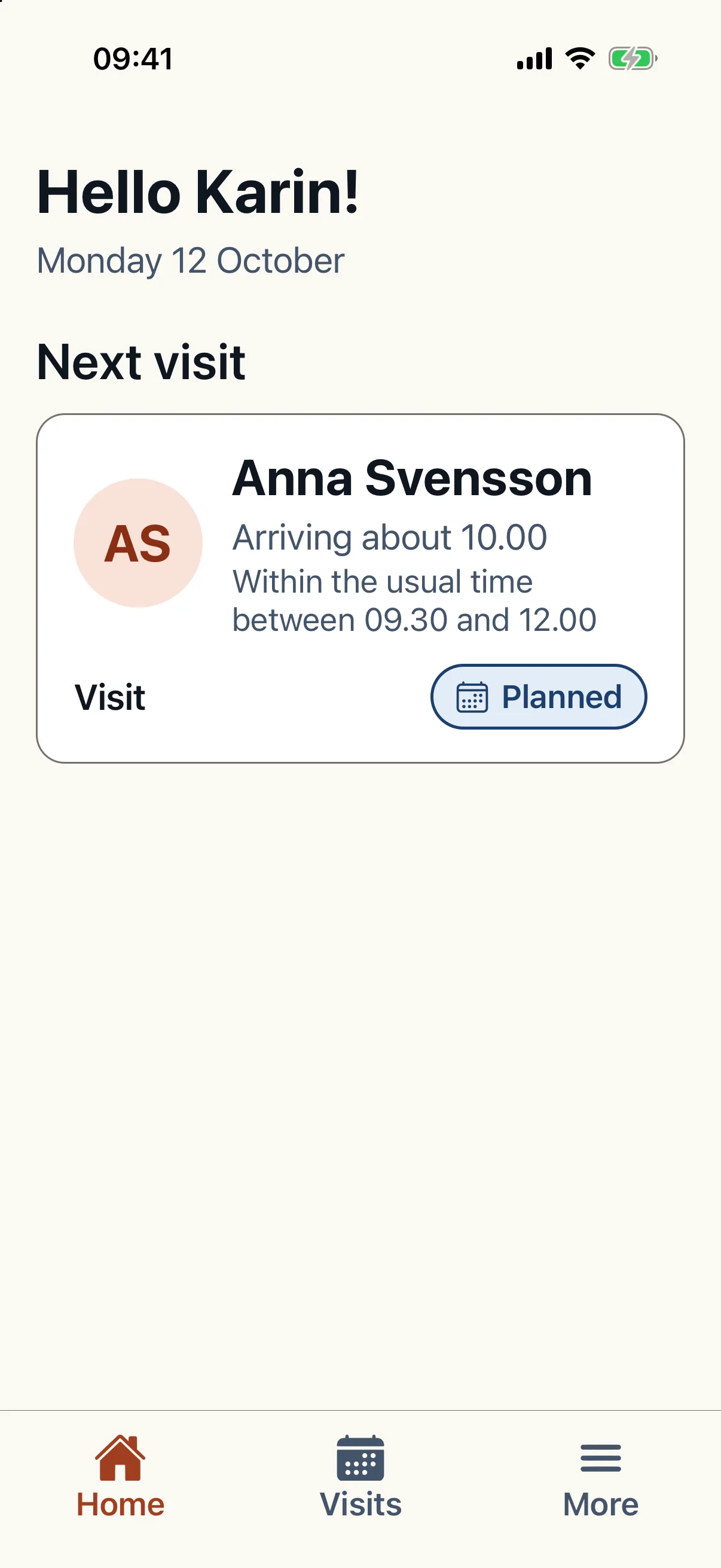
The mobile app presents the same planning data differently depending on role. The client sees visits and who is coming. The employee sees today's work, route, notifications, and documentation. Family gets read-only access to what creates confidence.
The tour uses synthetic examples and can be used publicly. It does not show private client data and does not replace the signed-in dashboard.
What the administrator controls
The app should follow the organization's routines. Sensitive functions are therefore controlled from the Caire dashboard, such as whether clients may request cancellation in the app and whether employees may see the next day's schedule.
That makes rollout safer: Caire provides the controls, while the organization decides how the mobile app is exposed to each group.
When the tour is useful
- Show the client and family experience before deciding how much information to expose.
- Explain to employees how schedule, map, notifications, and documentation fit together.
- Give management and administrators a concrete view of which settings need decisions before launch.
Try the interactive tour
Result
You recognise the employee, client and family views and what the administrator controls.
Troubleshooting
Schedule missing from the app? Check the person's app status and role and that you are reviewing the published period rather than a draft.
Did this article help?
Updated