The working day
Sick calls, changed visits, cancellations, delays and replanning.
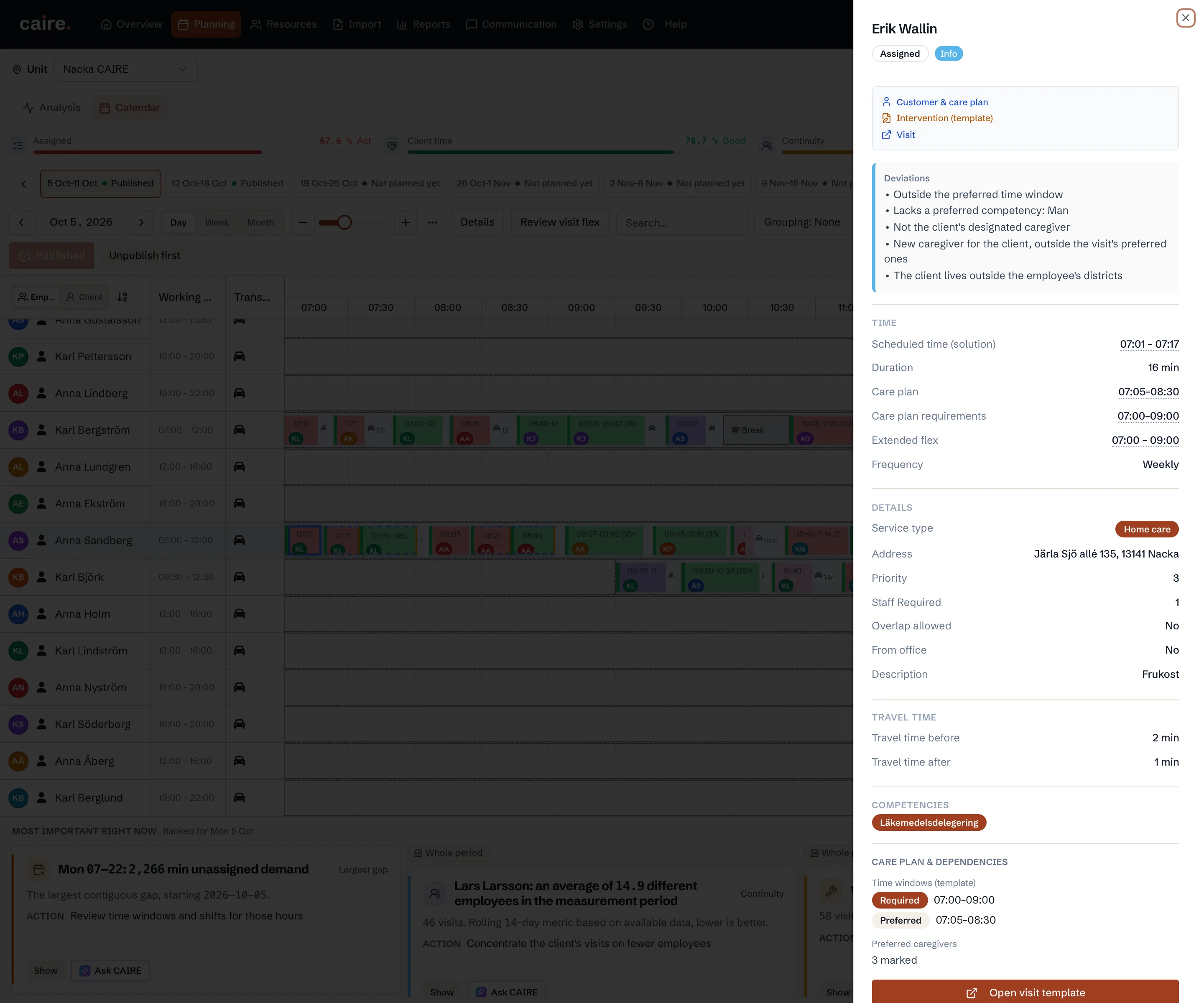
- Time windowsBelongs to Care plan
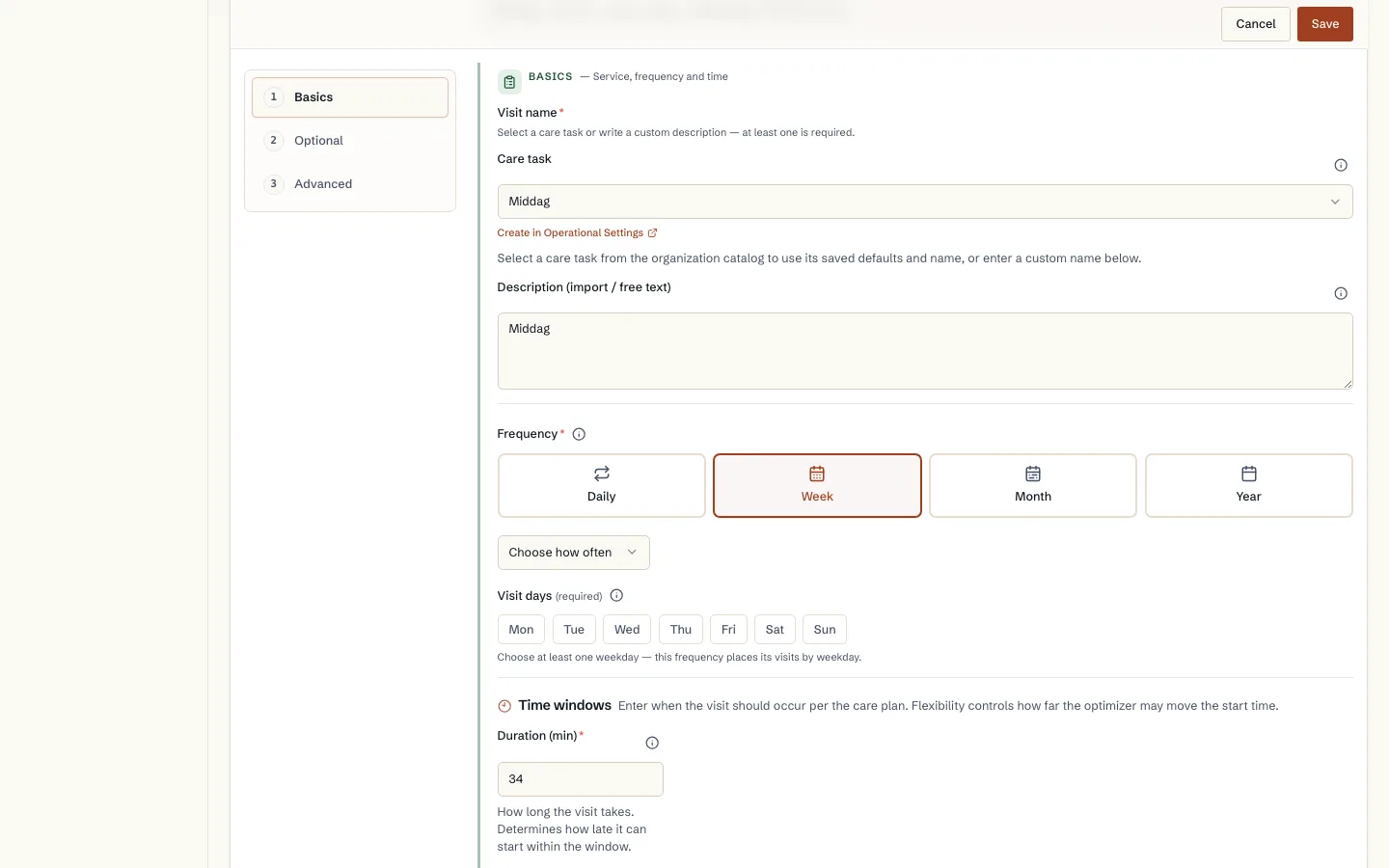
Preferred time, allowed window, and service properties
See the difference between preferred time and the allowed time window, and between routed field visits, office work, overlap, and double staffing.
Read guide: Preferred time, allowed window, and service properties - SolutionsBelongs to AI in Caire
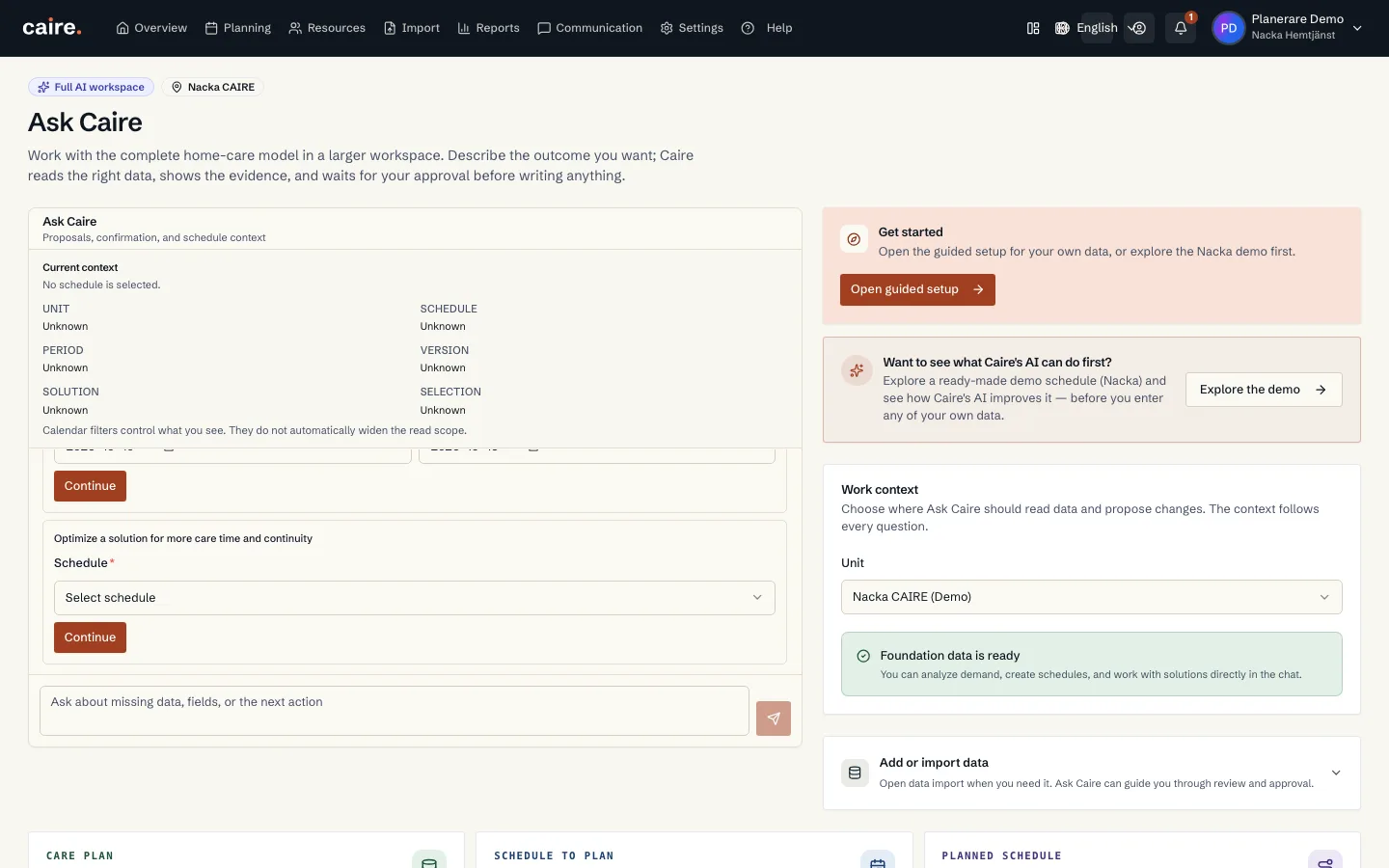
The AI assistant: chat with your schedule
Ask questions about the schedule in plain language and let the AI assistant answer with numbers from the solution, diagnostics, and continuity context.
Read guide: The AI assistant: chat with your schedule - SolutionsBelongs to Published schedule
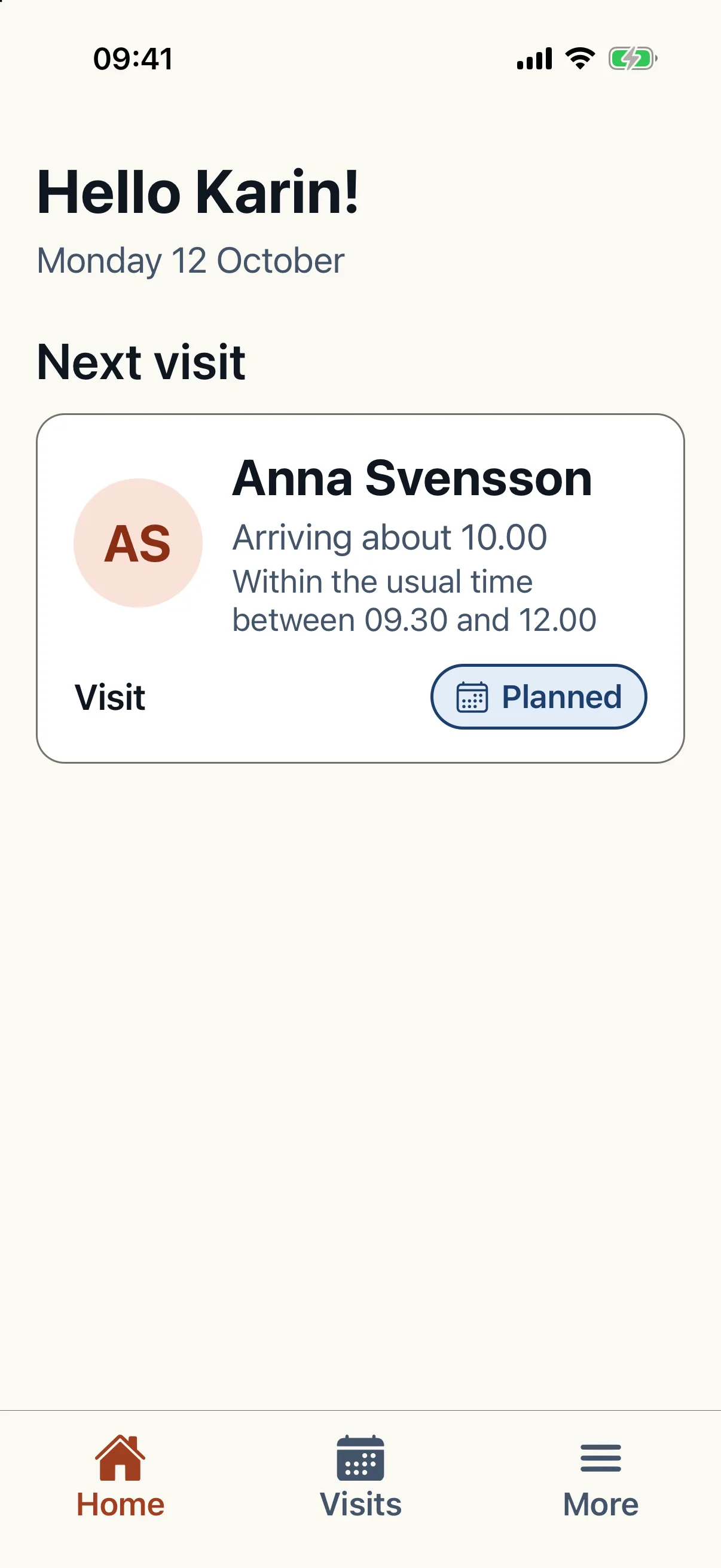
Mobile app for client, employee, and family
See how Caire's mobile app can be shown to clients, employees, and family without mixing read-only access, schedule work, and administrator settings.
Read guide: Mobile app for client, employee, and family - Solutions
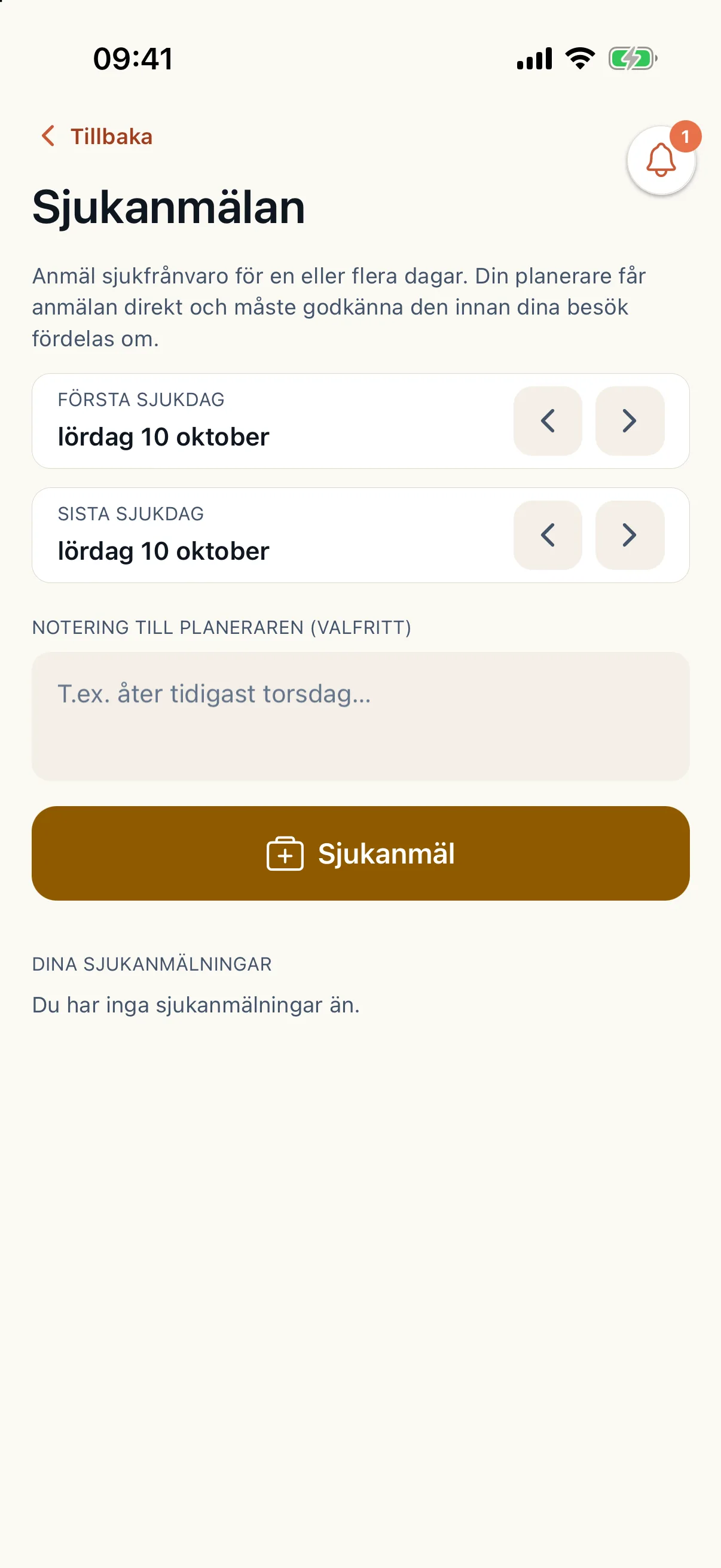
Sick calls and staffing
How a sick report goes from the app to new routes: the gaps in the published plan, Caire's ranked cover, your approval and open-shift invitations.
Read guide: Sick calls and staffing - OnboardingBelongs to Municipal decisions
Pauses: hospital stays and travel
How you add a pause when a client is in hospital, in short-term care or away travelling, and what it means for new and existing schedules.
Read guide: Pauses: hospital stays and travel - SolutionsBelongs to Review and improve
The calendar: move, lock, unplan and cancel
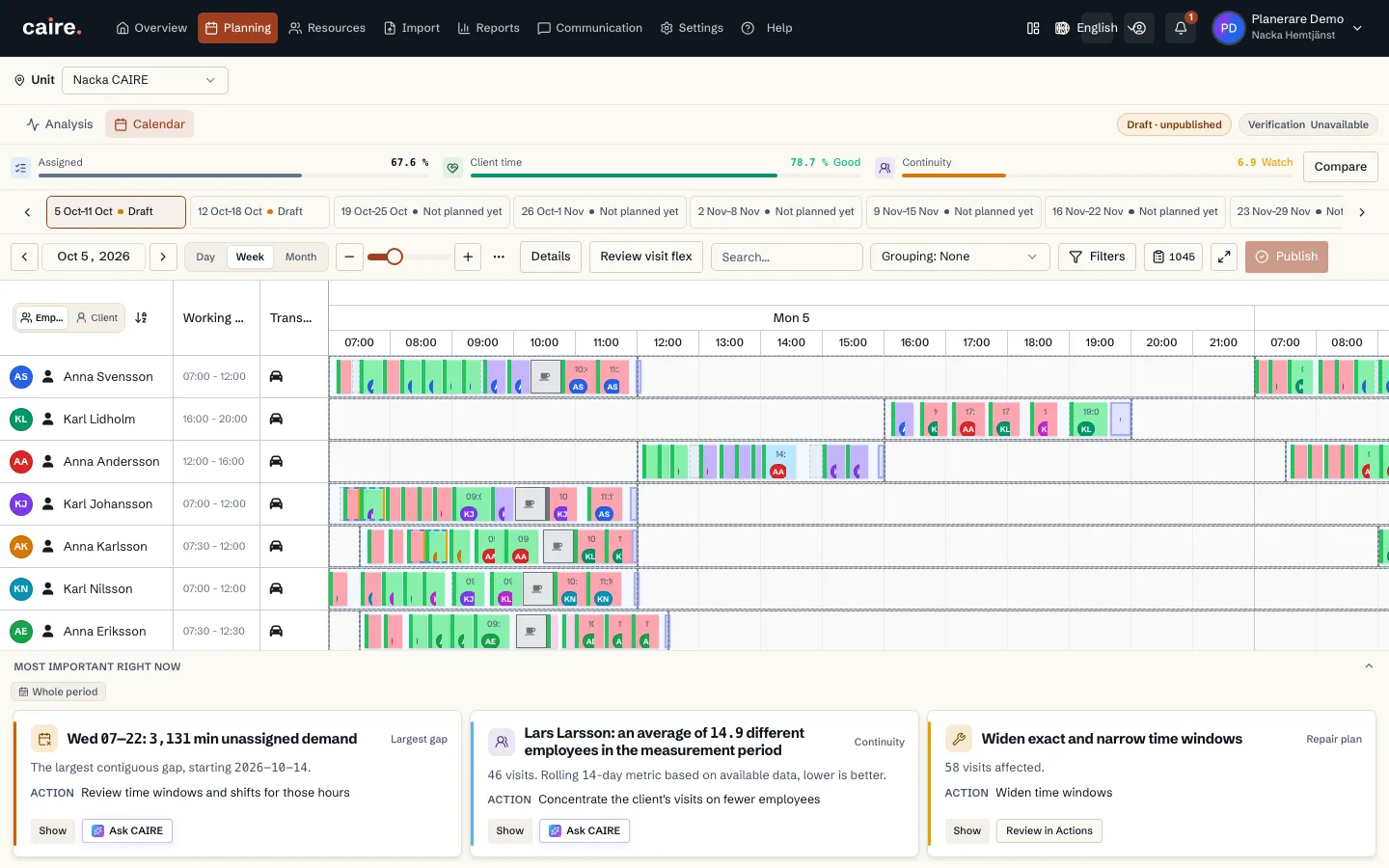
How to change a solution in the calendar: drag visits, lock the time or the caregiver, unplan and cancel. Every change becomes a new solution, never an edit of the old one.
Read guide: The calendar: move, lock, unplan and cancel - SolutionsBelongs to Published schedule
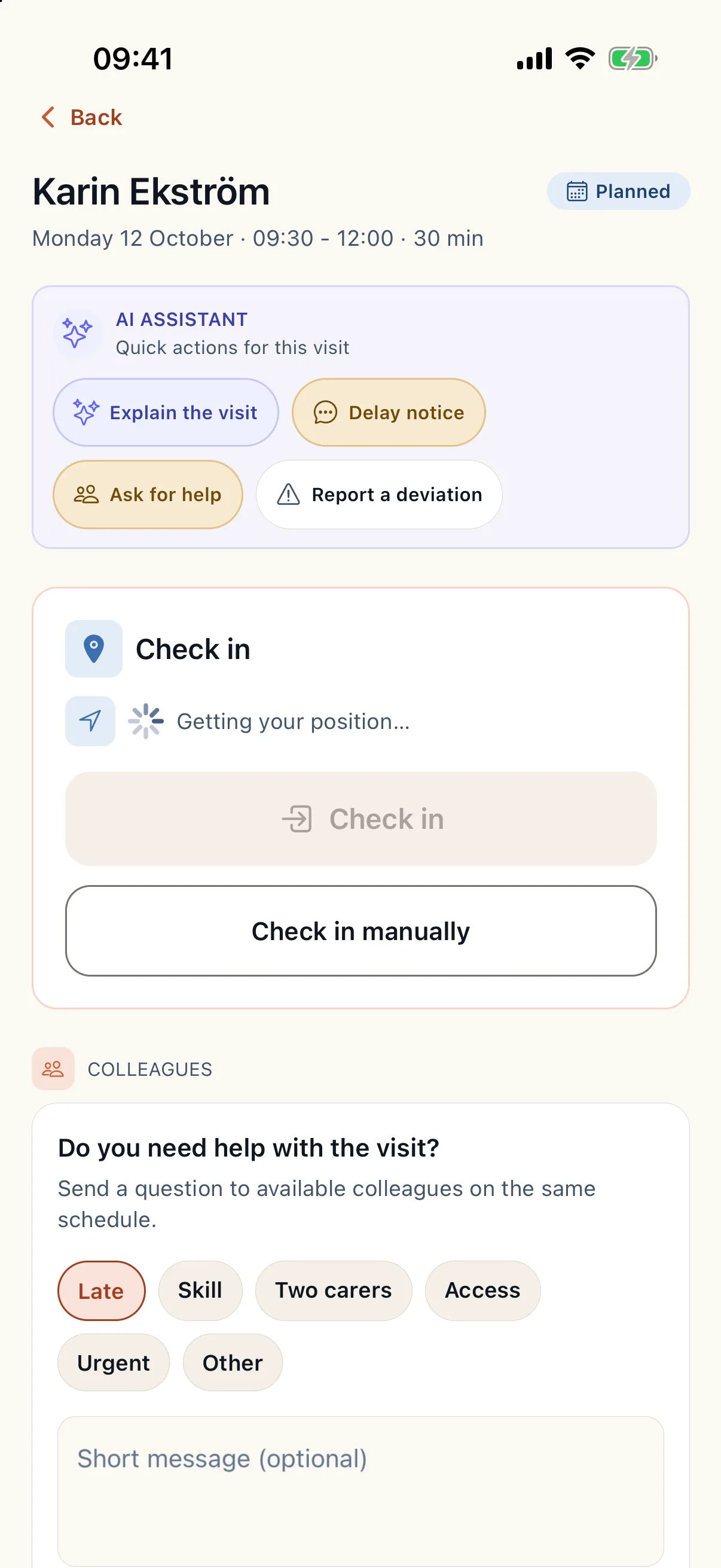
The employee app
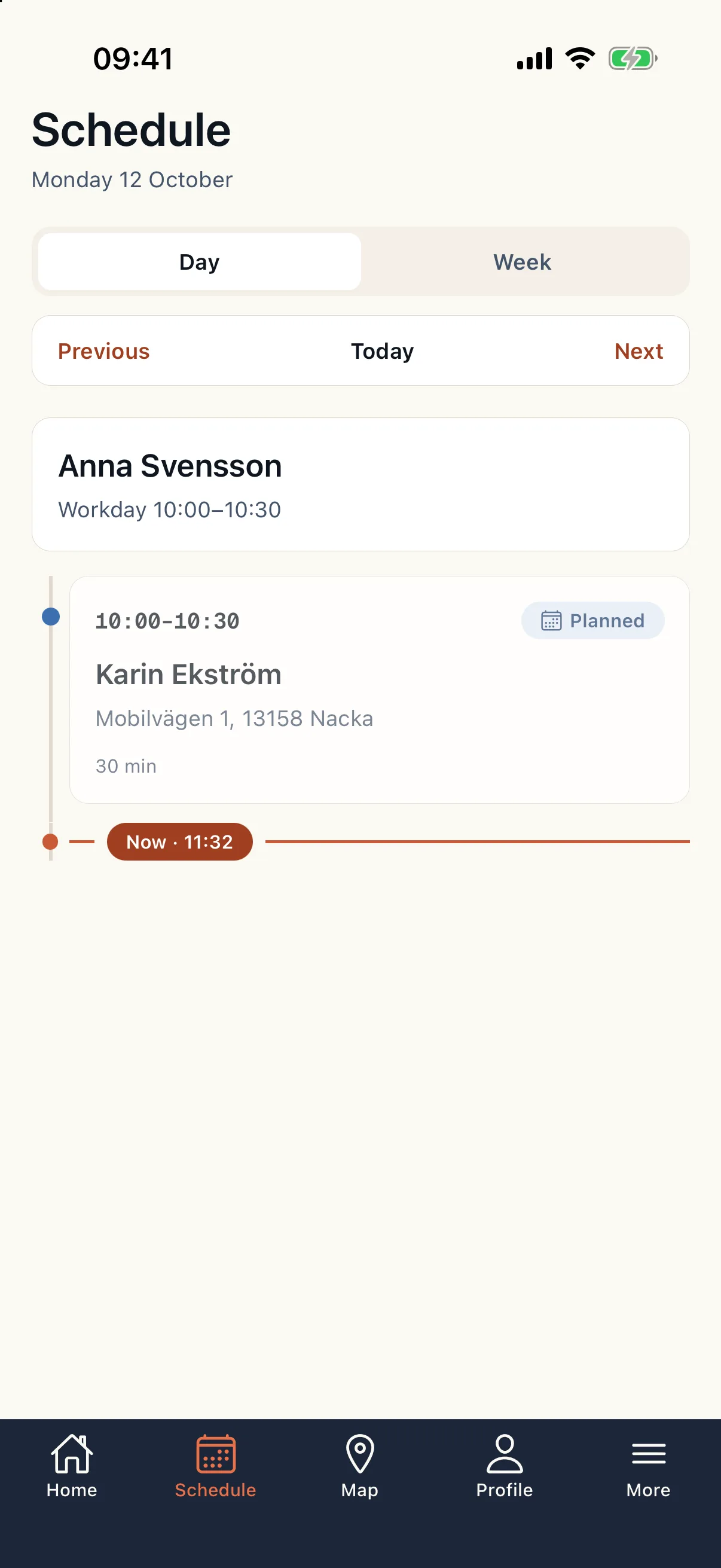
The app for caregivers out with clients: today's schedule, visit details, check-in and check-out, services, notes and help when something does not go to plan.
Read guide: The employee app - ContinuityBelongs to Published schedule
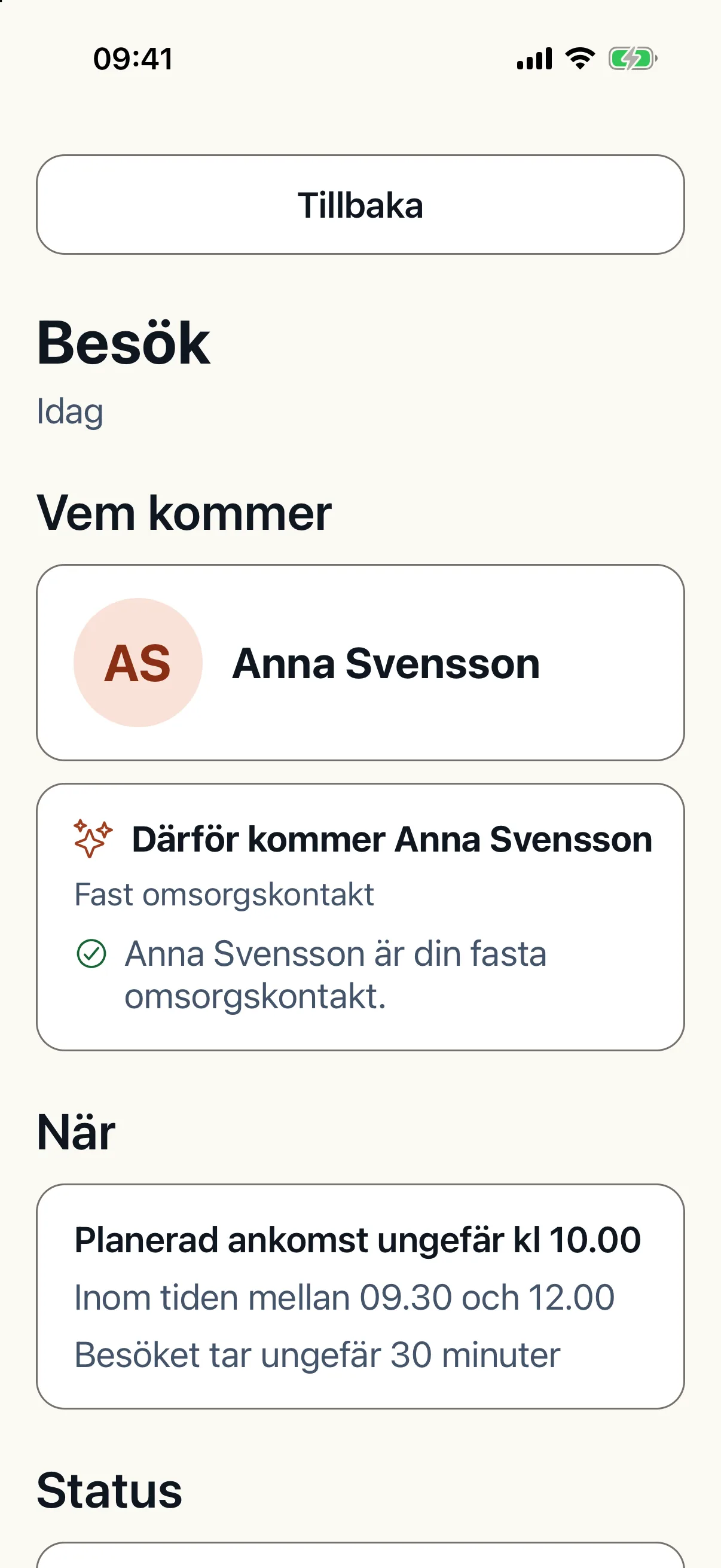
The client and family app
The client sees their visits, who is coming and when, can rate a visit, cancel and write to the office. A relative follows the visits of the client they are linked to.
Read guide: The client and family app - Solutions
The operations view: handle today's deviations
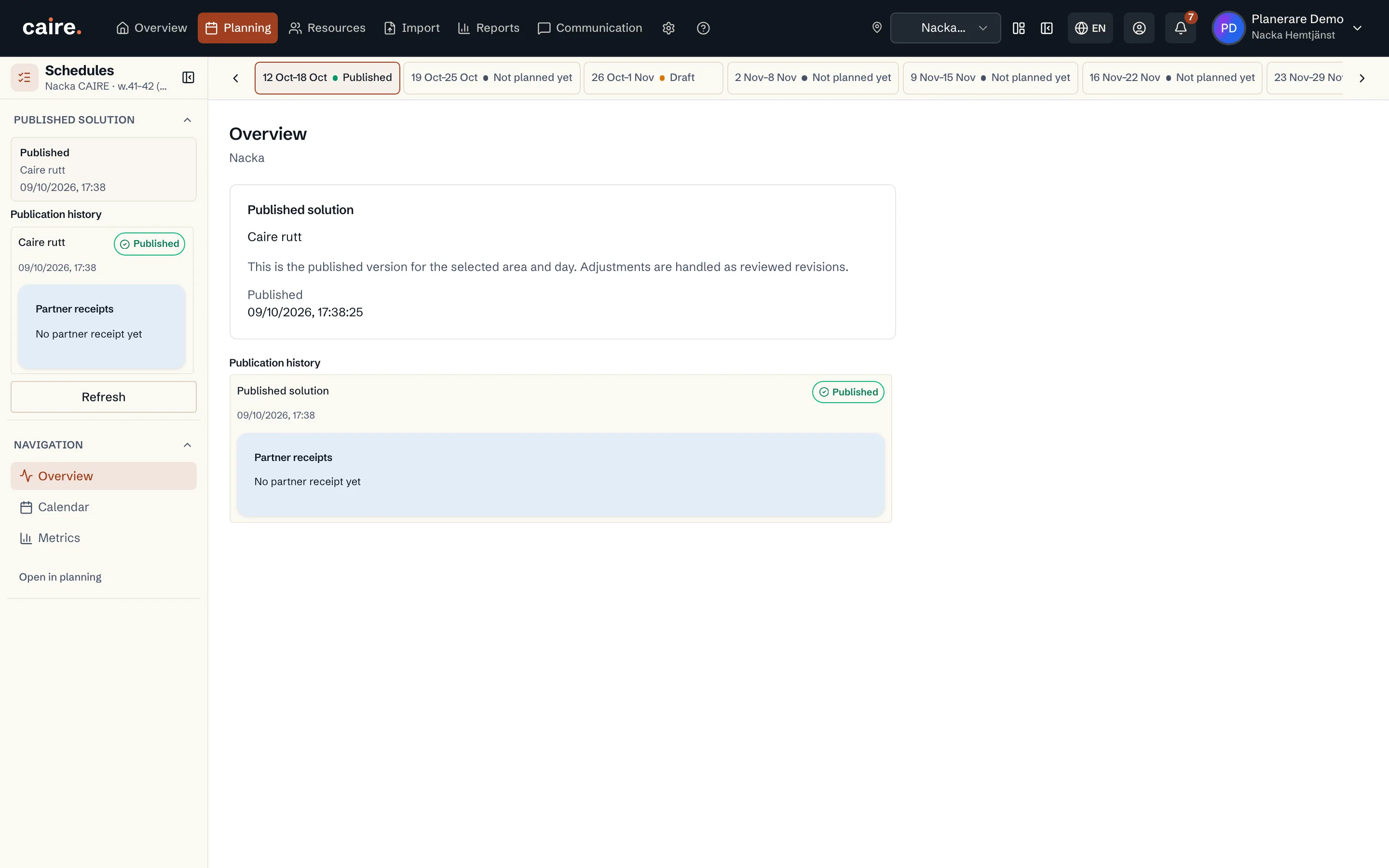
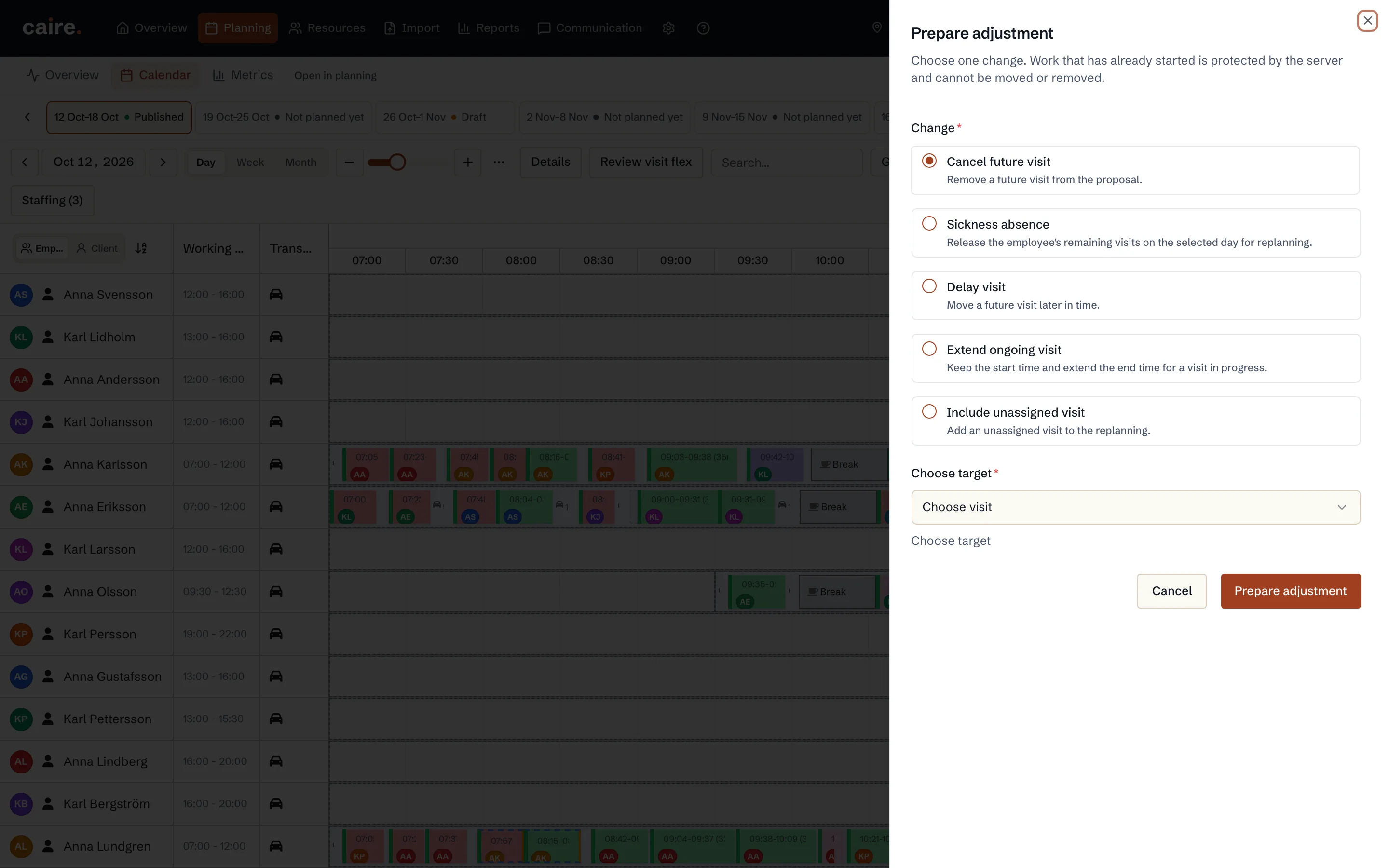
The operations view shows today's published schedule. How to handle a deviation: prepare an adjustment, review it and approve it. Nothing in the plan changes before that.
Read guide: The operations view: handle today's deviations - Time windows
Changed visits and time changes
How to change a visit in the published schedule, handle requests for a new visit time from other systems and receive time changes from the client.
Read guide: Changed visits and time changes - Solutions
Client cancellations
The client sends a cancellation in the app, and the office approves or declines it. The visit is cancelled only once the office has approved.
Read guide: Client cancellations - Continuity
Delay notices and ETA
When a caregiver is running late, they send a delay notice from the visit. The client and relatives see it in the app and the office gets a notification.
Read guide: Delay notices and ETA - Efficiency
Automatic replanning during the day
When something happens during the day, Caire replans the published schedule. Small changes within the visits' times apply themselves; the rest become proposals you approve.
Read guide: Automatic replanning during the day - Solutions
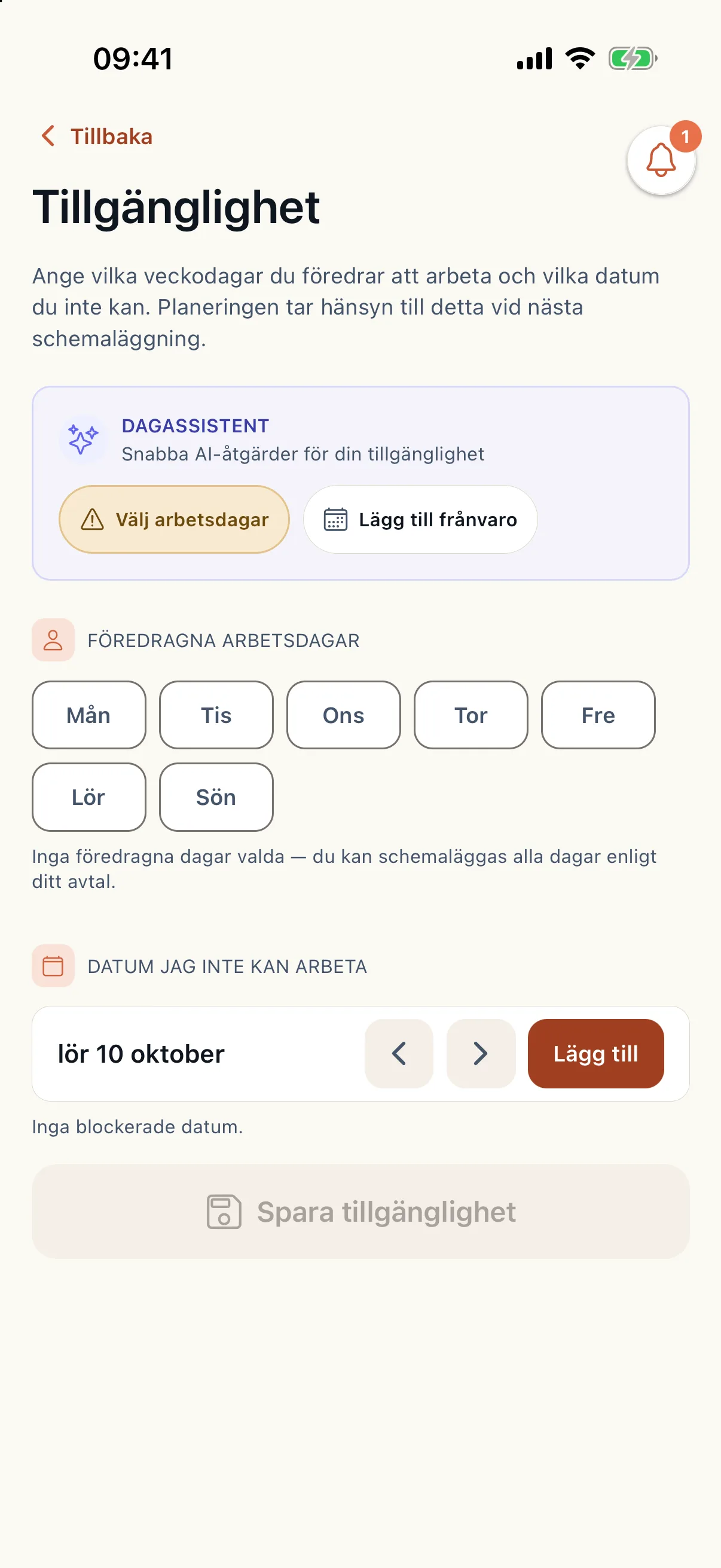
Shift swaps, extra shifts and availability
The caregiver sets availability, offers extra shifts and asks for a shift swap in the app. The planner approves, and what is approved is used in coming planning.
Read guide: Shift swaps, extra shifts and availability - Efficiency
Copy day and adjust travel time
Two tools in the operations view: copy who does which visit from one day to another, and correct the travel time on one leg when it is wrong.
Read guide: Copy day and adjust travel time - SolutionsBelongs to Employee handbook
The employee handbook in the app and on the web
Where you find the handbook as an employee, what you see in it and how it works without a connection.
Read guide: The employee handbook in the app and on the web - SolutionsBelongs to Employee handbook
Contacts and FAQ in the handbook
Find phone numbers for colleagues and the office, and quick answers to common questions, in the handbook on the web.
Read guide: Contacts and FAQ in the handbook - SolutionsBelongs to Employee handbook
Confirm you have read a page
Some handbook pages ask you to confirm that you have read and understood them. How to do it in the app and on the web.
Read guide: Confirm you have read a page