Published schedule
Publish to the employee, client and family apps.
- Solutions
Mobile app for client, employee, and family
See how Caire's mobile app can be shown to clients, employees, and family without mixing read-only access, schedule work, and administrator settings.
Read guide: Mobile app for client, employee, and family - Solutions
Publish a schedule
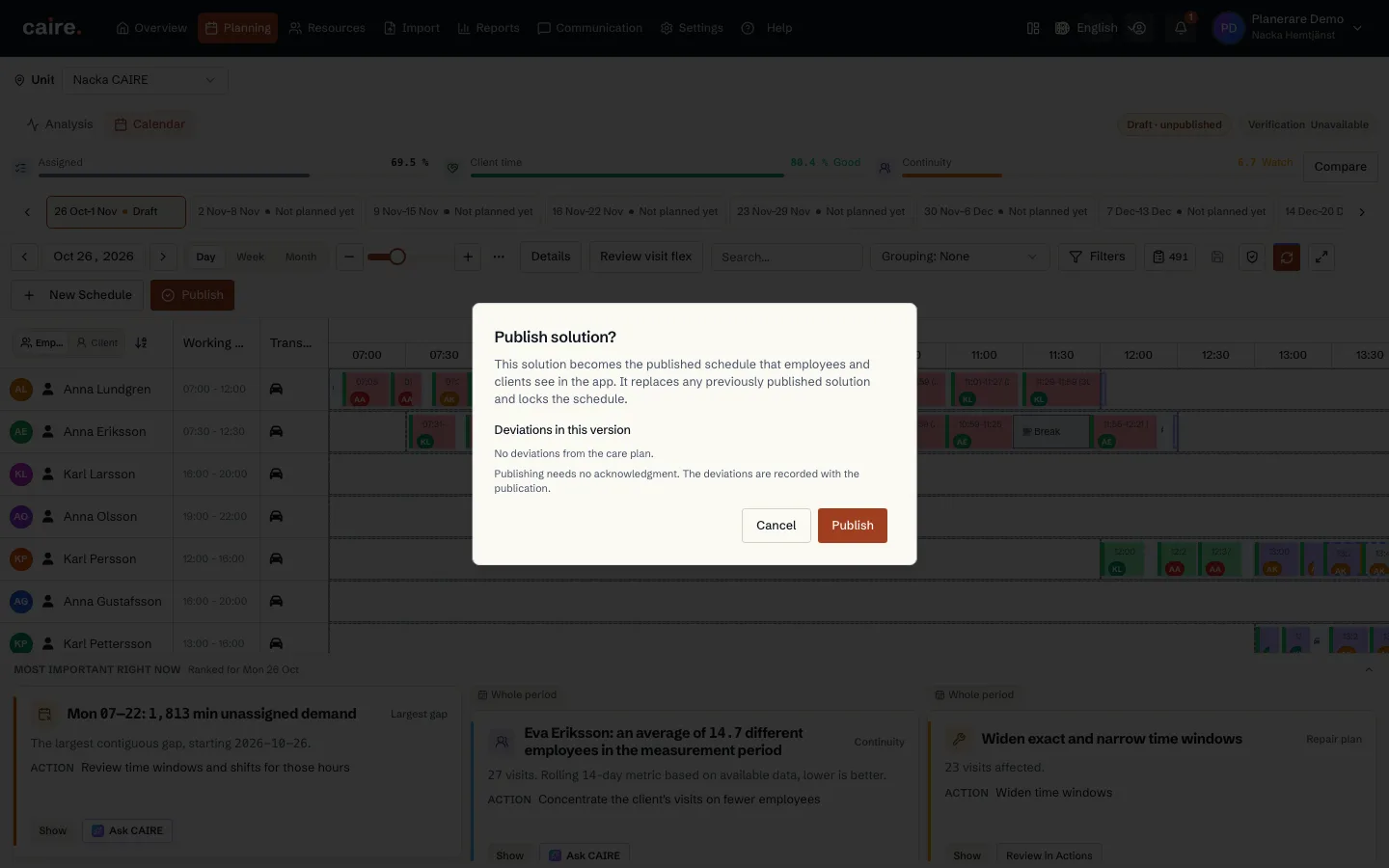
From draft to the plan staff and clients see: new versions before publication, one publication per unit and period, and quick updates afterwards.
Read guide: Publish a schedule - Solutions
The employee app
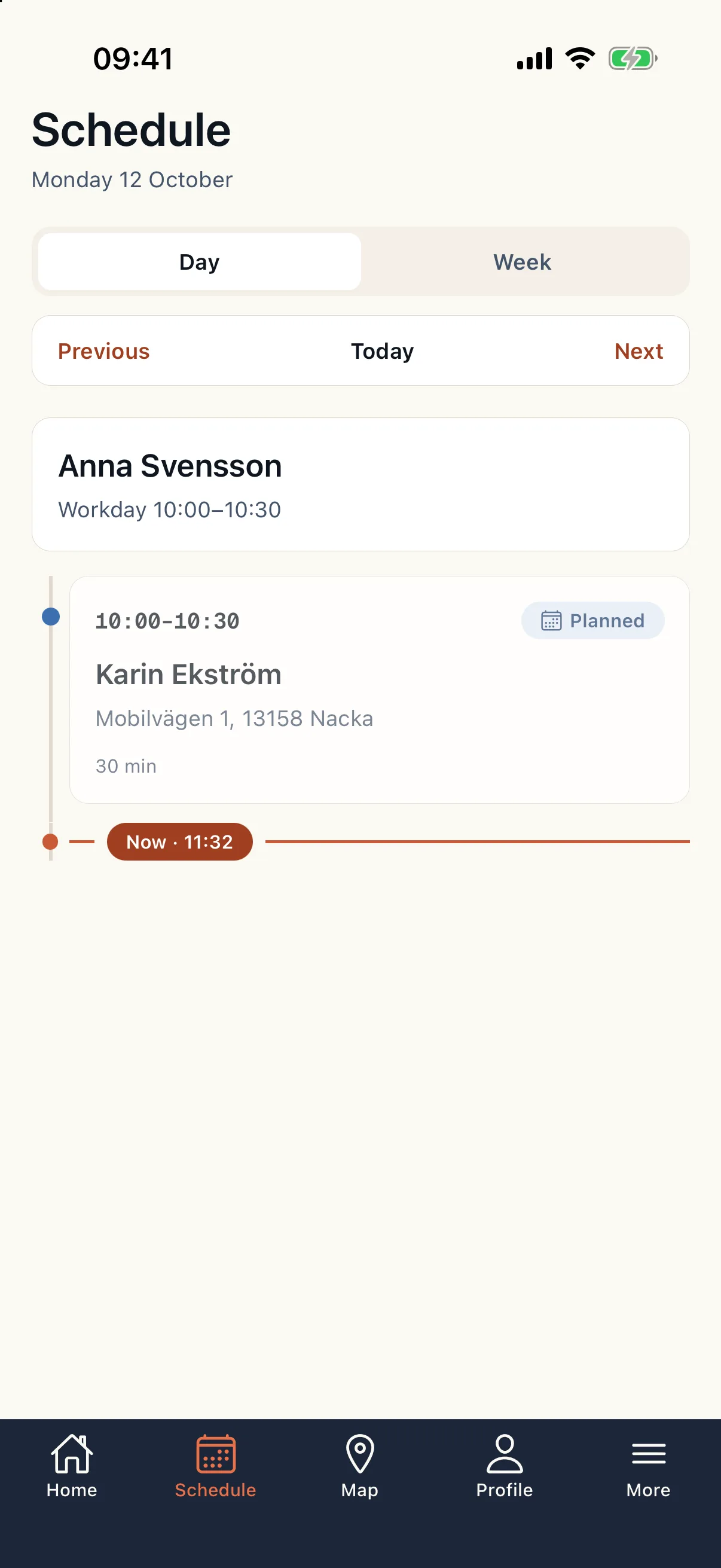
The app for caregivers out with clients: today's schedule, visit details, check-in and check-out, services, notes and help when something does not go to plan.
Read guide: The employee app - Continuity
The client and family app
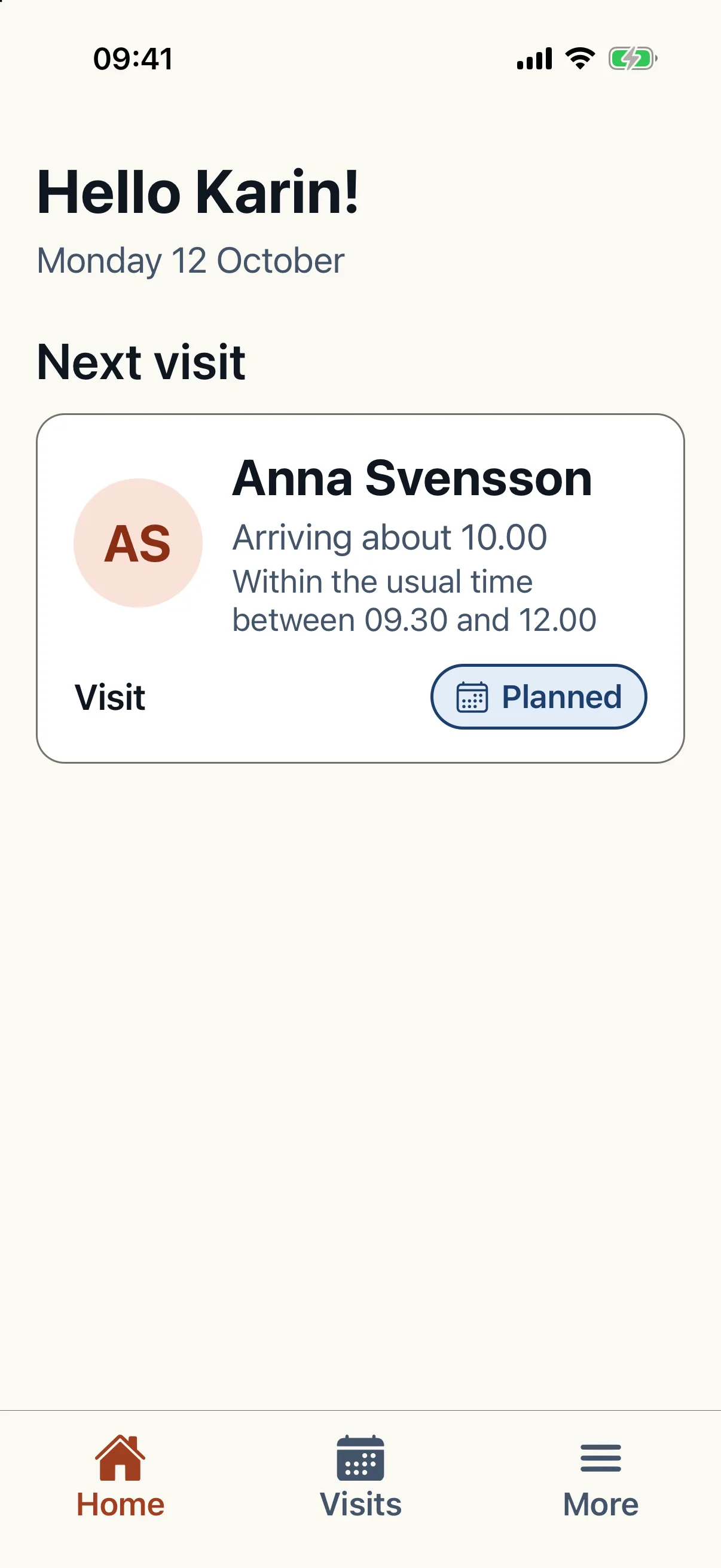
The client sees their visits, who is coming and when, can rate a visit, cancel and write to the office. A relative follows the visits of the client they are linked to.
Read guide: The client and family app - Onboarding
Invite employees and clients to the app
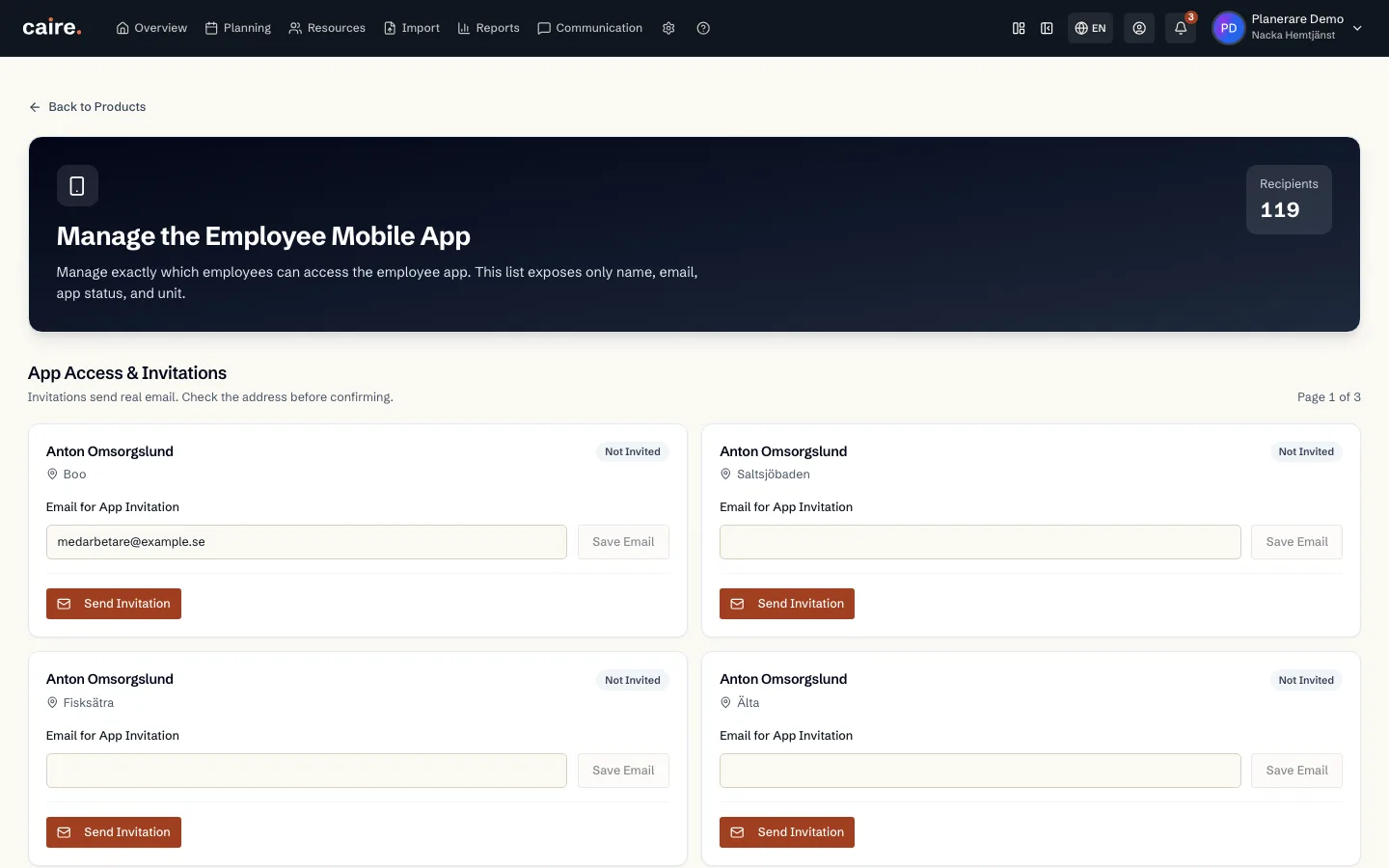
App accounts are created from the employee's or client's page with an email invitation. How to send it, follow App-status, resend, revoke and unlink.
Read guide: Invite employees and clients to the app - SolutionsBelongs to Employee handbook
The employee handbook in the app and on the web
Where you find the handbook as an employee, what you see in it and how it works without a connection.
Read guide: The employee handbook in the app and on the web - SolutionsBelongs to Employee handbook
Your onboarding as a new employee
As a new employee you go through an onboarding in the handbook: read each page, mark it as read and complete the onboarding.
Read guide: Your onboarding as a new employee