- For
- Administrator
- Type
- Guide
Create your account
Choose Create account and enter your email address. The account is your own. Never share a sign-in with anyone else.
If a colleague has already invited you, you get an email with a link. You then accept the invitation and land directly in the organisation. You do not need to create a new one.
Set up the organisation
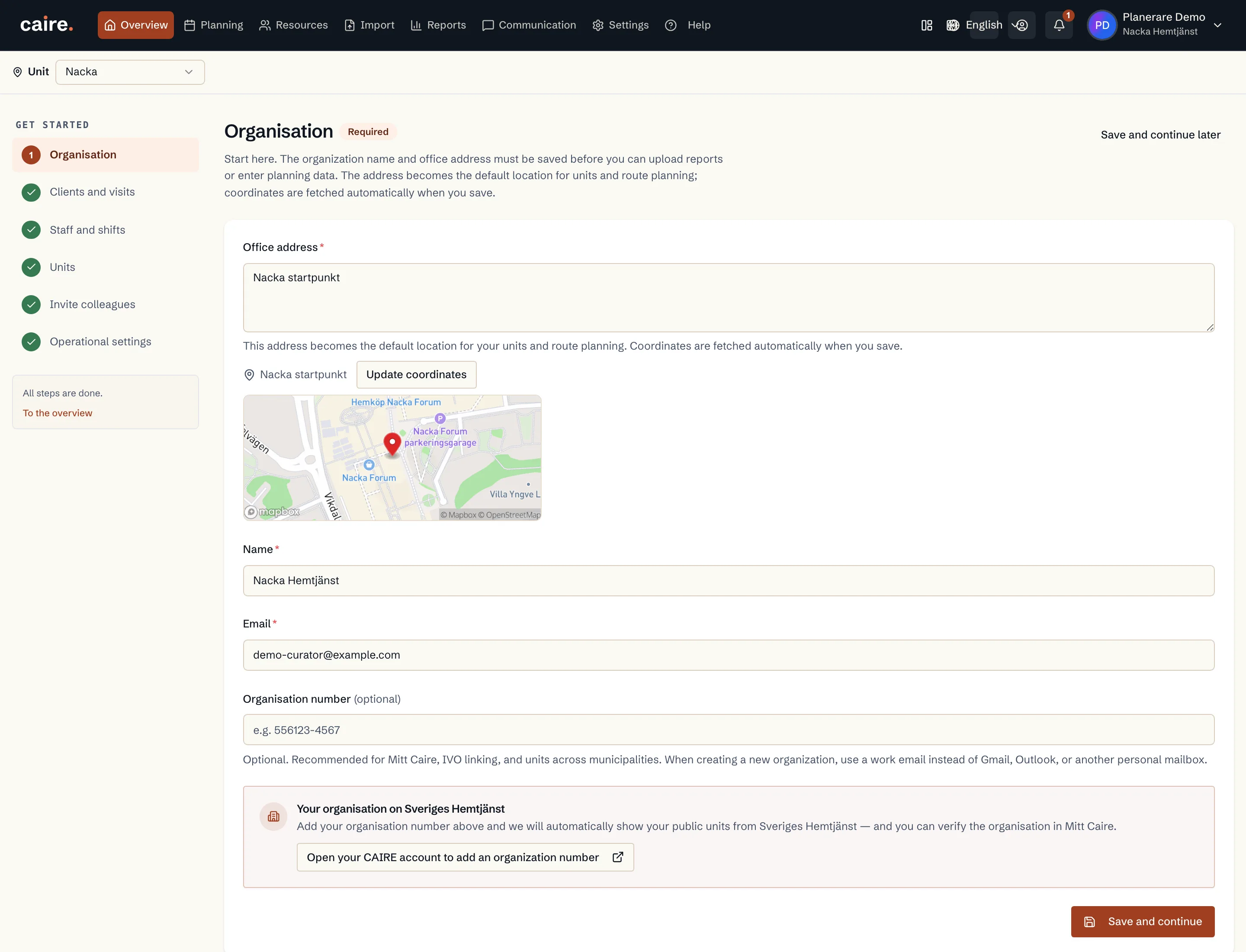
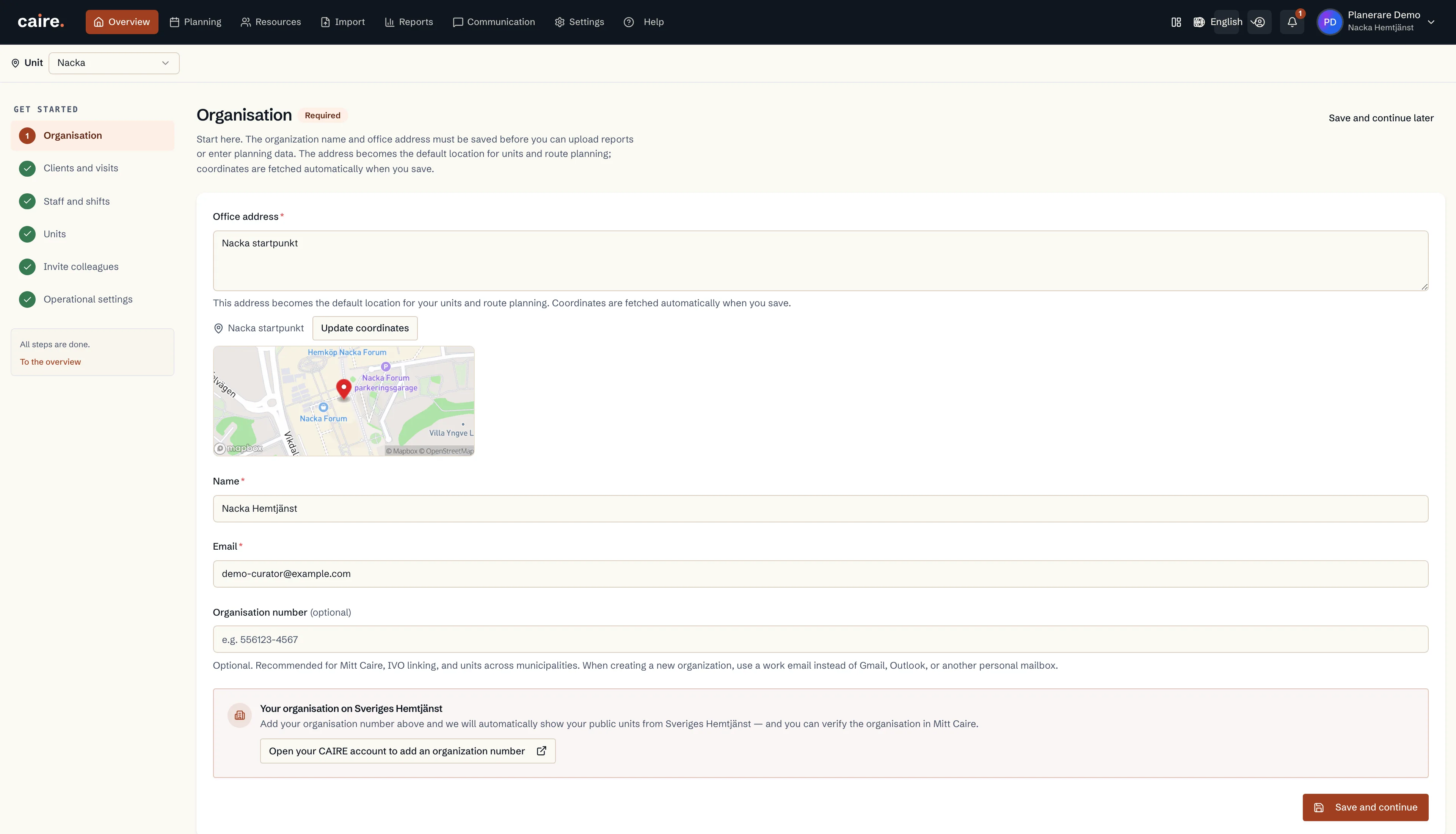
After the account, Create your organisation (Skapa din organisation) opens. The details become the basis for units, routes and your public profile.
- Name: the name of the provider.
- Organisation number: required, 10 or 12 digits. It is fixed at registration and cannot be changed later in Caire.
- Company email address: a work address, not Gmail, Outlook or another private email service.
- Office address: the address staff start from. Caire fetches the coordinates when you choose the address. It becomes the default for your units and for where routes start and end.
Accept the data processing agreement
Before the organisation is created, you read the data processing agreement (PUB) to the end. An account or an administrator role does not in itself give the right to share client data.
Confirm that you are authorised to enter the agreement for the organisation and accept it on the organisation's behalf. Then choose Create organisation.
When the organisation already exists
When the organisation number is already registered with Caire, you are told that your organisation already exists. Ask an administrator in the organisation to invite you. They do it under Settings and Users.
What happens next
The first unit is created from the office address. You arrive at Get started with Caire, where the list shows what your first schedule needs. You can also start by uploading reports from your current system.