All articles
Filter by step, role, resource and type.
62 of 62 articles
- Efficiency
Demand and inset flex
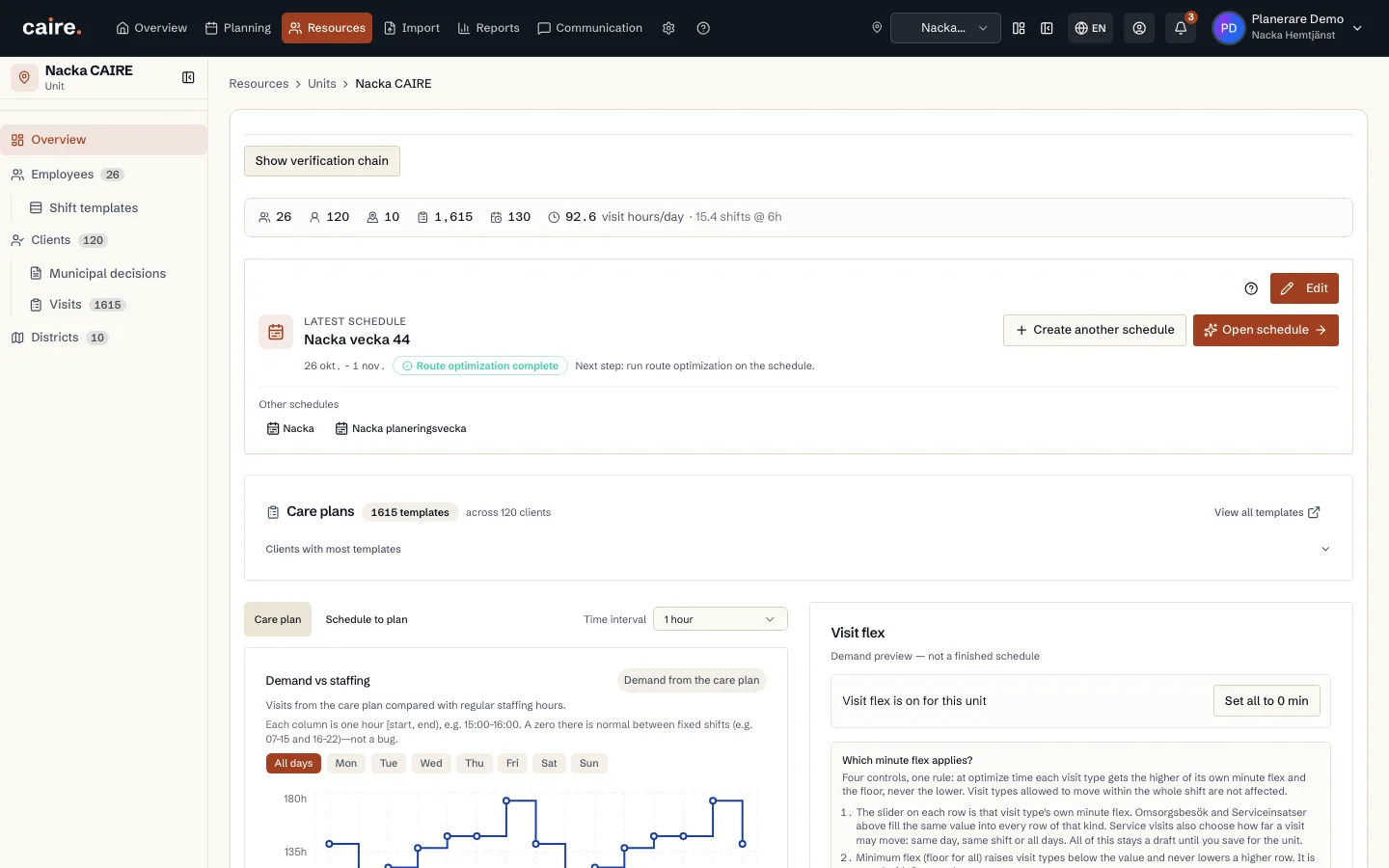
On the unit overview, the chart shows demand. The sliders are inset flex (widen allowed time windows in the preview). Use recommended values to reduce the peak–floor gap. The scope can be saved to the unit or used only for the next schedule proposal. It does not change care plans.
Read guide: Demand and inset flex - Onboarding
From two reports to the first analysis
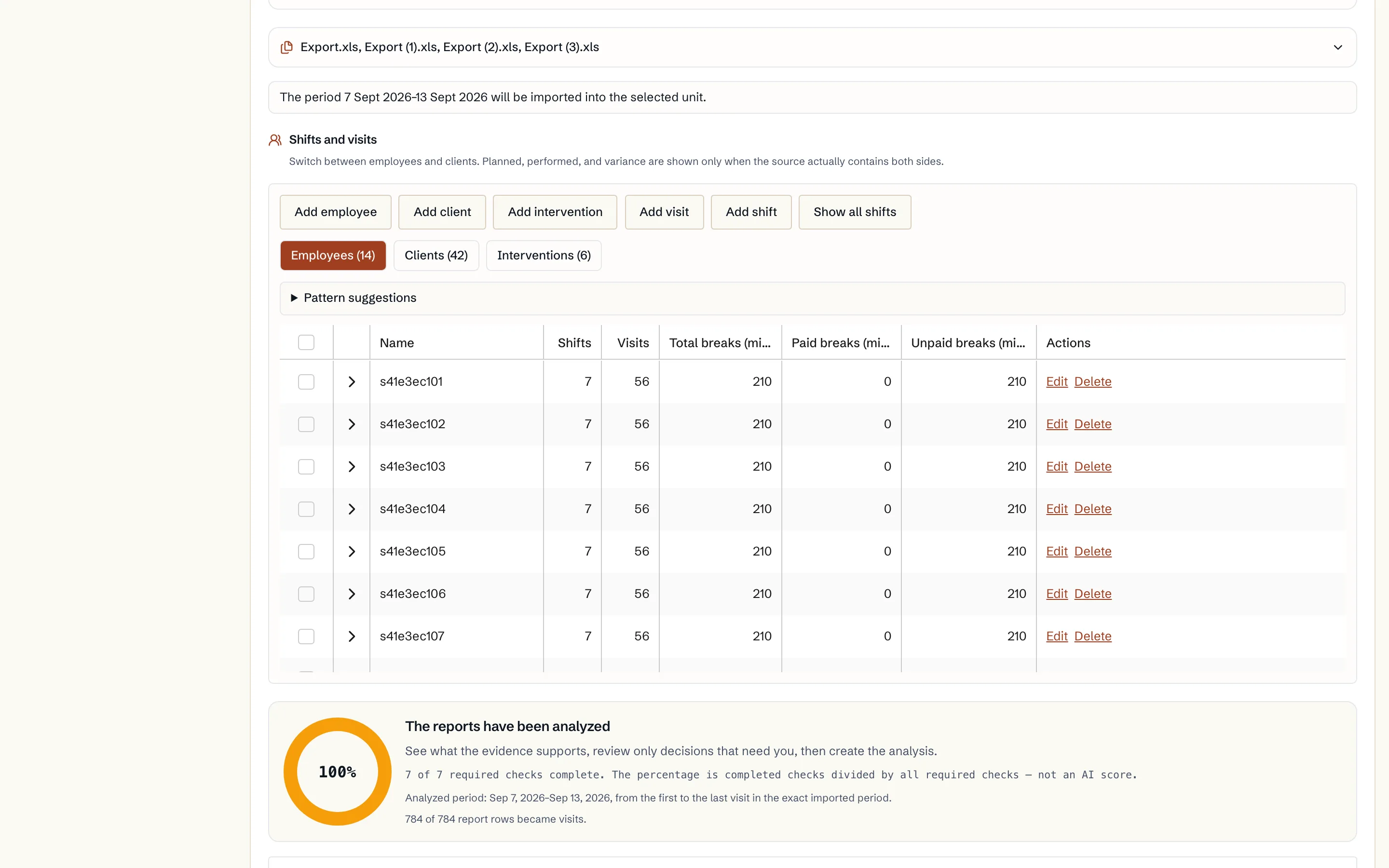
Upload your reports, review the data and start one optimisation. One selected period per organisation is free, with available results in the calendar, comparison and diagnostics.
Read guide: From two reports to the first analysis - Onboarding
From analysis report to a decision-ready calendar
Read the source planned and evidenced actual state, follow CAIRE candidates in the background, and compare them in the same calendar.
Read guide: From analysis report to a decision-ready calendar - Onboarding
Optimization readiness
See which data is enough for the first schedule and which extra fields unlock stronger continuity, efficiency, and diagnostics.
Read guide: Optimization readiness - Continuity
Client data for continuity
How Caire uses designated caregivers, preferred caregivers, and districts to protect continuity.
Read guide: Client data for continuity - Efficiency
Employee data for routing and cost
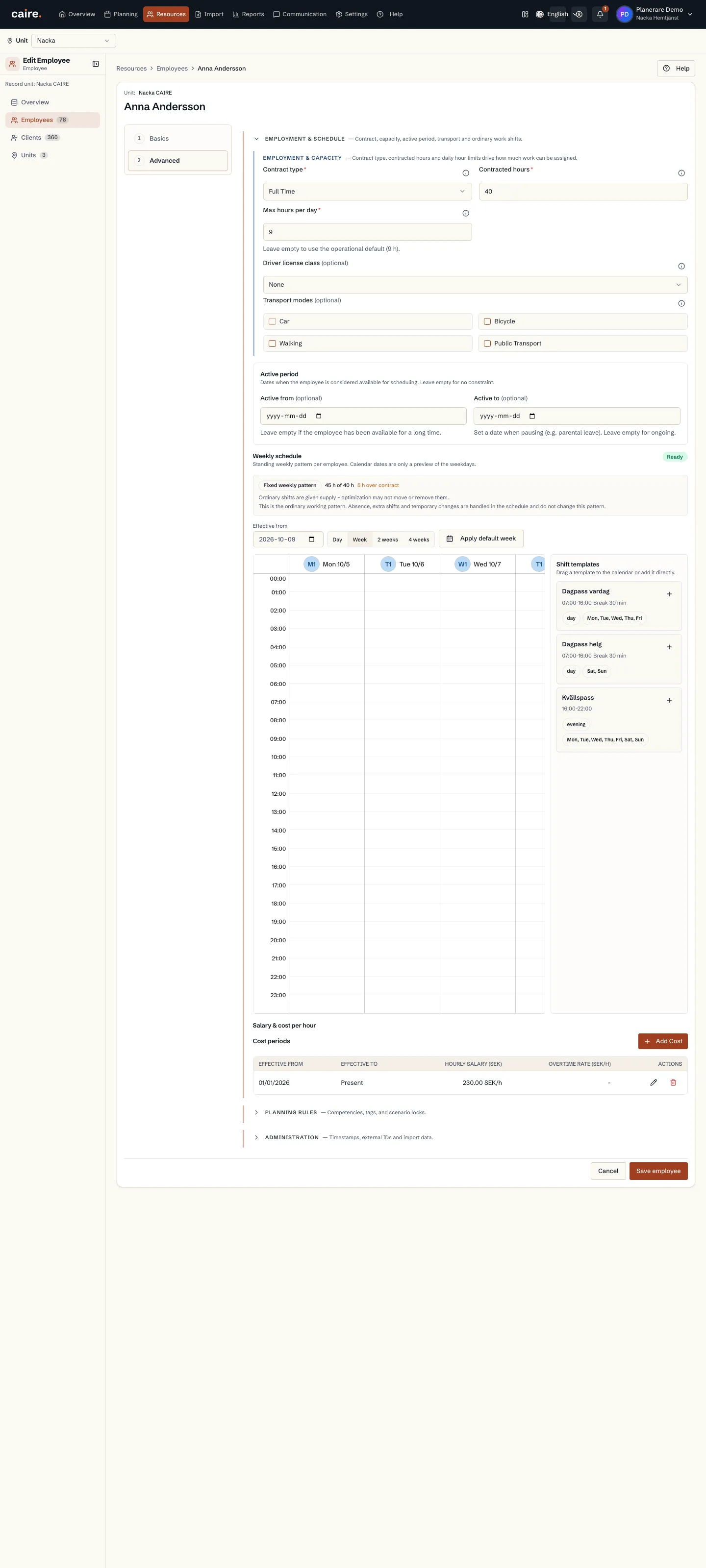
How costs, shifts, and districts are used in routing and capacity analysis.
Read guide: Employee data for routing and cost - Efficiency
Districts and coverage
How districts reveal local demand, local capacity, and routes that cross the wrong area.
Read guide: Districts and coverage - Efficiency
Walking districts
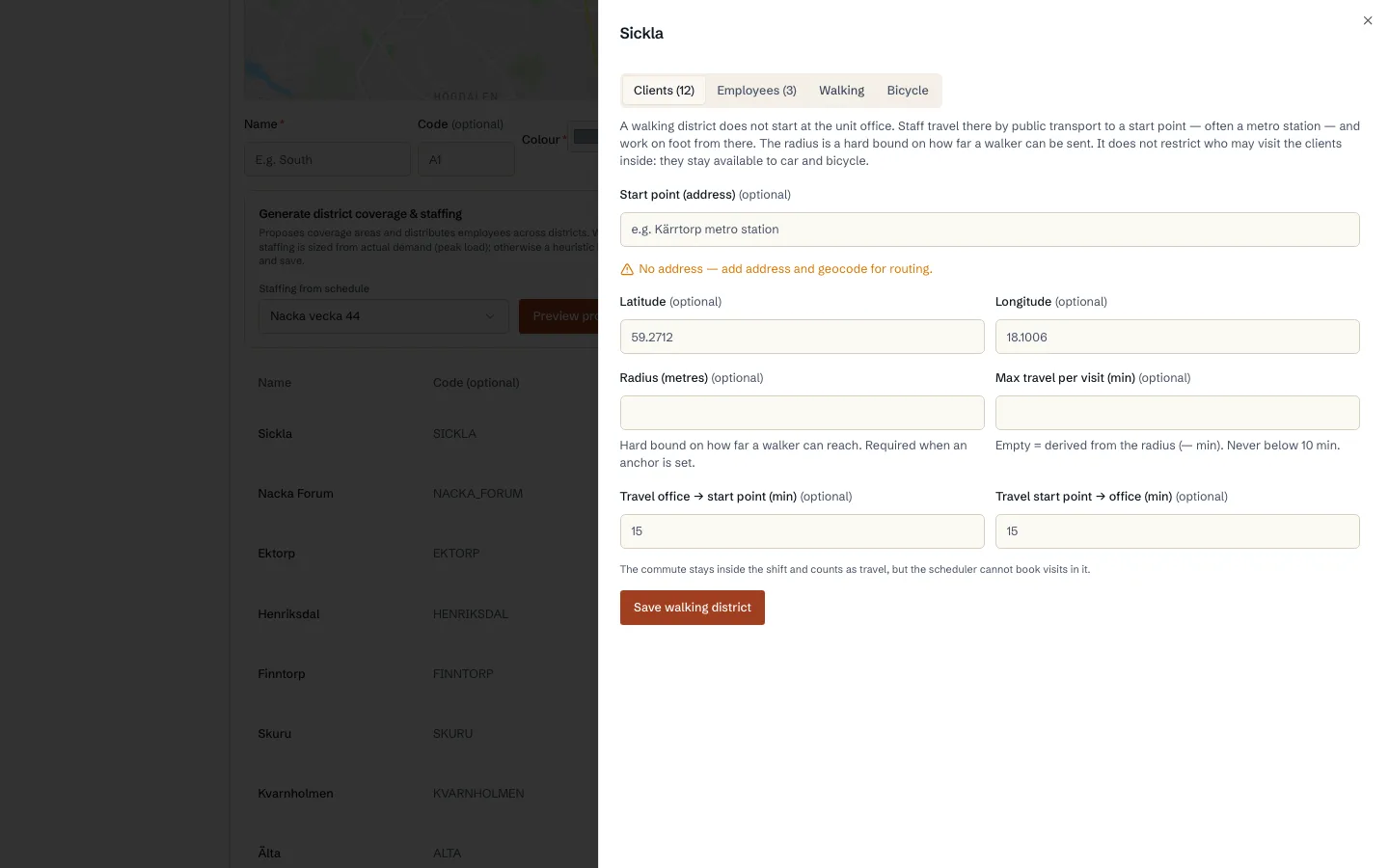
How a walking round is planned from a start point instead of the office, with the commute counted as paid time.
Read guide: Walking districts - Time windows
Preferred time, allowed window, and service properties
See the difference between preferred time and the allowed time window, and between routed field visits, office work, overlap, and double staffing.
Read guide: Preferred time, allowed window, and service properties - Diagnostics
Schedule diagnostics
How to locate a bottleneck in time and review the visits and shifts it affects.
Read guide: Schedule diagnostics - Solutions
Switch solution in the same calendar
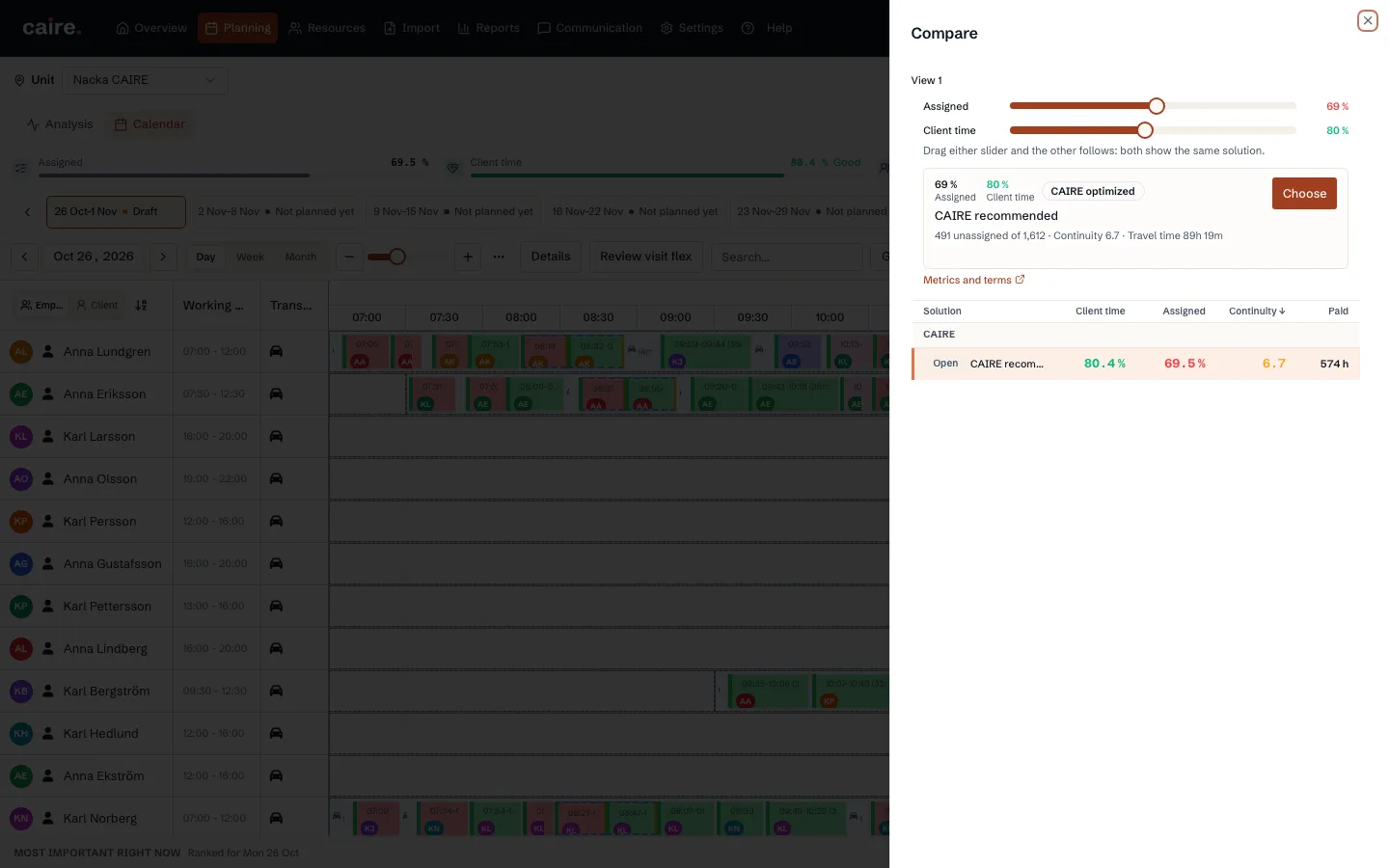
Compare source baselines, Coverage, and efficiency levels without leaving the calendar date or view.
Read guide: Switch solution in the same calendar - Solutions
The AI assistant: chat with your schedule
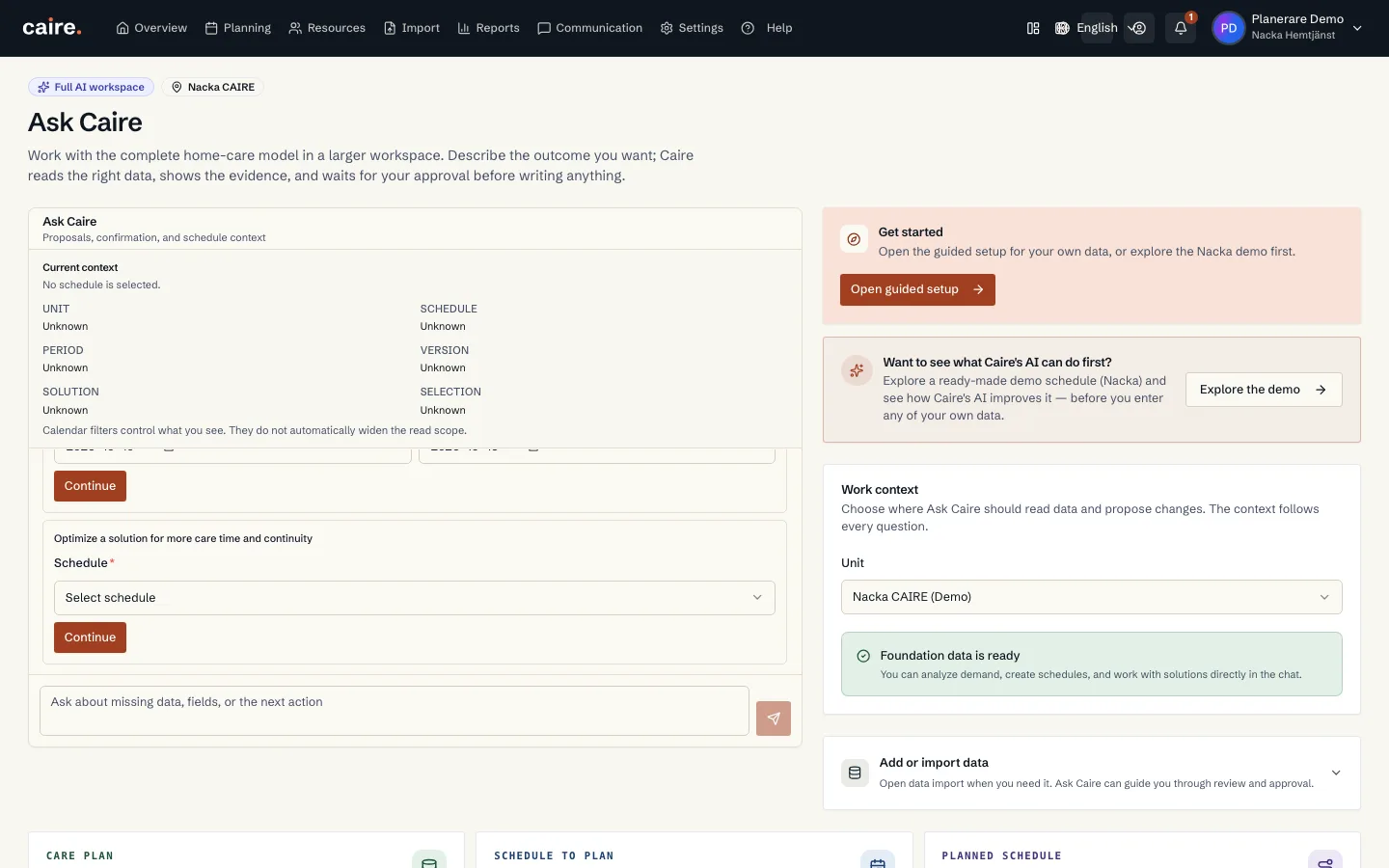
Ask questions about the schedule in plain language and let the AI assistant answer with numbers from the solution, diagnostics, and continuity context.
Read guide: The AI assistant: chat with your schedule - Solutions
Mobile app for client, employee, and family
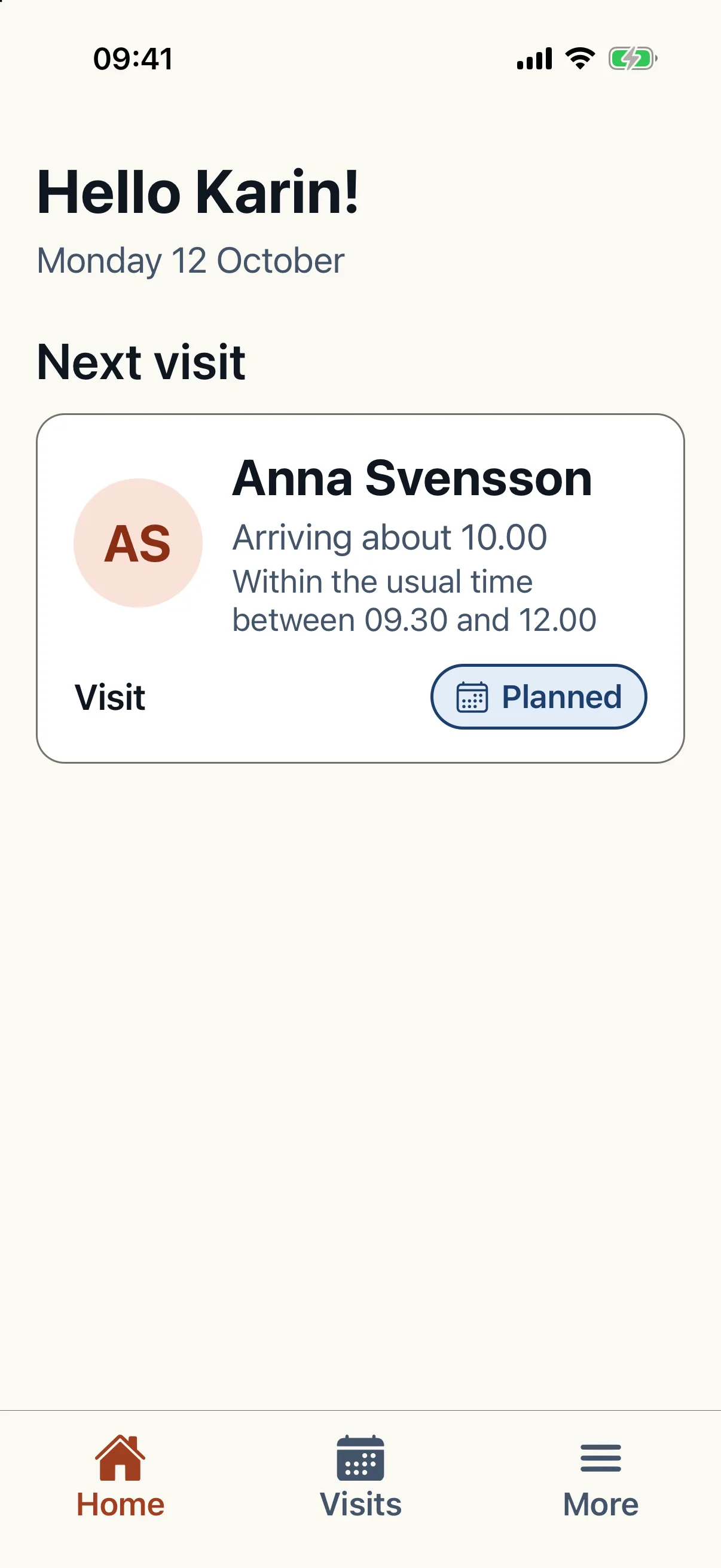
See how Caire's mobile app can be shown to clients, employees, and family without mixing read-only access, schedule work, and administrator settings.
Read guide: Mobile app for client, employee, and family - Security
Security, sign-in and the data processing agreement (DPA)
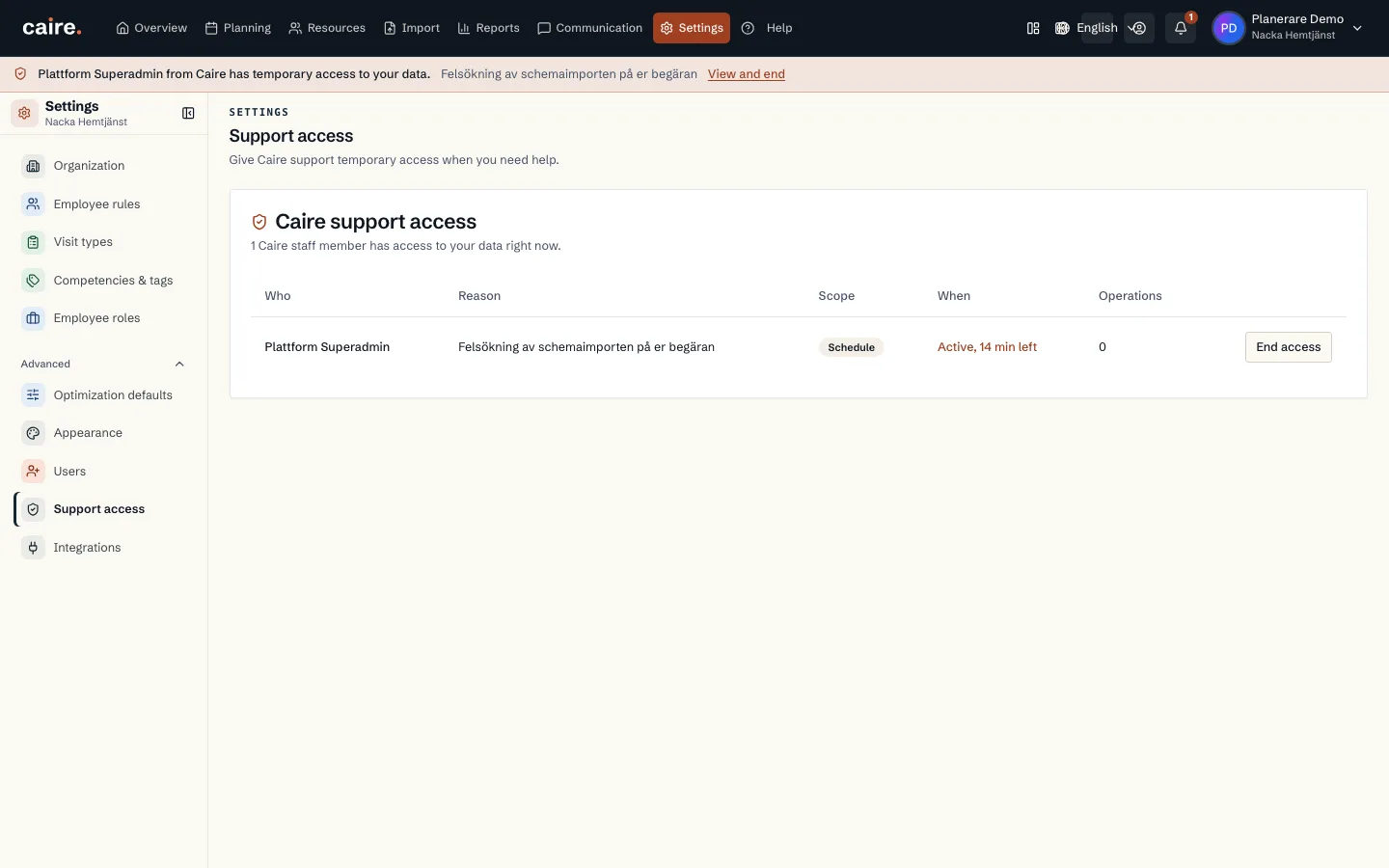
Who is responsible for the personal data, how you accept the DPA, what it unlocks, and where you see and control access to your data.
Read guide: Security, sign-in and the data processing agreement (DPA) - Security
Journal: social documentation under SoL
How to switch on Journal, who may read and write, and how signing, corrections, the access log and export work.
Read guide: Journal: social documentation under SoL - Solutions
Sick calls and staffing
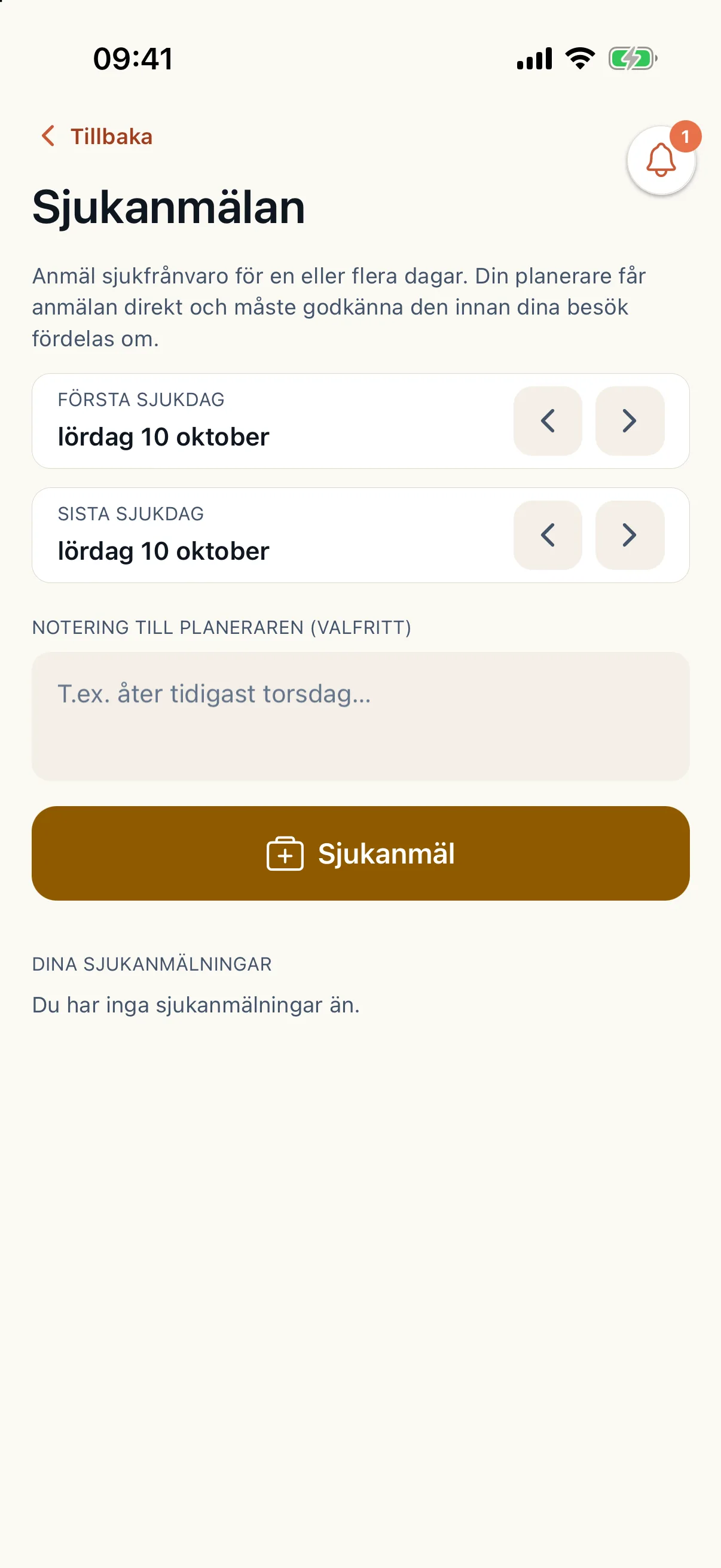
How a sick report goes from the app to new routes: the gaps in the published plan, Caire's ranked cover, your approval and open-shift invitations.
Read guide: Sick calls and staffing - Diagnostics
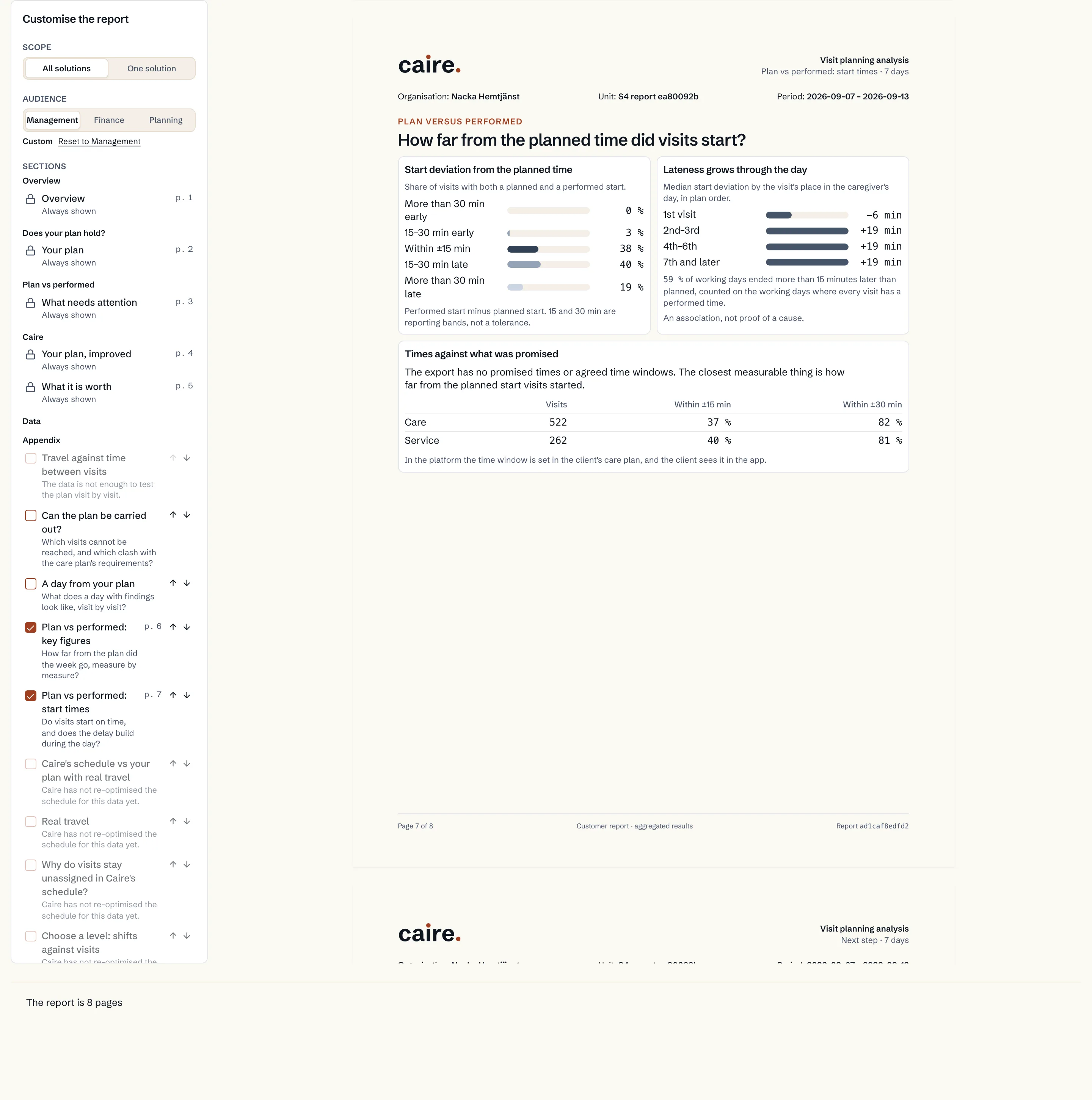
Plan versus reality
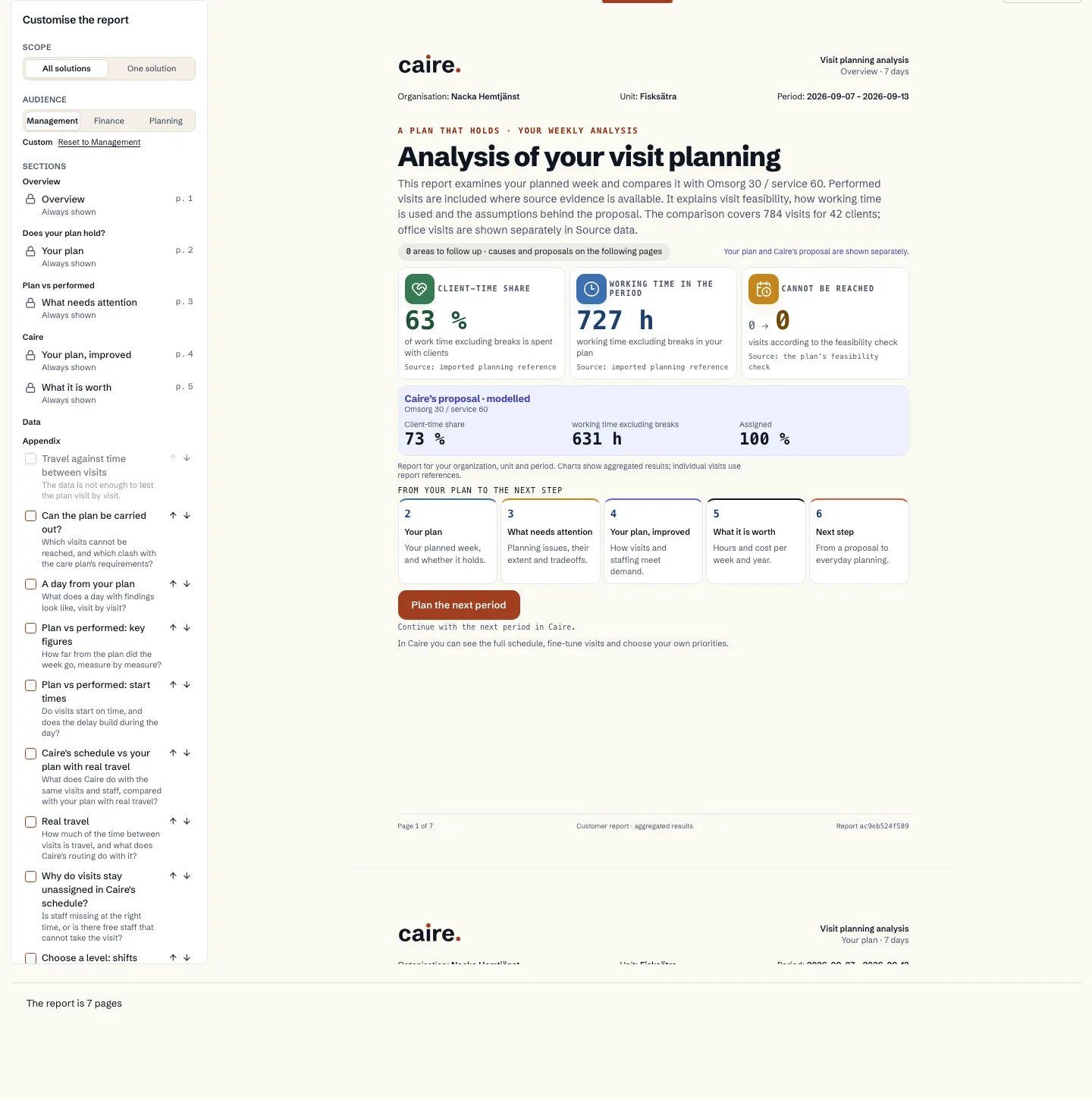
The report that compares your plan with the visits that were actually performed, only where the source data shows performed times. It starts with the free analysis.
Read guide: Plan versus reality - Solutions
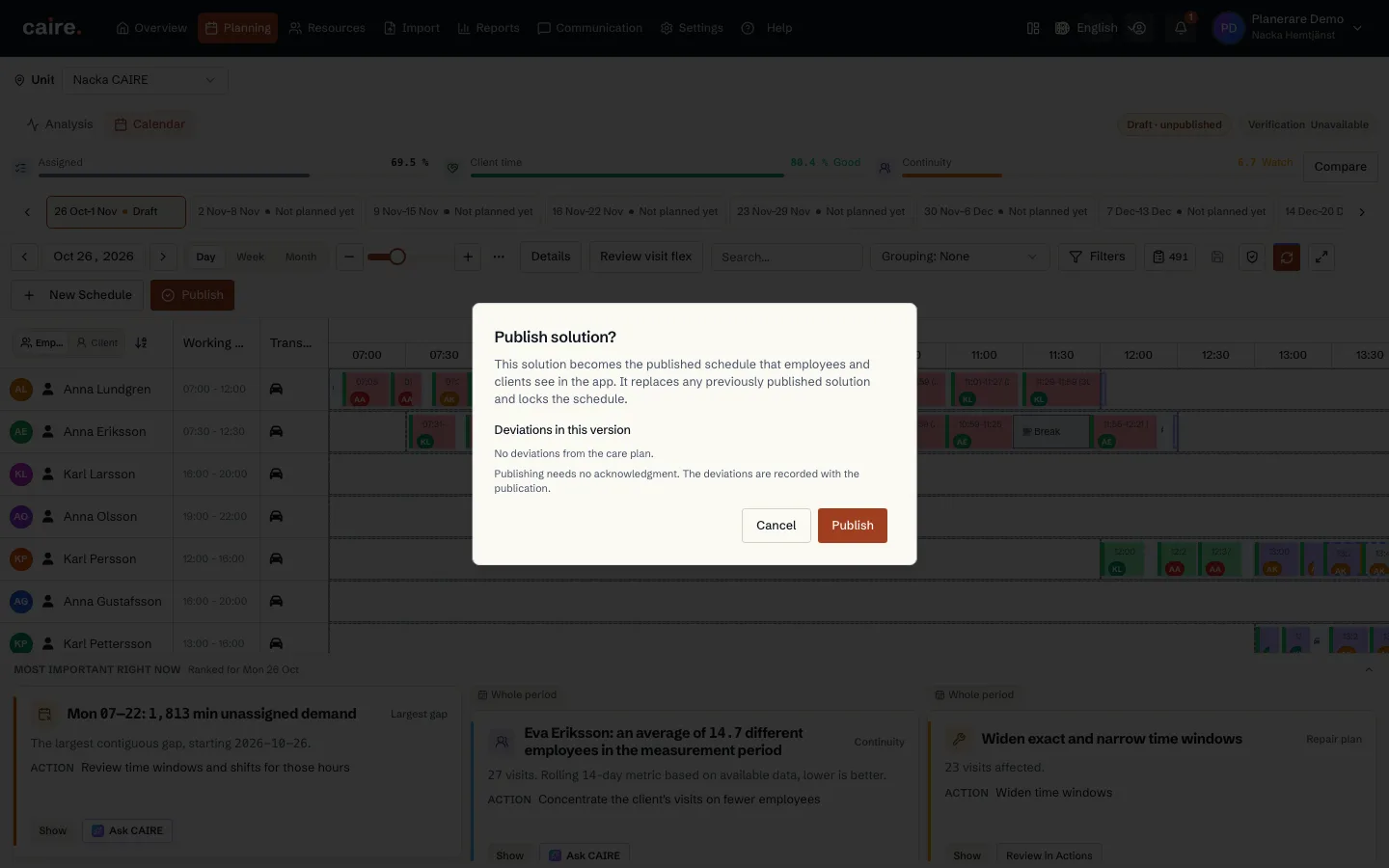
Publish a schedule
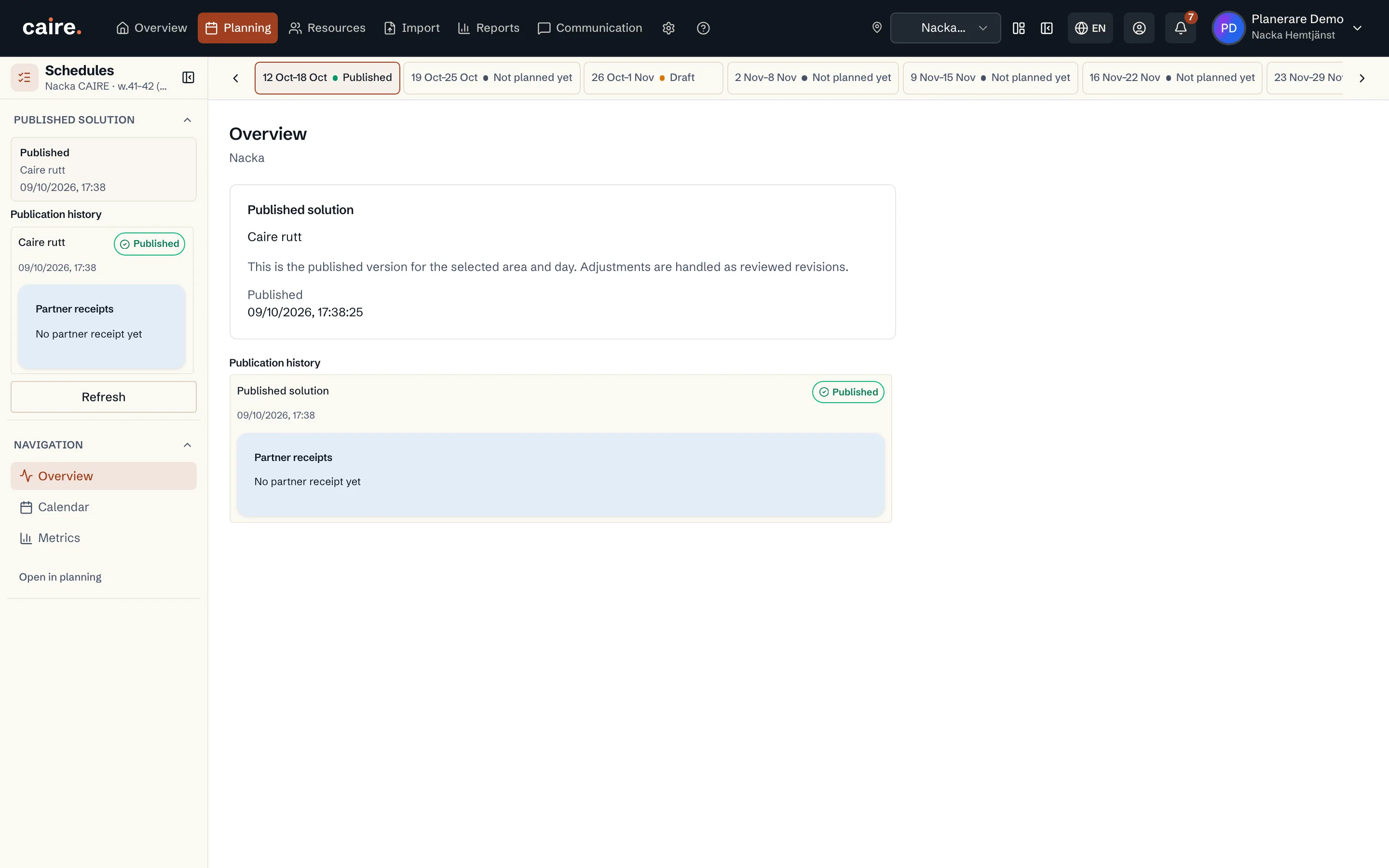
From draft to the plan staff and clients see: new versions before publication, one publication per unit and period, and quick updates afterwards.
Read guide: Publish a schedule - Onboarding
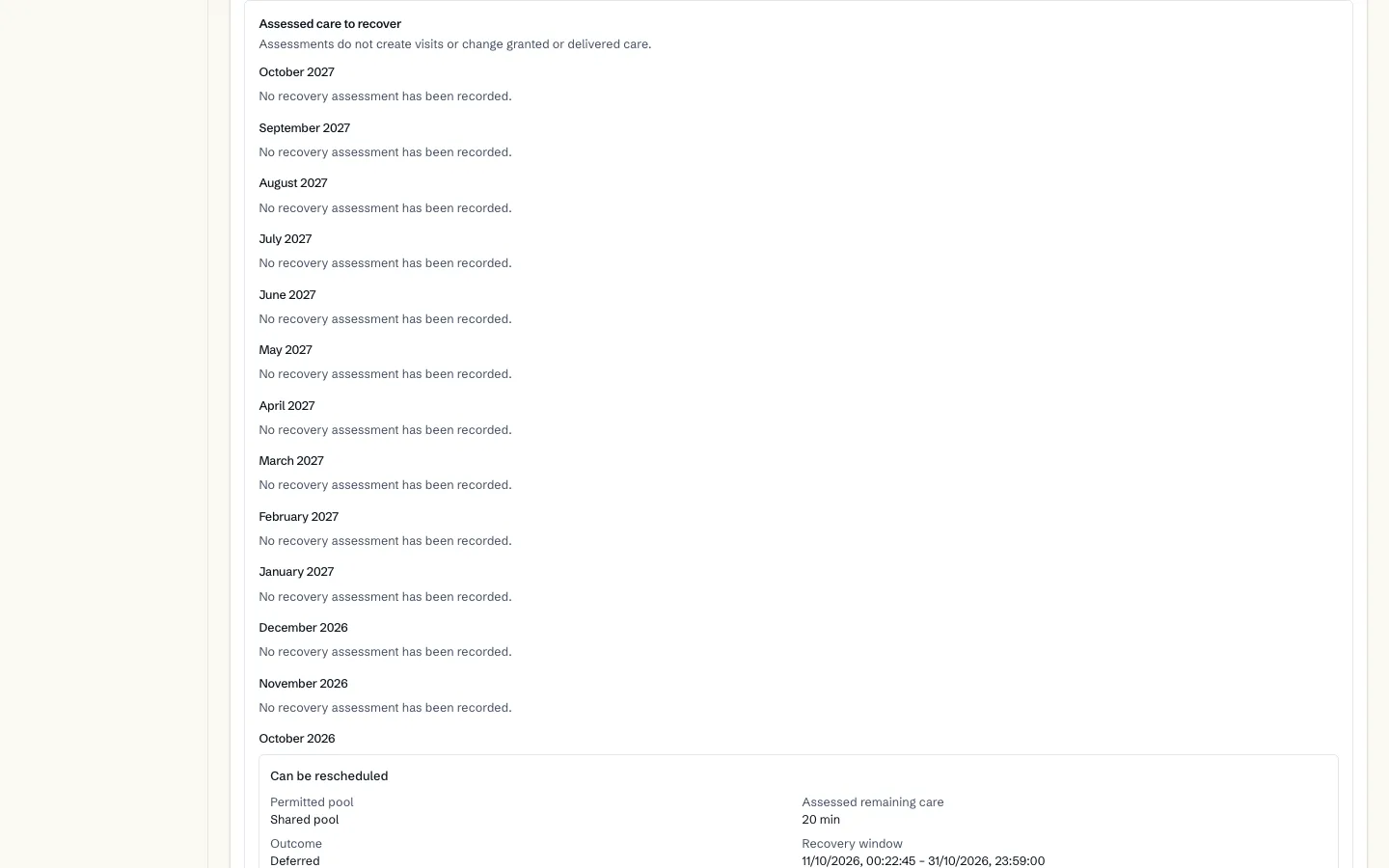
Care decisions on the client
How each care decision (biståndsbeslut) is stored on the client with its granted time, how performed time is followed month by month, and how a decision received as a PDF is reviewed before it is stored.
Read guide: Care decisions on the client - Diagnostics
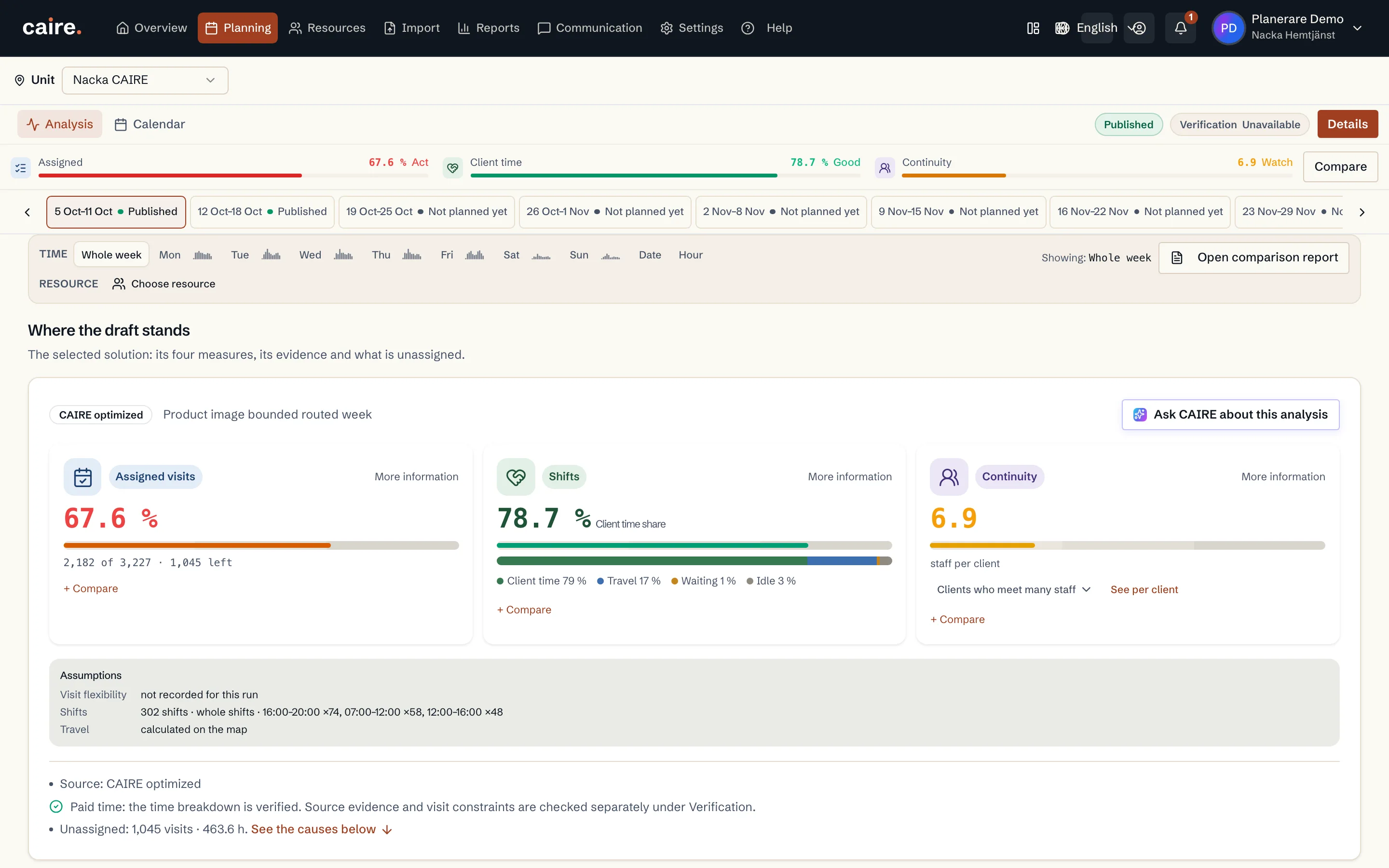
Analysis — reading and fixing a draft
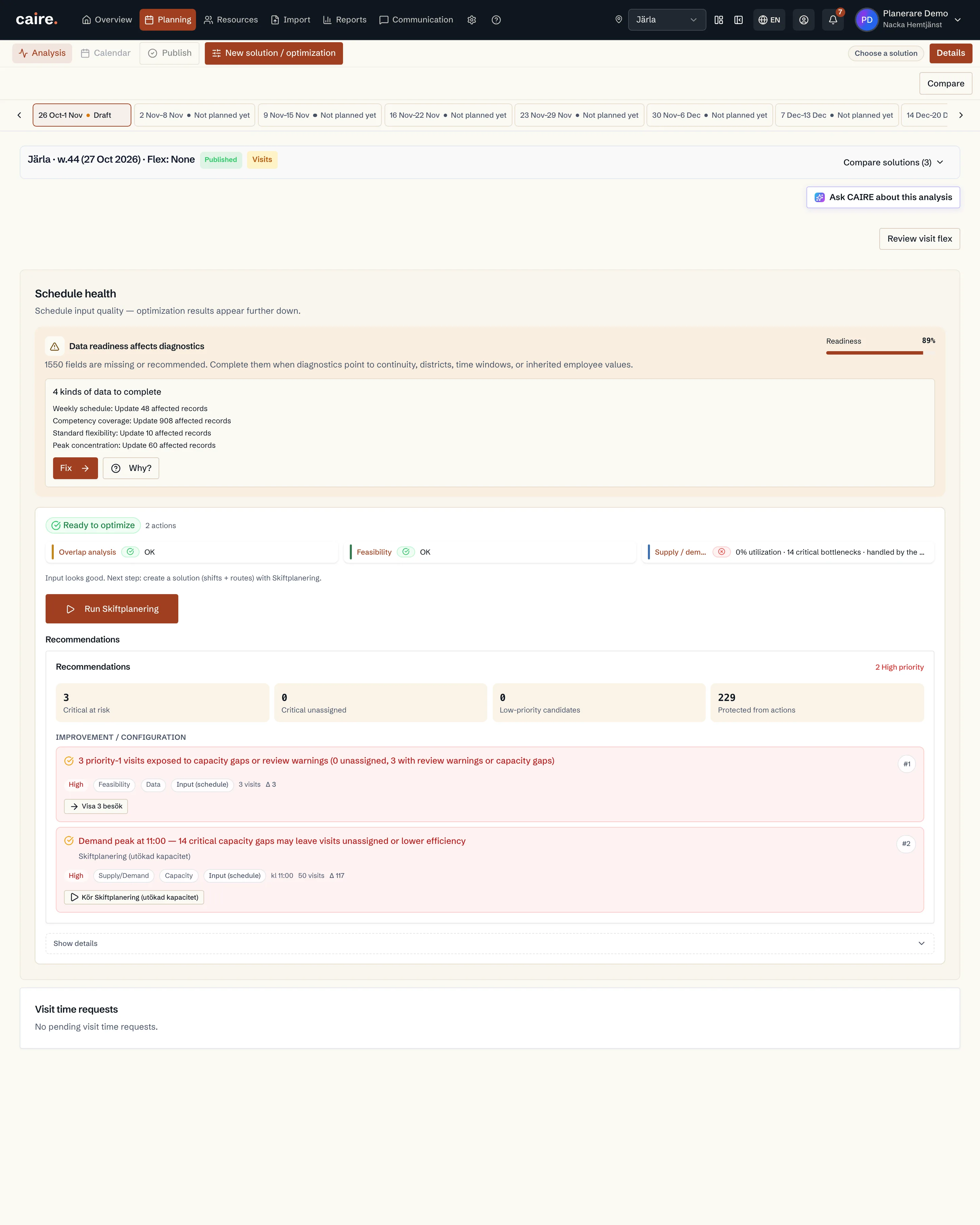
How to read Analys top to bottom, the seven most common states of a draft and the lever that belongs to each.
Read guide: Analysis — reading and fixing a draft - Solutions
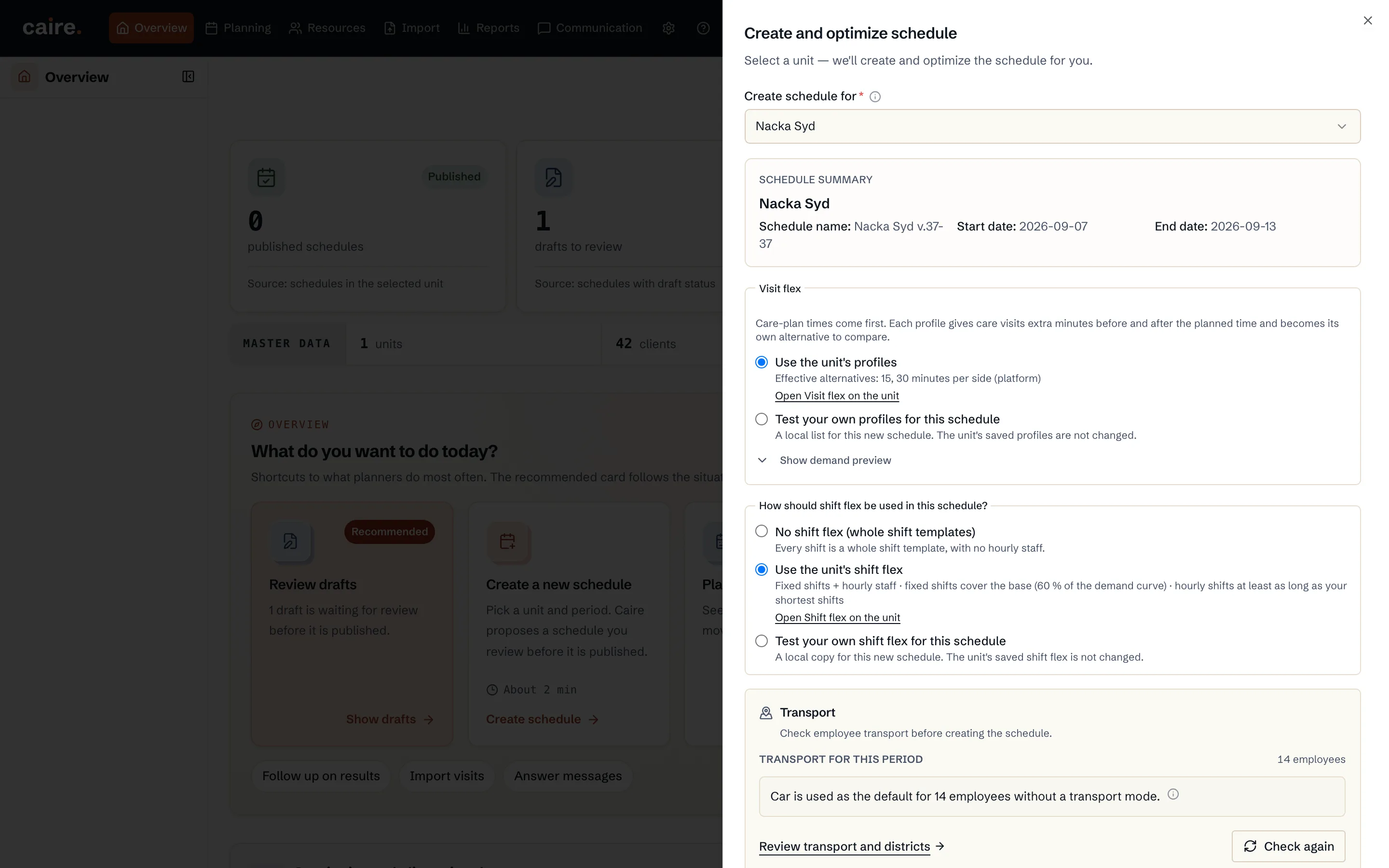
Create a schedule
How the unit's clients, visits, caregivers and shift templates become a schedule for a period: one click gives the unchanged schedule and the visit-flex alternatives side by side.
Read guide: Create a schedule - Onboarding
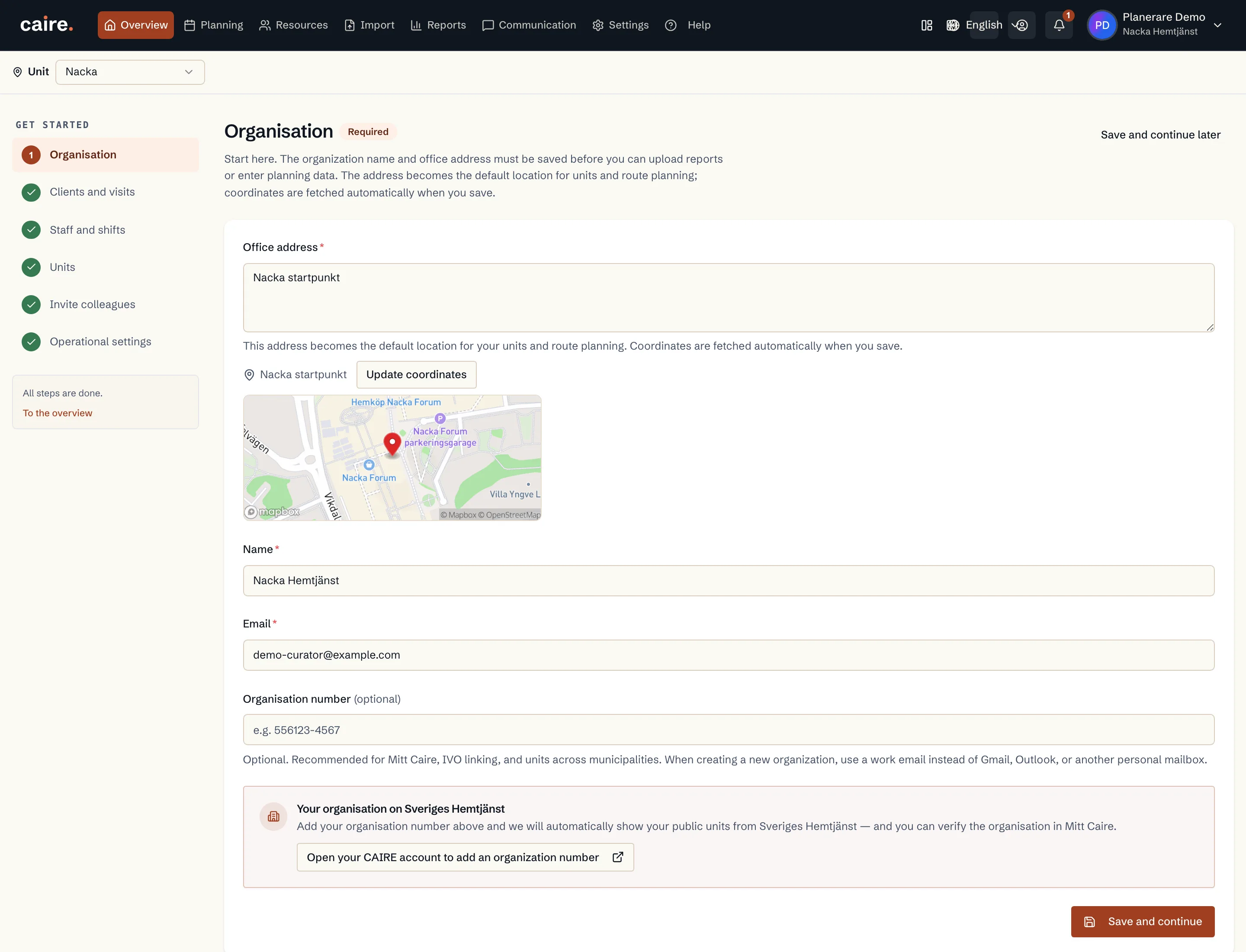
Create an account and an organisation
How you create your Caire account and set up the organisation: name, organisation number, office address and the data processing agreement.
Read guide: Create an account and an organisation - Onboarding
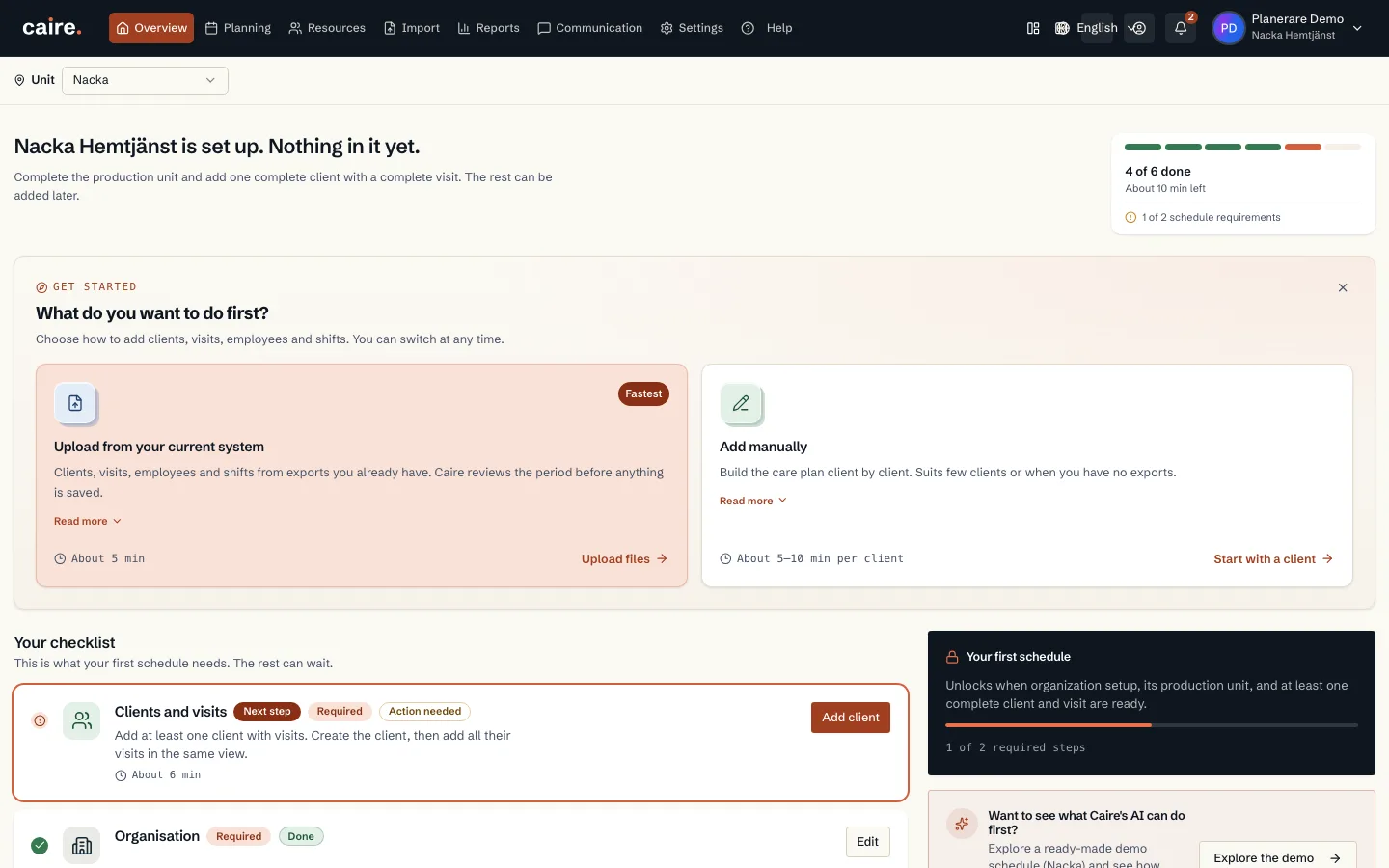
The getting-started checklist
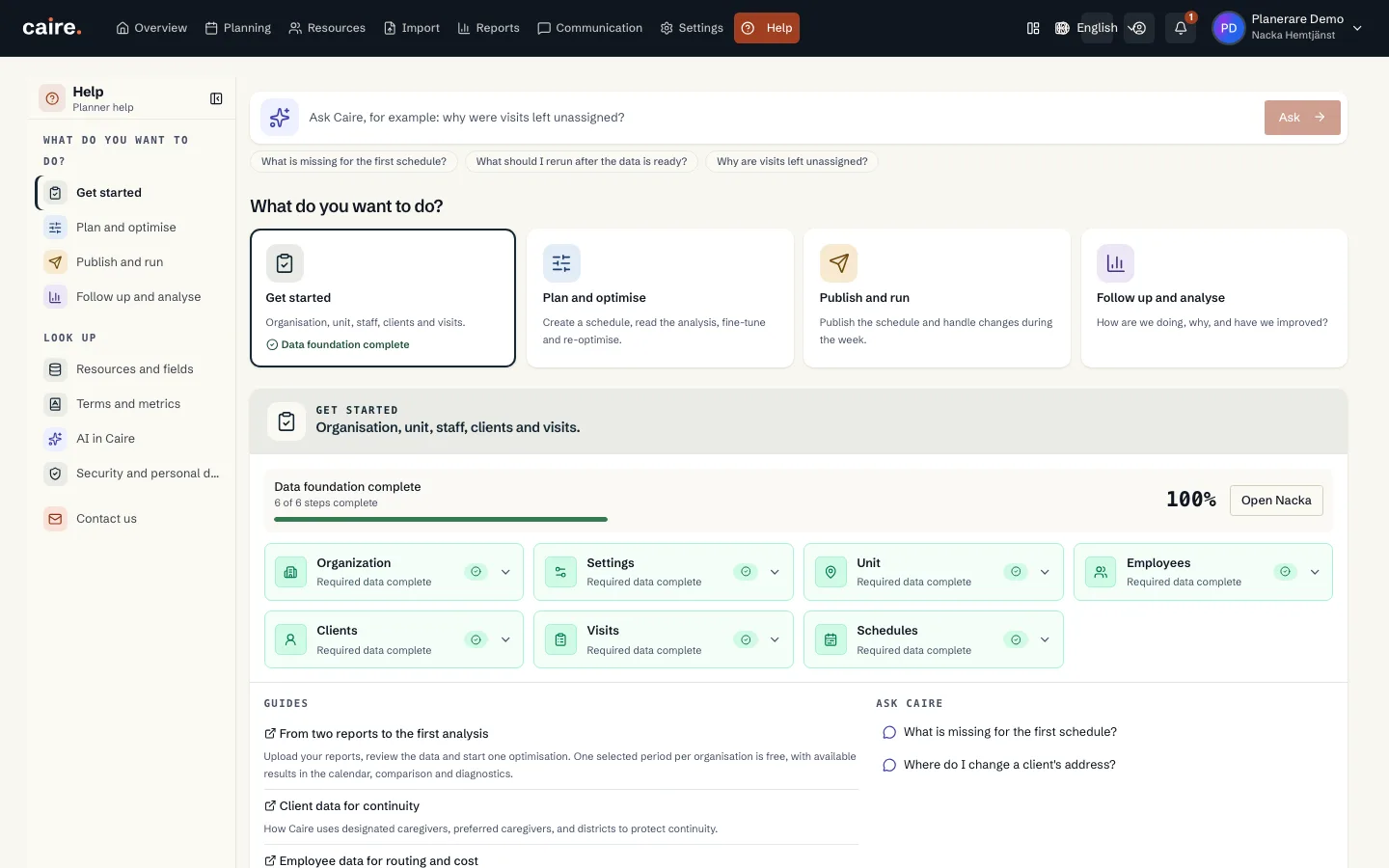
How to use Get started with Caire: what your first schedule needs, what is recommended and what can wait.
Read guide: The getting-started checklist - Onboarding
Units: create, archive and merge
How you create a unit, what happens when you archive or delete it, and how to merge two units when the organisation changes.
Read guide: Units: create, archive and merge - Security
Users, roles and permissions
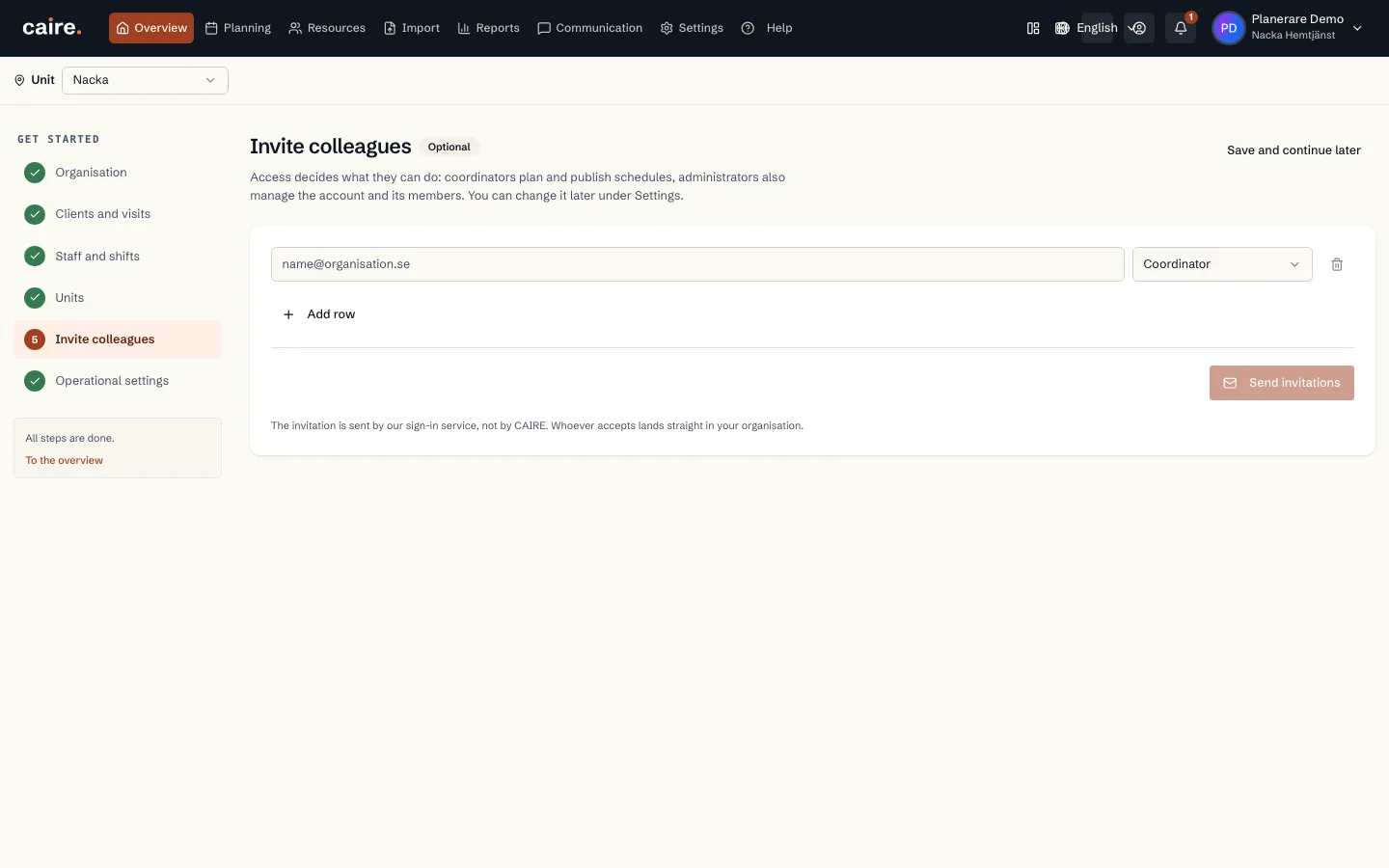
How you invite colleagues to Caire on the web, what the role controls, how sensitive data is protected and how app accounts differ from web users.
Read guide: Users, roles and permissions - Onboarding
Import municipal decisions (PDF)
How you read in a municipal decision from the order and the calculation basis as PDF, review the details line by line and store the decision on the client.
Read guide: Import municipal decisions (PDF) - Onboarding
Pauses: hospital stays and travel
How you add a pause when a client is in hospital, in short-term care or away travelling, and what it means for new and existing schedules.
Read guide: Pauses: hospital stays and travel - Time windows
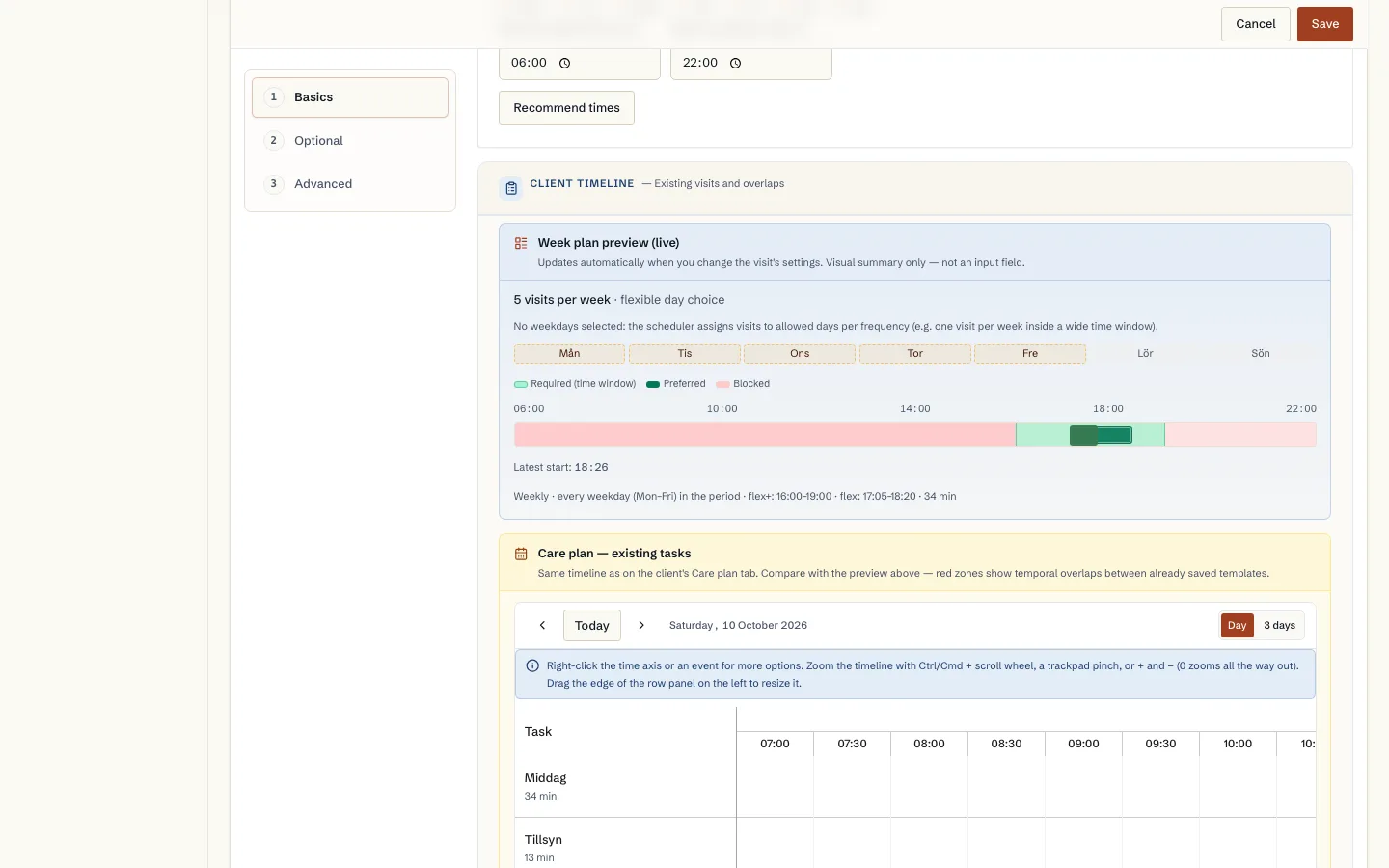
Recommended day and time for a new visit template
How Caire suggests a weekday and time when you add a visit to the care plan: tried against the unit's planned weeks and using the unit's visit flex.
Read guide: Recommended day and time for a new visit template - Time windows
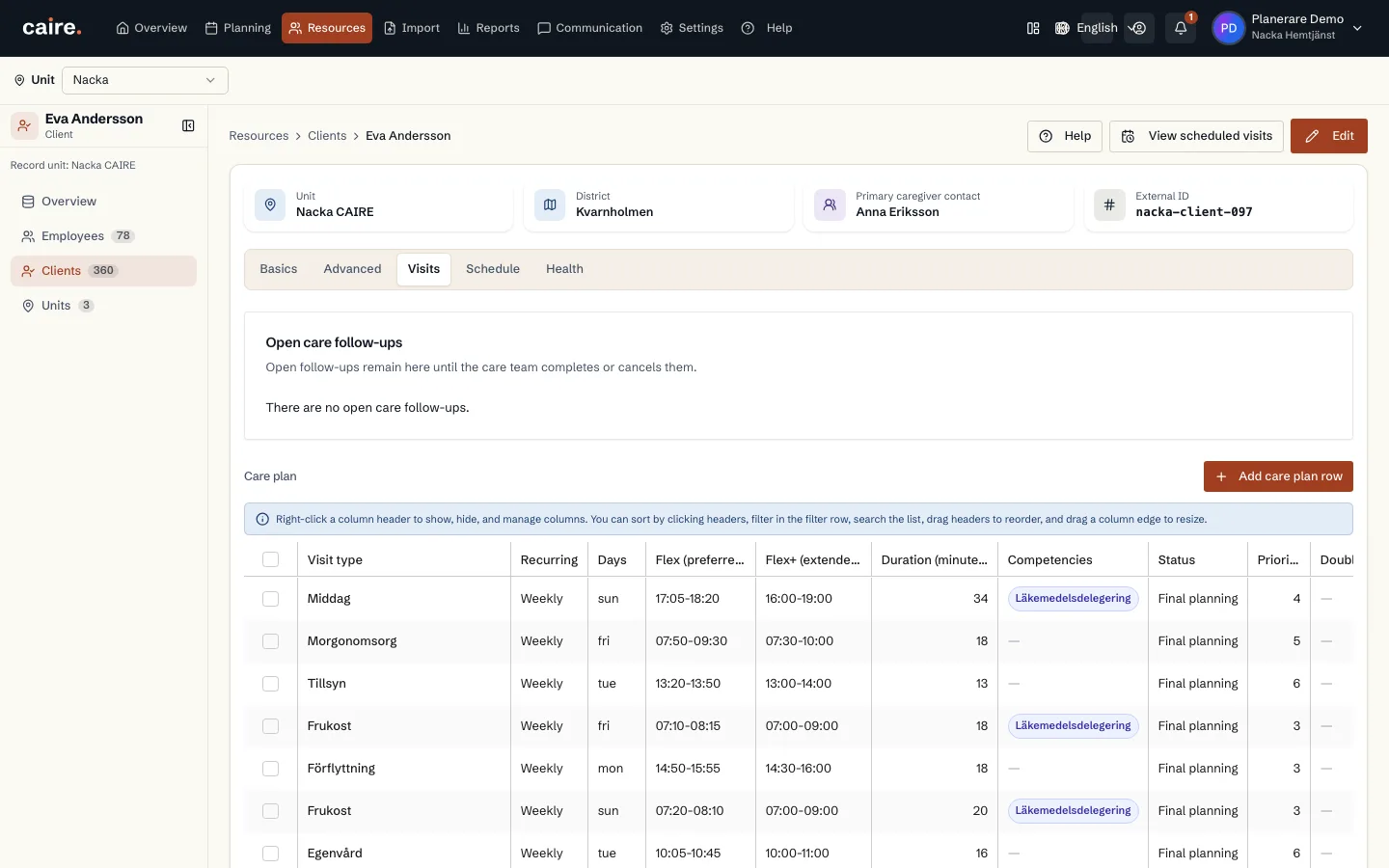
Care plan: services and visit templates
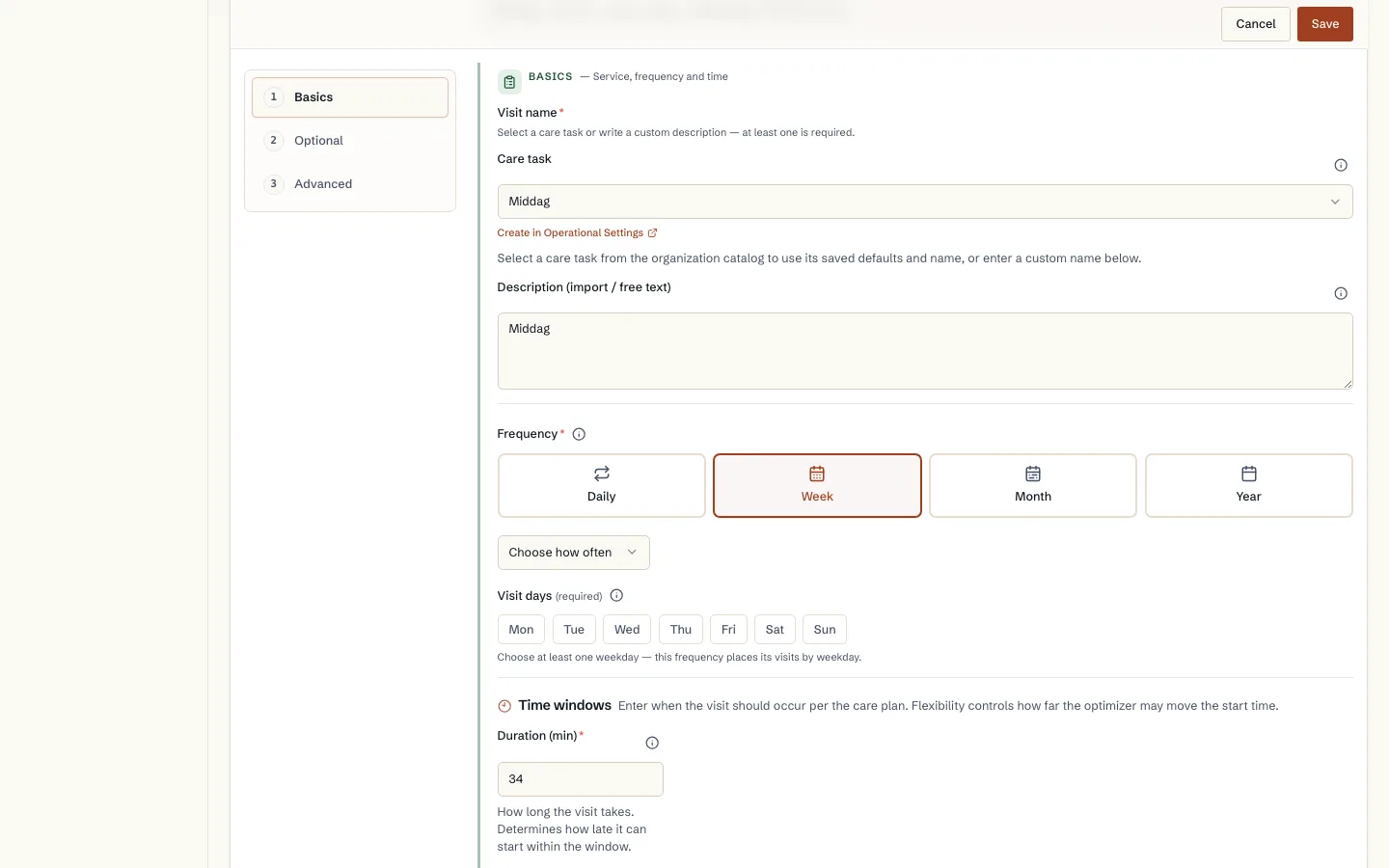
How the services in the client's decision become recurring visit templates: service, duration, frequency, time window, skill and double staffing.
Read guide: Care plan: services and visit templates - Integrations
Import from your care management system (Excel)
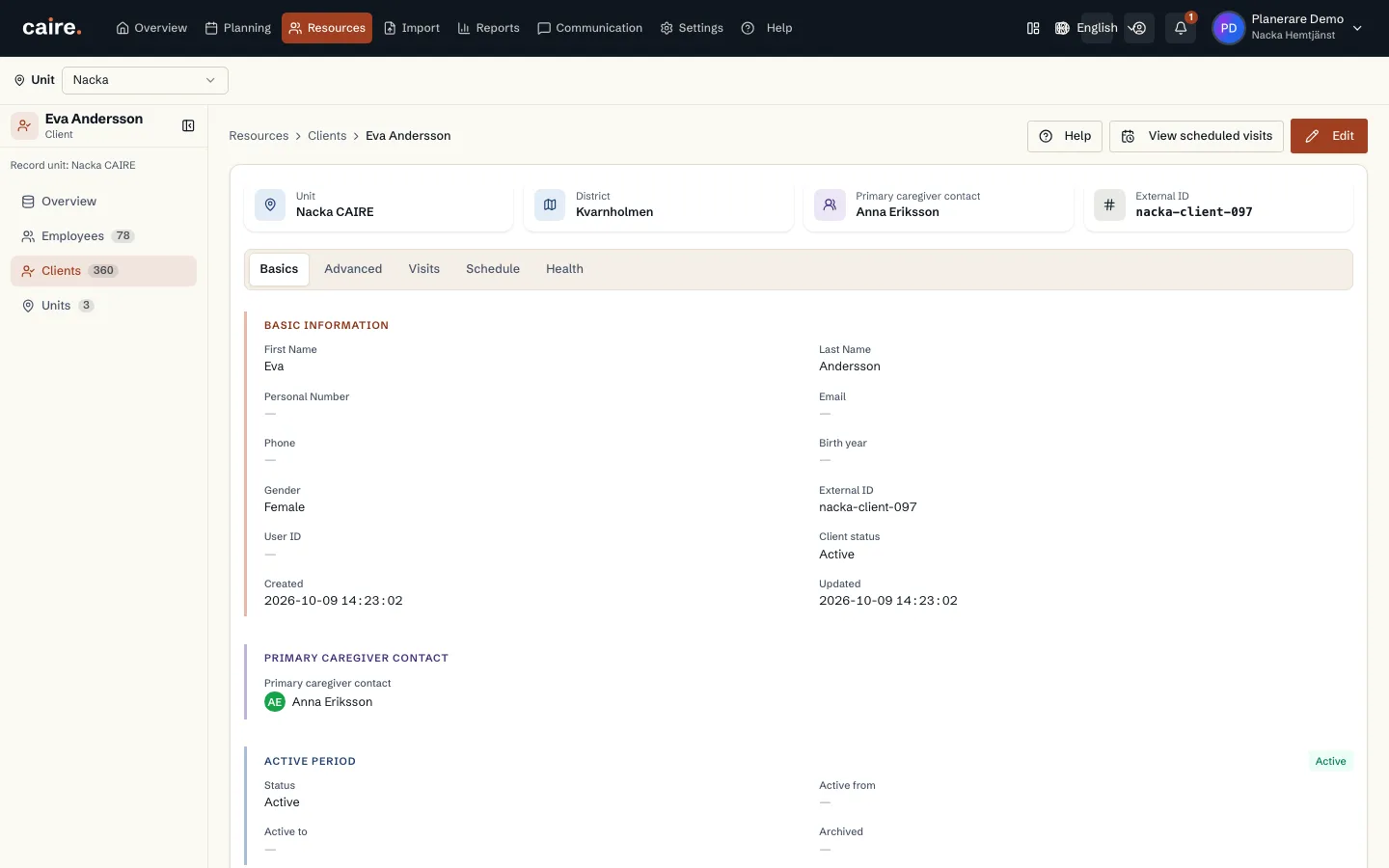
How you export the reports from your care management system, upload them to Caire, review clients, visits and employees, and save what should be used.
Read guide: Import from your care management system (Excel) - Integrations
Import from your planning system (Excel)
How you export the reports from your planning system, upload them to Caire and review the result. And how to read a period directly from a connected planning-system account instead.
Read guide: Import from your planning system (Excel) - Efficiency
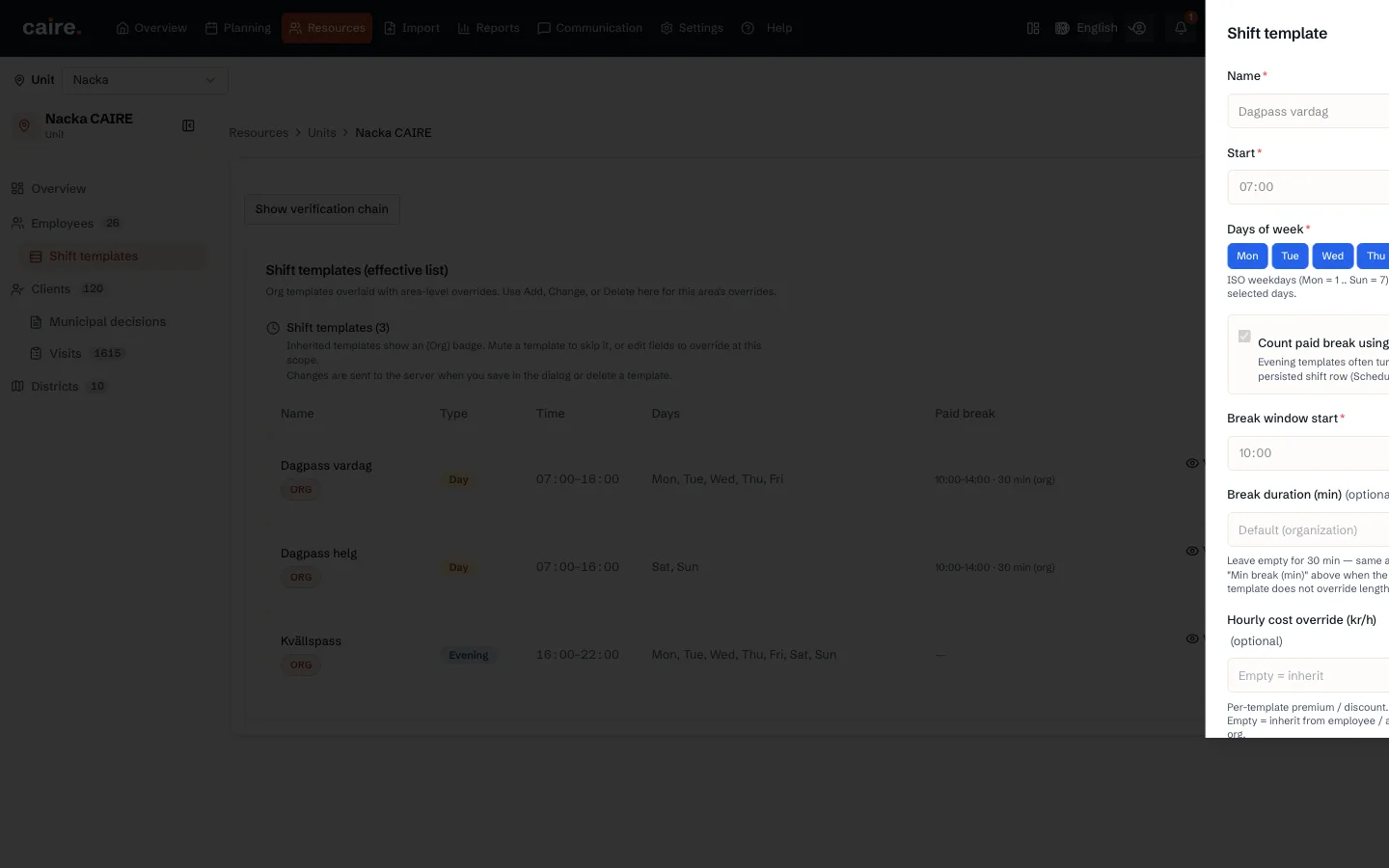
Shift templates and the weekly roster
How you describe shifts with shift templates and set the standing weekly roster for each employee: times, breaks, fixed shifts and flexible capacity.
Read guide: Shift templates and the weekly roster - Onboarding
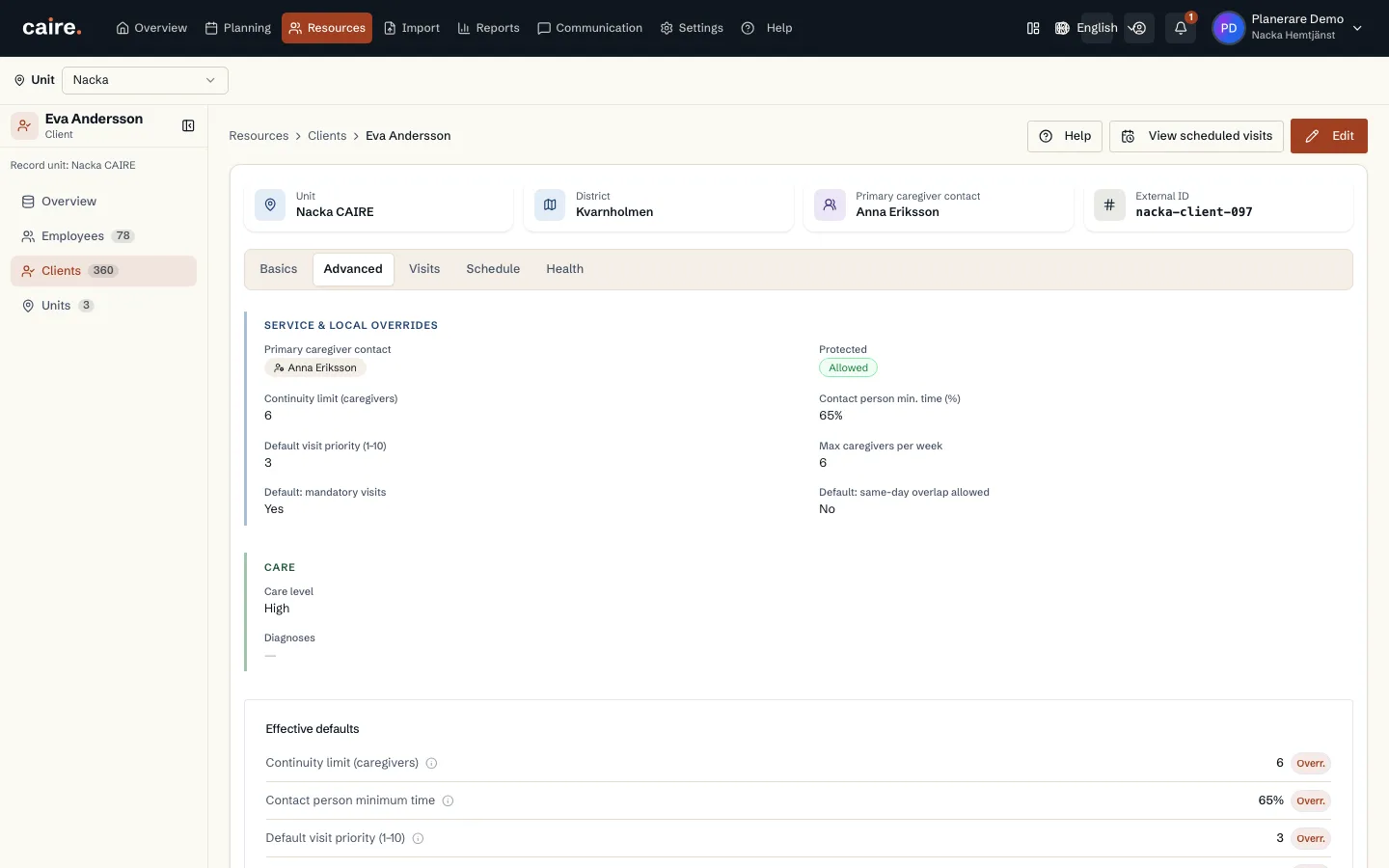
The settings cascade
Why the same setting can exist on the organisation, the unit, the client, the employee and the visit, and how you see which value actually applies.
Read guide: The settings cascade - Solutions
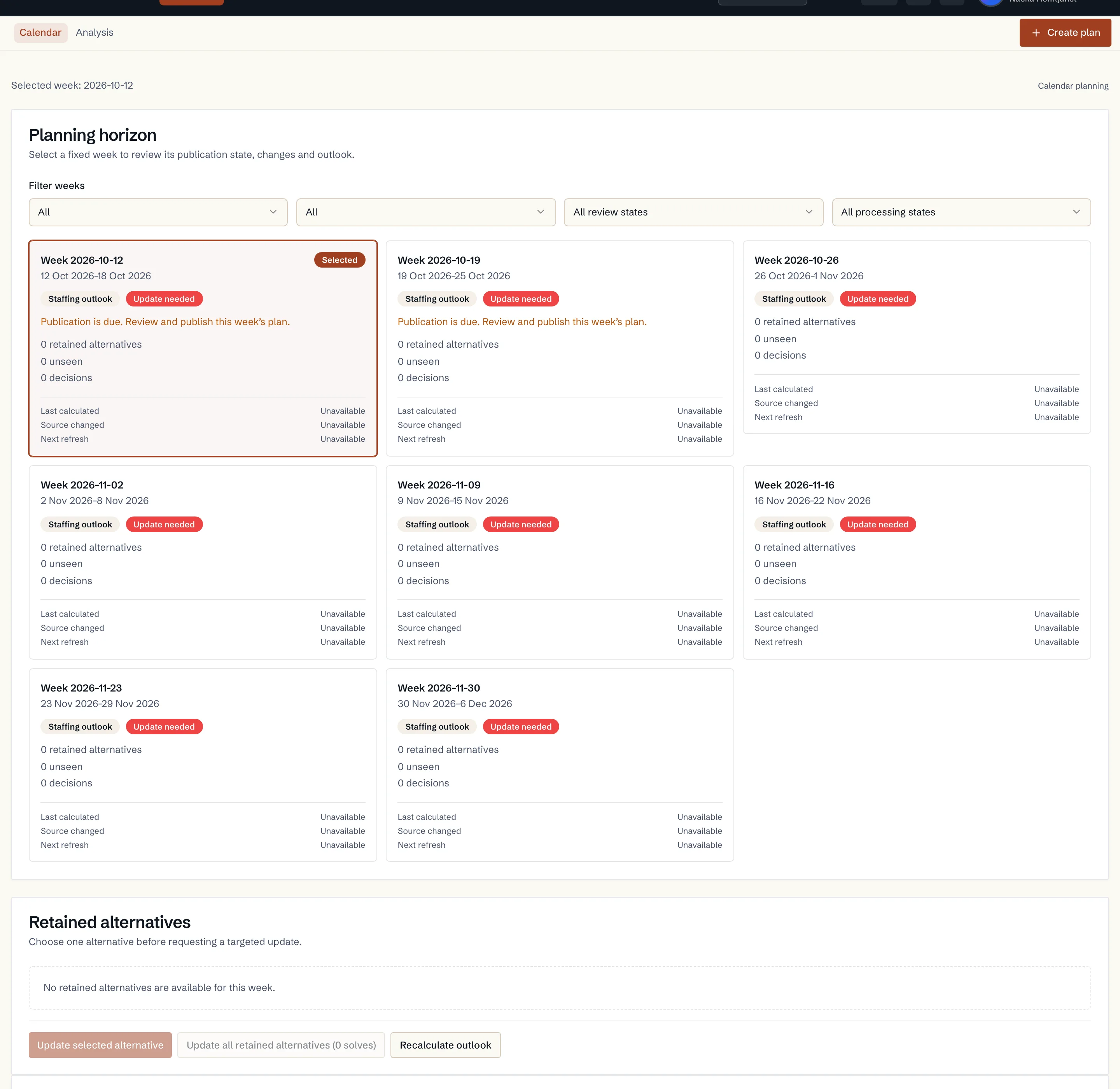
Automatic planning eight weeks ahead
How Caire plans the unit's coming weeks on its own: every week gets route drafts, only changed input is recalculated and nothing is published without your decision.
Read guide: Automatic planning eight weeks ahead - Solutions
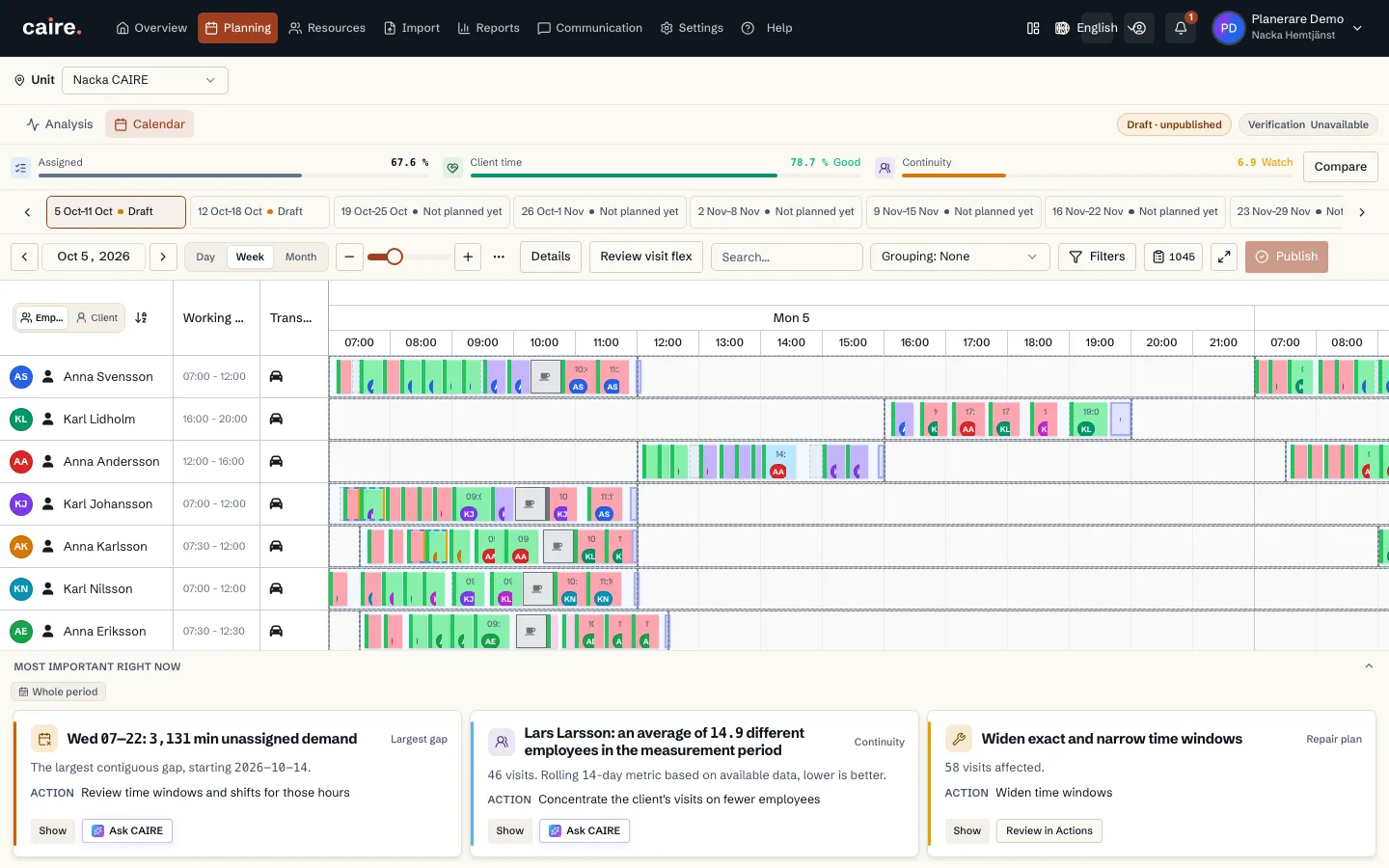
The calendar: move, lock, unplan and cancel
How to change a solution in the calendar: drag visits, lock the time or the caregiver, unplan and cancel. Every change becomes a new solution, never an edit of the old one.
Read guide: The calendar: move, lock, unplan and cancel - Diagnostics
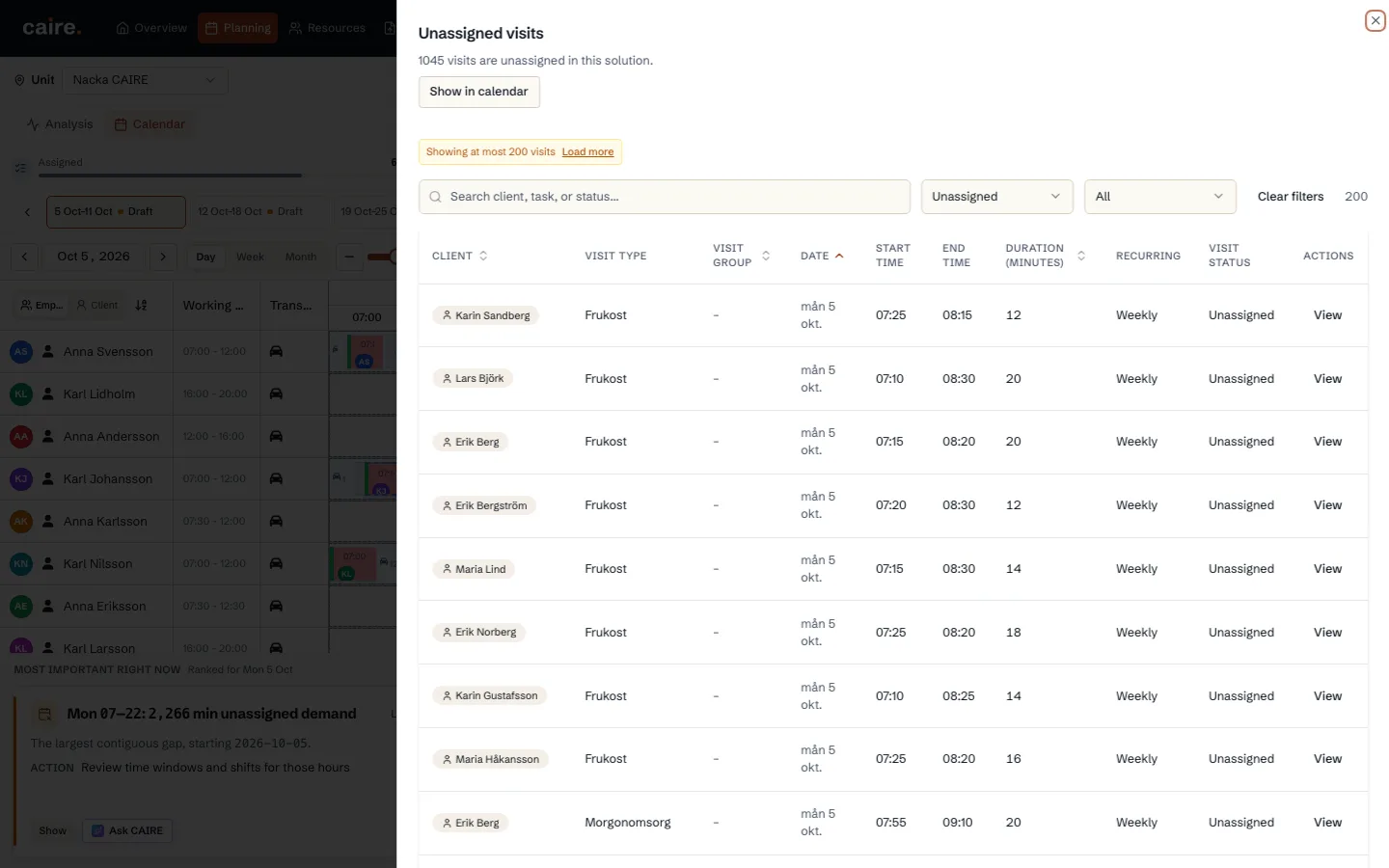
Find a place for unassigned visits
Why a visit was left unassigned and how to find a place for it: Hitta plats, a new time proposal, a staff and shift proposal or dragging it into the calendar.
Read guide: Find a place for unassigned visits - Diagnostics
The En plan som håller report
Caire's one report: choose unit, period and solutions, pick the content and print it as PDF or export it to Excel. No names by default.
Read guide: The En plan som håller report - Solutions
The employee app
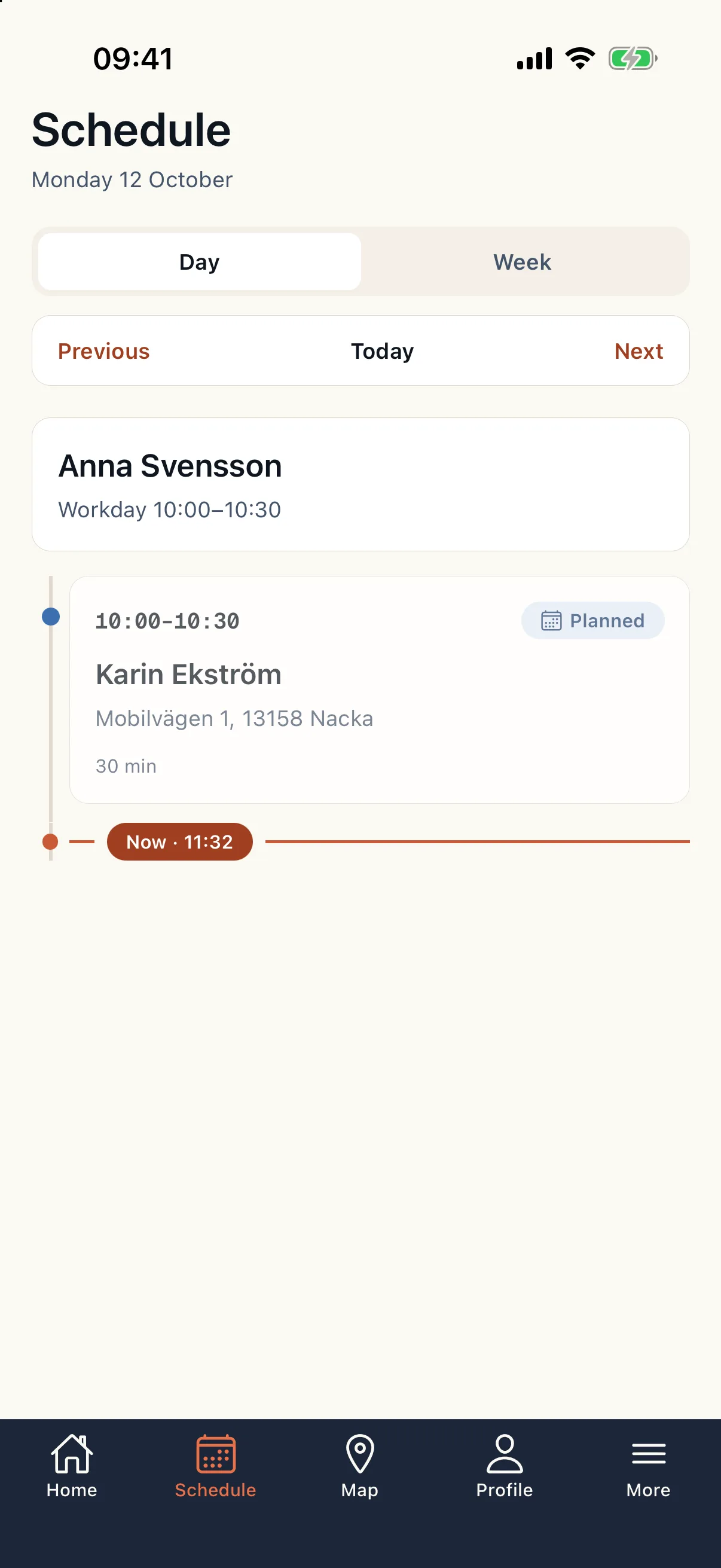
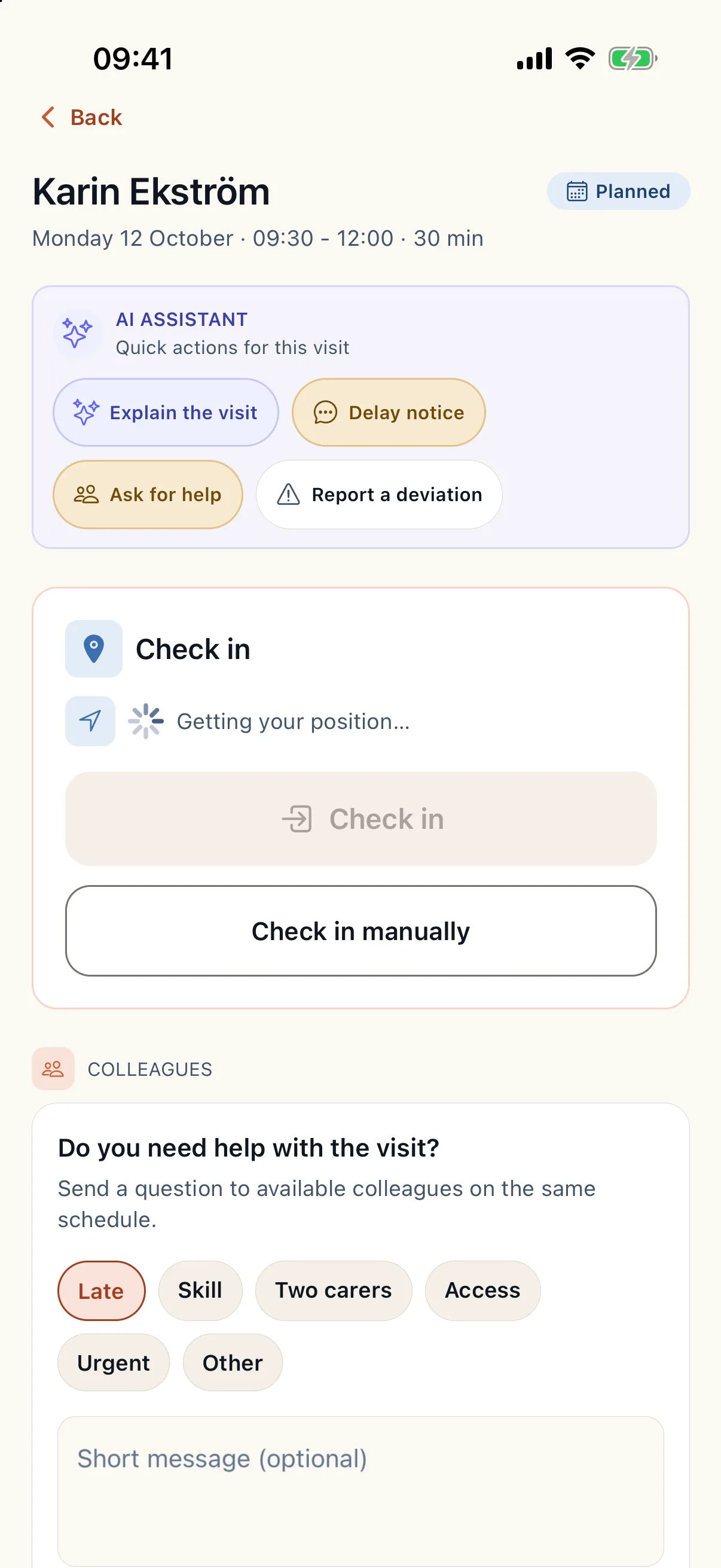
The app for caregivers out with clients: today's schedule, visit details, check-in and check-out, services, notes and help when something does not go to plan.
Read guide: The employee app - Continuity
The client and family app
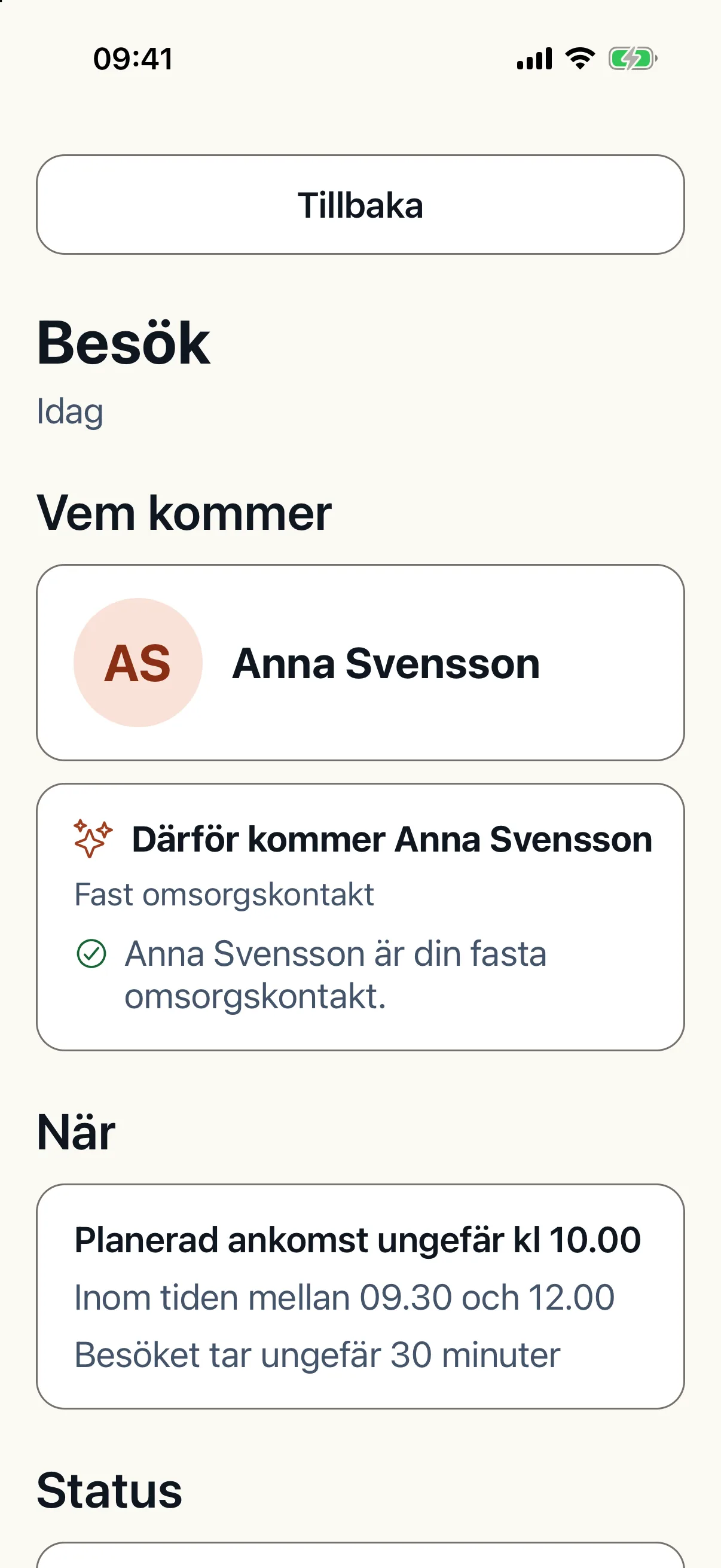
The client sees their visits, who is coming and when, can rate a visit, cancel and write to the office. A relative follows the visits of the client they are linked to.
Read guide: The client and family app - Onboarding
Invite employees and clients to the app
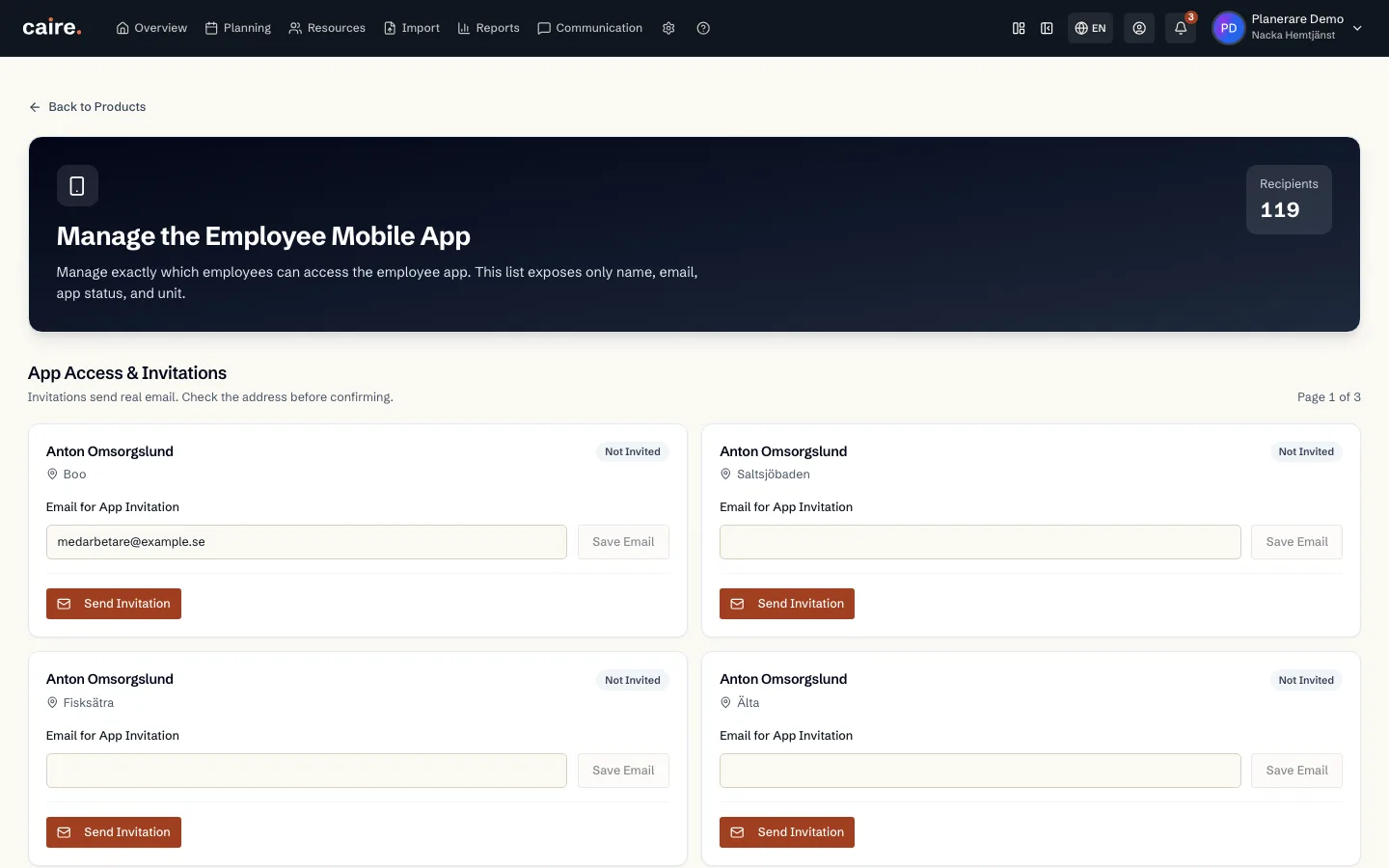
App accounts are created from the employee's or client's page with an email invitation. How to send it, follow App-status, resend, revoke and unlink.
Read guide: Invite employees and clients to the app - Solutions
The operations view: handle today's deviations
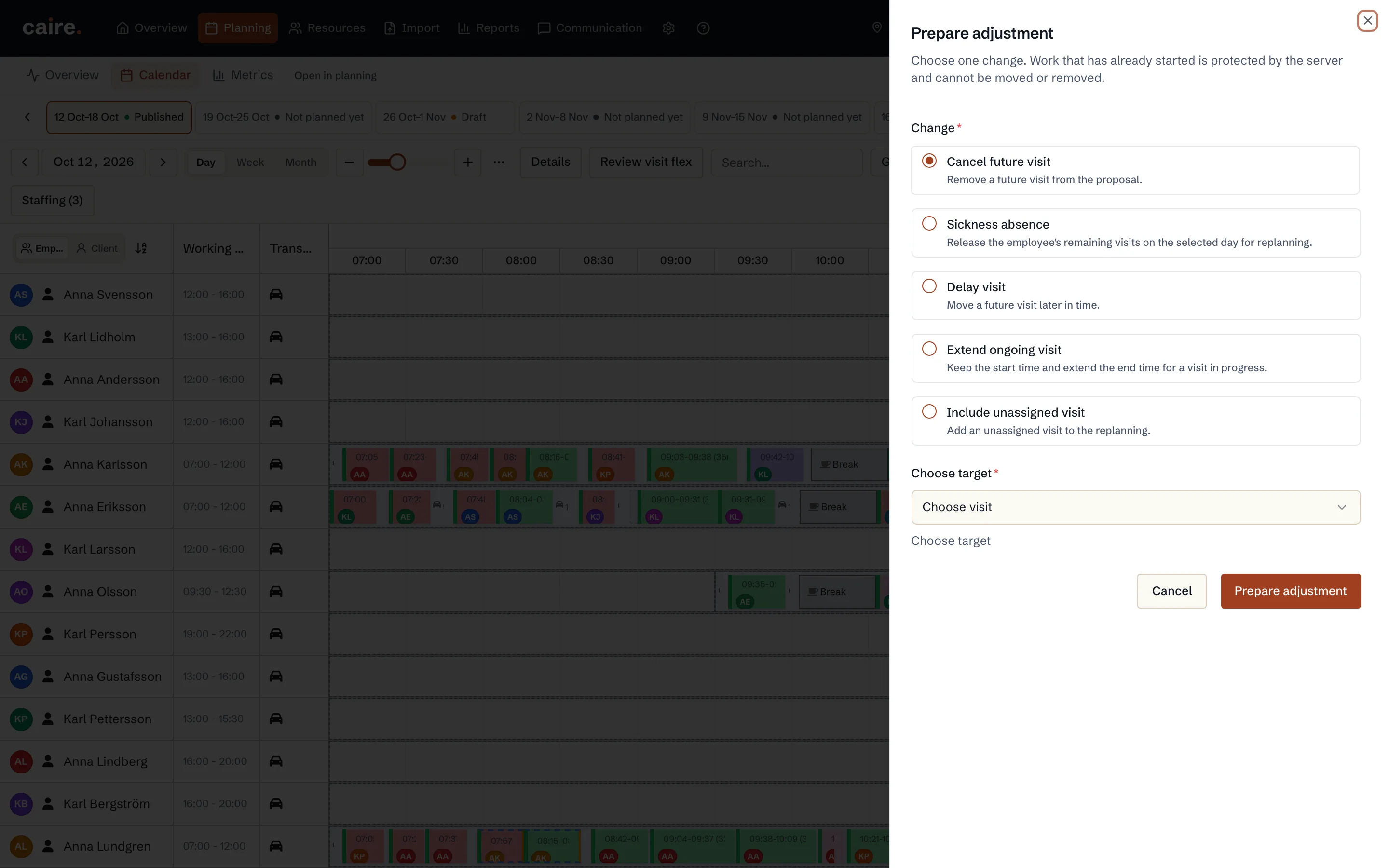
The operations view shows today's published schedule. How to handle a deviation: prepare an adjustment, review it and approve it. Nothing in the plan changes before that.
Read guide: The operations view: handle today's deviations - Time windows
Changed visits and time changes
How to change a visit in the published schedule, handle requests for a new visit time from other systems and receive time changes from the client.
Read guide: Changed visits and time changes - Solutions
Client cancellations
The client sends a cancellation in the app, and the office approves or declines it. The visit is cancelled only once the office has approved.
Read guide: Client cancellations - Continuity
Delay notices and ETA
When a caregiver is running late, they send a delay notice from the visit. The client and relatives see it in the app and the office gets a notification.
Read guide: Delay notices and ETA - Efficiency
Automatic replanning during the day
When something happens during the day, Caire replans the published schedule. Small changes within the visits' times apply themselves; the rest become proposals you approve.
Read guide: Automatic replanning during the day - Solutions
Shift swaps, extra shifts and availability
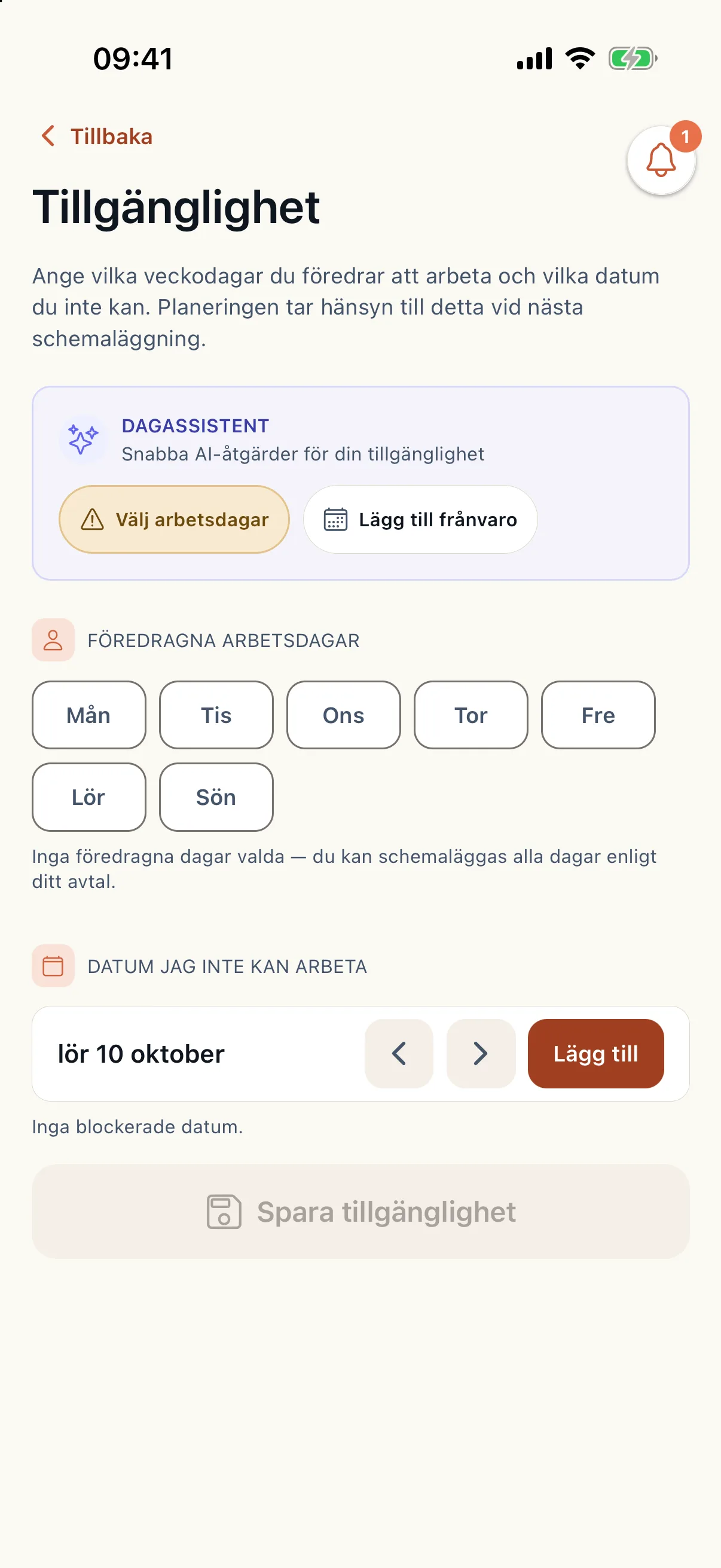
The caregiver sets availability, offers extra shifts and asks for a shift swap in the app. The planner approves, and what is approved is used in coming planning.
Read guide: Shift swaps, extra shifts and availability - Efficiency
Copy day and adjust travel time
Two tools in the operations view: copy who does which visit from one day to another, and correct the travel time on one leg when it is wrong.
Read guide: Copy day and adjust travel time - Efficiency
The scorecard and optimisation grade
The scorecard shows a unit, a schedule or a solution in eight fixed categories. The optimisation grade compares care-time share with Caire's best verified proposal.
Read guide: The scorecard and optimisation grade - Onboarding
Getting started with the employee handbook
What the employee handbook is, who may administer it and how to get started in the handbook admin.
Read guide: Getting started with the employee handbook - Onboarding
Caire templates: show, hide, copy and update
How to use Caire's template library: show or hide a template, copy it to make it your own, and follow up when Caire updates it.
Read guide: Caire templates: show, hide, copy and update - Onboarding
Categories
Categories give the handbook its structure. How to create, change and delete a category.
Read guide: Categories - Onboarding
Create, edit, publish and delete your own pages
Write your own handbook pages in the editor, save them as drafts, publish them, follow the version history and delete pages you no longer need.
Read guide: Create, edit, publish and delete your own pages - Onboarding
Contacts and phone numbers
Gather phone numbers and contact details on a contact page that employees find under Contacts in the handbook.
Read guide: Contacts and phone numbers - Onboarding
FAQ pages
Make a handbook page your organisation's page of frequently asked questions, so employees get quick answers under FAQ.
Read guide: FAQ pages - Onboarding
Visibility by role and read confirmations
Which roles see a page, how the check works and how to require employees to confirm they have read it.
Read guide: Visibility by role and read confirmations - Onboarding
Onboarding packages for new employees
Gather the pages a new employee should read in a package for their role, and follow how far each employee has come.
Read guide: Onboarding packages for new employees - Onboarding
Languages and translations
Choose which languages the handbook is in, set the default language and translate pages, by hand or automatically.
Read guide: Languages and translations - Onboarding
Branding, images and shortcuts
Give the handbook your name, logo and colours, gather images and files in the media library and put shortcuts on the start page.
Read guide: Branding, images and shortcuts - Solutions
The employee handbook in the app and on the web
Where you find the handbook as an employee, what you see in it and how it works without a connection.
Read guide: The employee handbook in the app and on the web - Solutions
Your onboarding as a new employee
As a new employee you go through an onboarding in the handbook: read each page, mark it as read and complete the onboarding.
Read guide: Your onboarding as a new employee - Solutions
Contacts and FAQ in the handbook
Find phone numbers for colleagues and the office, and quick answers to common questions, in the handbook on the web.
Read guide: Contacts and FAQ in the handbook - Solutions
Confirm you have read a page
Some handbook pages ask you to confirm that you have read and understood them. How to do it in the app and on the web.
Read guide: Confirm you have read a page