- For
- Coordinator
- Type
- Concept
What starts a replan
Events in the app during the day, such as someone running late, a new estimated arrival, check-ins, cancellations and documentation, make Caire recalculate the published schedule. The replan always starts from the plan that is published at that moment.
What applies itself
A replan applies without a click only when it just moves visits in time or changes their order within their allowed time windows, and every caregiver keeps their next visit. When you changed a visit's time window yourself, your window applies.
What always becomes a proposal
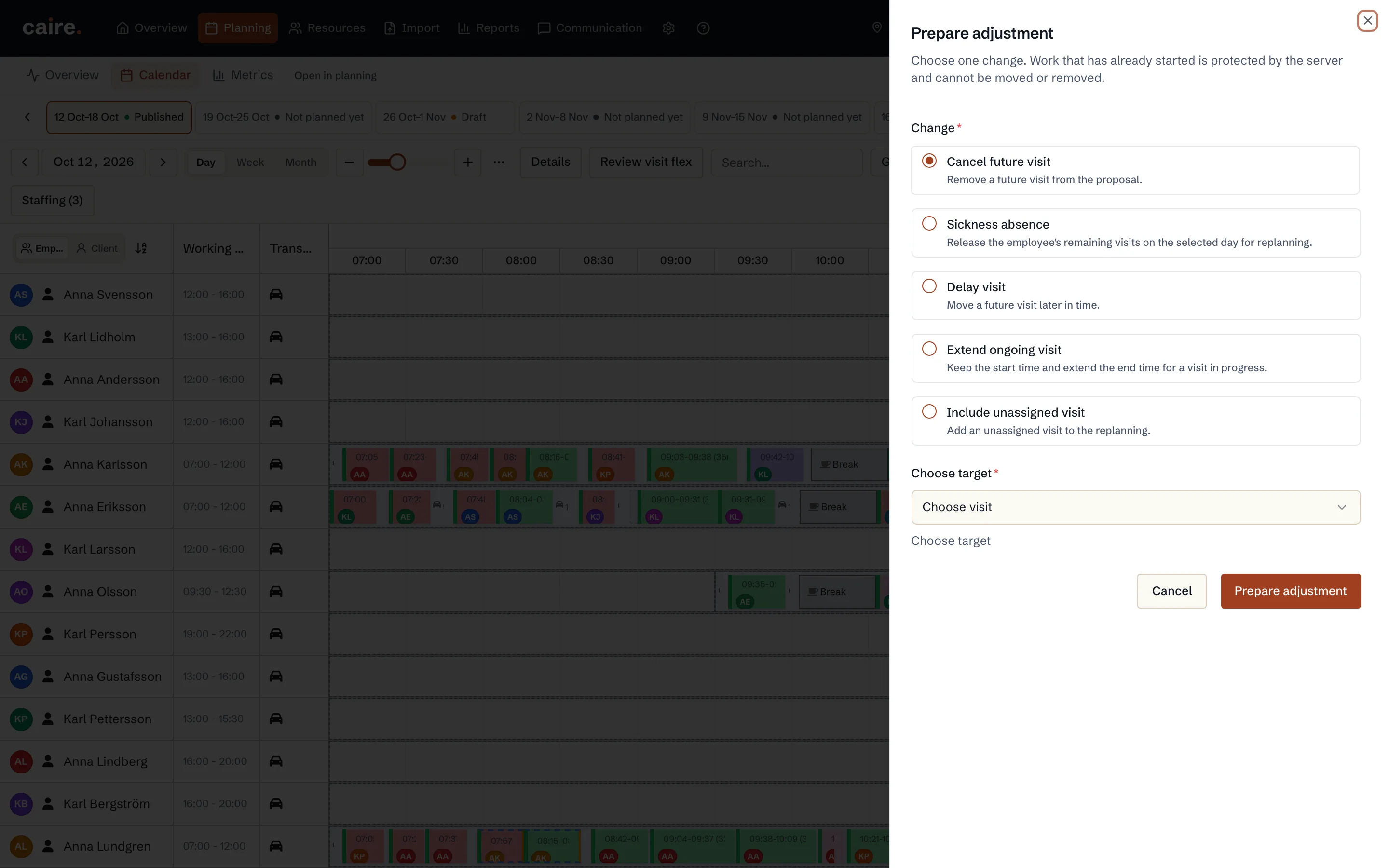
Everything else becomes a proposal that waits for you in the operations view and shows the changes that did not pass the check. That applies, for example, when:
- a care visit would be left unassigned,
- someone's next visit would move to another caregiver,
- the change would create a serious deviation.
Approved staffing applies at once
When you approve lines under Bemanning (Staffing), for example a sick call with its cover, Caire runs the same check. When every change is either something you approved or a move within the allowed time, the new plan applies without a second click. Otherwise it stays a proposal and shows what differs, for example a visit given to a caregiver nobody approved.
Safeguards that always hold
- Work that has already started does not move.
- When the plan has changed in the meantime, for example through a new publication, nothing is applied. The proposal is no longer offered.
- You always make the first publication of a schedule yourself.
- Automatic replanning applies to units with automatic planning. The planner who switched it on must still have the permissions.
- When a new plan is applied, the caregivers' apps fetch it at once.