- For
- Employee in the app · Client and family
- Type
- Guide
The caregiver sends a delay notice
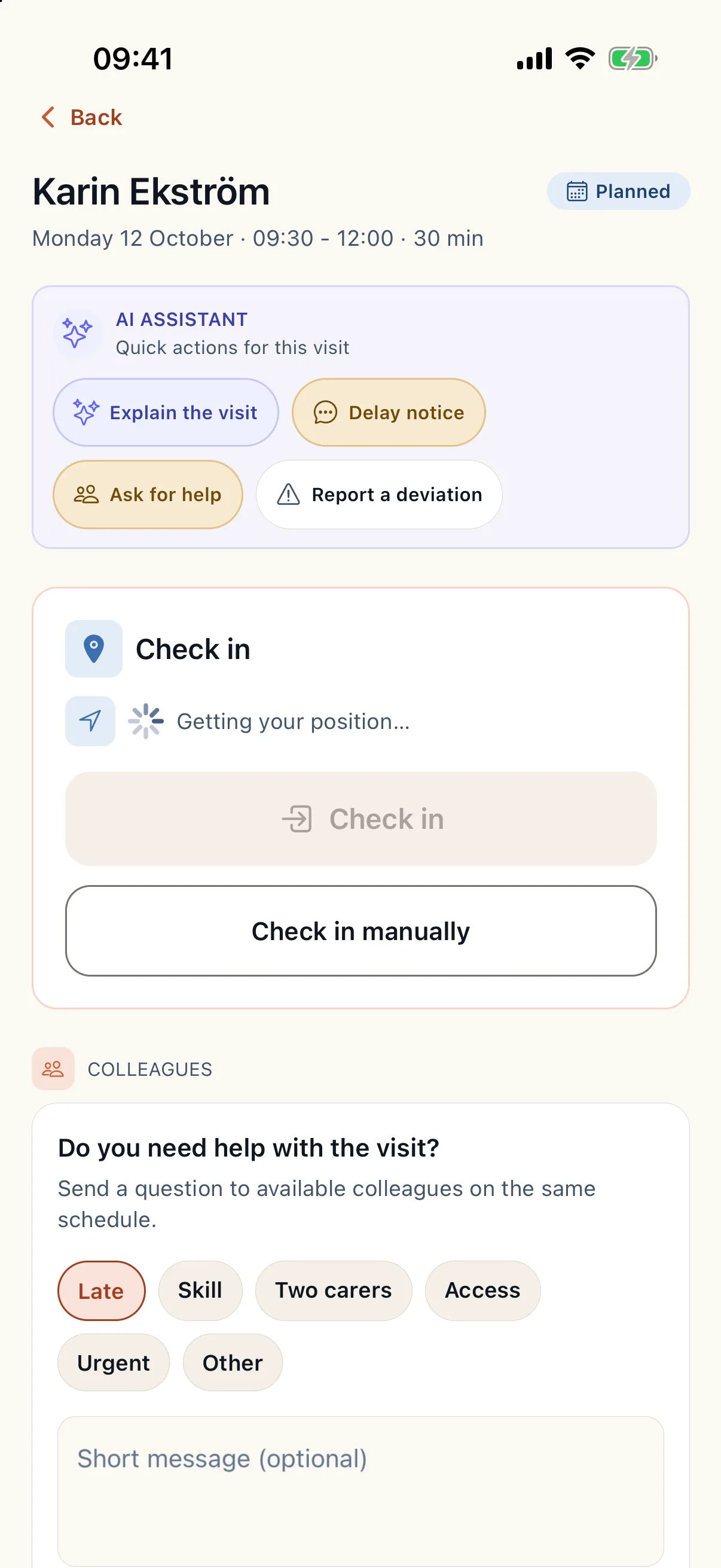
Open the visit in the employee app. Under Uppdatera kund (Update client) there is Skicka förseningsbesked (Send delay notice).
- Choose how late you will be: 10, 20 or 30 minutes.
- Choose Skicka uppdatering (Send update). When the app says the update is sent, the notice has arrived.
- Only the caregiver who has the visit can send a delay notice for it.
What the client and relatives see
The notice appears in the visit's event feed for the client and relatives, for example that the caregiver will be about 20 minutes late. The client and relatives who have the app get a notification that there is an update. The notification says nothing about the visit or the client; the details are in the app.
During a visit in progress the client can also see where the caregiver is, when the client has chosen this and the caregiver shares their position. When the position is old, the app says so. Relatives see no map.
What the office gets
The office gets an urgent notification that a caregiver has reported a delay, linked to the visit. The caregiver can also send the ready-made message that they will be late under messages to the office.
The planner handles the delay
When the delay affects the rest of the day, choose Hantera avvikelse (Handle deviation) in the operations view and then delay the visit. Caire prepares an adjustment of the published schedule that you review and approve. With automatic replanning, such an adjustment can apply itself when it only moves visits within their allowed times.