- For
- Coordinator
- Type
- Guide
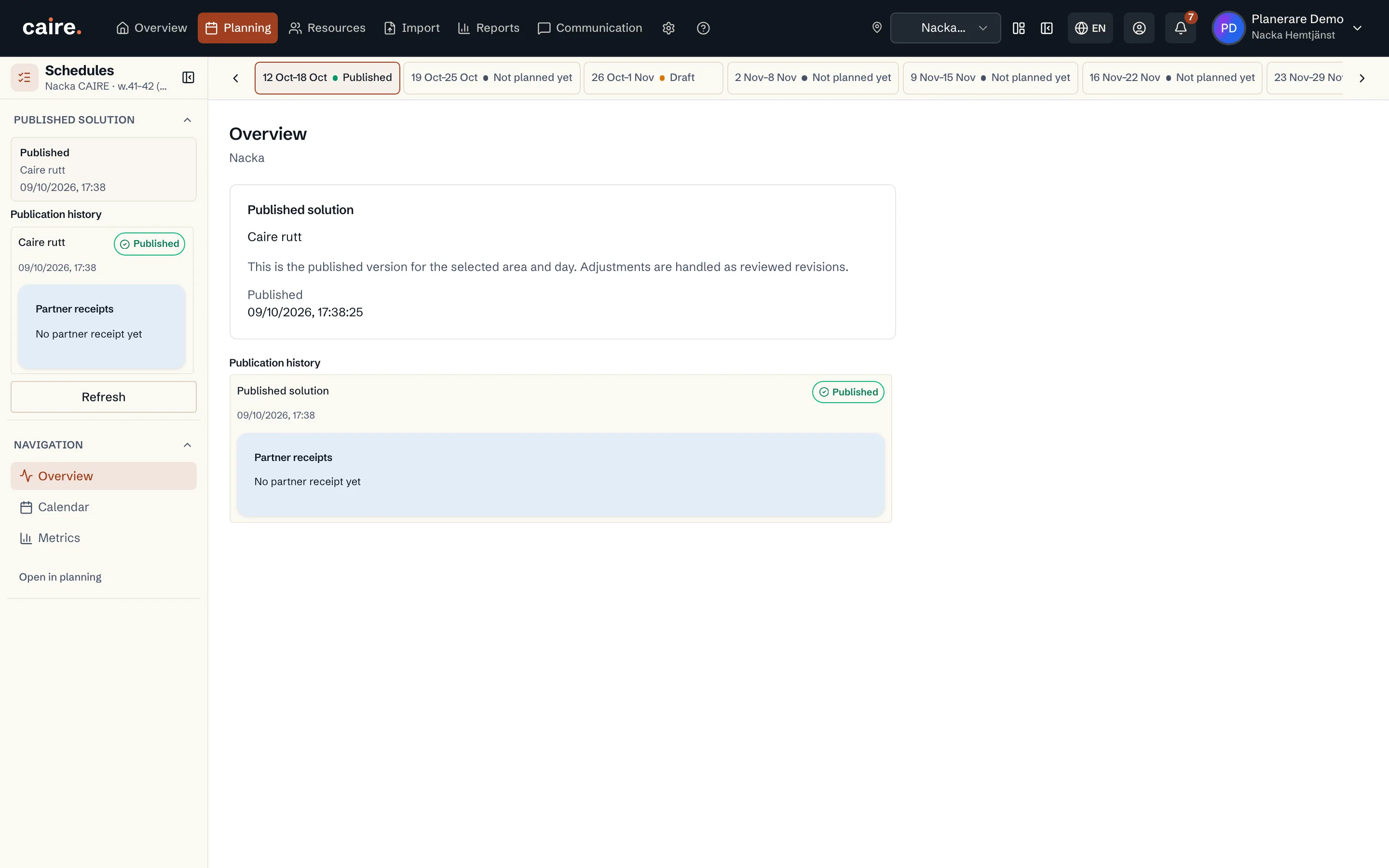
Today's published schedule
The operations view (Driftvyn) shows the schedule published for the day. Drafts do not appear there. Open it with Öppna driftvyn from the calendar. To always start there, choose Operativ kalender (Operational calendar) as your start view.
Handle a deviation
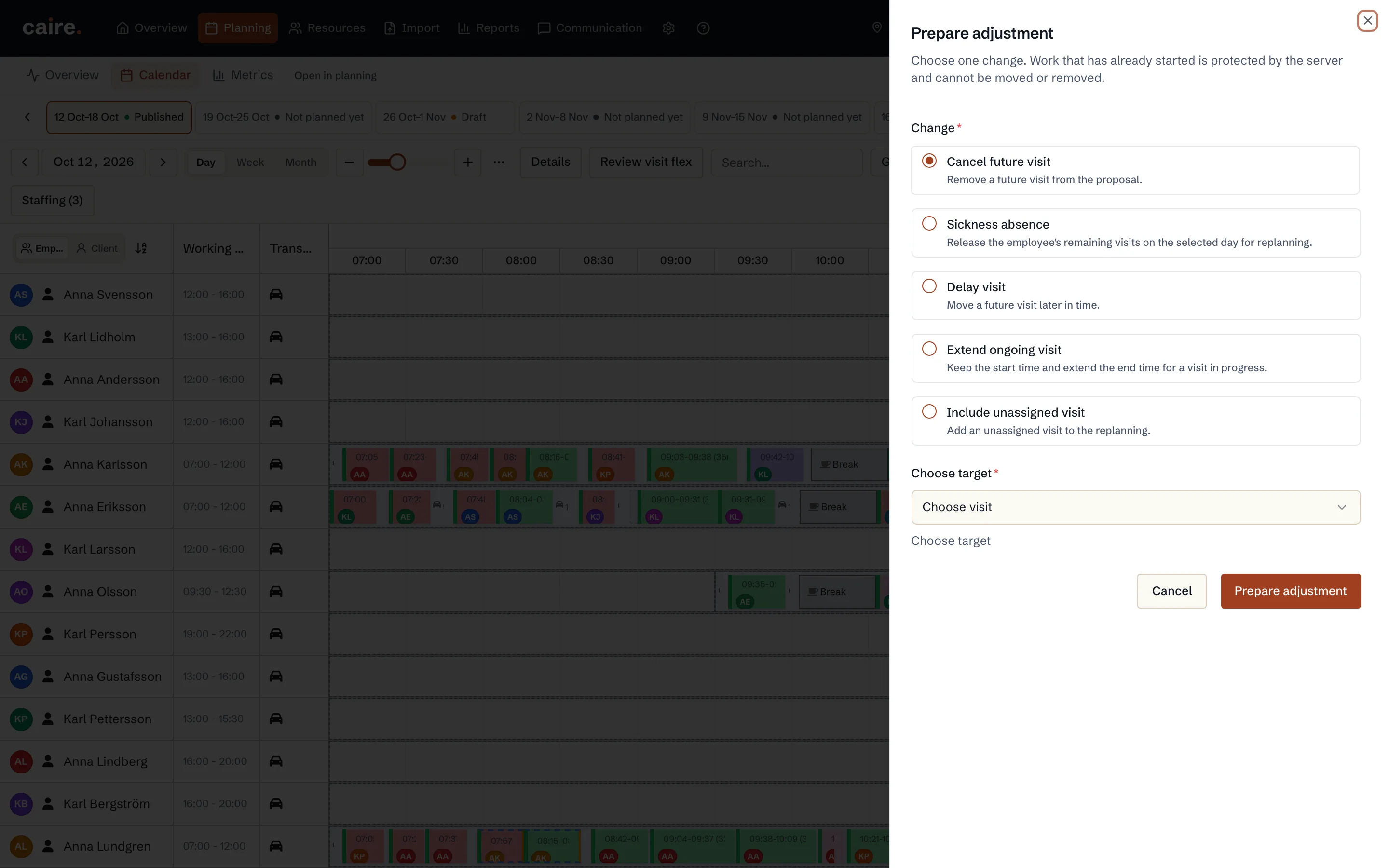
Choose Hantera avvikelse (Handle deviation) and then the change it concerns:
- Cancel a future visit
- Sickness: the caregiver's remaining visits that day are replanned.
- Delay a visit
- Extend a visit in progress
- Include an unassigned visit
Prepare, review, approve
Choose Förbered justering (Prepare adjustment). Caire works out a proposal as a new version of the plan, based on the published plan. Under Granska justering (Review adjustment) you see the difference from what is published. Choose Godkänn och tillämpa (Approve and apply) when you are satisfied.
Changes in the operations view are never made directly in the published schedule. Work that has already started does not move. If the plan has changed since the proposal was made, for example by another planner, the proposal is no longer offered and you prepare a new one.
Caregivers get the new plan
When an adjustment is applied, an open employee app fetches the updated schedule at once. Each affected caregiver gets one notification, not one per changed visit. A publication that changes nothing for anyone sends nothing.
More in the operations view
- Bemanning (Staffing): gaps after sick calls and shift swaps, with Caire's proposed cover.
- Kopiera dag and Justera restid: copy the staffing from one day to another and correct the travel time on one leg.
- Print the run list: today's published plan, one page per caregiver. The list contains personal data, so keep and dispose of it according to your routine.