- For
- Coordinator · Employee in the app
- Type
- Guide
In the employee app
Under Mer (More) in the app there are:
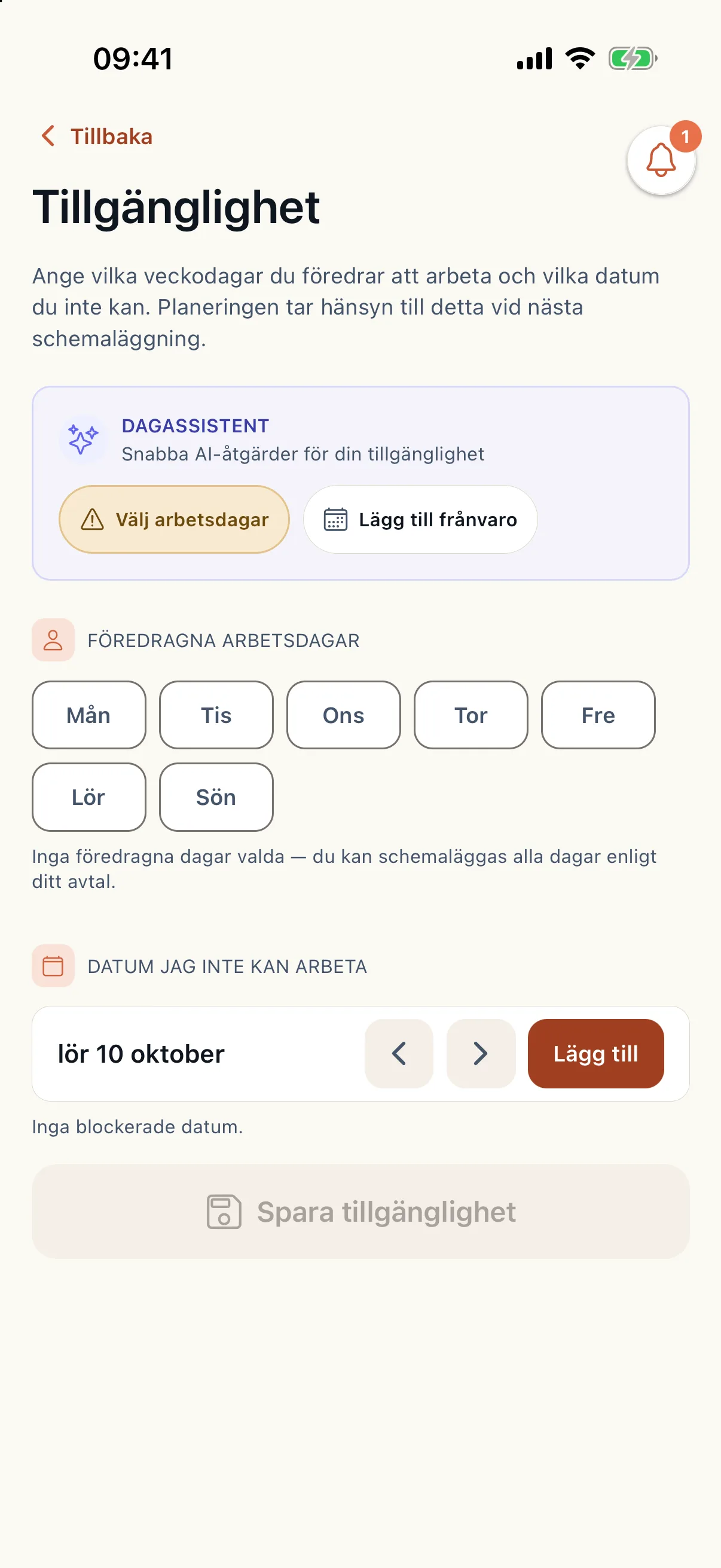
- Tillgänglighet (Availability): choose preferred working days and days you cannot work, and save.
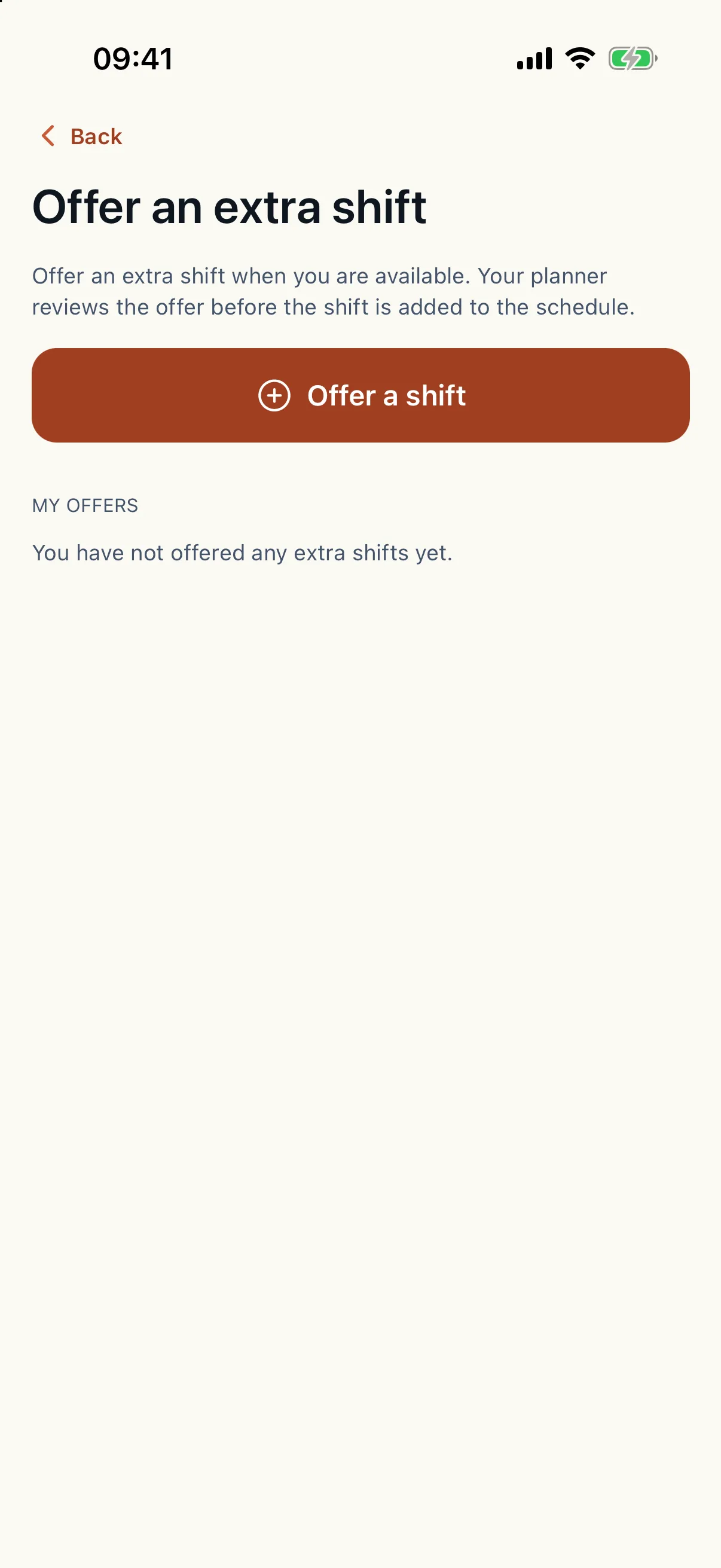
- Erbjud extra pass (Offer extra shift): offer a shift on a day you can work. The planner reviews the offer.
- Byt pass (Swap shift): send a swap request to the planner.
- Öppna pass (Open shifts): shifts the planner has invited you to. Answer yes or no.
You cannot change the schedule yourself
In the app you report sick, offer shifts and ask for swaps. The planner decides. Your availability and the shifts you offer are used when Caire plans and when it looks for cover.
The planner handles shift swaps
The requests appear under shift-swap requests to handle, for whoever may plan the schedule.
- Approve frees the caregiver's hours in coming planning. The solved schedule does not change, so reoptimise to find cover.
- Decline keeps the shift.
- When the swap affects the published plan, it is decided together with its cover under Bemanning (Staffing) in the operations view.
- When the schedule changed after the request: decline it and ask the caregiver to send a new one.
The planner handles extra shifts
Offered shifts appear under Erbjudna extrapass (Offered extra shifts), with the status offered, approved, declined, withdrawn or expired.
- Approve adds the shift as a one-day shift to the standing supply. The current solution does not change. Run a new planning to use the shift.
- Decline turns the offer down.