- For
- Coordinator · Client and family
- Type
- Guide
The client cancels in the app
On an upcoming visit that is planned and has not started, the client app shows Behöver du avboka? (Need to cancel?).
- Choose Avboka besök (Cancel visit).
- Feel free to write why. The field may be left empty.
- Choose Skicka avbokning (Send cancellation) and confirm.
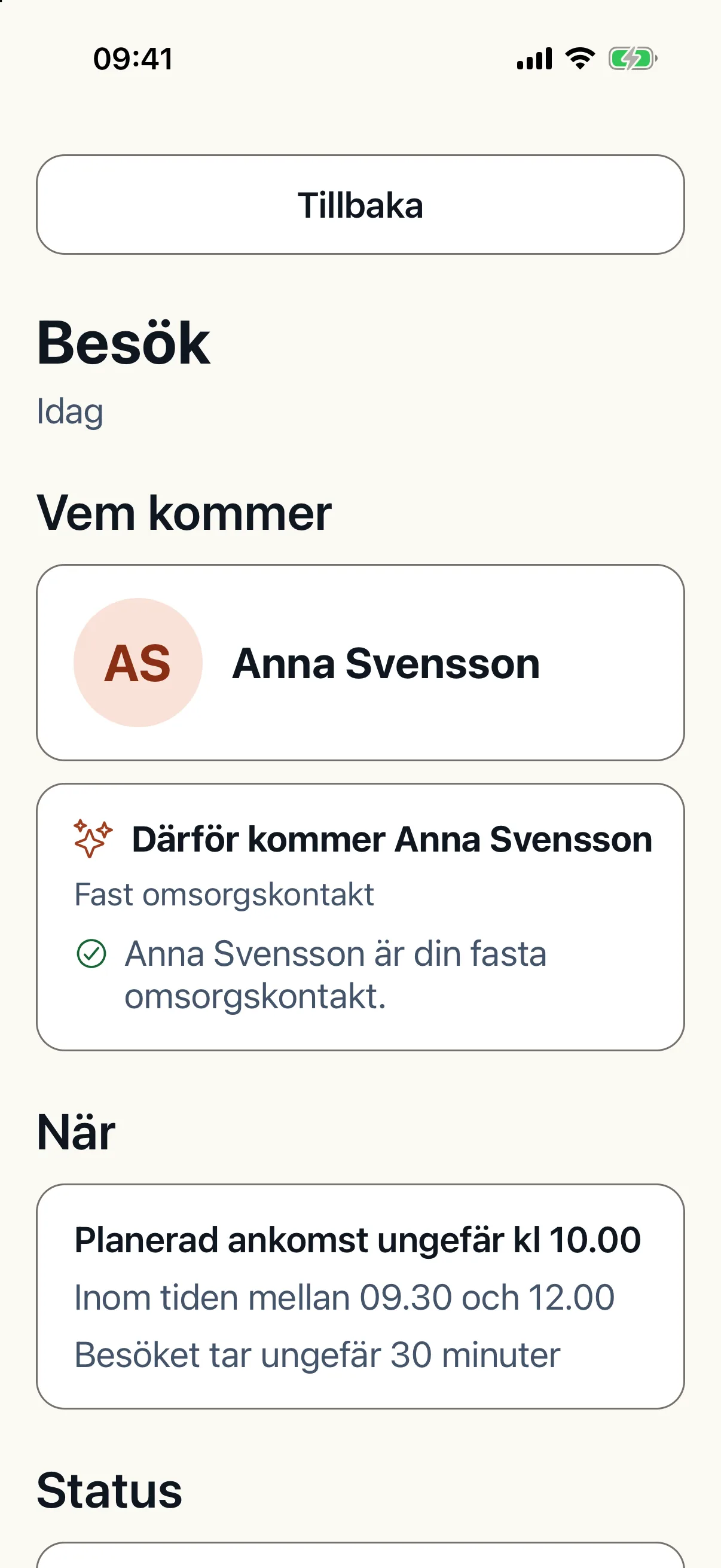
A cancellation is a request
The visit is not cancelled at once. Afterwards the app says the cancellation was sent, and the visit stays in the list until the office has confirmed. The office contacts the client about the cancellation. When it could not be sent, the client can try again or call the office.
The office approves or declines
The requests appear under Avbokningsförfrågningar (Cancellation requests) for whoever may plan the schedule, with the reason given in the app. Cancellations can also come from another system through an integration.
- Godkänn avbokning (Approve cancellation) cancels the visit at once and removes it from the planning input.
- Then reoptimise the schedule to free the time. You can let Ask CAIRE prepare the reoptimisation.
- Avslå (Decline) keeps the visit.
Turn cancellation in the app on or off
Under Mobilappen (Mobile app) in the settings, the setting that lets clients cancel visits in the app decides whether clients can request a cancellation. A unit may have its own value. When it is off, the client cannot send new cancellations, but one already sent still shows its status.
Some organisations switch cancellation in the app off, because it can be used to avoid a particular caregiver. It is your organisation's choice.
When the caregiver cannot perform the visit
When the caregiver arrives and the visit cannot be performed, for example because the client is not home, the caregiver reports that in the employee app. It is a report of what happened, not a cancellation.