All articles
Filter by step, role, resource and type.
11 of 75 articles
- Solutions
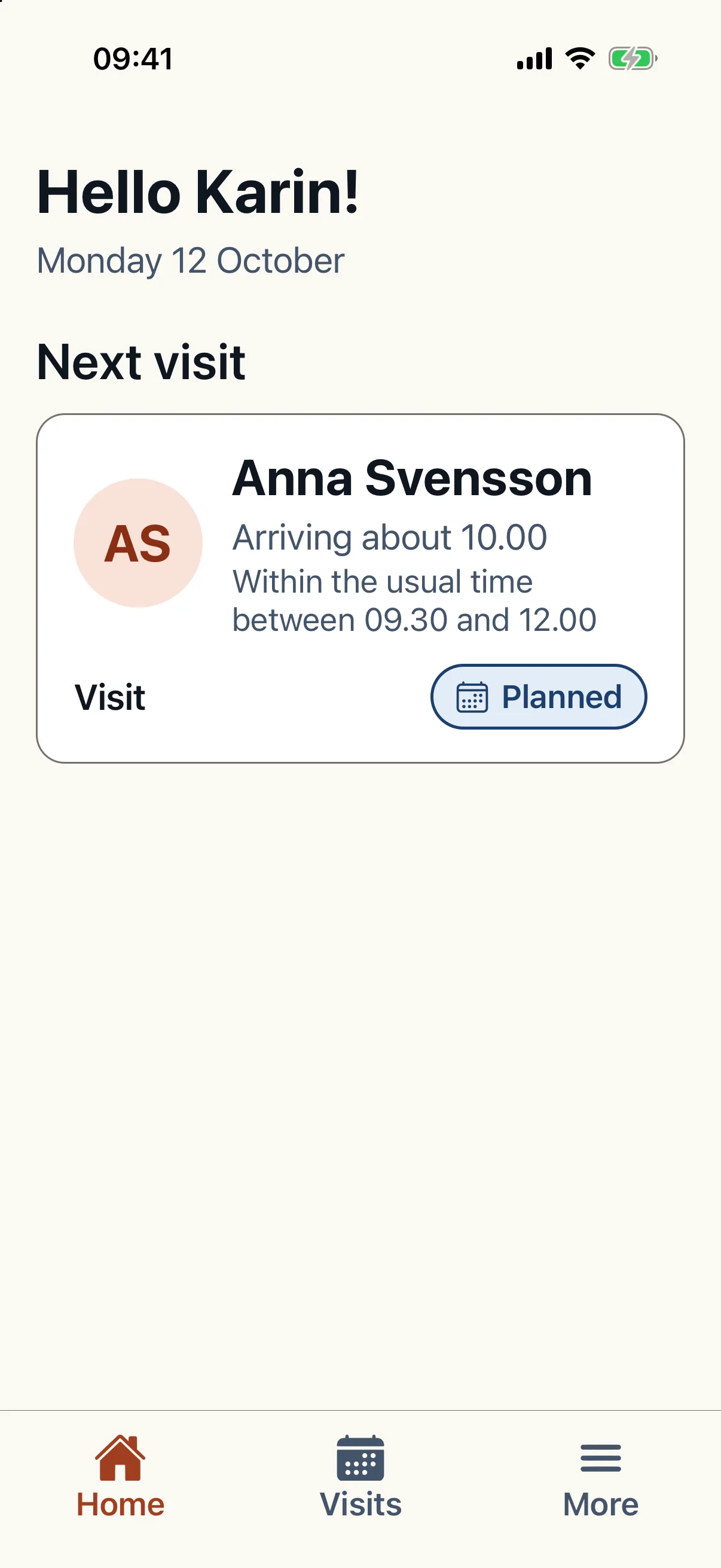
Mobile app for client, employee, and family
See how Caire's mobile app can be shown to clients, employees, and family without mixing read-only access, schedule work, and administrator settings.
Read guide: Mobile app for client, employee, and family - Security
Journal: social documentation under SoL
How to switch on Journal, who may read and write, and how signing, corrections, the access log and export work.
Read guide: Journal: social documentation under SoL - Solutions
Sick calls and staffing
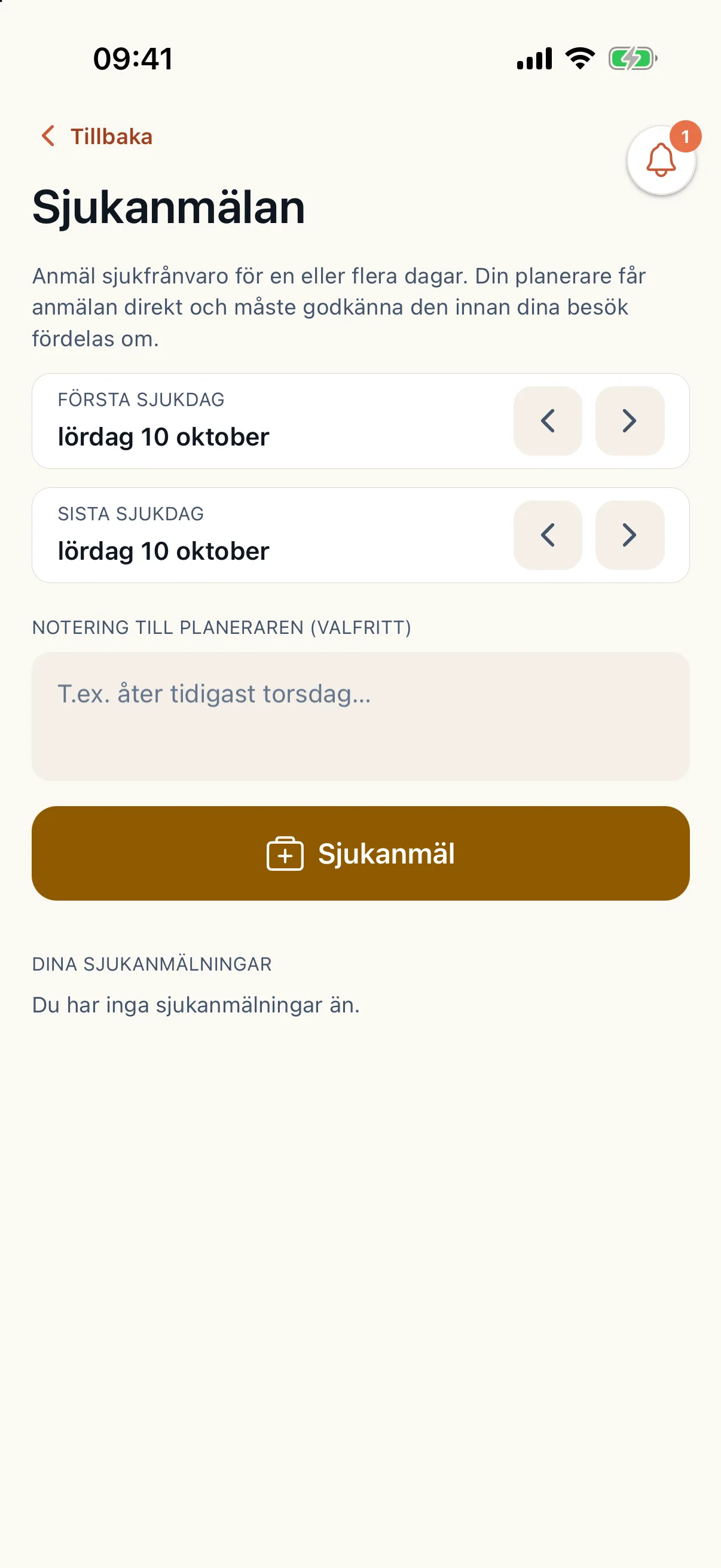
How a sick report goes from the app to new routes: the gaps in the published plan, Caire's ranked cover, your approval and open-shift invitations.
Read guide: Sick calls and staffing - Solutions
The employee app
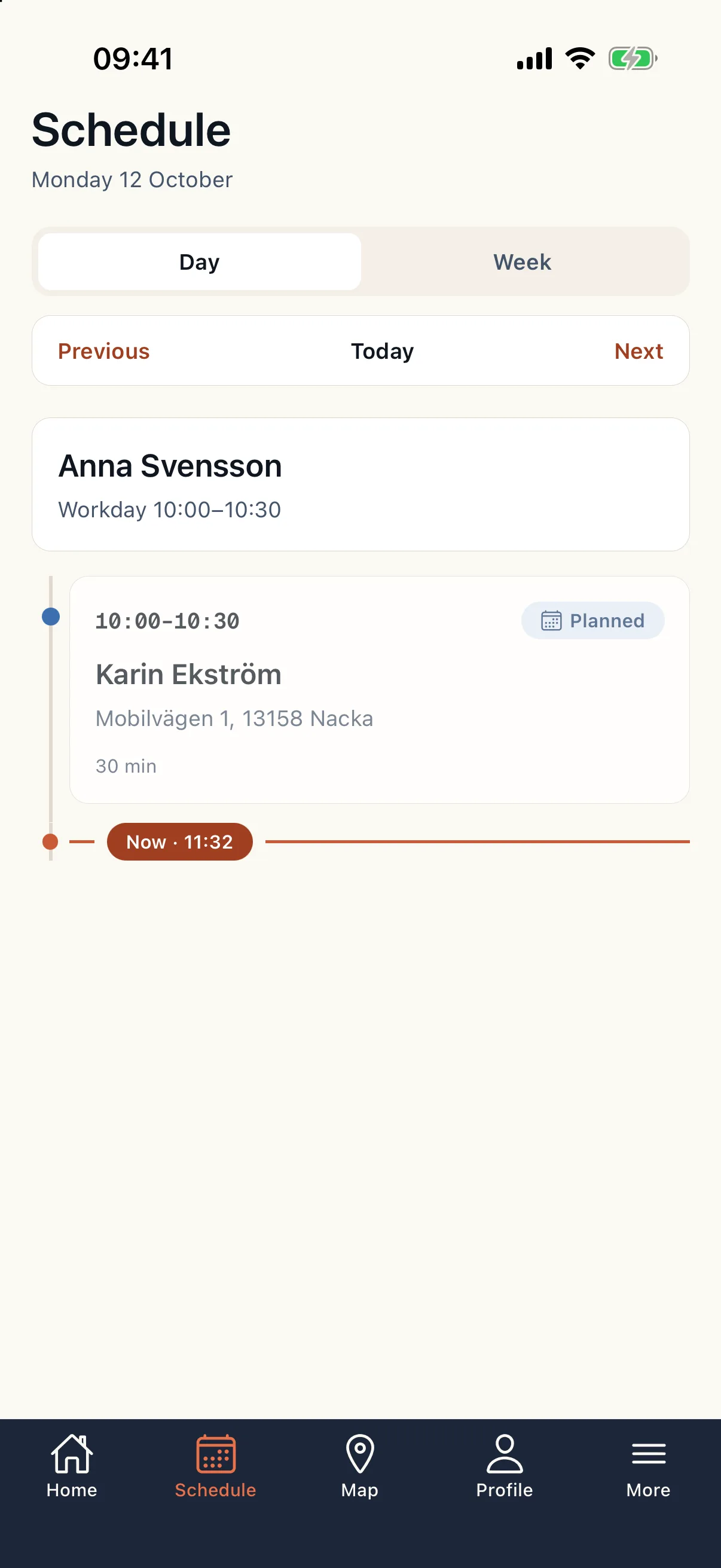
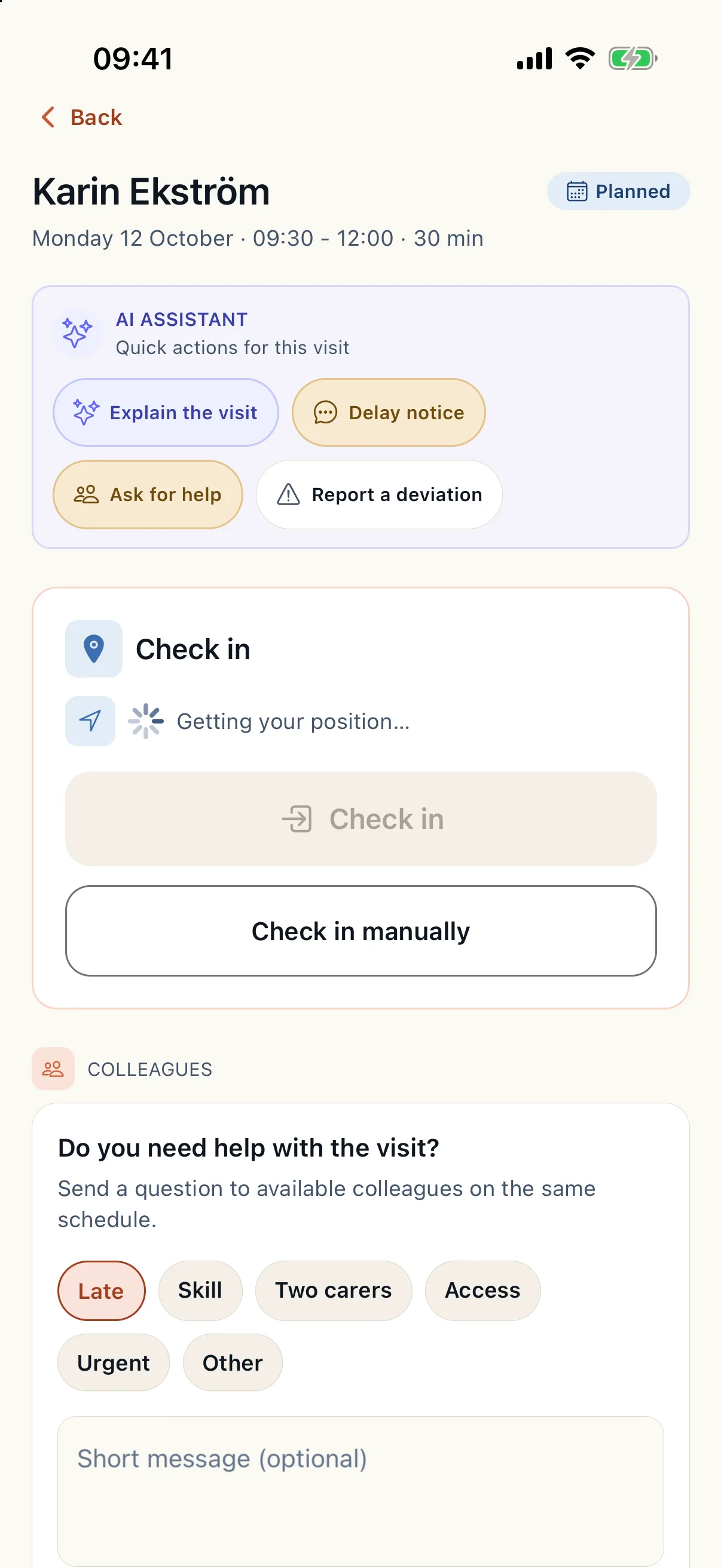
The app for caregivers out with clients: today's schedule, visit details, check-in and check-out, services, notes and help when something does not go to plan.
Read guide: The employee app - Continuity
Delay notices and ETA
When a caregiver is running late, they send a delay notice from the visit. The client and relatives see it in the app and the office gets a notification.
Read guide: Delay notices and ETA - Solutions
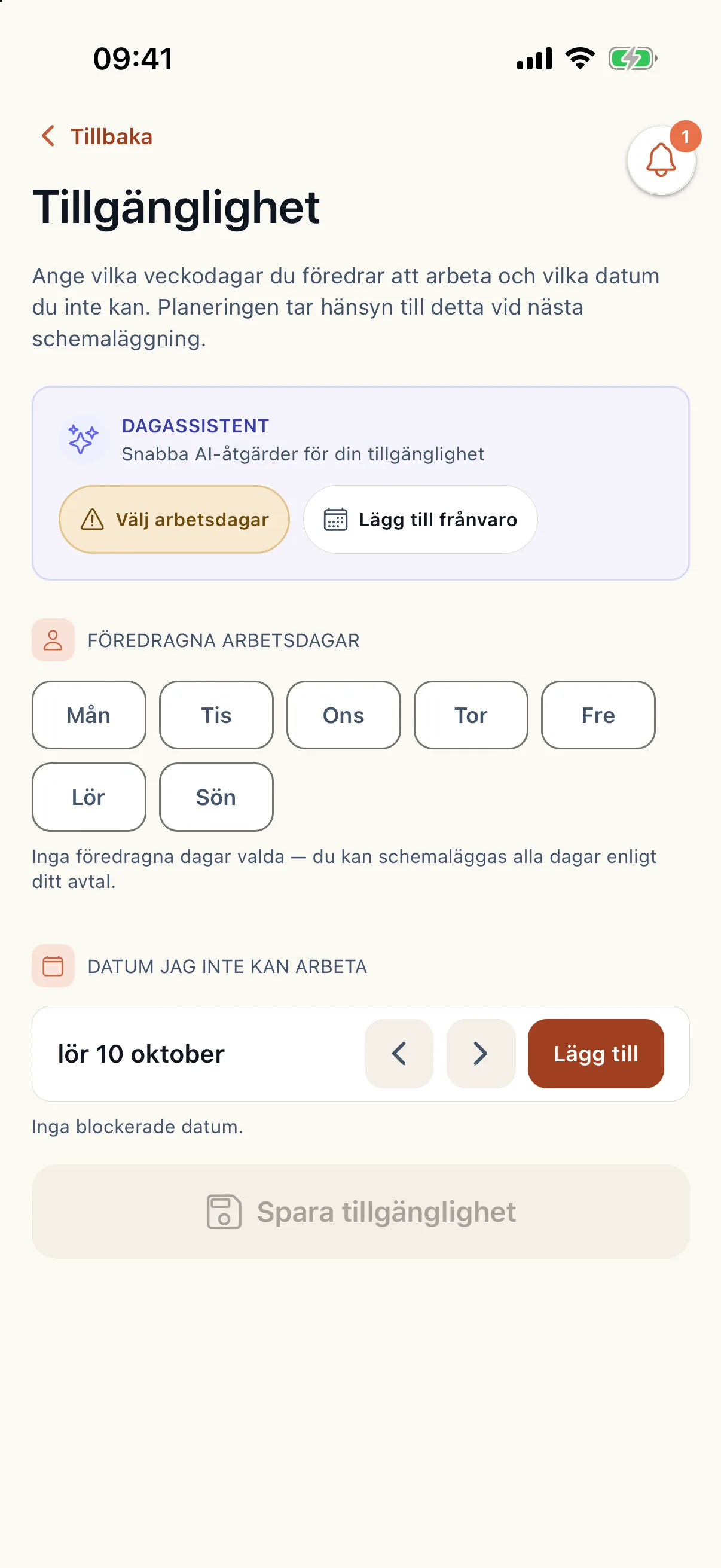
Shift swaps, extra shifts and availability
The caregiver sets availability, offers extra shifts and asks for a shift swap in the app. The planner approves, and what is approved is used in coming planning.
Read guide: Shift swaps, extra shifts and availability - Onboarding
Contacts and phone numbers
Gather phone numbers and contact details on a contact page that employees find under Contacts in the handbook.
Read guide: Contacts and phone numbers - Solutions
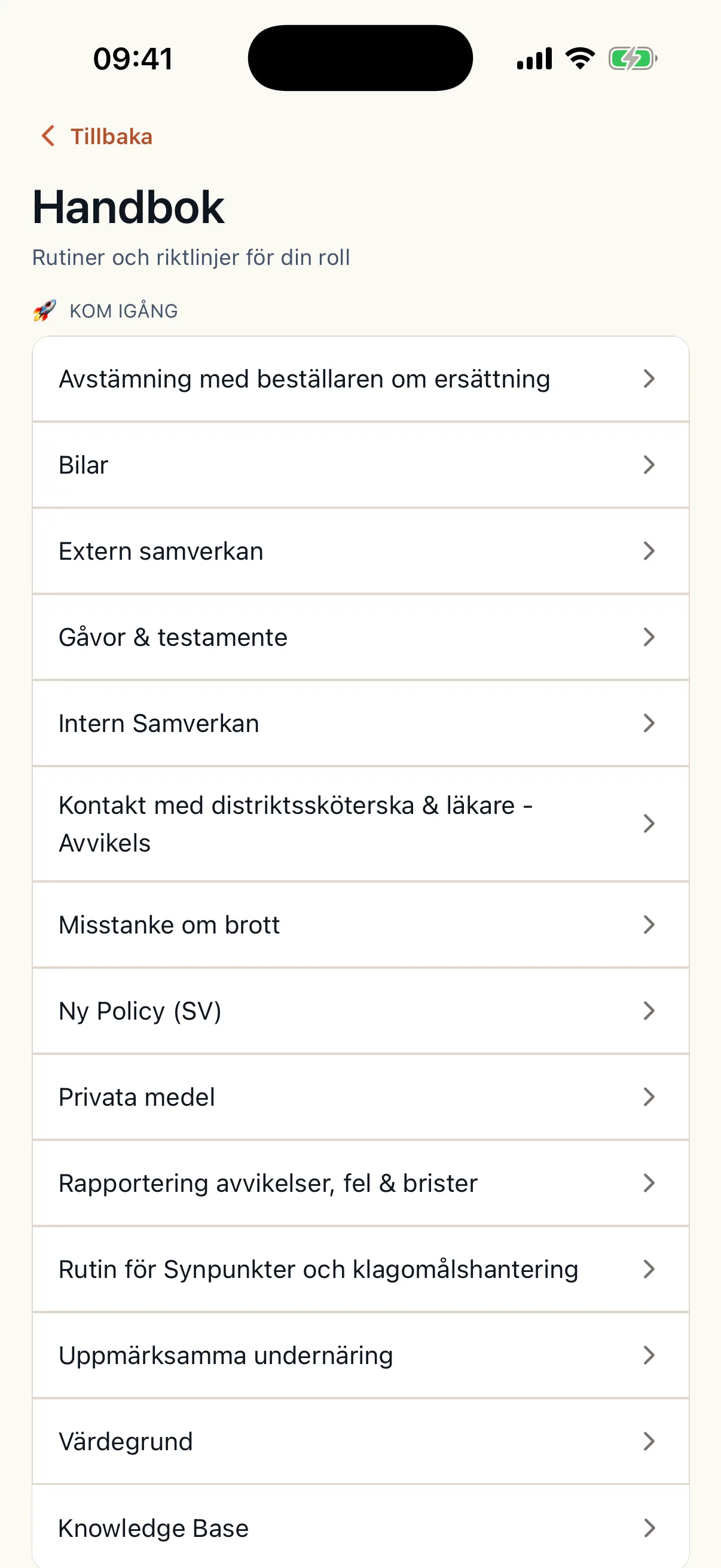
The employee handbook in the app and on the web
Where you find the handbook as an employee, what you see in it and how it works without a connection.
Read guide: The employee handbook in the app and on the web - Solutions
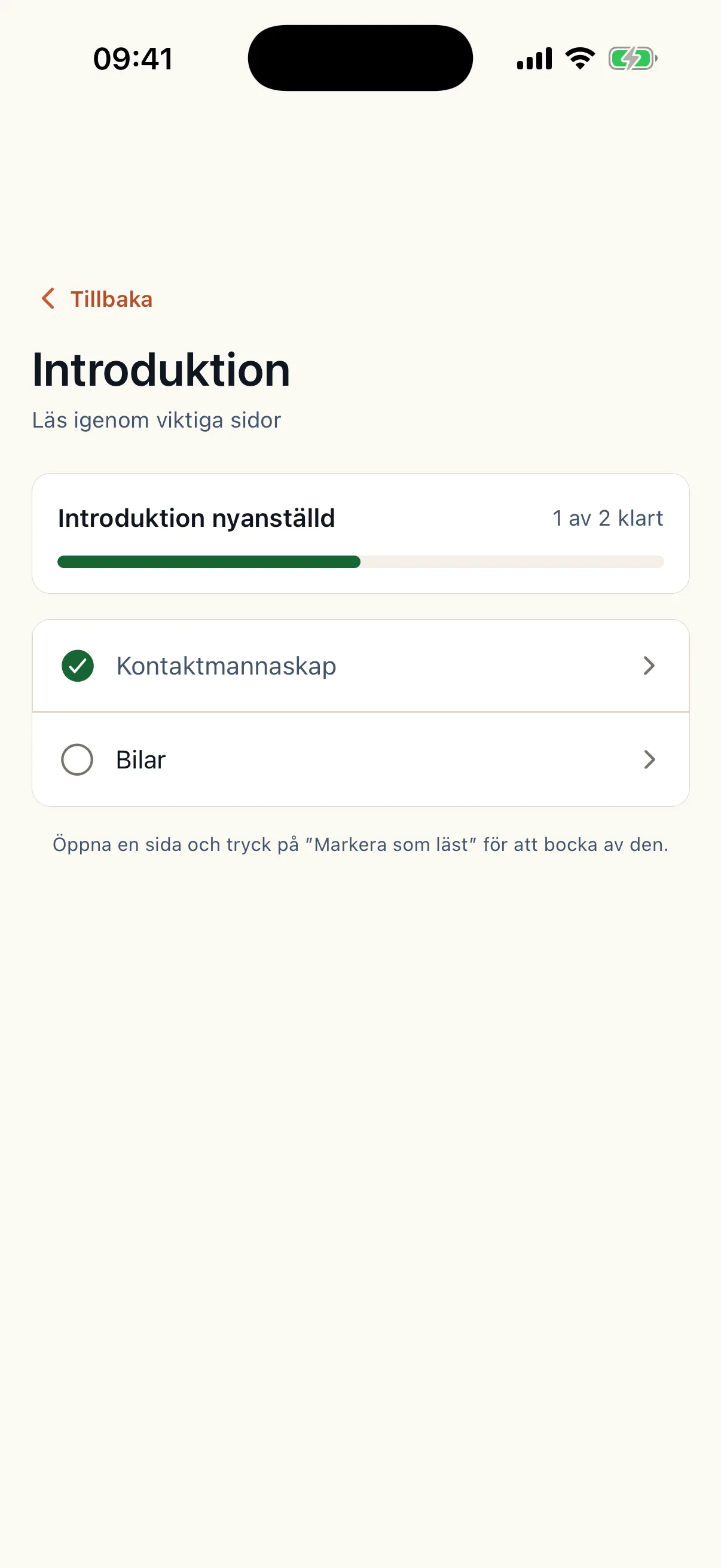
Your onboarding as a new employee
As a new employee you go through an onboarding in the handbook: read each page, mark it as read and complete the onboarding.
Read guide: Your onboarding as a new employee - Solutions
Search, contacts and FAQ in the handbook
Find phone numbers for colleagues and the office, and quick answers to common questions, in the handbook on the web.
Read guide: Search, contacts and FAQ in the handbook - Solutions
Confirm you have read a page
Some handbook pages ask you to confirm that you have read and understood them. How to do it in the app and on the web.
Read guide: Confirm you have read a page