All articles
Filter by step, role, resource and type.
15 of 75 articles
- Efficiency
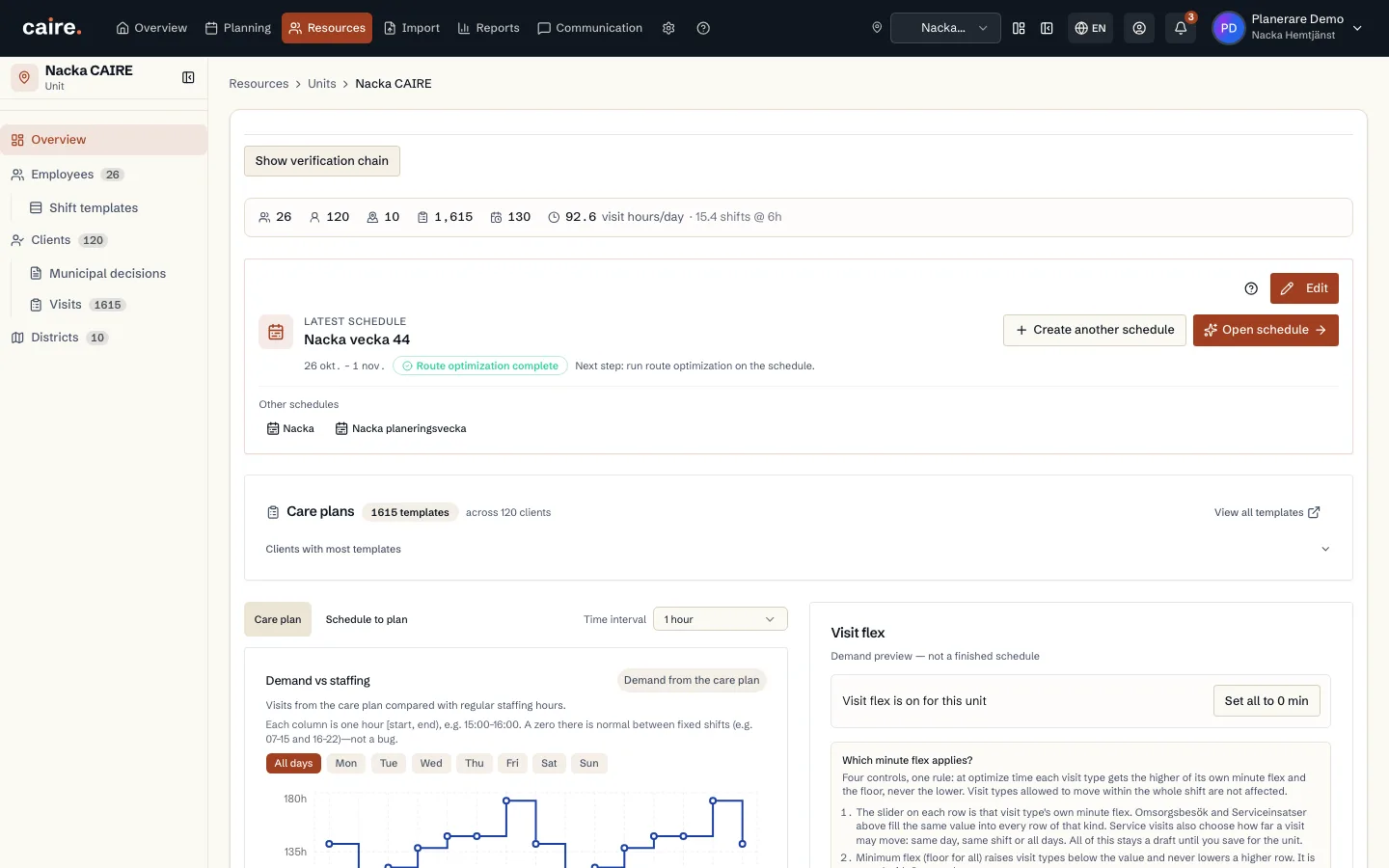
Demand and inset flex
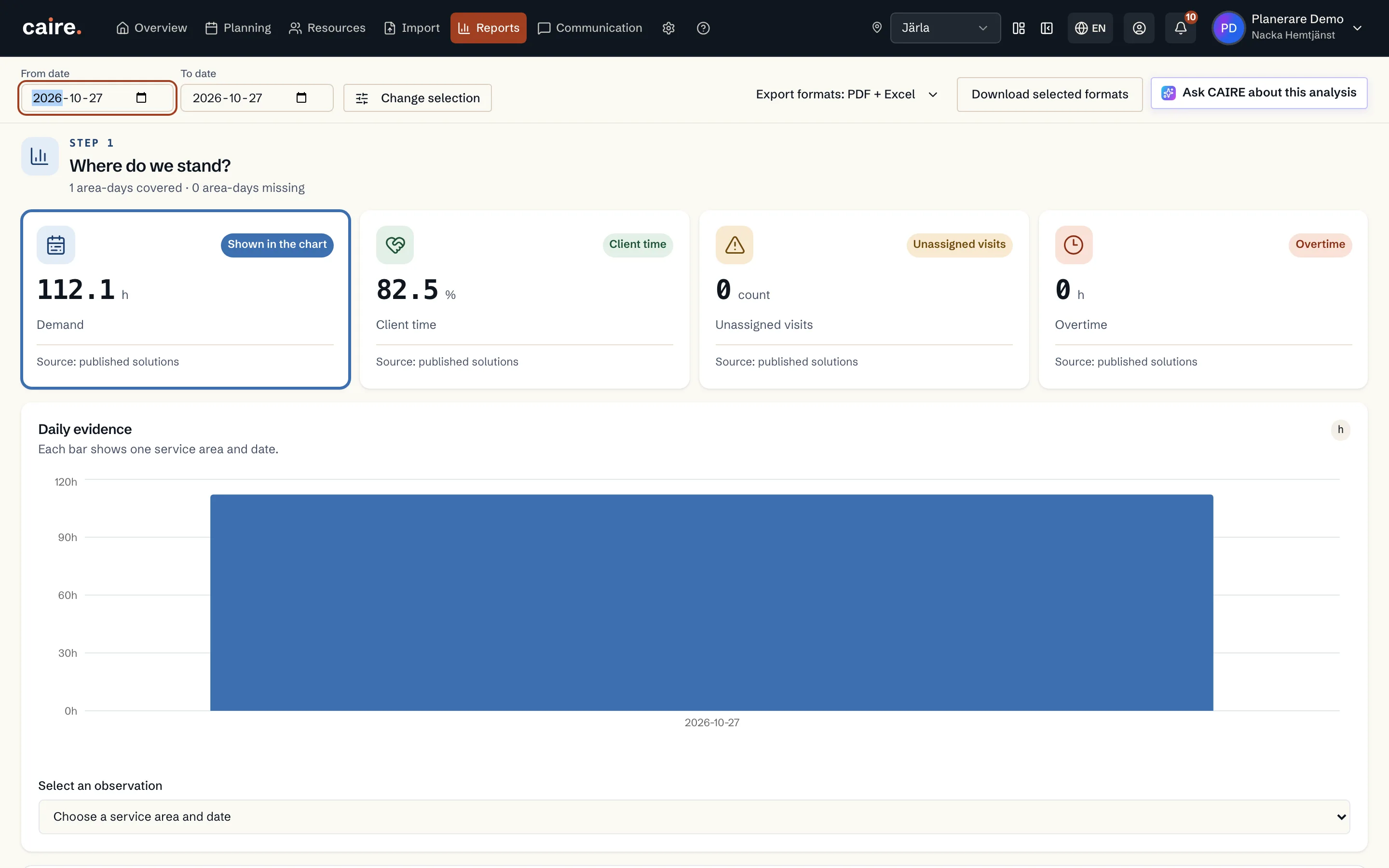
On the unit overview, the chart shows demand. The sliders are inset flex (widen allowed time windows in the preview). Use recommended values to reduce the peak–floor gap. The scope can be saved to the unit or used only for the next schedule proposal. It does not change care plans.
Read guide: Demand and inset flex - Continuity
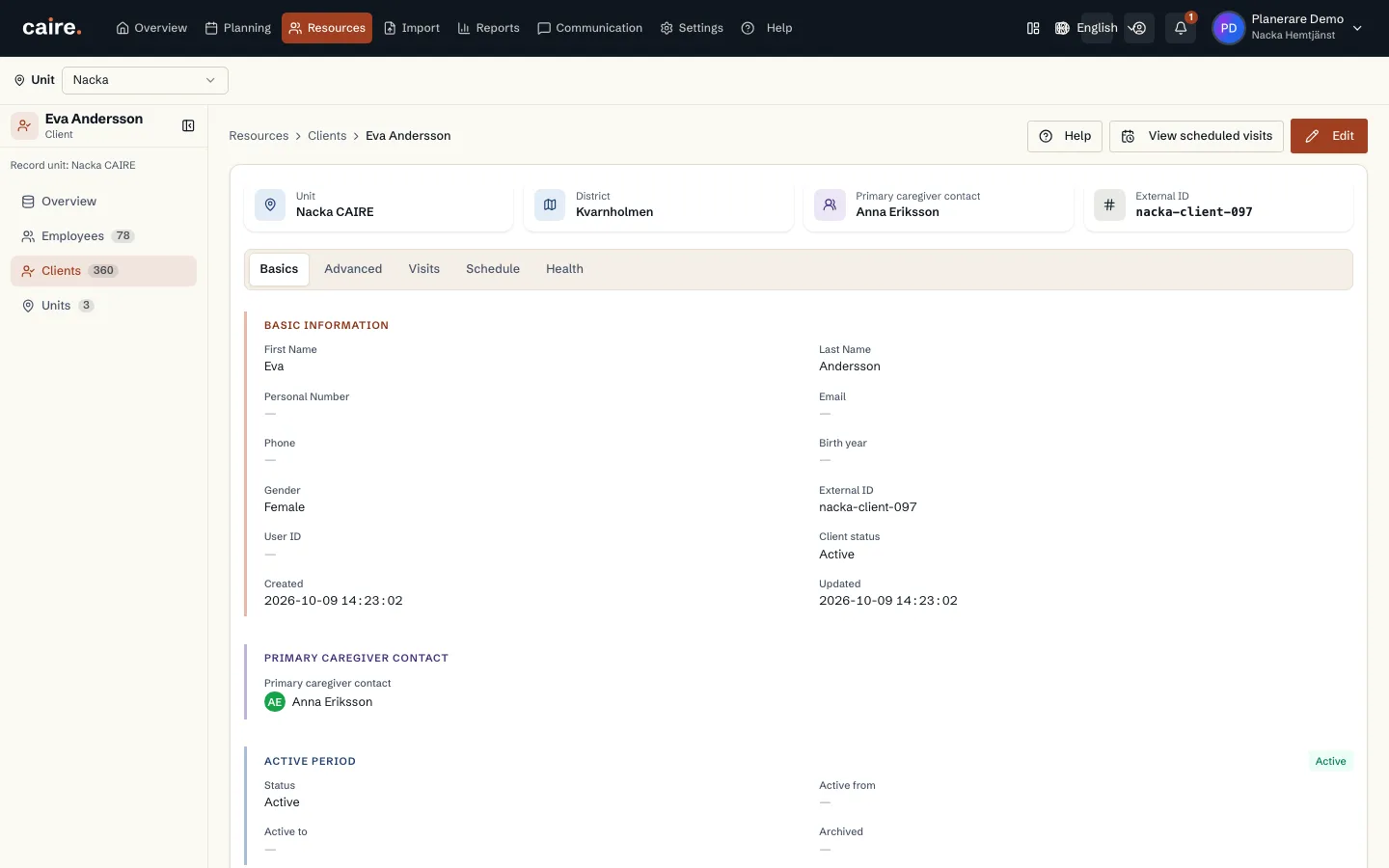
Client data for continuity
How Caire uses designated caregivers, preferred caregivers, and districts to protect continuity.
Read guide: Client data for continuity - Solutions
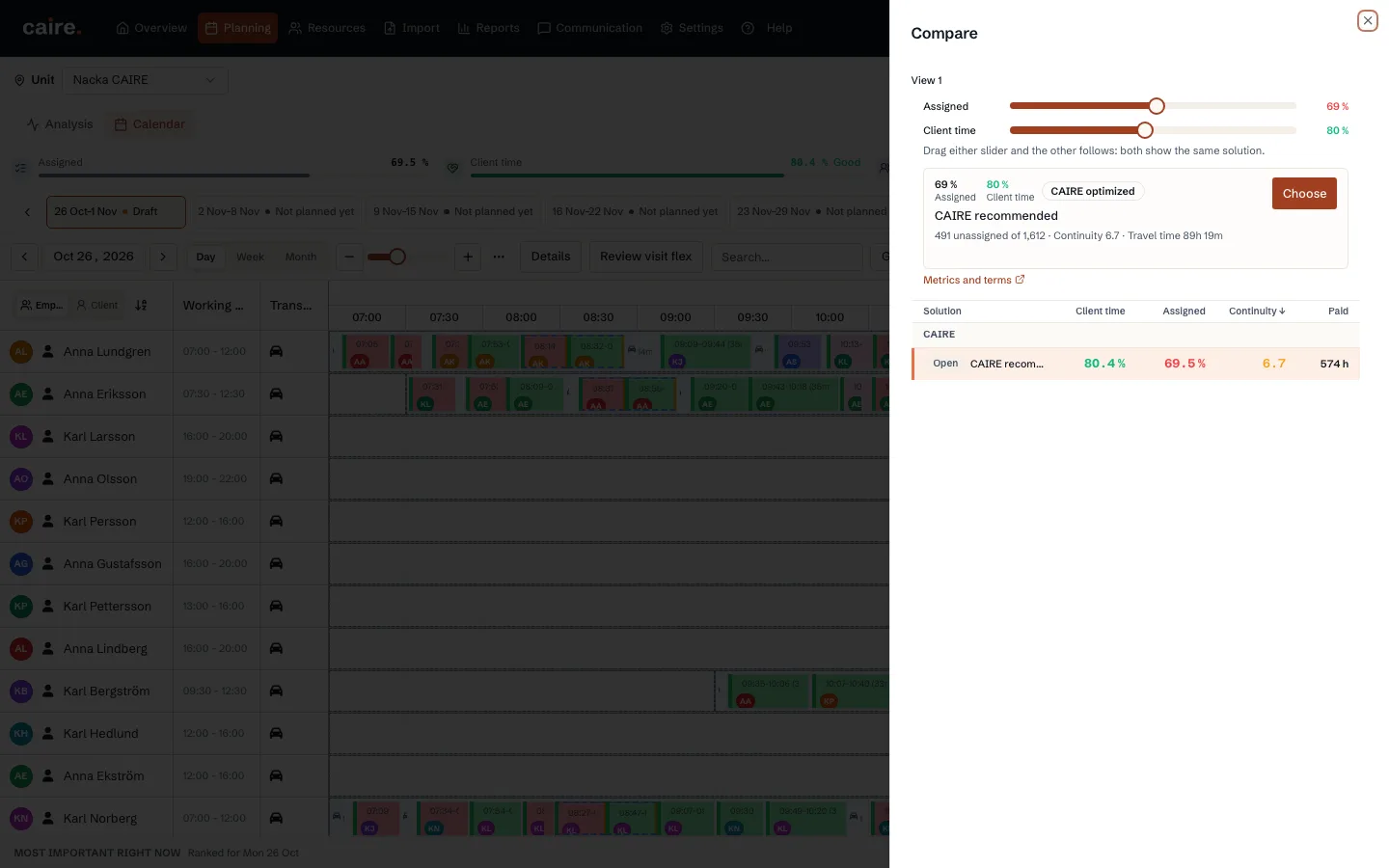
Switch solution in the same calendar
Compare source baselines, Coverage, and efficiency levels without leaving the calendar date or view.
Read guide: Switch solution in the same calendar - Solutions
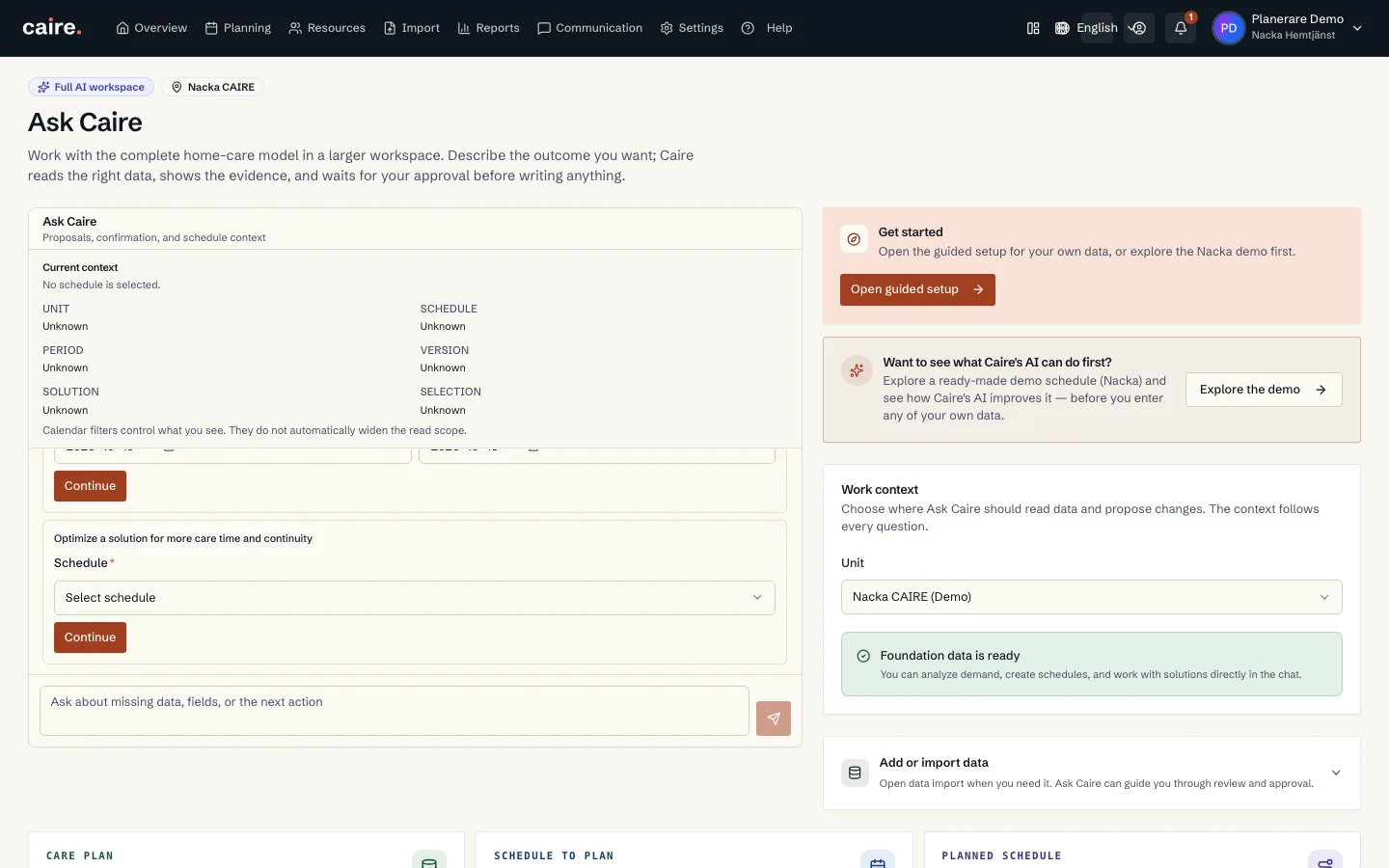
The AI assistant: chat with your schedule
Ask questions about the schedule in plain language and let the AI assistant answer with numbers from the solution, diagnostics, and continuity context.
Read guide: The AI assistant: chat with your schedule - Security
Journal: social documentation under SoL
How to switch on Journal, who may read and write, and how signing, corrections, the access log and export work.
Read guide: Journal: social documentation under SoL - Diagnostics
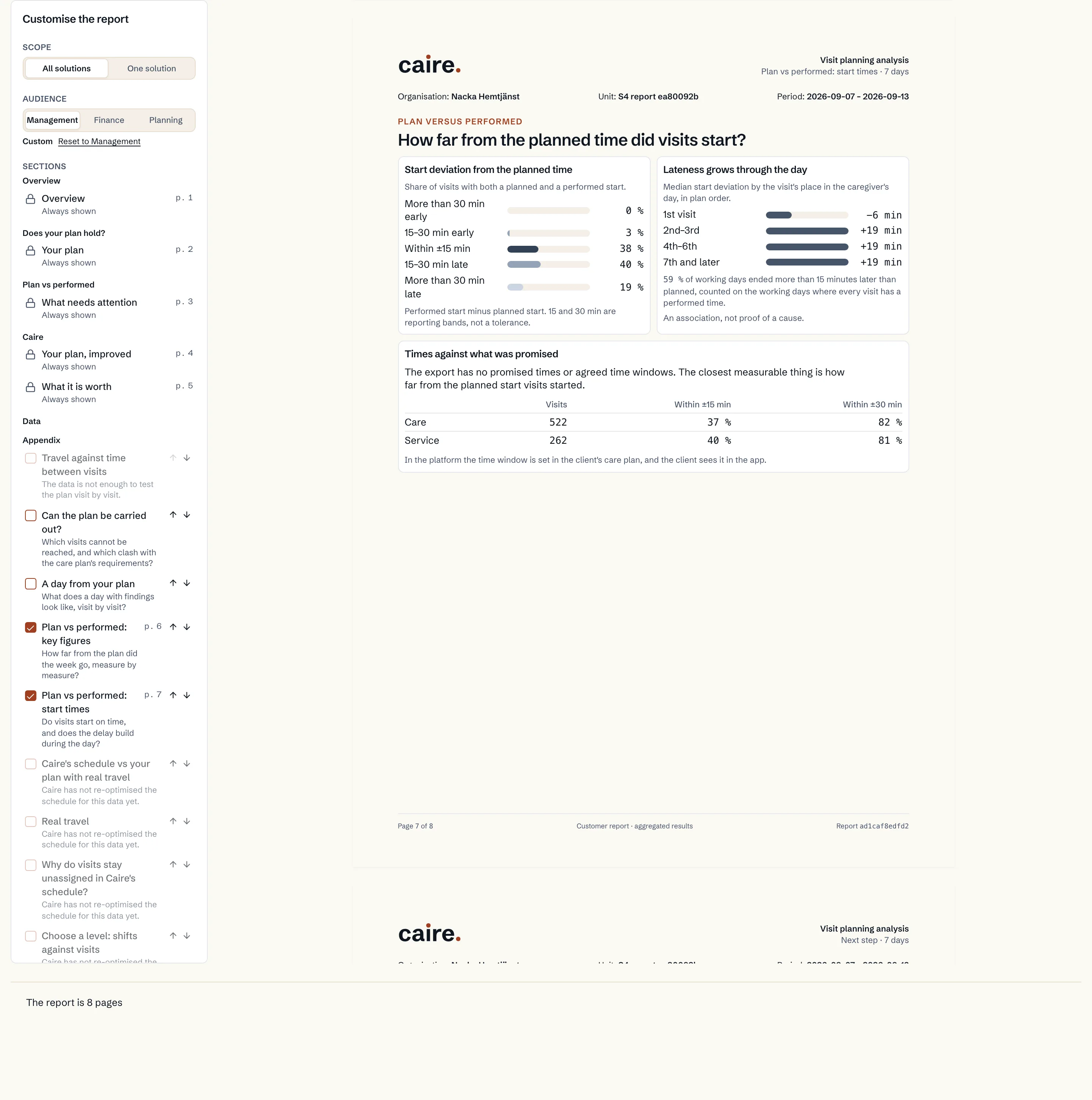
Plan versus reality
The report that compares your plan with the visits that were actually performed, only where the source data shows performed times. It starts with the free analysis.
Read guide: Plan versus reality - Onboarding
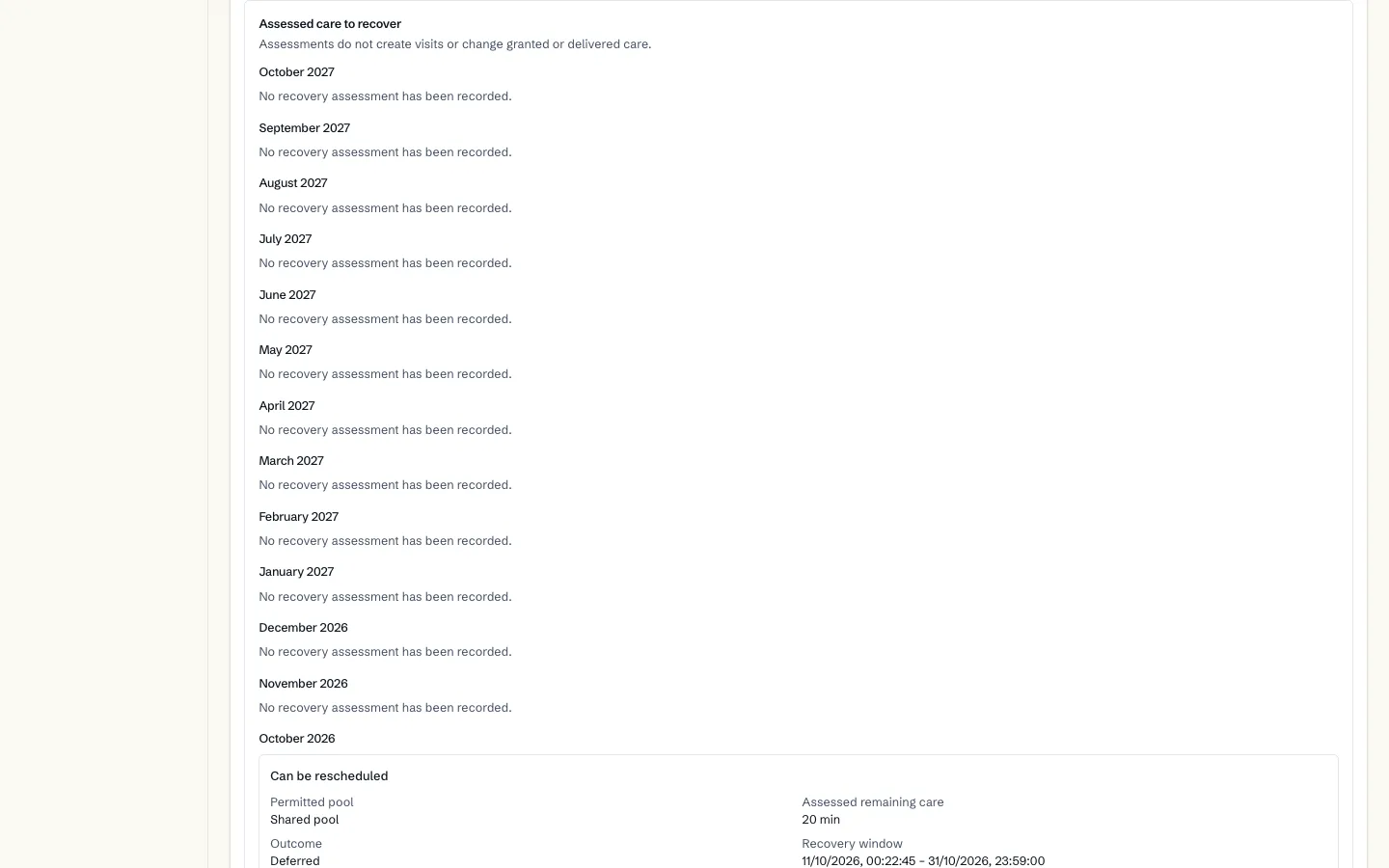
Care decisions on the client
How each care decision (biståndsbeslut) is stored on the client with its granted time, how performed time is followed month by month, and how a decision received as a PDF is reviewed before it is stored.
Read guide: Care decisions on the client - Diagnostics
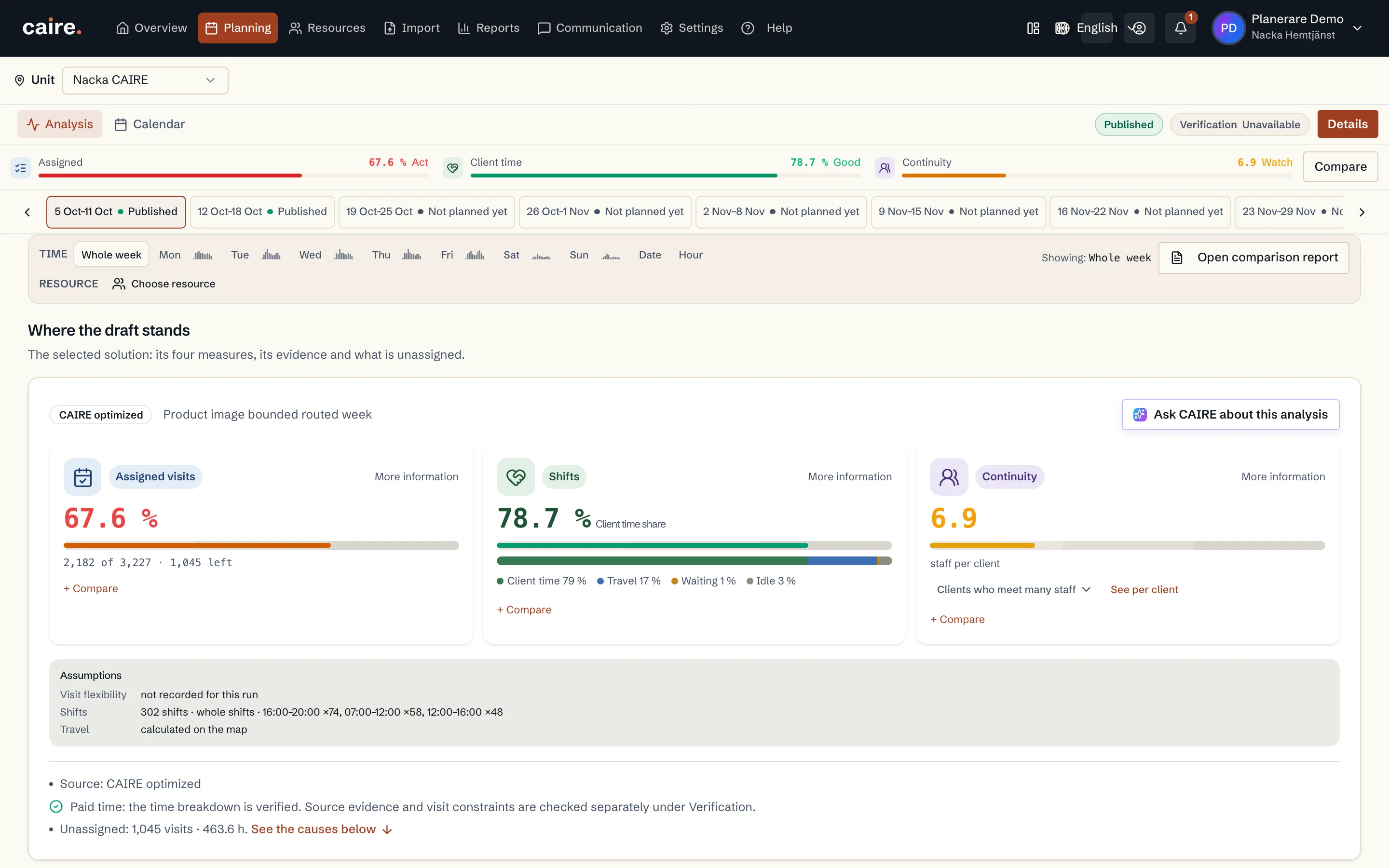
Analysis — reading and fixing a draft
How to read Analys top to bottom, the seven most common states of a draft and the lever that belongs to each.
Read guide: Analysis — reading and fixing a draft - Onboarding
Units: create, archive and merge
How you create a unit, what happens when you archive or delete it, and how to merge two units when the organisation changes.
Read guide: Units: create, archive and merge - Onboarding
Import municipal decisions (PDF)
How you read in a municipal decision from the order and the calculation basis as PDF, review the details line by line and store the decision on the client.
Read guide: Import municipal decisions (PDF) - Time windows
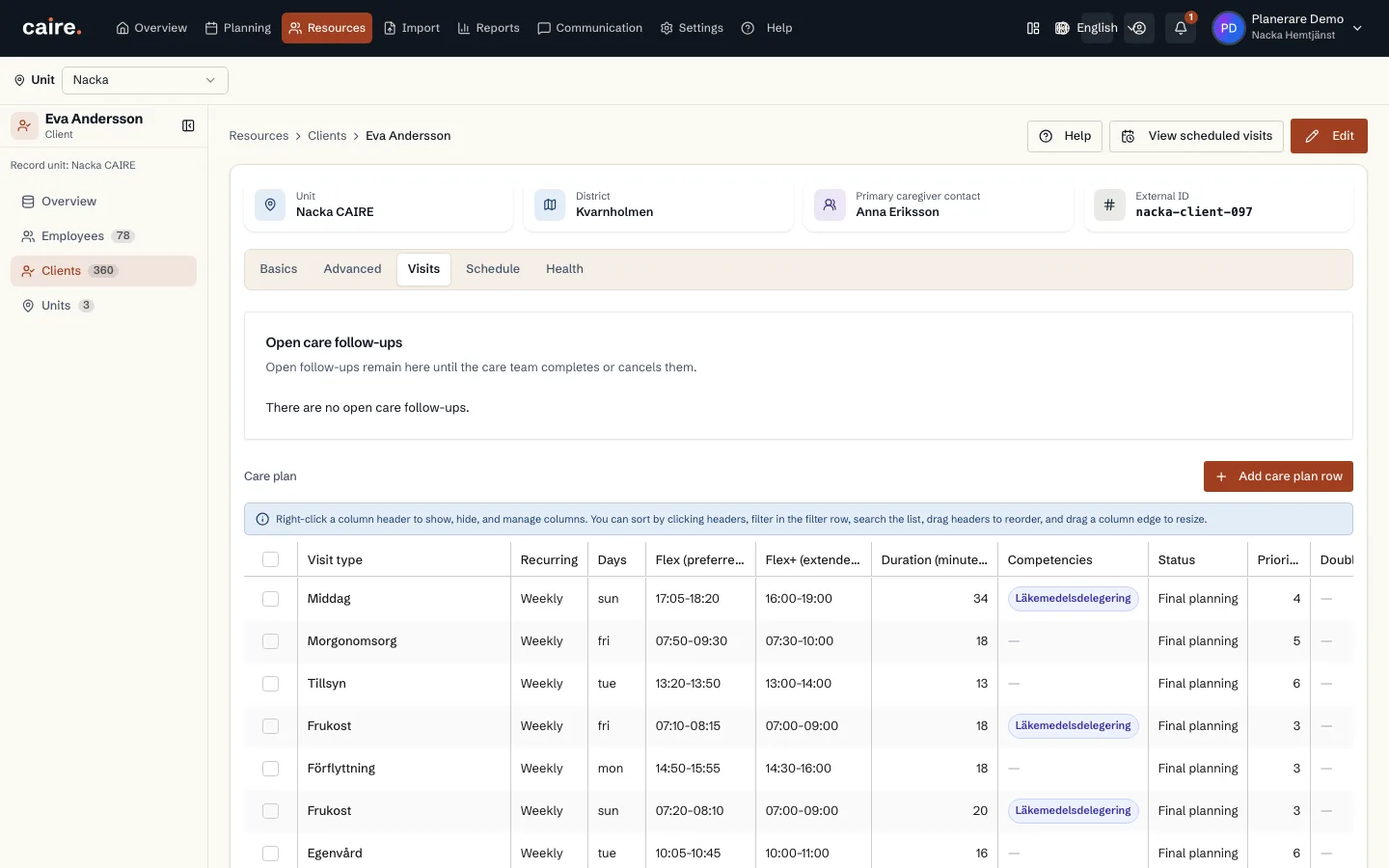
Care plan: services and visit templates
How the services in the client's decision become recurring visit templates: service, duration, frequency, time window, skill and double staffing.
Read guide: Care plan: services and visit templates - Solutions
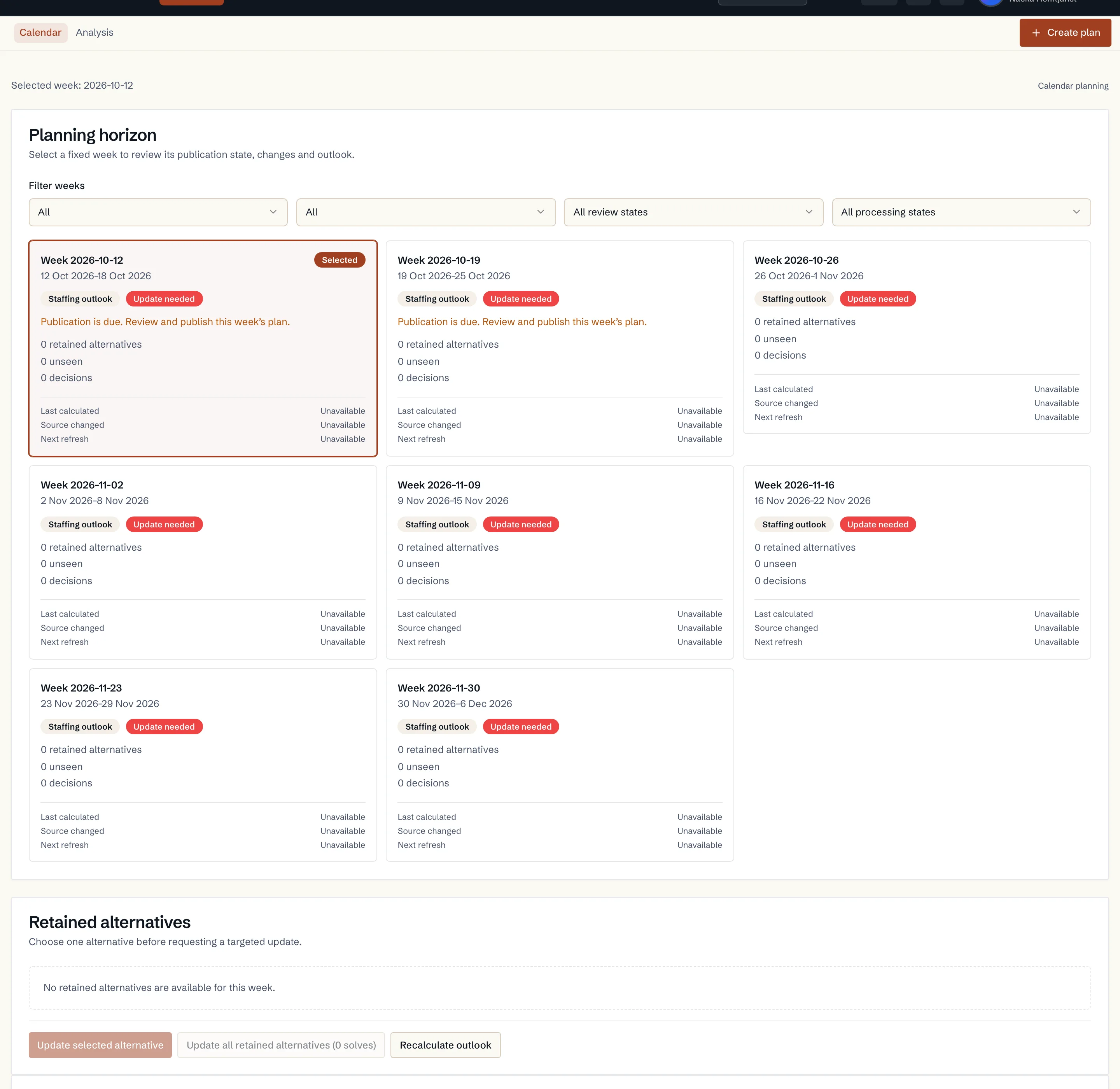
Automatic planning up to eight weeks ahead
How Caire plans the unit's coming weeks on its own: every week gets route drafts, only changed input is recalculated and nothing is published without your decision.
Read guide: Automatic planning up to eight weeks ahead - Diagnostics
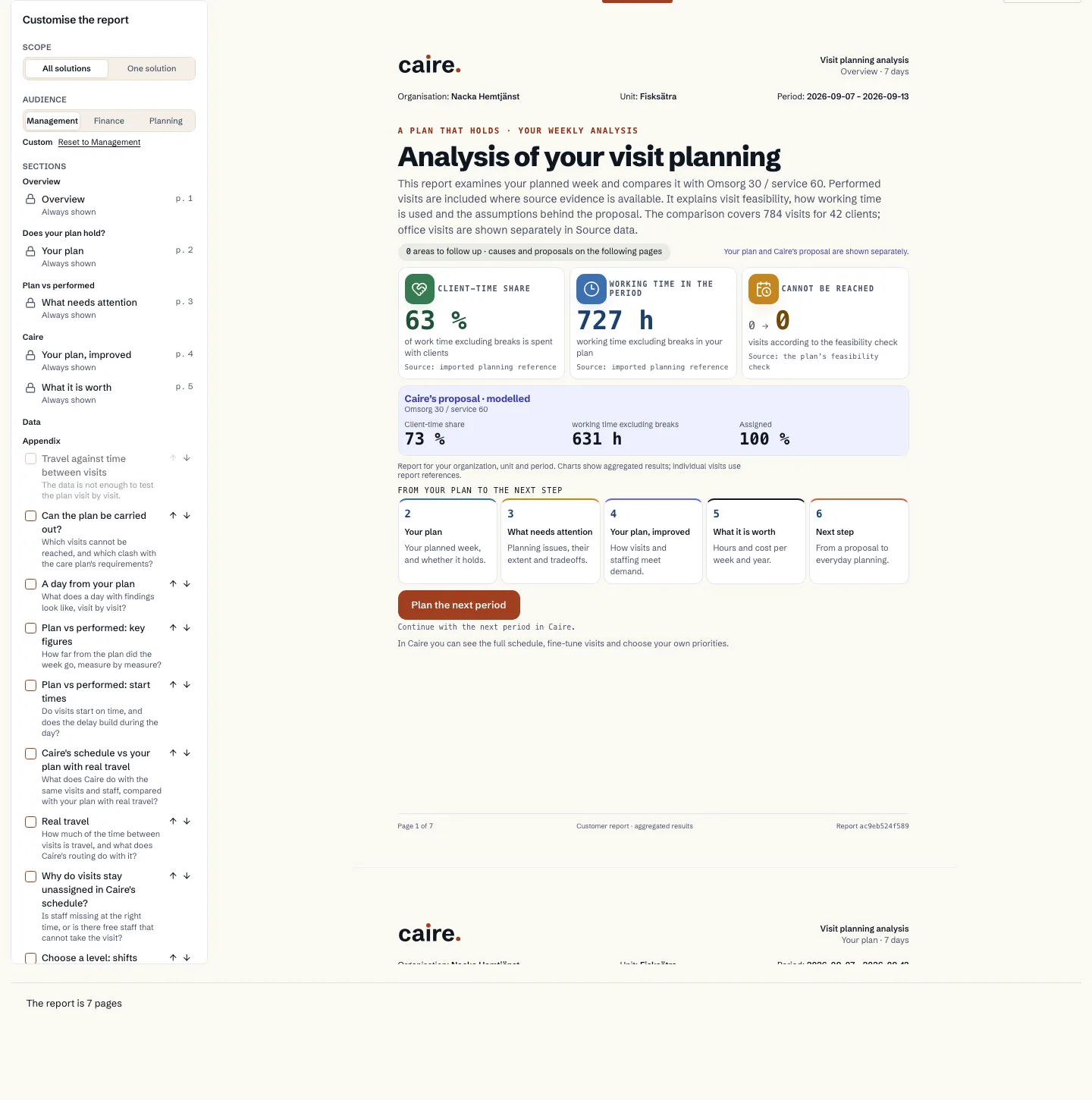
The En plan som håller report
Caire's one report: choose unit, period and solutions, pick the content and print it as PDF or export it to Excel. No names by default.
Read guide: The En plan som håller report - Efficiency
The scorecard and optimisation grade
The scorecard shows a unit, a schedule or a solution in eight fixed categories. The optimisation grade compares care-time share with Caire's best verified proposal.
Read guide: The scorecard and optimisation grade Solutions
One comparable solution frontier for a schedule: Standing data, Coverage, and N Efficiency rungs.
Read resource