All articles
Filter by step, role, resource and type.
24 of 75 articles
- Efficiency
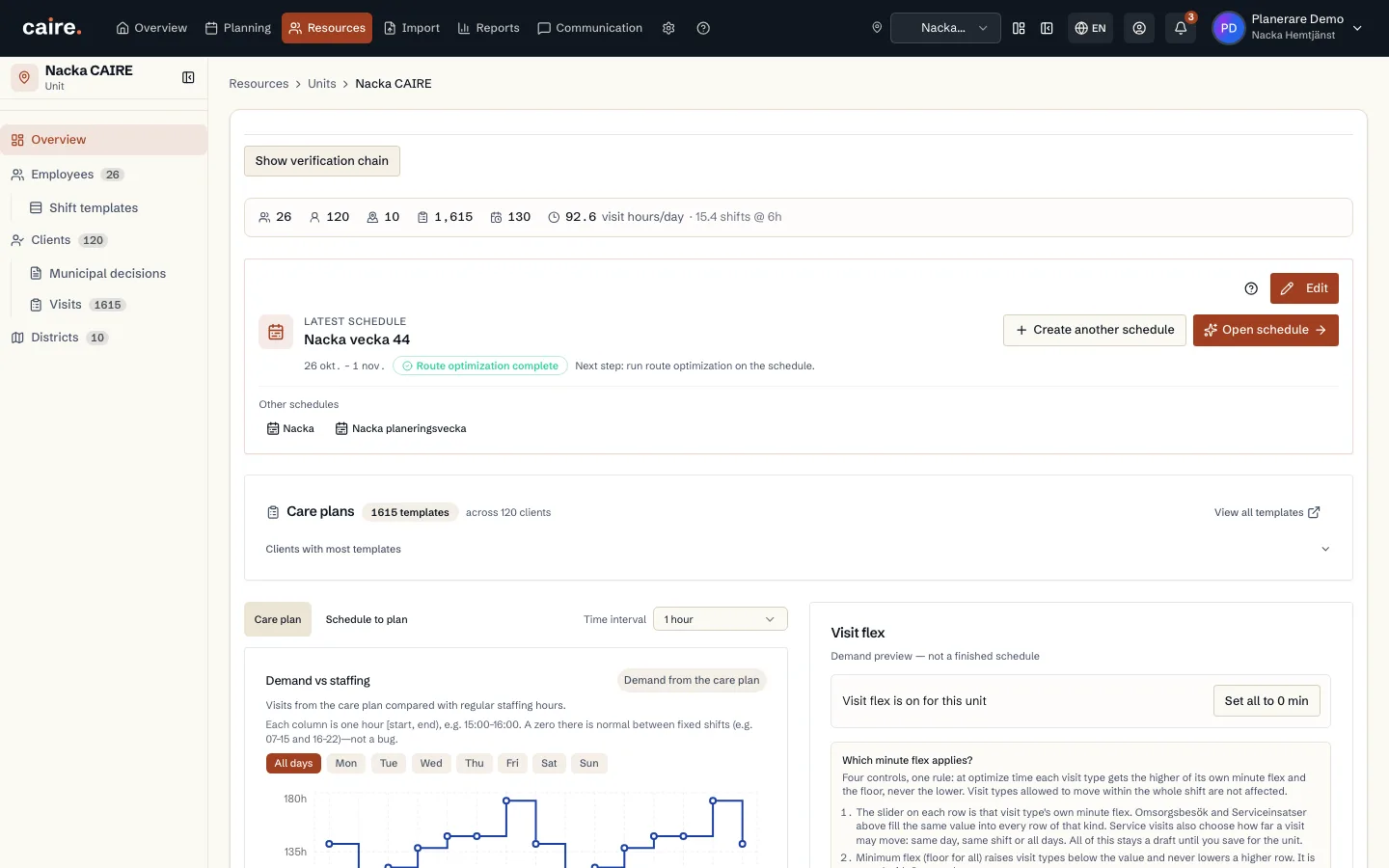
Districts and coverage
How districts reveal local demand, local capacity, and routes that cross the wrong area.
Read guide: Districts and coverage - Security
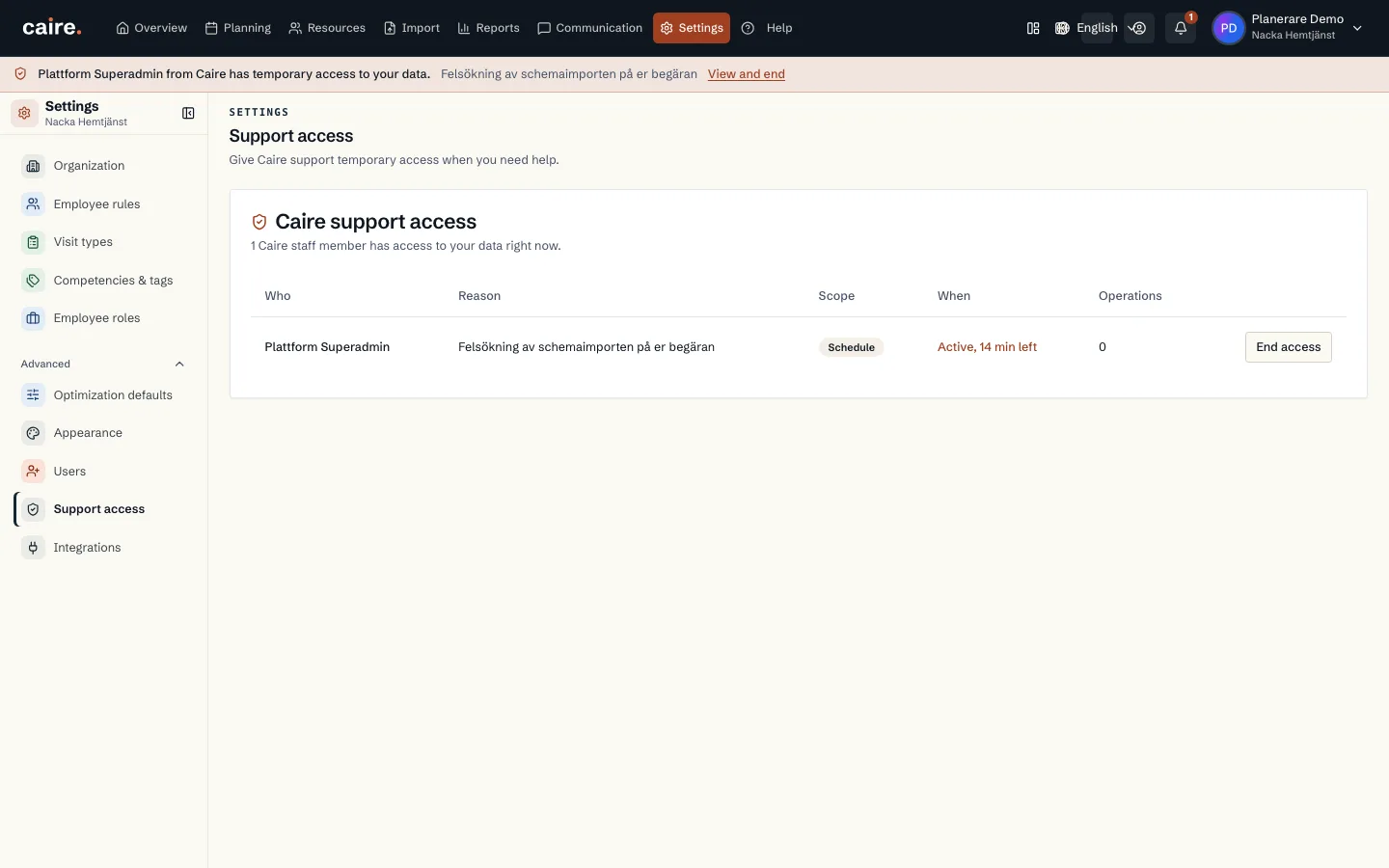
Security, sign-in and the data processing agreement (DPA)
Who is responsible for the personal data, how you accept the DPA, what it unlocks, and where you see and control access to your data.
Read guide: Security, sign-in and the data processing agreement (DPA) - Onboarding
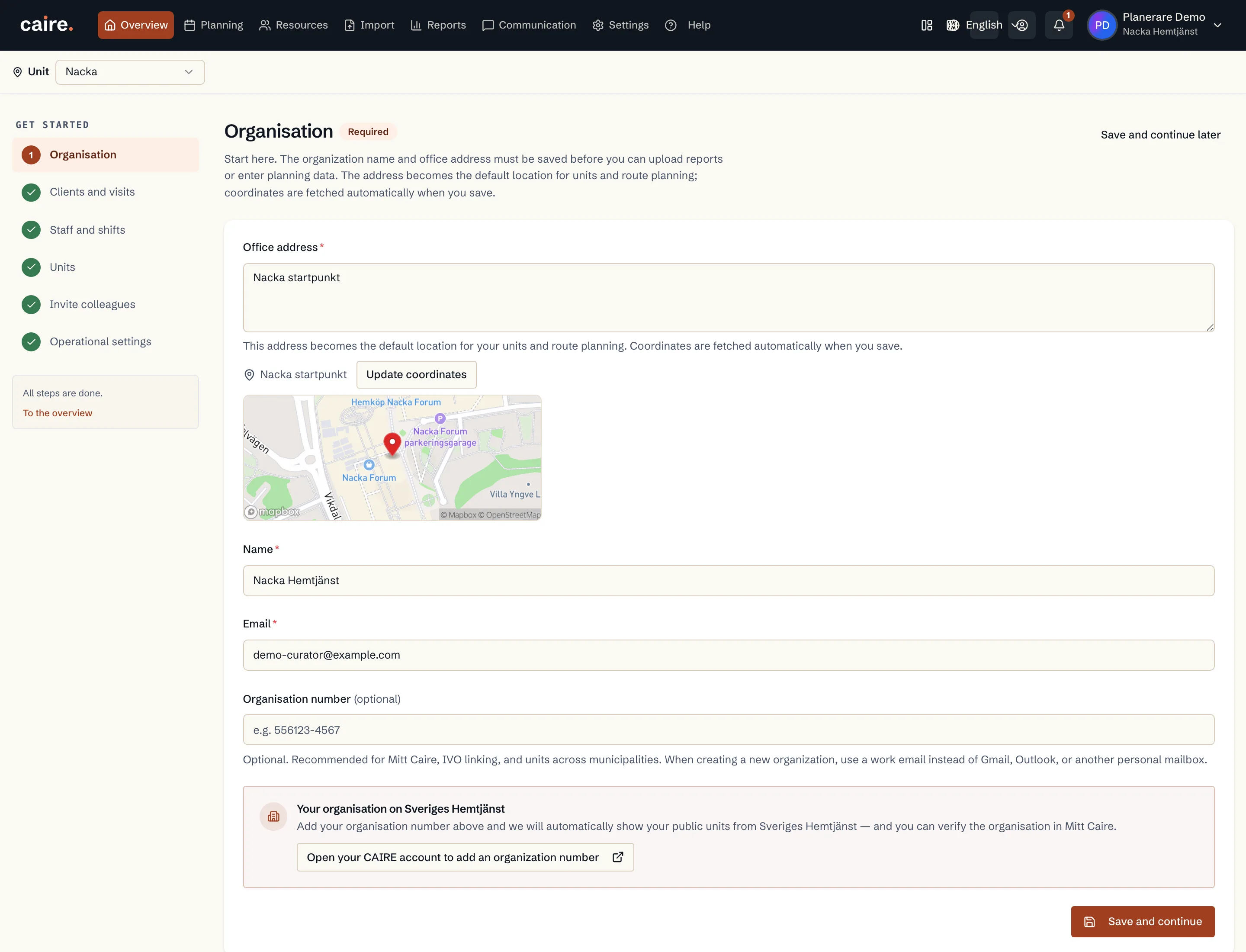
Create an account and an organisation
How you create your Caire account and set up the organisation: name, organisation number, office address and the data processing agreement.
Read guide: Create an account and an organisation - Onboarding
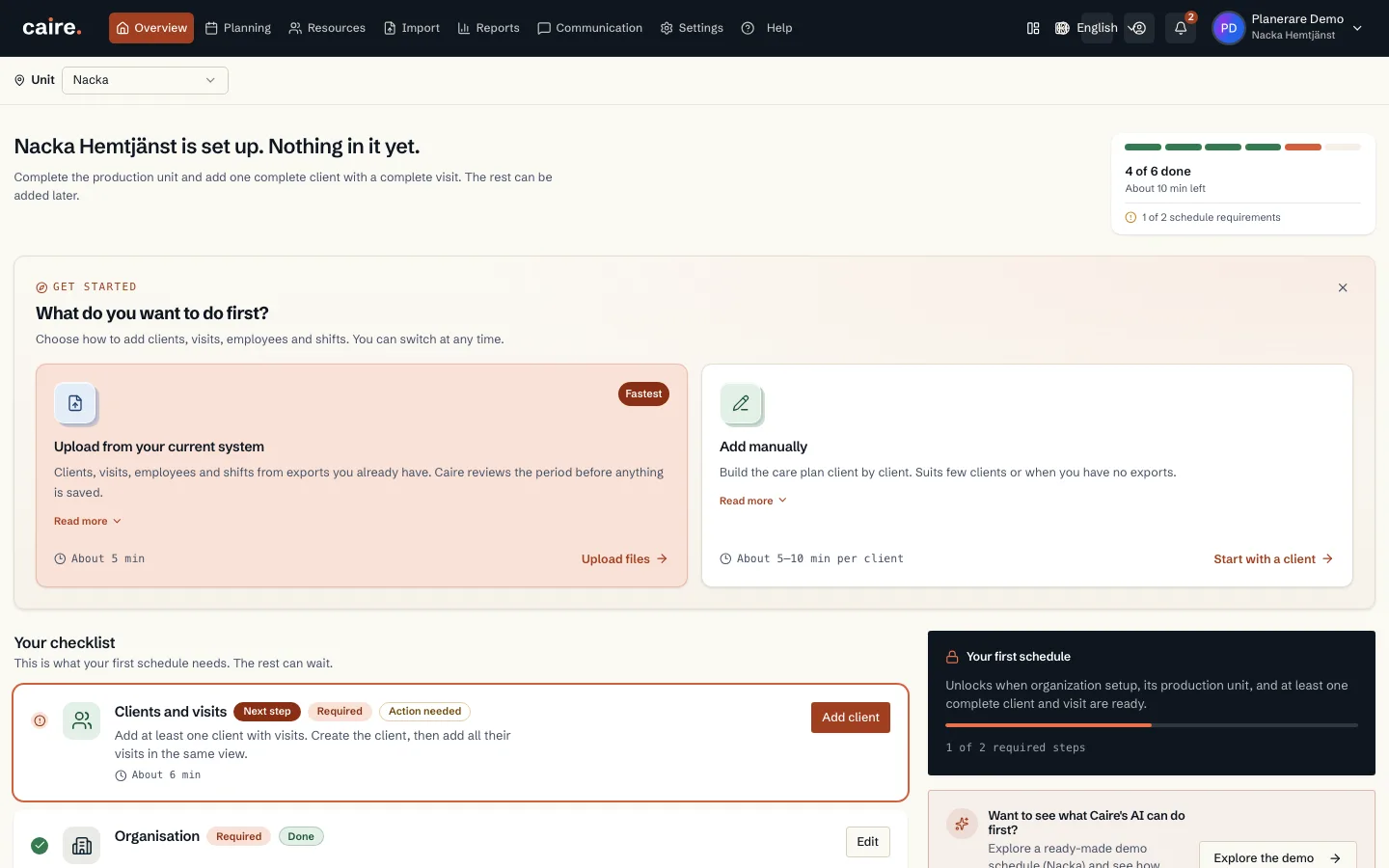
The getting-started checklist
How to use Get started with Caire: what your first schedule needs, what is recommended and what can wait.
Read guide: The getting-started checklist - Onboarding
Units: create, archive and merge
How you create a unit, what happens when you archive or delete it, and how to merge two units when the organisation changes.
Read guide: Units: create, archive and merge - Security
Users, roles and permissions
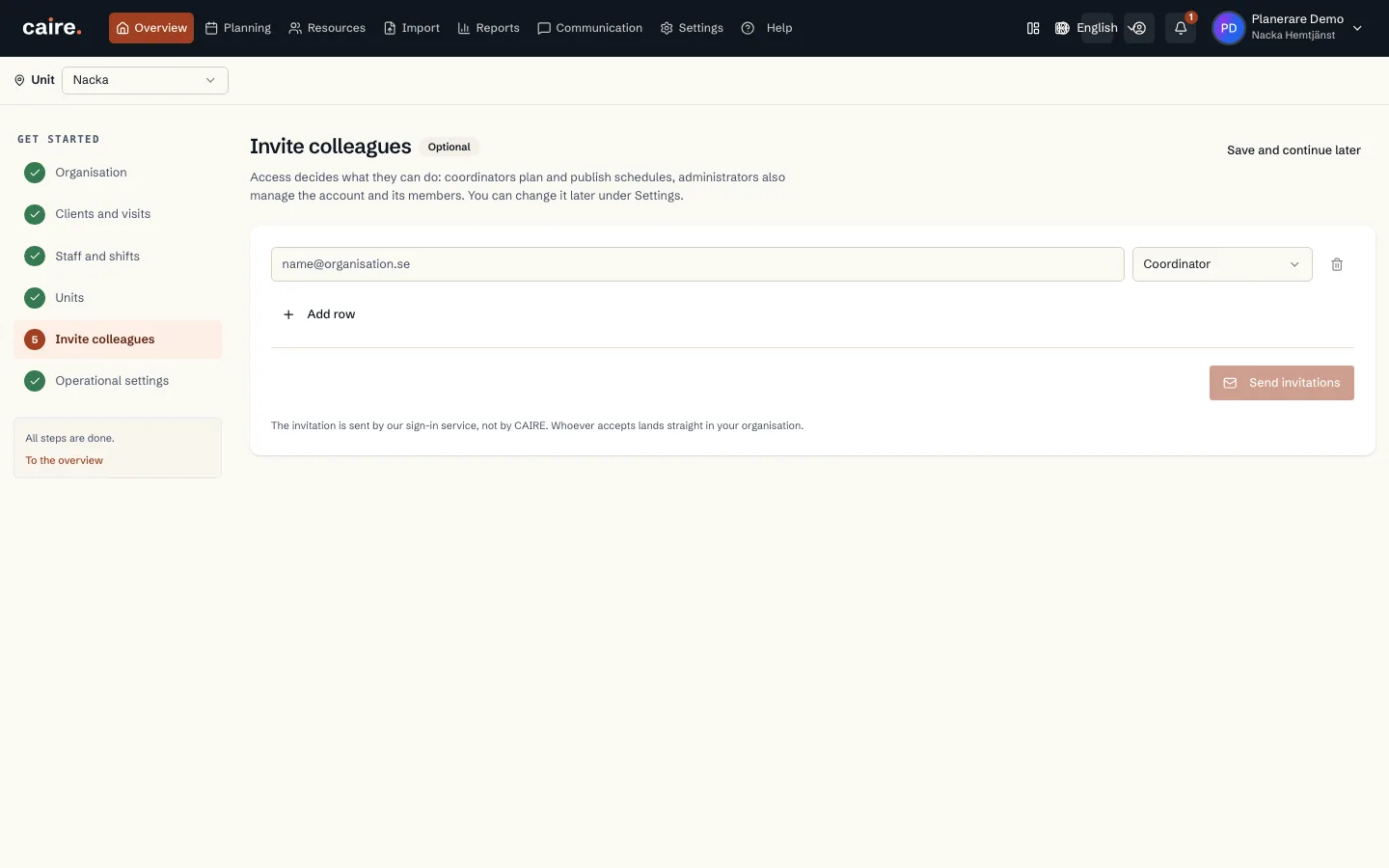
How you invite colleagues to Caire on the web, what the role controls, how sensitive data is protected and how app accounts differ from web users.
Read guide: Users, roles and permissions - Integrations
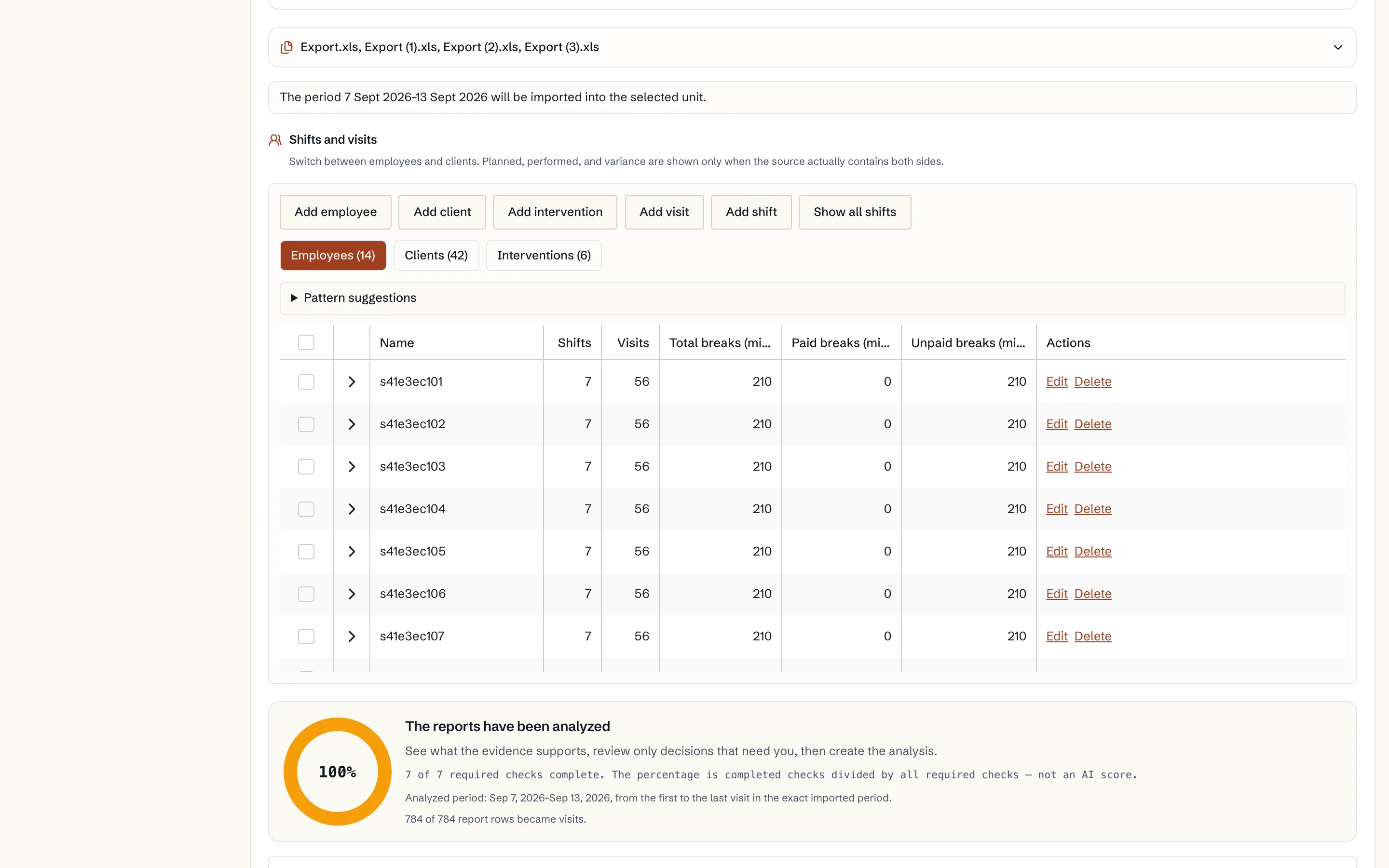
Import from your care management system (Excel)
How you export the reports from your care management system, upload them to Caire, review clients, visits and employees, and save what should be used.
Read guide: Import from your care management system (Excel) - Integrations
Import through the API connection
Connect your planning system, select dates and source units, and review the data before saving it in Caire.
Read guide: Import through the API connection - Onboarding
The settings cascade
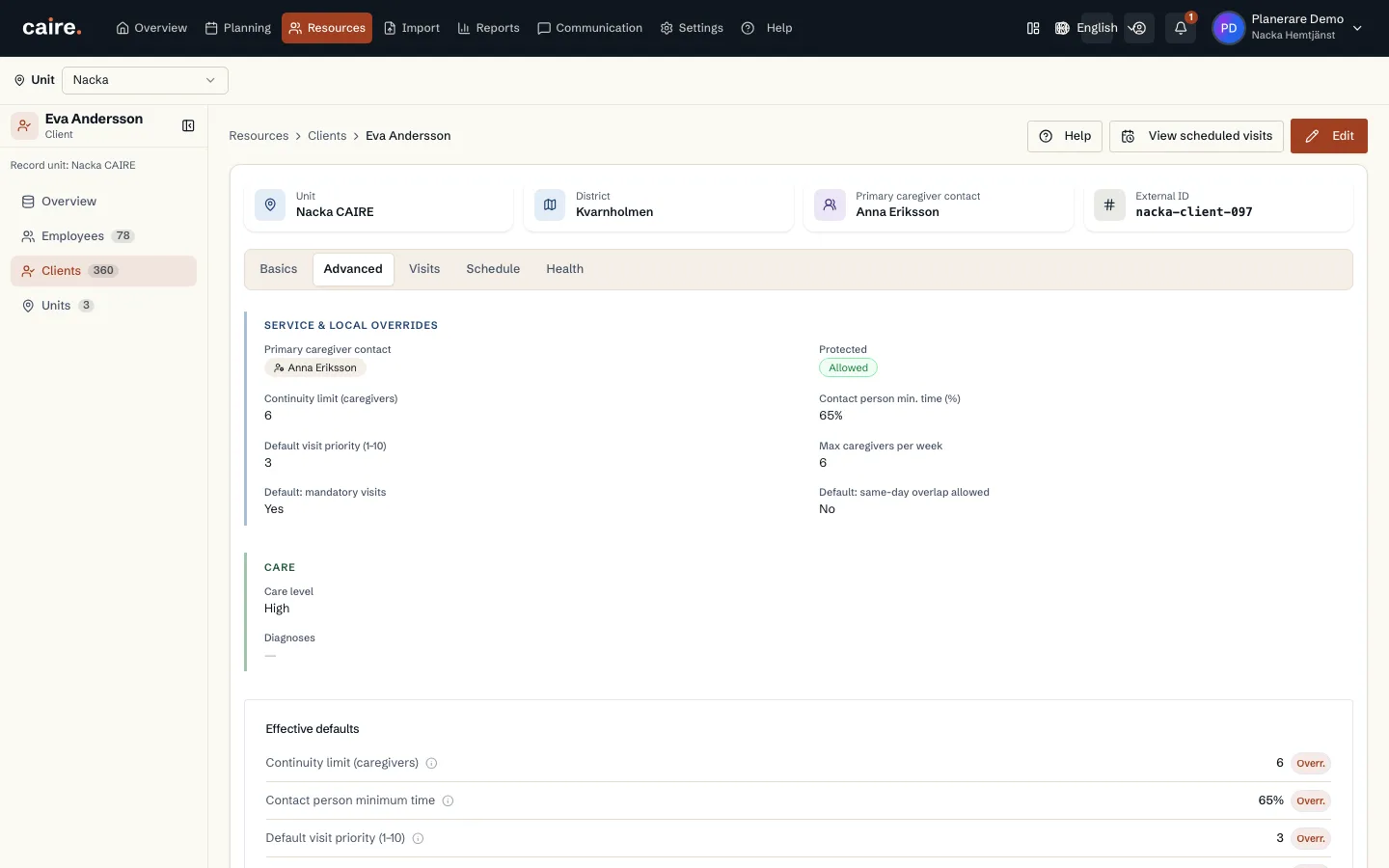
Why the same setting can exist on the organisation, the unit, the client, the employee and the visit, and how you see which value actually applies.
Read guide: The settings cascade - Onboarding
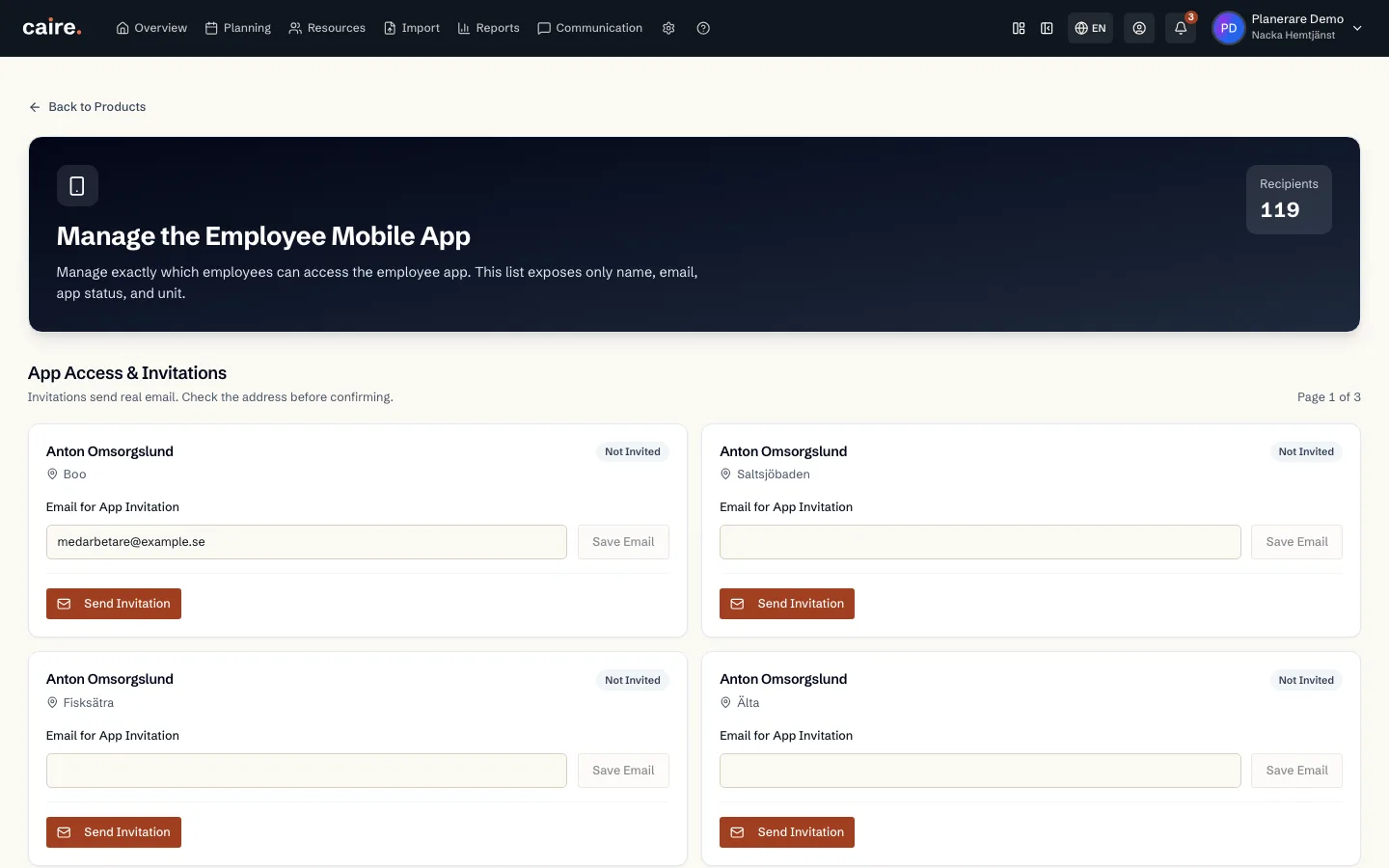
Invite employees and clients to the app
App accounts are created from the employee's or client's page with an email invitation. How to send it, follow App-status, resend, revoke and unlink.
Read guide: Invite employees and clients to the app - Onboarding
Getting started with the employee handbook
What the employee handbook is, who may administer it and how to get started in the handbook admin.
Read guide: Getting started with the employee handbook - Onboarding
Caire templates: show, hide, copy and update
How to use Caire's template library: show or hide a template, copy it to make it your own, and follow up when Caire updates it.
Read guide: Caire templates: show, hide, copy and update - Onboarding
Categories
Categories give the handbook its structure. How to create, change and delete a category.
Read guide: Categories - Onboarding
Create, edit, publish and delete your own pages
Write your own handbook pages in the editor, save them as drafts, publish them, follow the version history and delete pages you no longer need.
Read guide: Create, edit, publish and delete your own pages - Onboarding
Contacts and phone numbers
Gather phone numbers and contact details on a contact page that employees find under Contacts in the handbook.
Read guide: Contacts and phone numbers - Onboarding
FAQ pages
Make a handbook page your organisation's page of frequently asked questions, so employees get quick answers under FAQ.
Read guide: FAQ pages - Onboarding
Visibility by role and read confirmations
Which roles see a page, how the check works and how to require employees to confirm they have read it.
Read guide: Visibility by role and read confirmations - Onboarding
Onboarding packages for new employees
Gather the pages a new employee should read in a package for their role, and follow how far each employee has come.
Read guide: Onboarding packages for new employees - Onboarding
Languages and translations
Choose which languages the handbook is in, set the default language and translate pages, by hand or automatically.
Read guide: Languages and translations - Onboarding
Branding, images and shortcuts
Give the handbook your name, logo and colours, gather images and files in the media library and put shortcuts on the start page.
Read guide: Branding, images and shortcuts - Onboarding
PDF export of a handbook page
Download a published handbook page as PDF on the web, using the same language and content you are reading.
Read guide: PDF export of a handbook page Organization
The care provider in Caire. This holds core details and fallback contact/location context.
Read resourceOperational settings
Defaults for staff, optimization, services, time slots, skills, and tags.
Read resourceUnit
The planning boundary: the team, clients, employees, and period scheduled together.
Read resource