All articles
Filter by step, role, resource and type.
46 of 75 articles
- Efficiency
Demand and inset flex
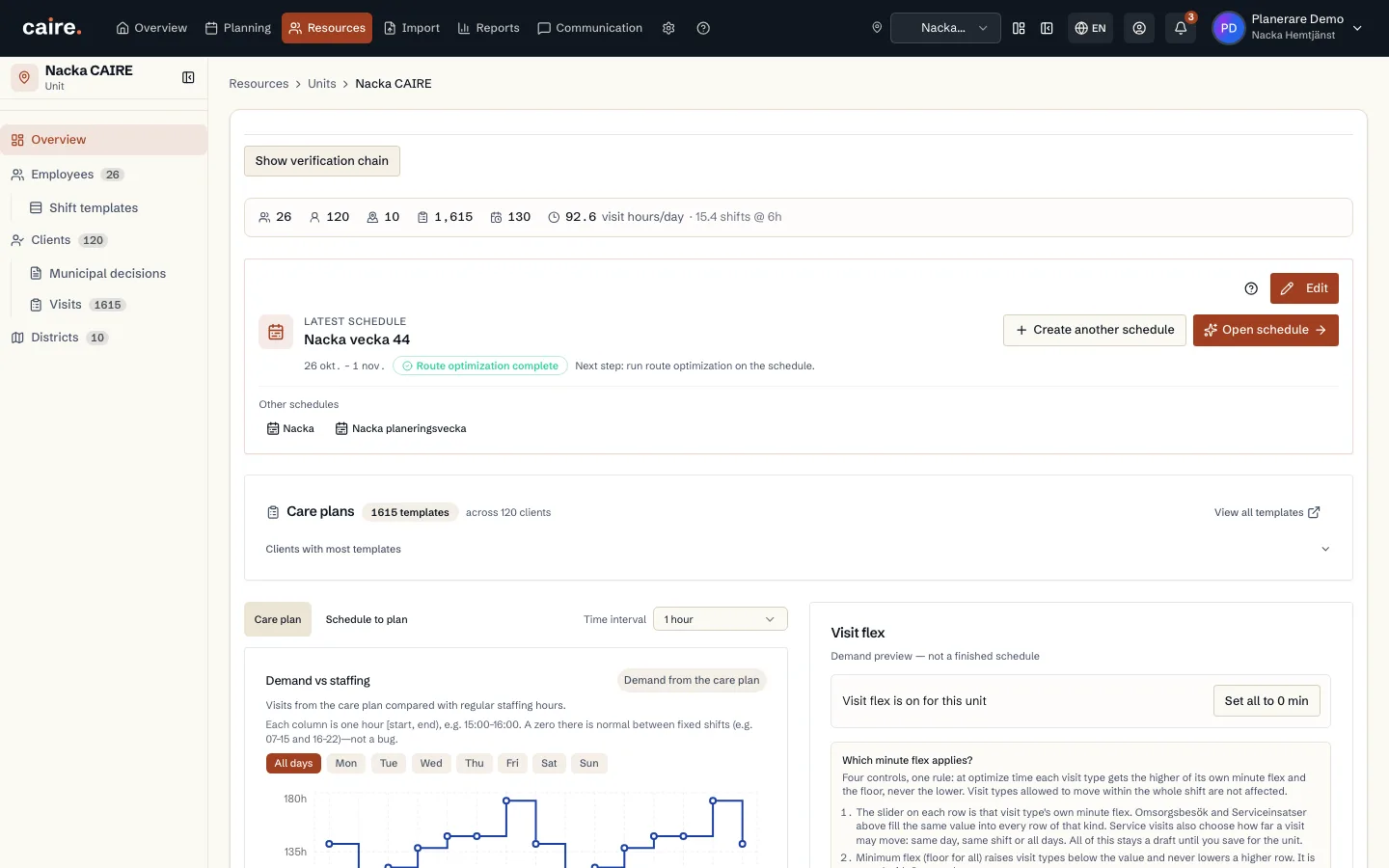
On the unit overview, the chart shows demand. The sliders are inset flex (widen allowed time windows in the preview). Use recommended values to reduce the peak–floor gap. The scope can be saved to the unit or used only for the next schedule proposal. It does not change care plans.
Read guide: Demand and inset flex - Onboarding
From two reports to the first analysis
Upload your reports, review the data and start one optimisation. One selected period per organisation is free, with available results in the calendar, comparison and diagnostics.
Read guide: From two reports to the first analysis - Onboarding
From analysis report to a decision-ready calendar
Read the source planned and evidenced actual state, follow CAIRE candidates in the background, and compare them in the same calendar.
Read guide: From analysis report to a decision-ready calendar - Onboarding
Optimization readiness
See which data is enough for the first schedule and which extra fields unlock stronger continuity, efficiency, and diagnostics.
Read guide: Optimization readiness - Continuity
Client data for continuity
How Caire uses designated caregivers, preferred caregivers, and districts to protect continuity.
Read guide: Client data for continuity - Efficiency
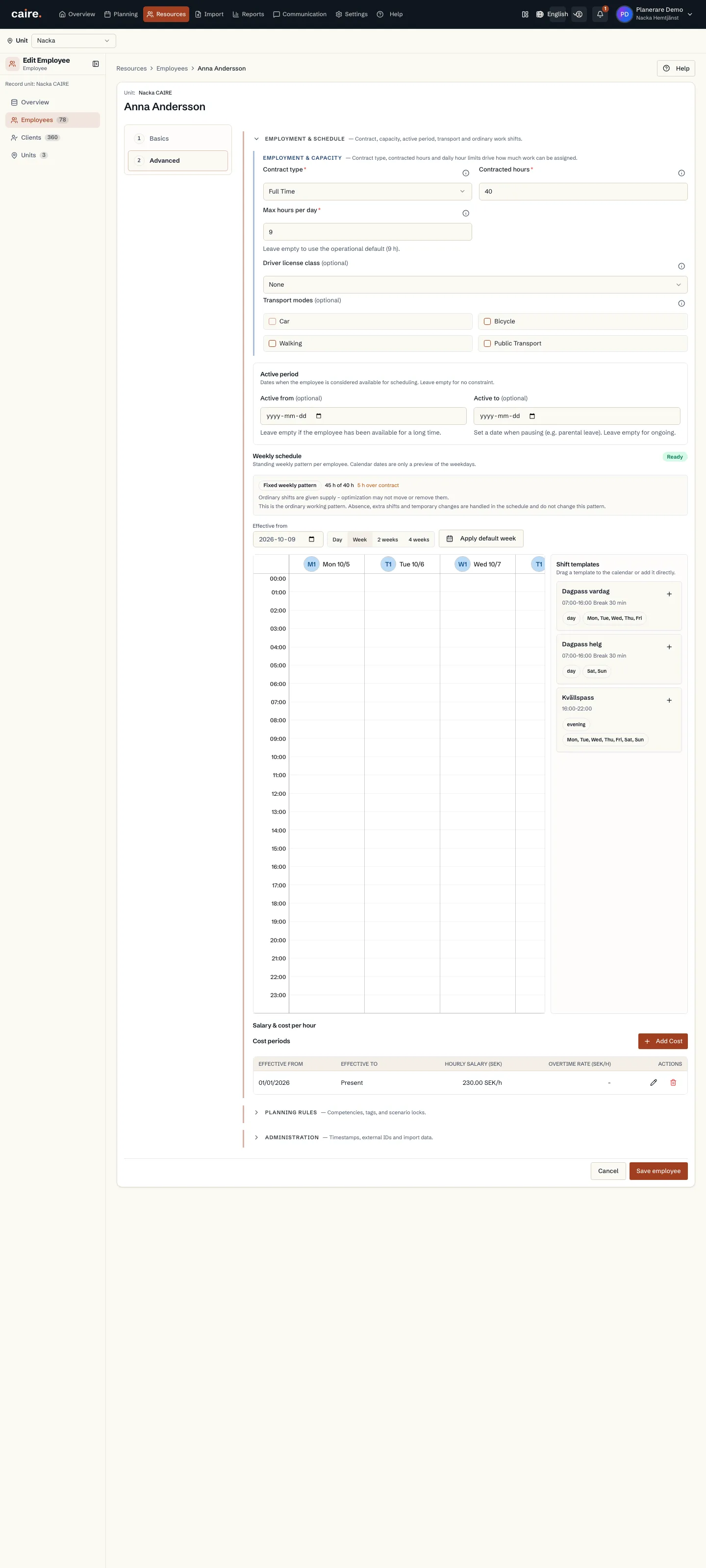
Employee data for routing and cost
How costs, shifts, and districts are used in routing and capacity analysis.
Read guide: Employee data for routing and cost - Efficiency
Districts and coverage
How districts reveal local demand, local capacity, and routes that cross the wrong area.
Read guide: Districts and coverage - Efficiency
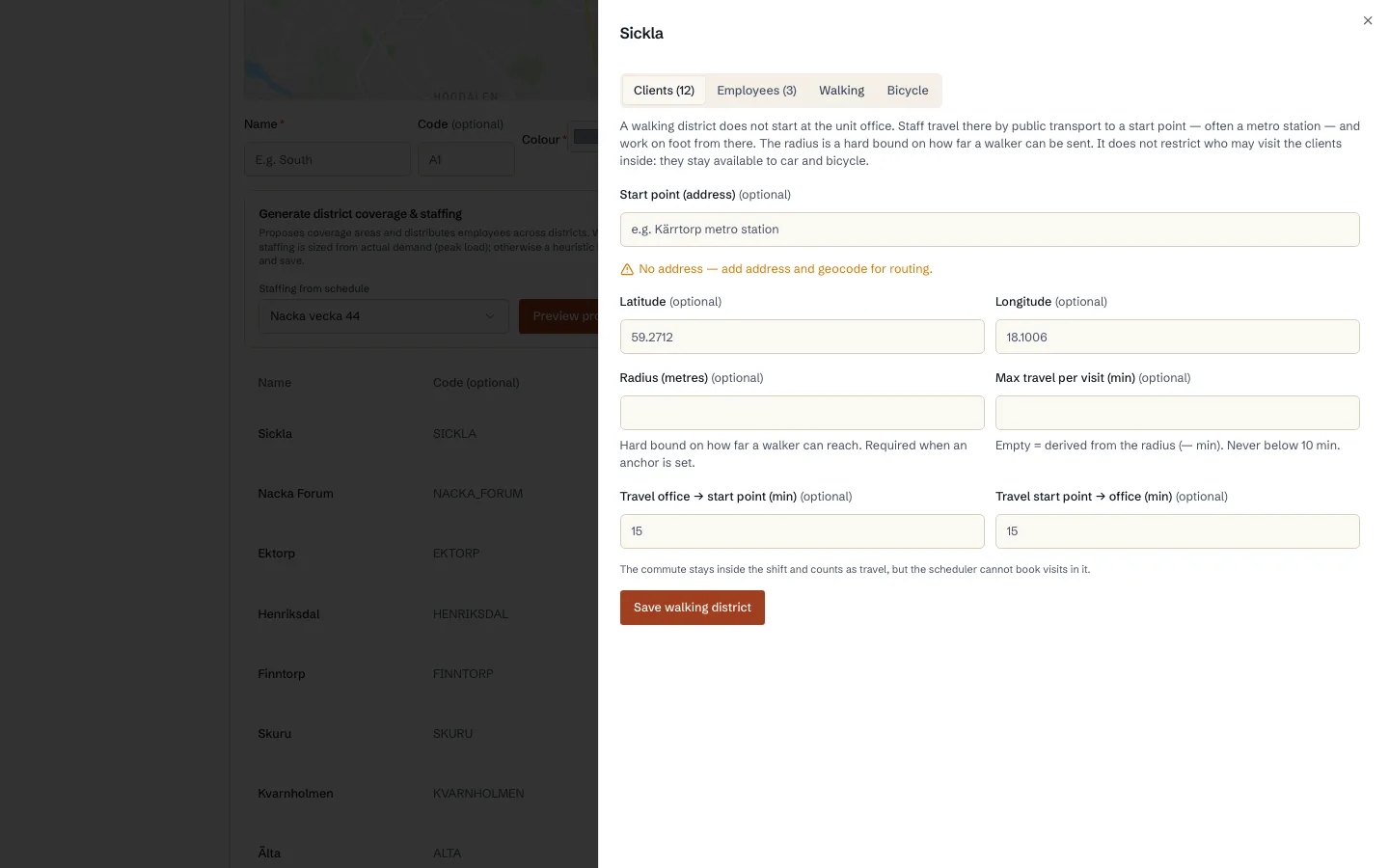
Walking districts
How a walking round is planned from a start point instead of the office, with the commute counted as paid time.
Read guide: Walking districts - Time windows
Preferred time, allowed window, and service properties
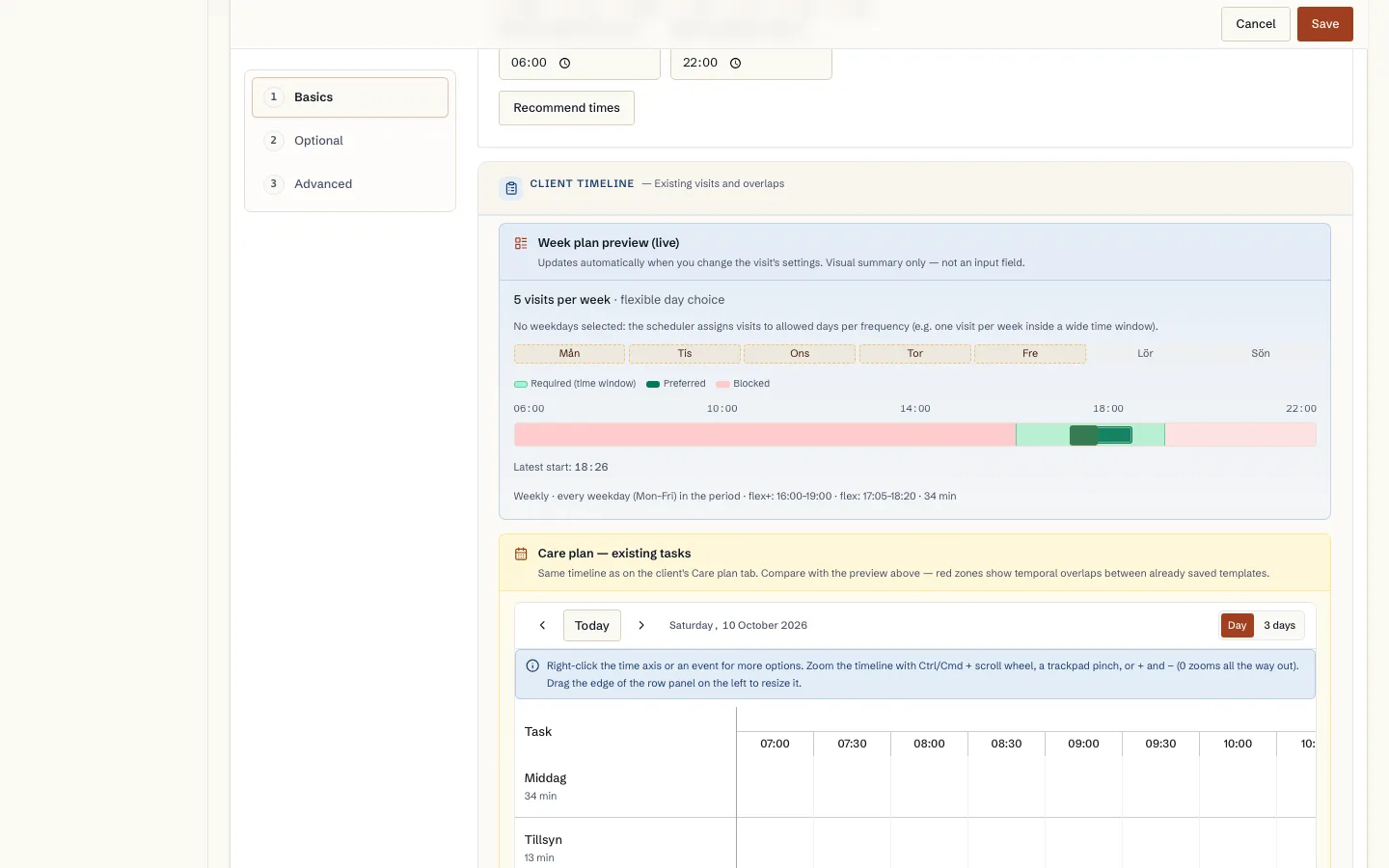
See the difference between preferred time and the allowed time window, and between routed field visits, office work, overlap, and double staffing.
Read guide: Preferred time, allowed window, and service properties - Diagnostics
Schedule diagnostics
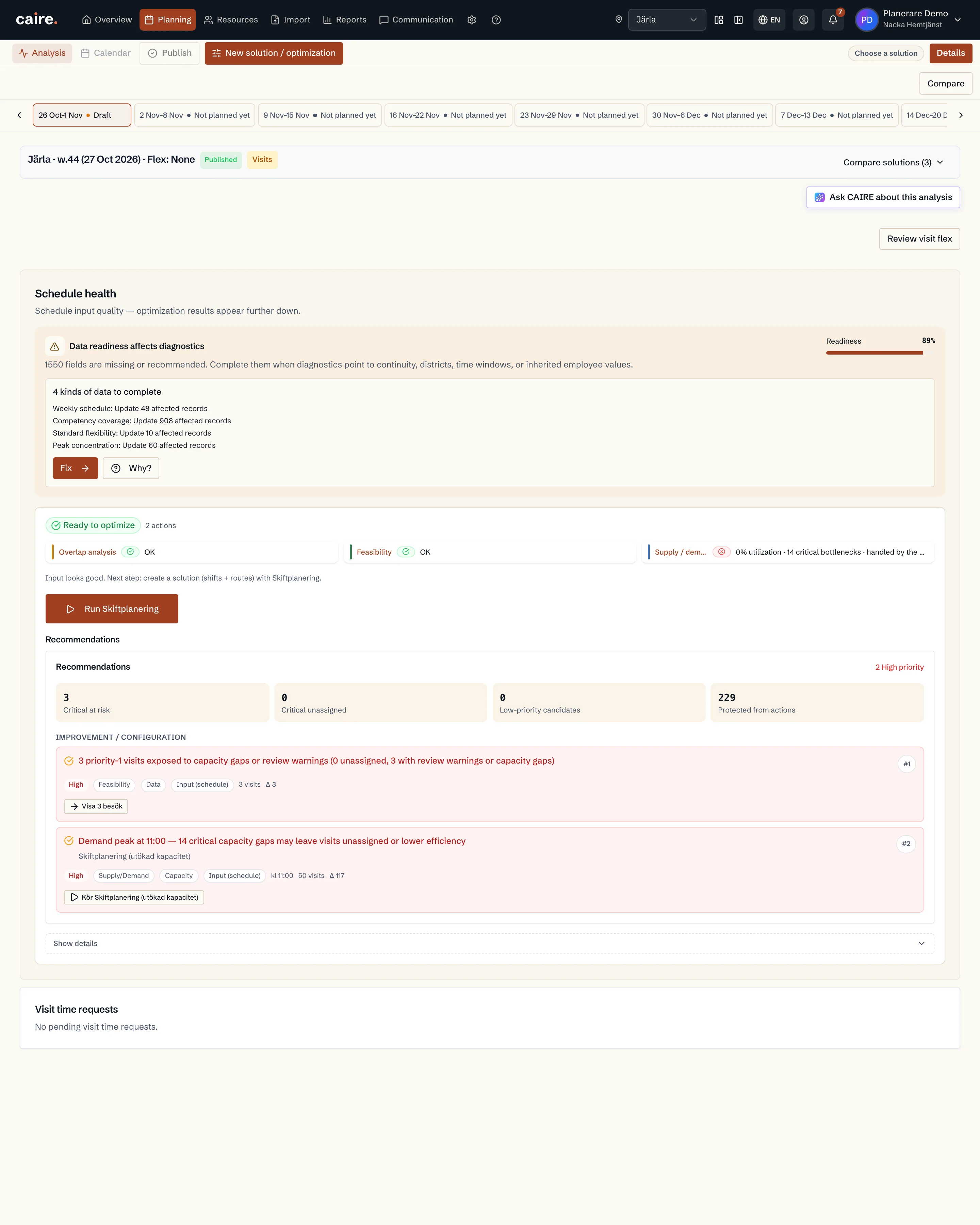
How to locate a bottleneck in time and review the visits and shifts it affects.
Read guide: Schedule diagnostics - Solutions
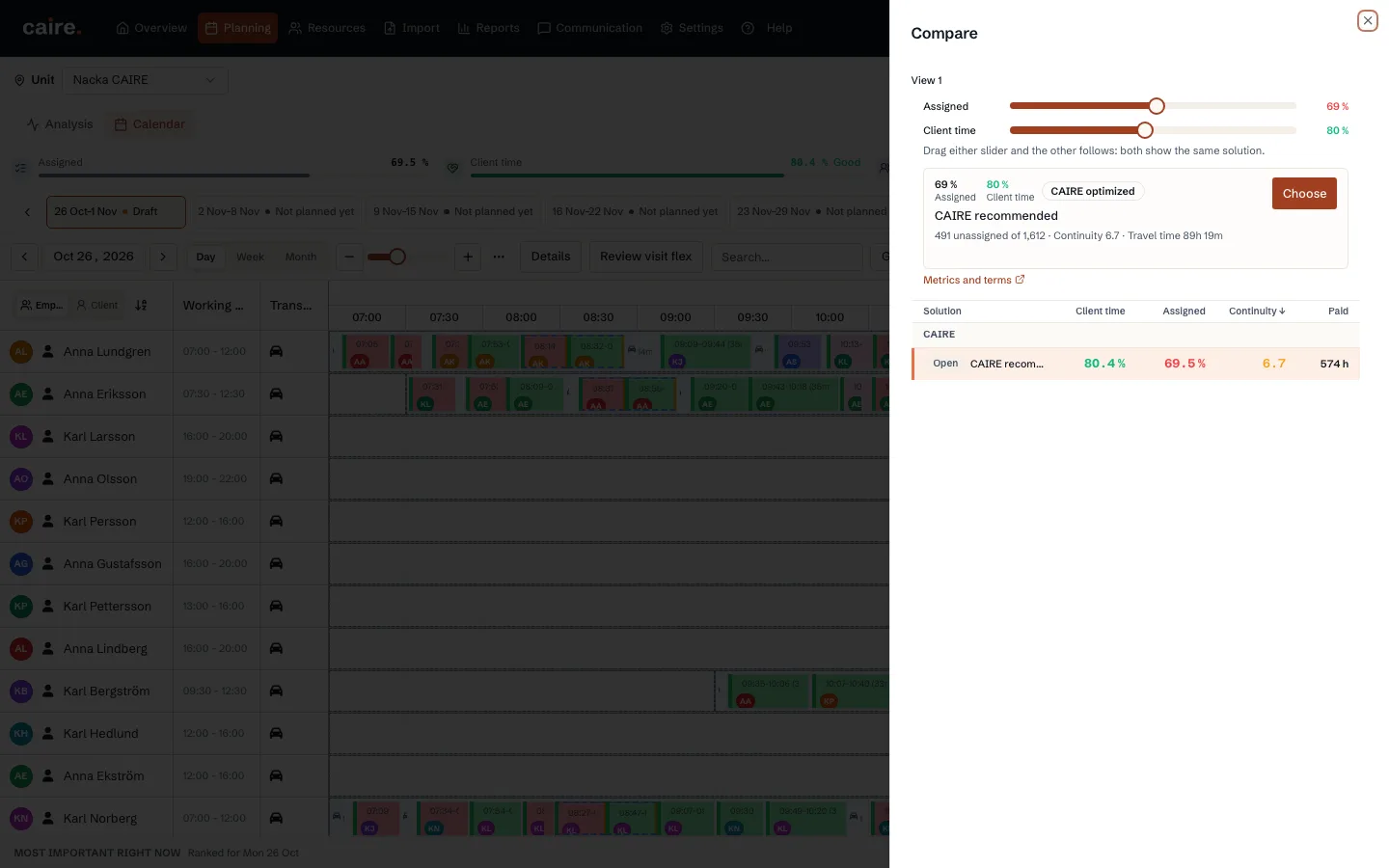
Switch solution in the same calendar
Compare source baselines, Coverage, and efficiency levels without leaving the calendar date or view.
Read guide: Switch solution in the same calendar - Solutions
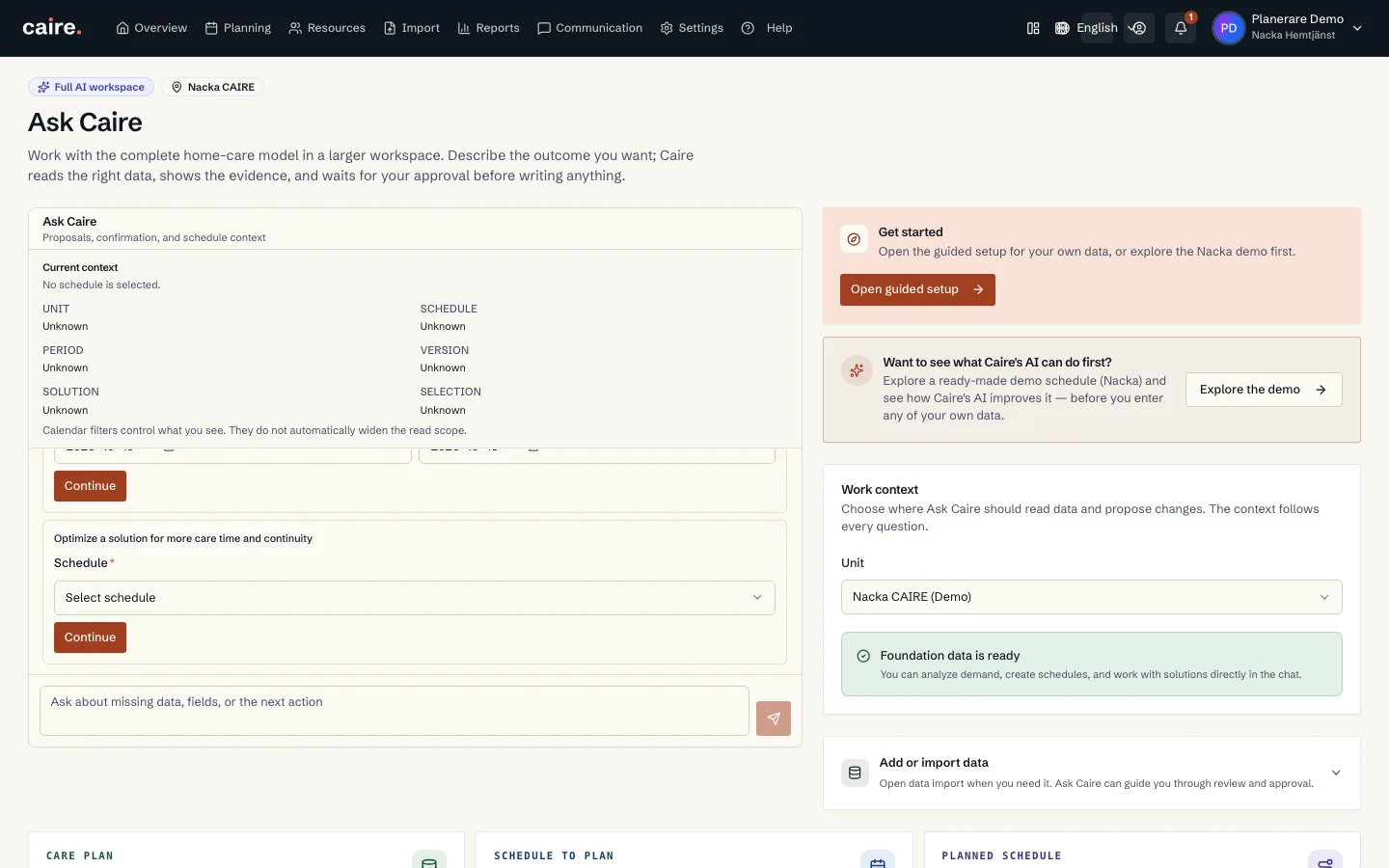
The AI assistant: chat with your schedule
Ask questions about the schedule in plain language and let the AI assistant answer with numbers from the solution, diagnostics, and continuity context.
Read guide: The AI assistant: chat with your schedule - Solutions
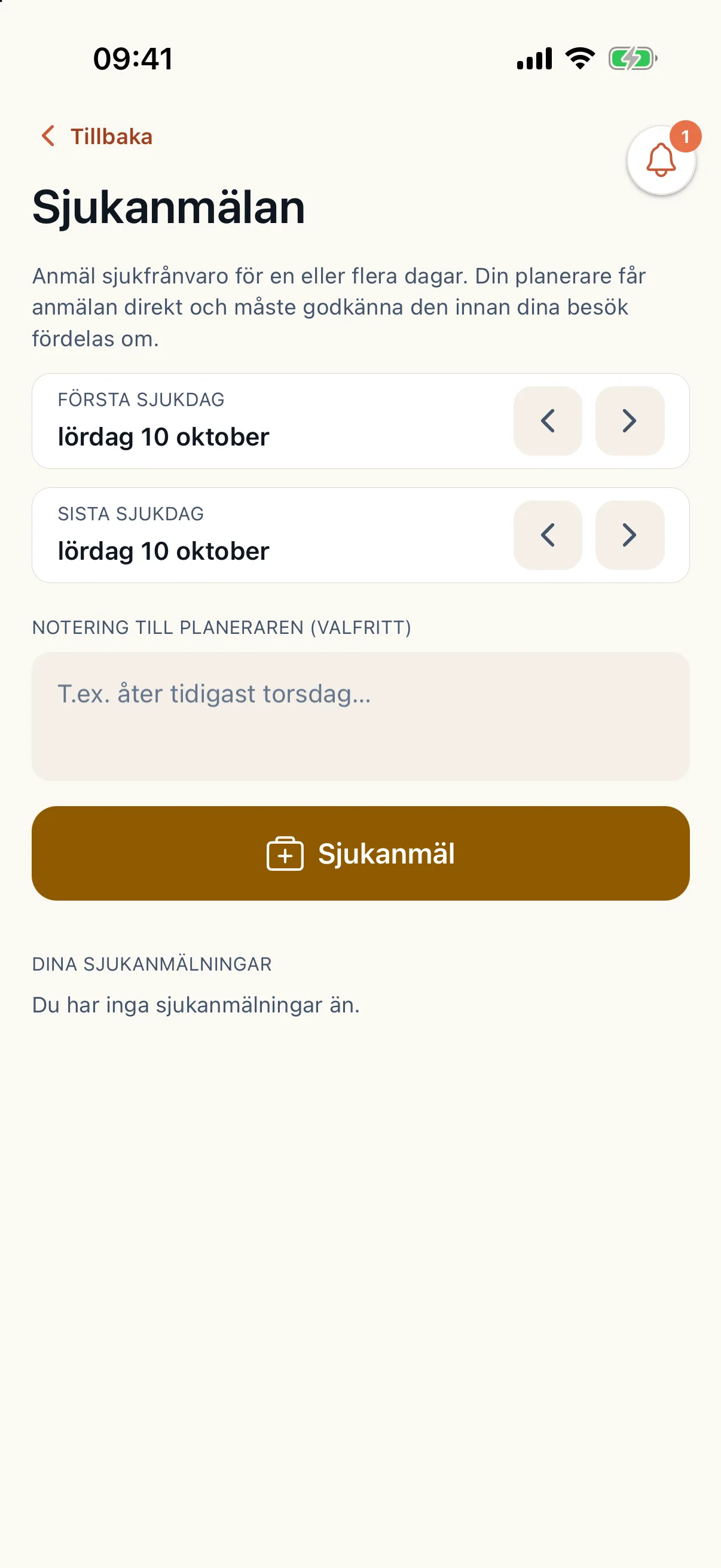
Sick calls and staffing
How a sick report goes from the app to new routes: the gaps in the published plan, Caire's ranked cover, your approval and open-shift invitations.
Read guide: Sick calls and staffing - Solutions
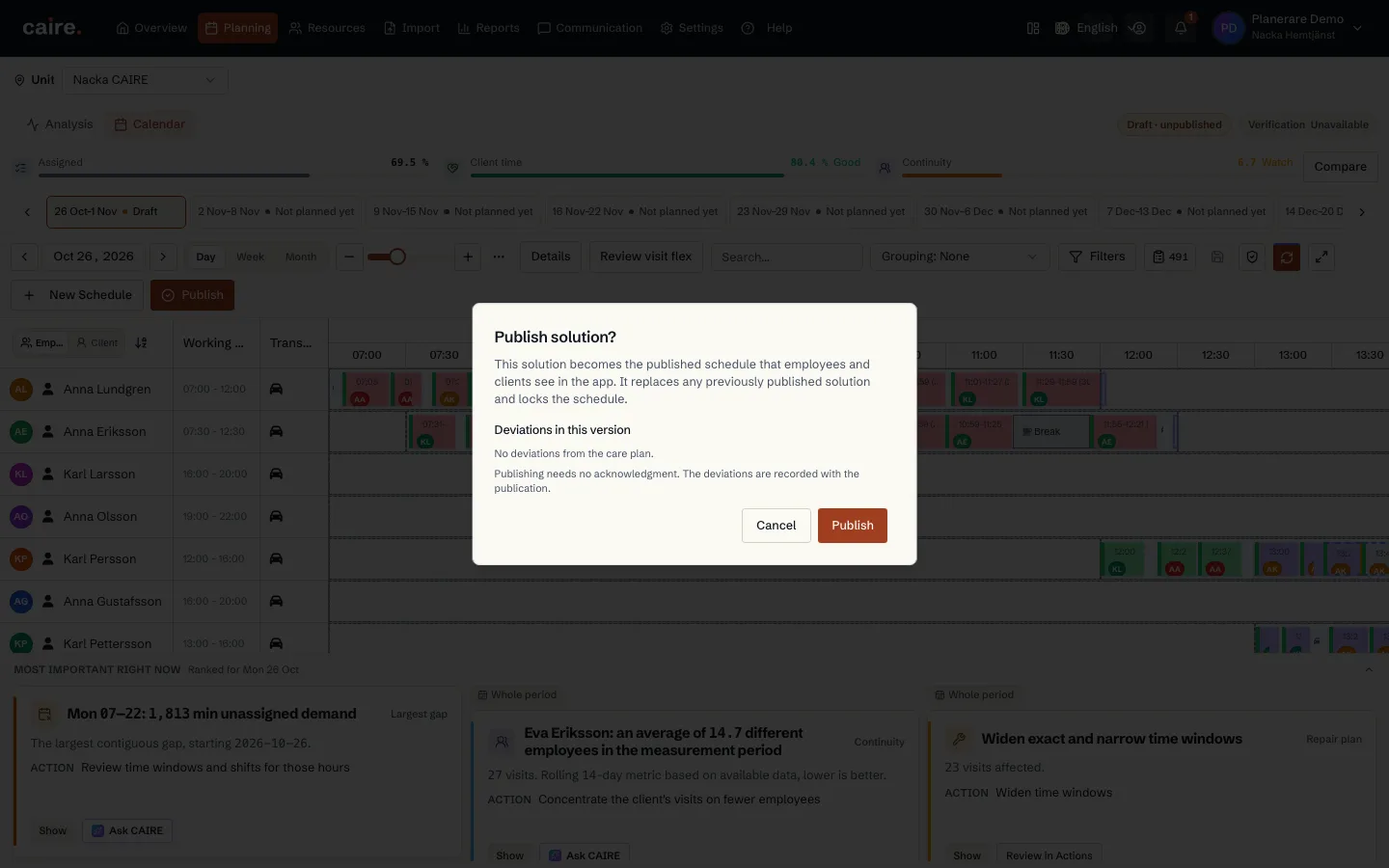
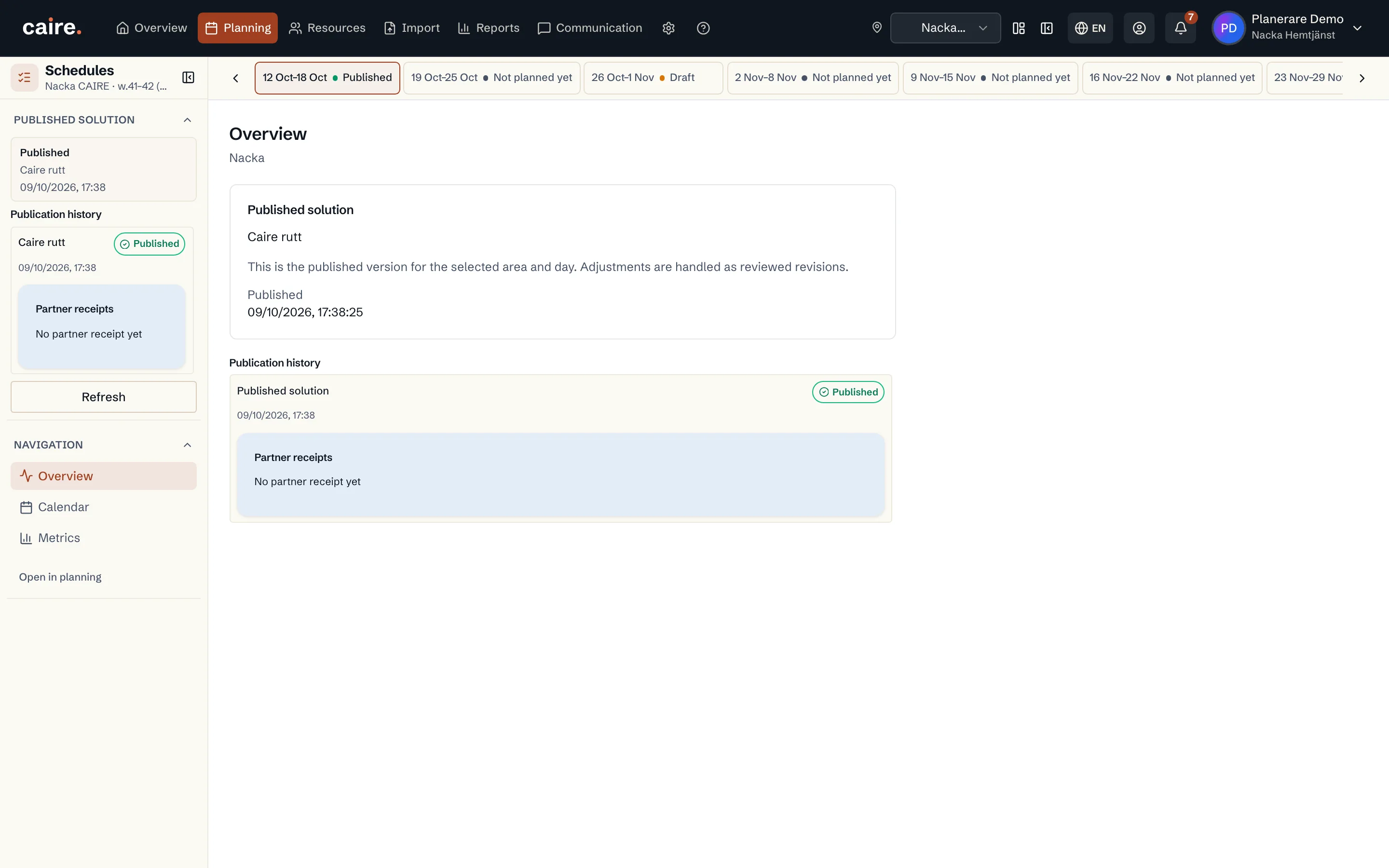
Publish a schedule
From draft to the plan staff and clients see: new versions before publication, one publication per unit and period, and quick updates afterwards.
Read guide: Publish a schedule - Onboarding
Care decisions on the client
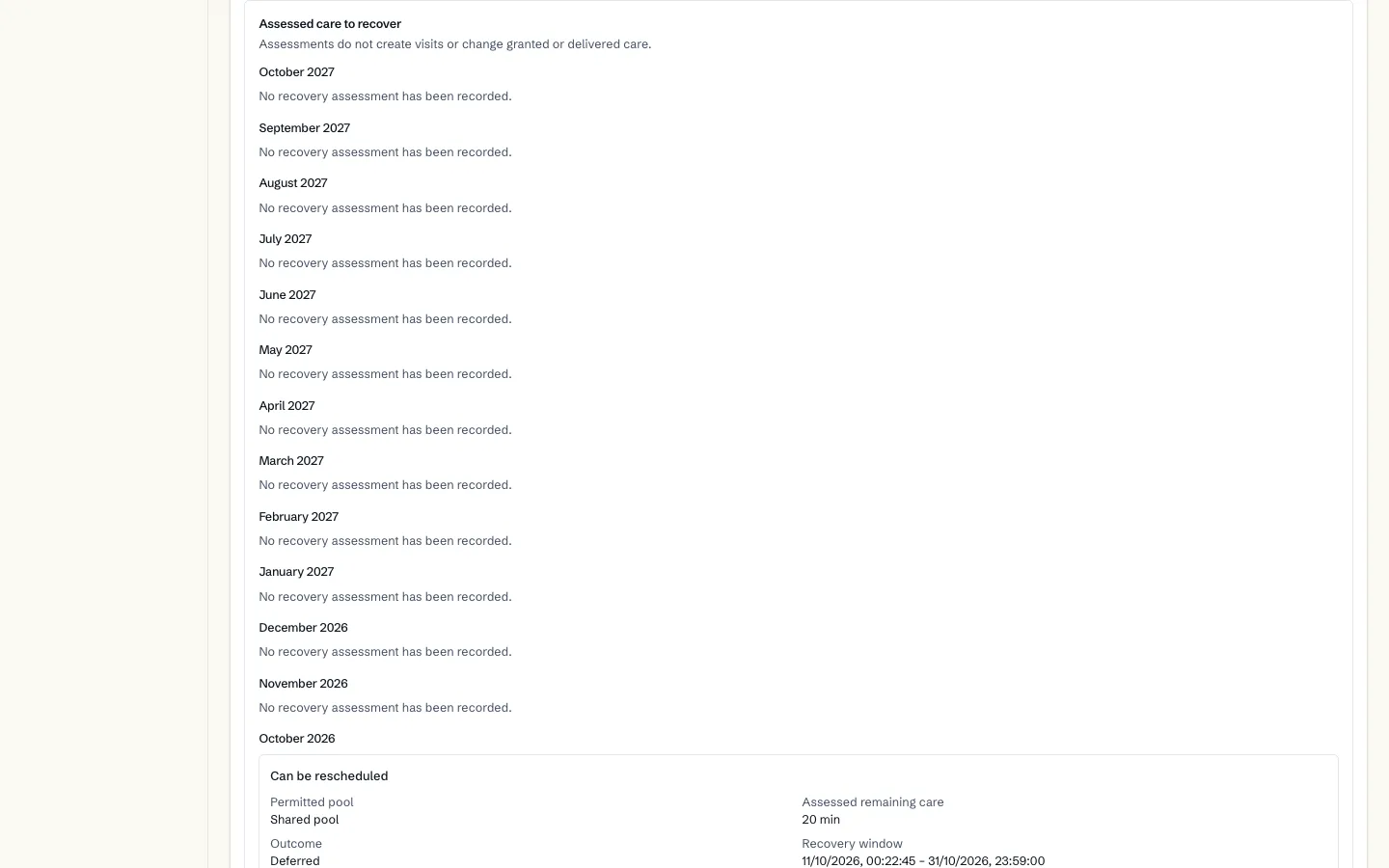
How each care decision (biståndsbeslut) is stored on the client with its granted time, how performed time is followed month by month, and how a decision received as a PDF is reviewed before it is stored.
Read guide: Care decisions on the client - Diagnostics
Analysis — reading and fixing a draft
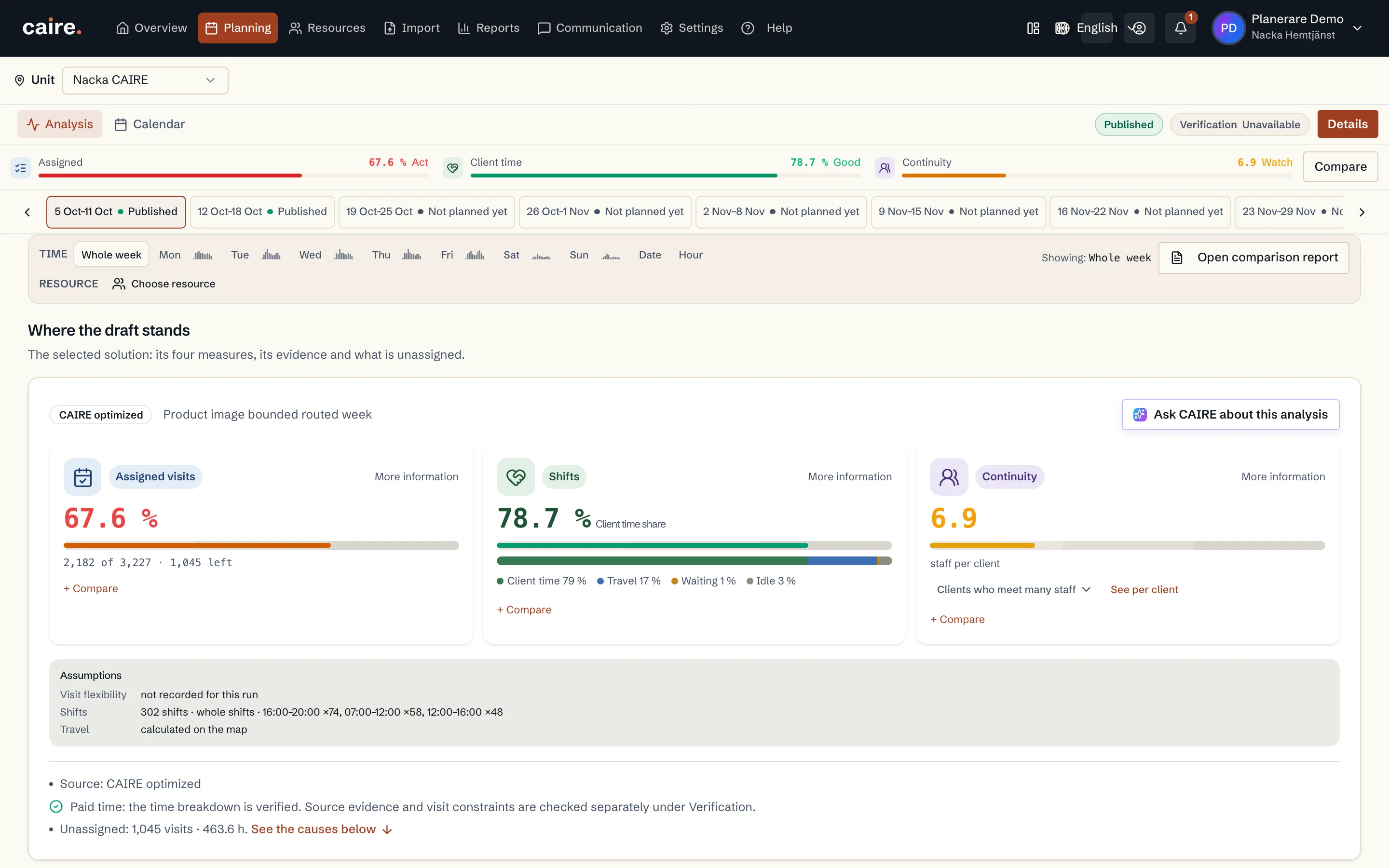
How to read Analys top to bottom, the seven most common states of a draft and the lever that belongs to each.
Read guide: Analysis — reading and fixing a draft - Solutions
Create a schedule
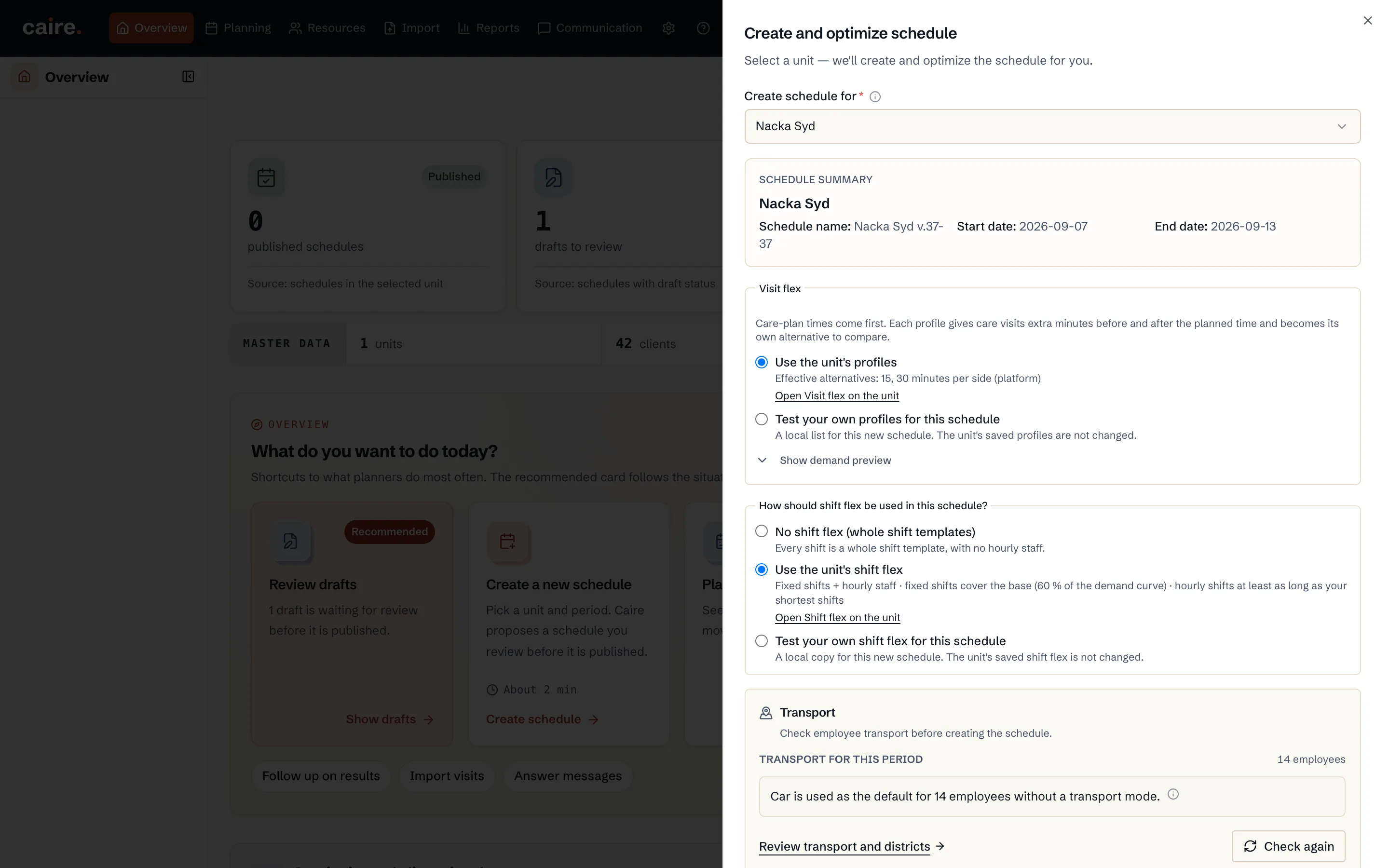
How the unit's clients, visits, caregivers and shift templates become a schedule for a period: one click gives the unchanged schedule and the visit-flex alternatives side by side.
Read guide: Create a schedule - Onboarding
The getting-started checklist
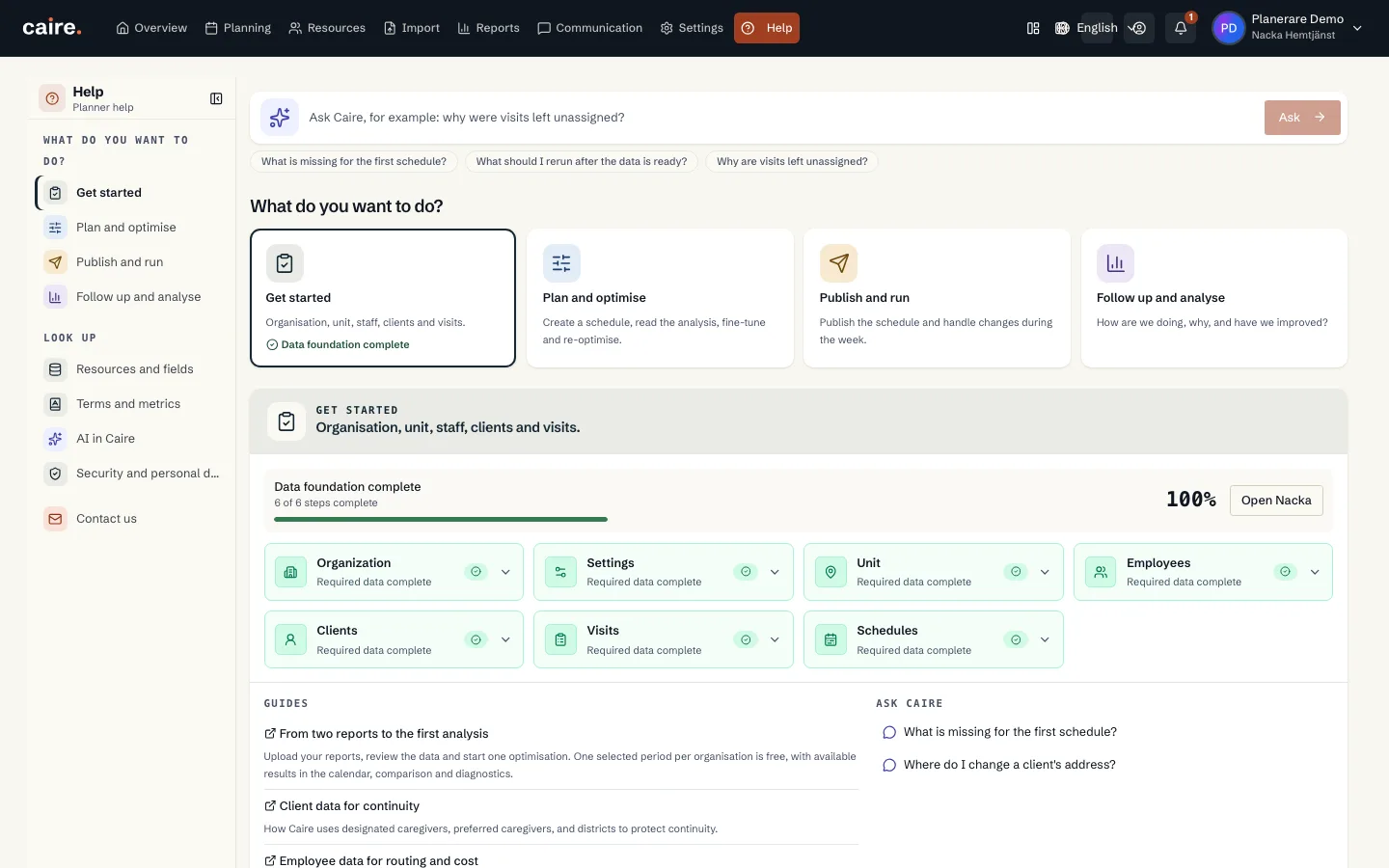
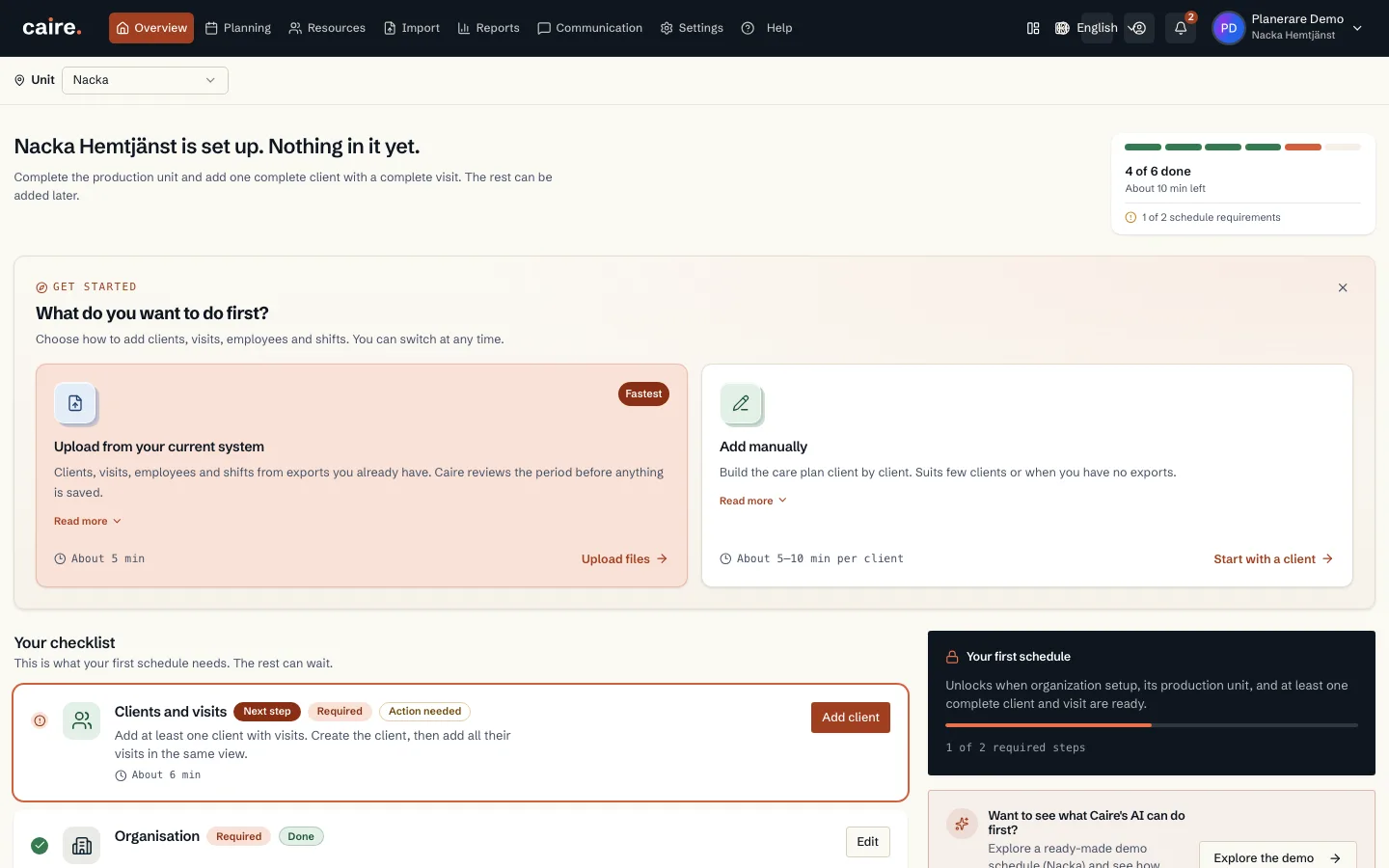
How to use Get started with Caire: what your first schedule needs, what is recommended and what can wait.
Read guide: The getting-started checklist - Onboarding
Import municipal decisions (PDF)
How you read in a municipal decision from the order and the calculation basis as PDF, review the details line by line and store the decision on the client.
Read guide: Import municipal decisions (PDF) - Onboarding
Pauses: hospital stays and travel
How you add a pause when a client is in hospital, in short-term care or away travelling, and what it means for new and existing schedules.
Read guide: Pauses: hospital stays and travel - Time windows
Recommended day and time for a new visit template
How Caire suggests a weekday and time when you add a visit to the care plan: tried against the unit's planned weeks and using the unit's visit flex.
Read guide: Recommended day and time for a new visit template - Time windows
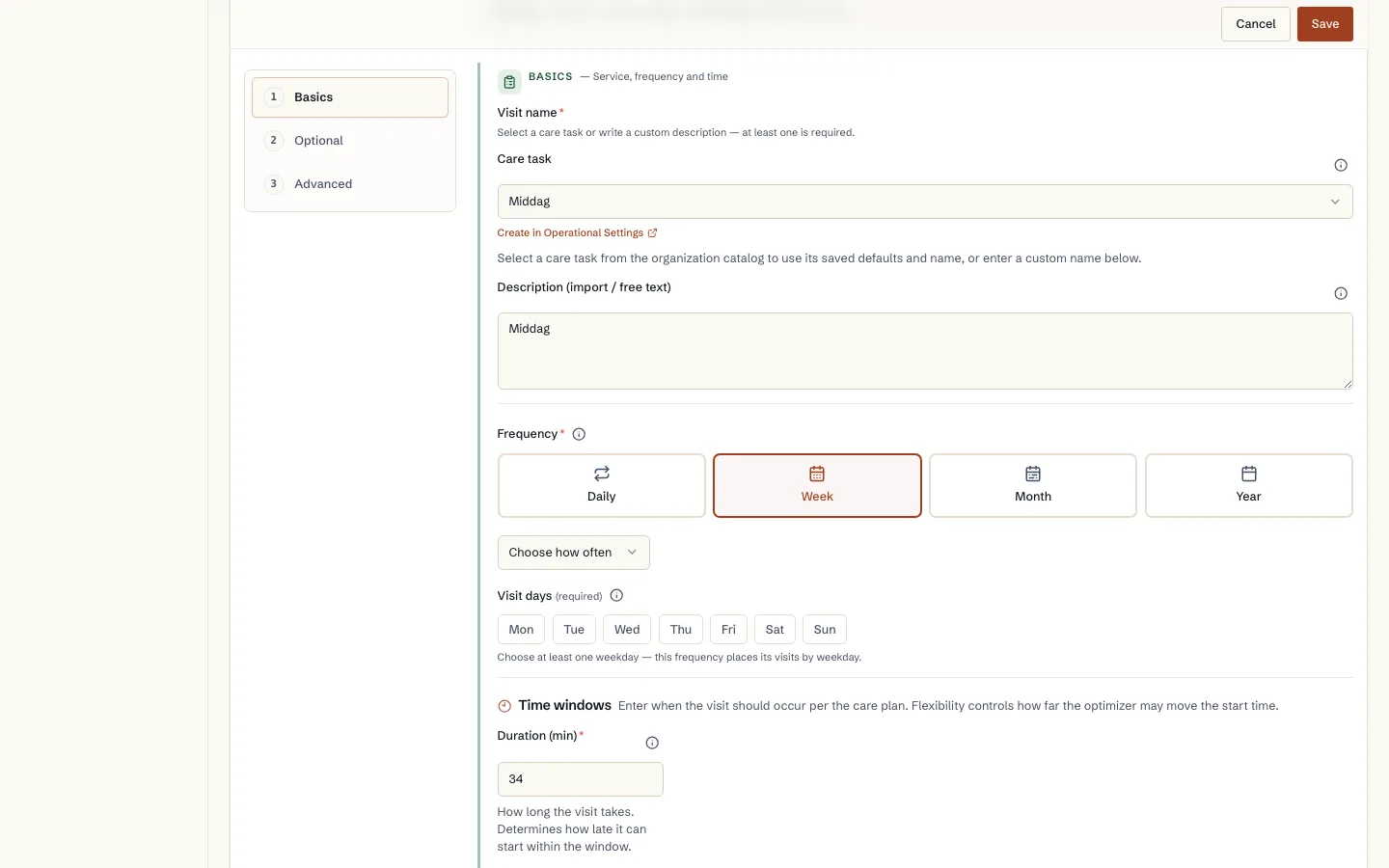
Care plan: services and visit templates
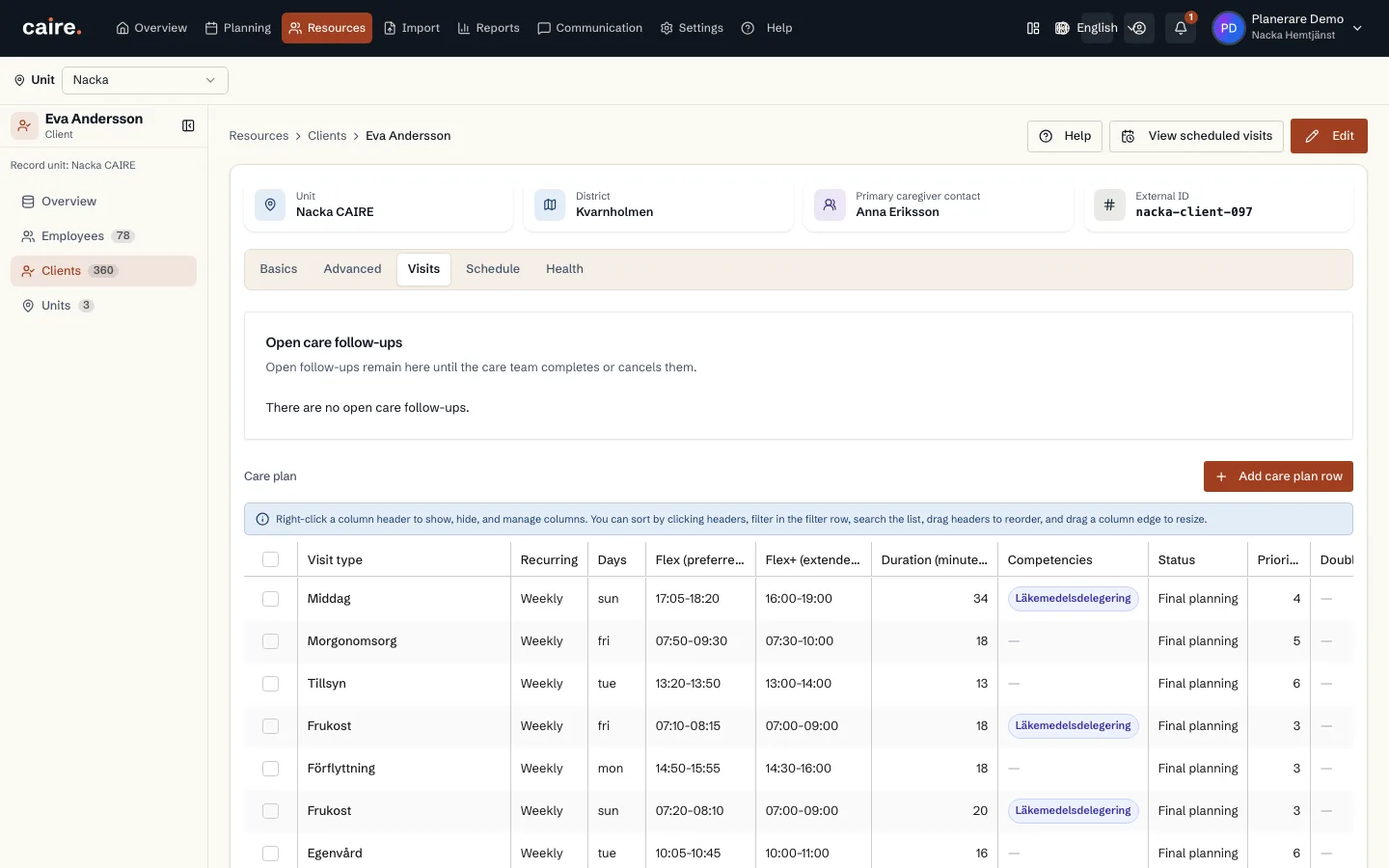
How the services in the client's decision become recurring visit templates: service, duration, frequency, time window, skill and double staffing.
Read guide: Care plan: services and visit templates - Integrations
Import from your care management system (Excel)
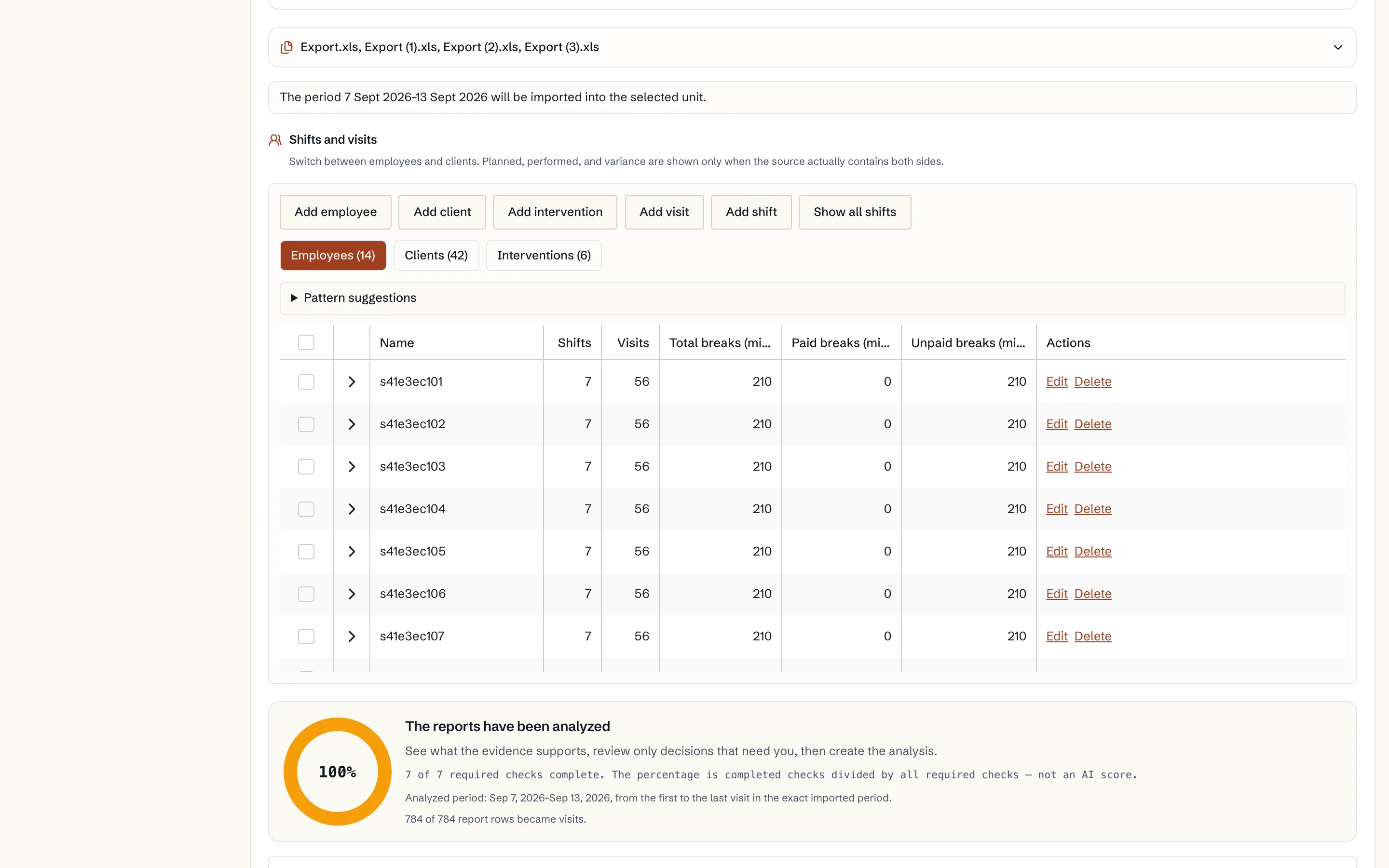
How you export the reports from your care management system, upload them to Caire, review clients, visits and employees, and save what should be used.
Read guide: Import from your care management system (Excel) - Integrations
Import from your planning system (Excel)
How you export the reports from your planning system, upload them to Caire and review the result. And how to read a period directly from a connected planning-system account instead.
Read guide: Import from your planning system (Excel) - Integrations
Import through the API connection
Connect your planning system, select dates and source units, and review the data before saving it in Caire.
Read guide: Import through the API connection - Efficiency
Shift templates and the weekly roster
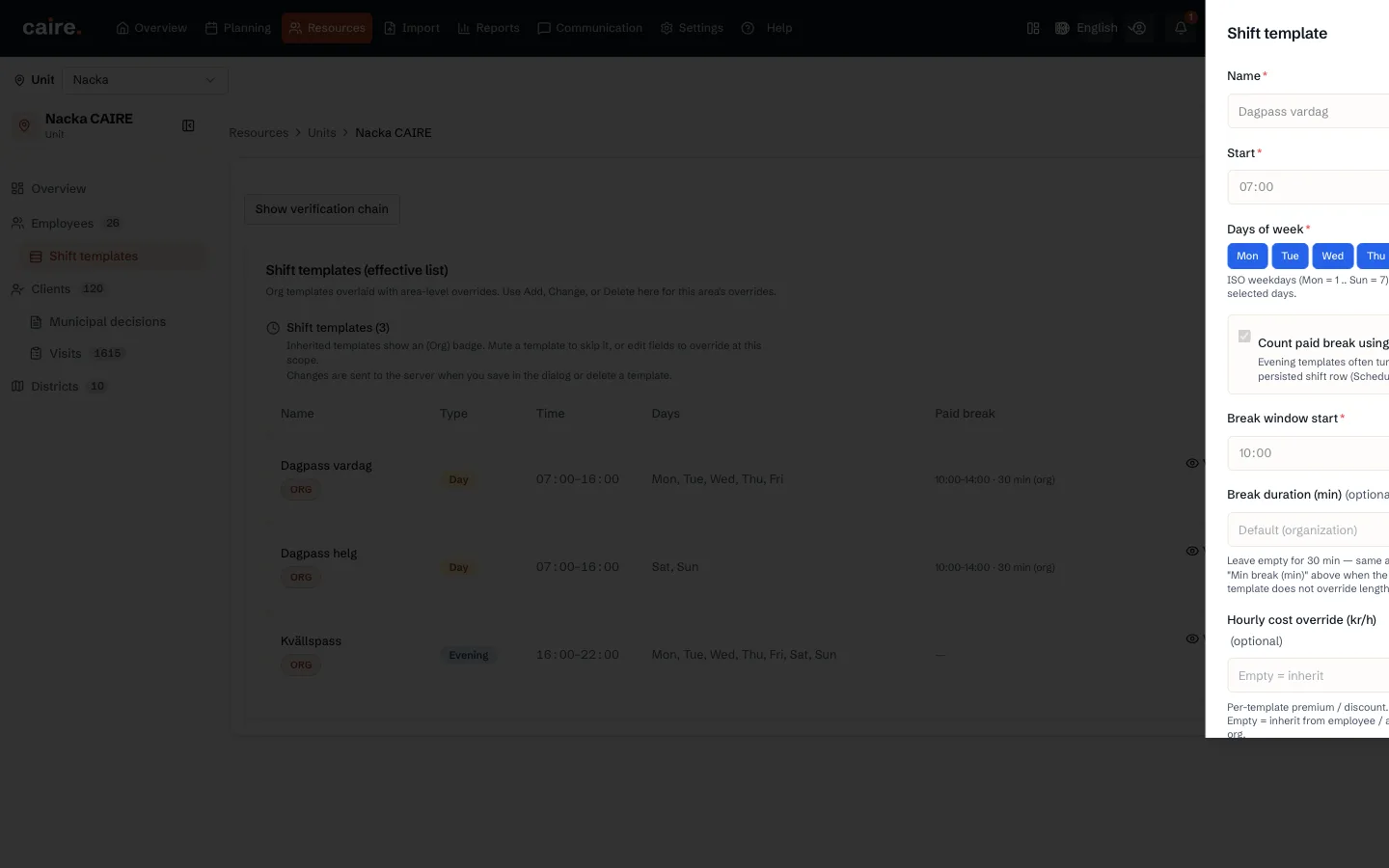
How you describe shifts with shift templates and set the standing weekly roster for each employee: times, breaks, fixed shifts and flexible capacity.
Read guide: Shift templates and the weekly roster - Onboarding
The settings cascade
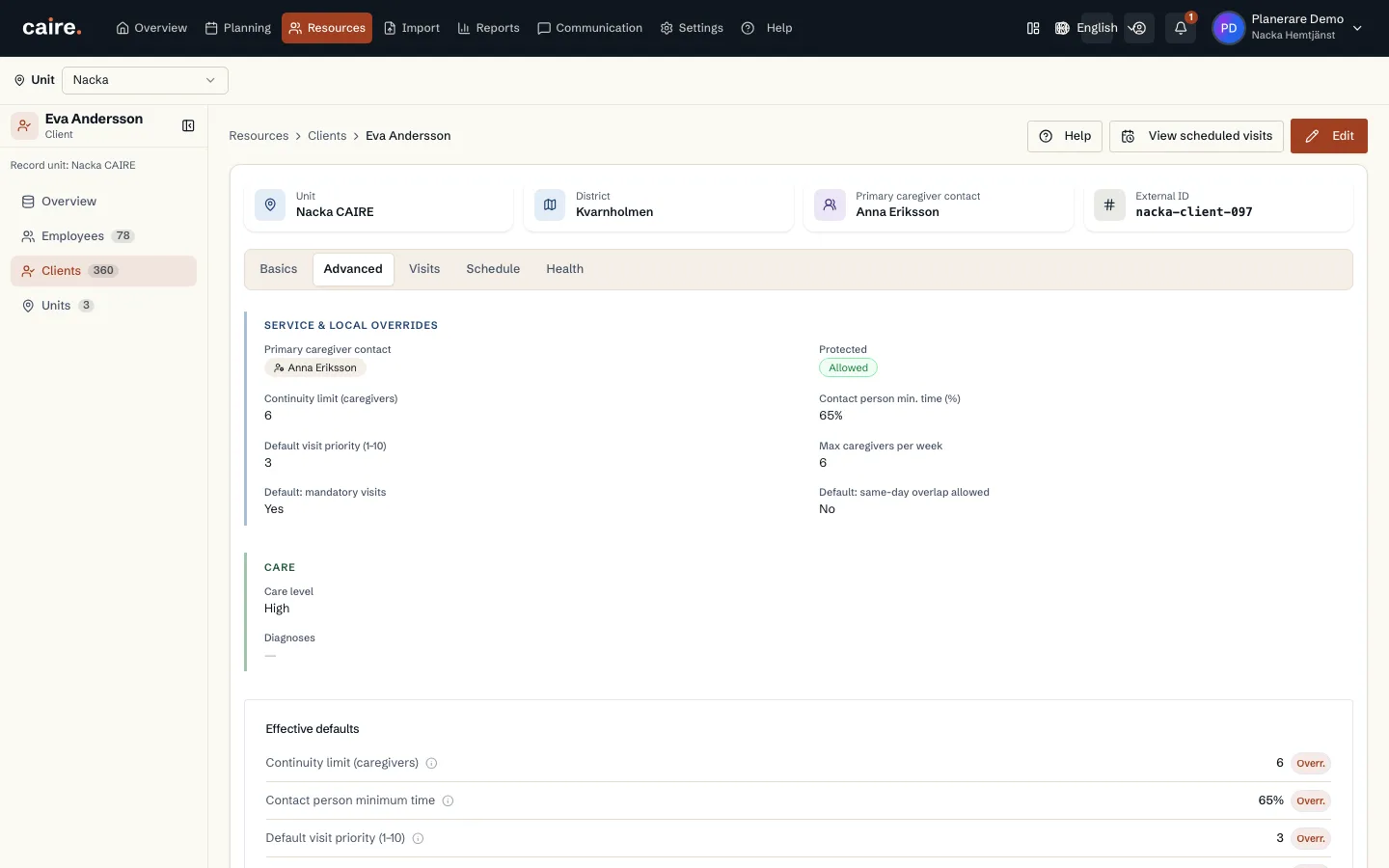
Why the same setting can exist on the organisation, the unit, the client, the employee and the visit, and how you see which value actually applies.
Read guide: The settings cascade - Solutions
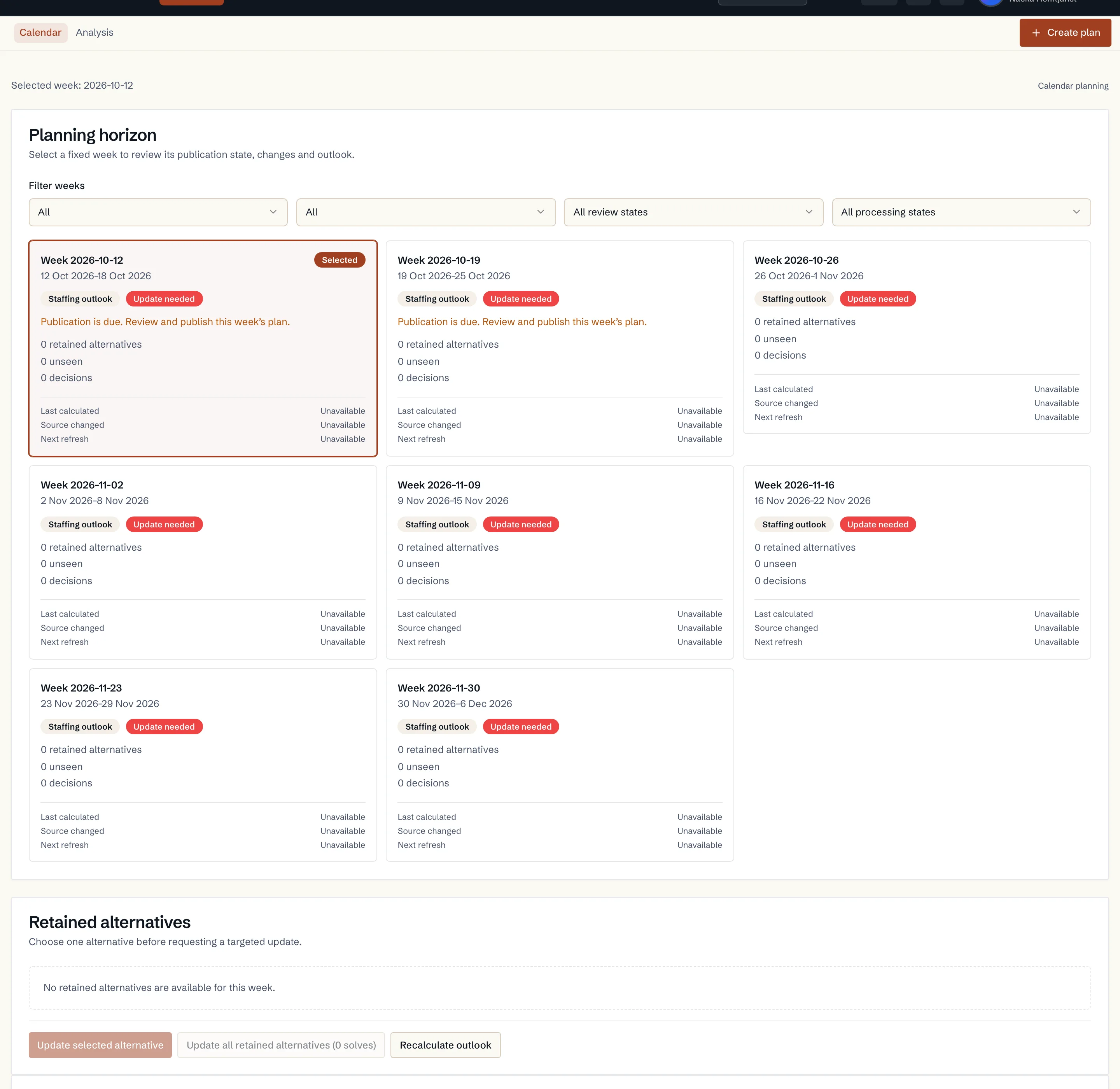
Automatic planning up to eight weeks ahead
How Caire plans the unit's coming weeks on its own: every week gets route drafts, only changed input is recalculated and nothing is published without your decision.
Read guide: Automatic planning up to eight weeks ahead - Solutions
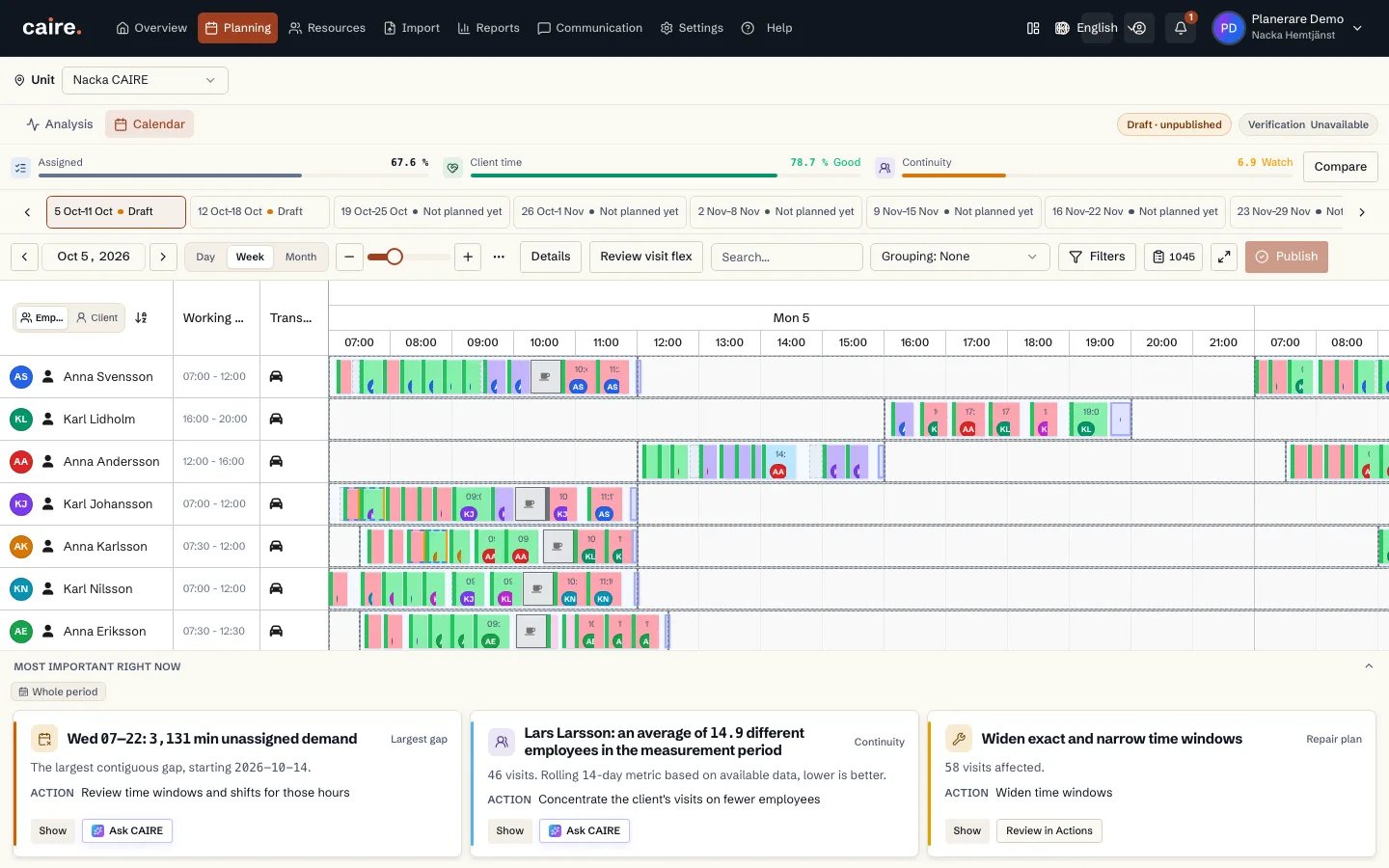
The calendar: move, lock, unplan and cancel
How to change a solution in the calendar: drag visits, lock the time or the caregiver, unplan and cancel. Every change becomes a new solution, never an edit of the old one.
Read guide: The calendar: move, lock, unplan and cancel - Diagnostics
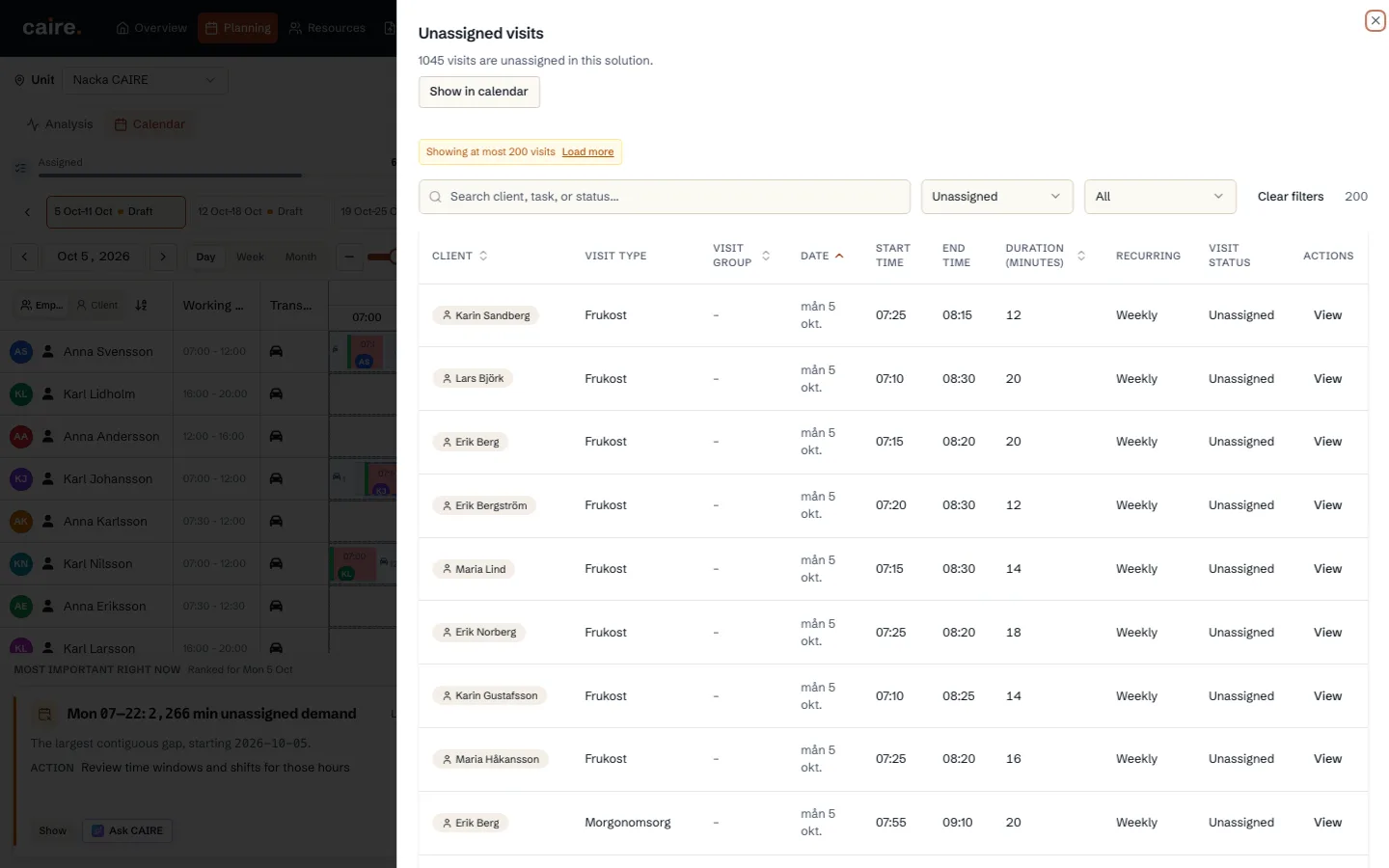
Find a place for unassigned visits
Why a visit was left unassigned and how to find a place for it: Hitta plats, a new time proposal, a staff and shift proposal or dragging it into the calendar.
Read guide: Find a place for unassigned visits - Onboarding
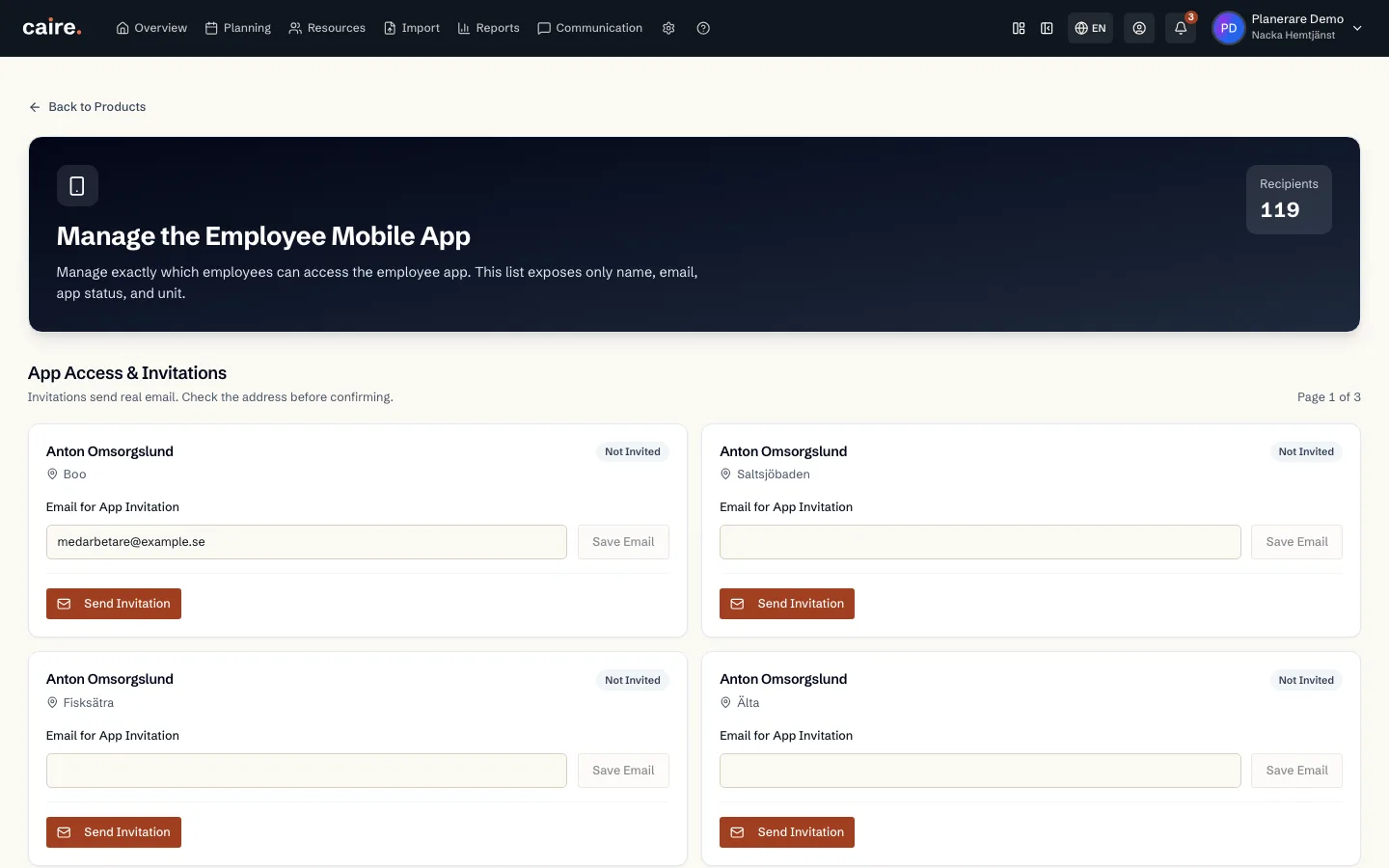
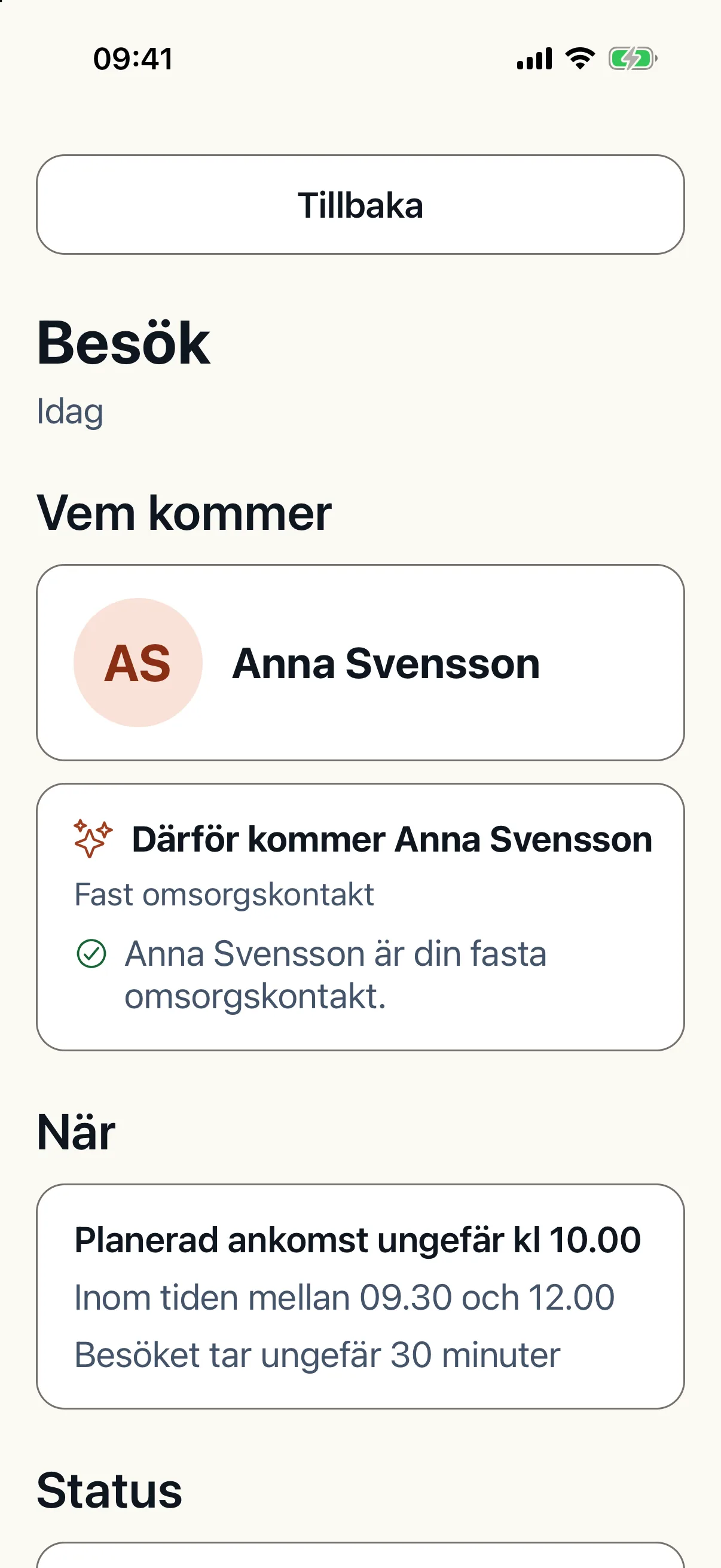
Invite employees and clients to the app
App accounts are created from the employee's or client's page with an email invitation. How to send it, follow App-status, resend, revoke and unlink.
Read guide: Invite employees and clients to the app - Solutions
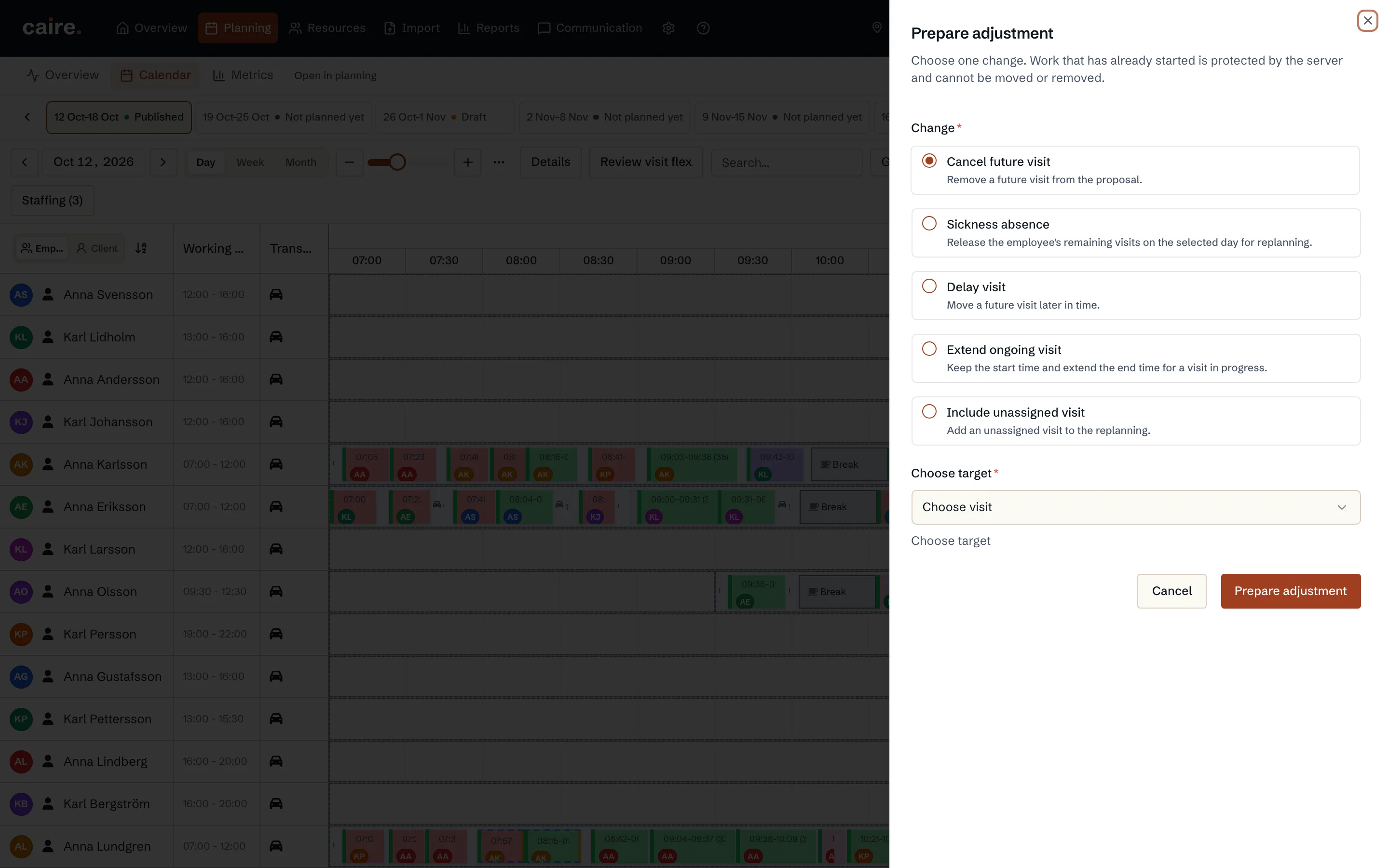
The operations view: handle today's deviations
The operations view shows today's published schedule. How to handle a deviation: prepare an adjustment, review it and approve it. Nothing in the plan changes before that.
Read guide: The operations view: handle today's deviations - Time windows
Changed visits and time changes
How to change a visit in the published schedule, handle requests for a new visit time from other systems and receive time changes from the client.
Read guide: Changed visits and time changes - Solutions
Client cancellations
The client sends a cancellation in the app, and the office approves or declines it. The visit is cancelled only once the office has approved.
Read guide: Client cancellations - Efficiency
Automatic replanning during the day
When something happens during the day, Caire replans the published schedule. Small changes within the visits' times apply themselves; the rest become proposals you approve.
Read guide: Automatic replanning during the day - Solutions
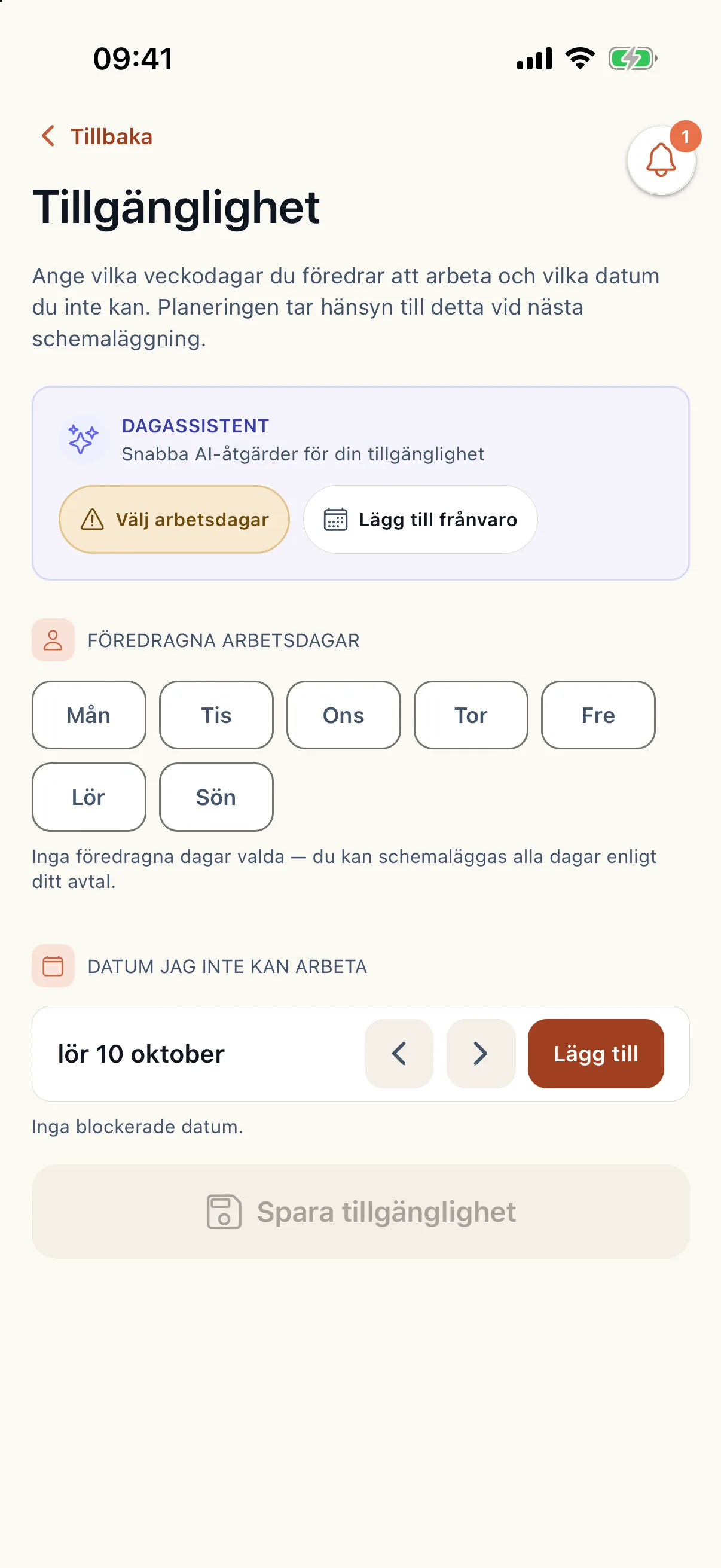
Shift swaps, extra shifts and availability
The caregiver sets availability, offers extra shifts and asks for a shift swap in the app. The planner approves, and what is approved is used in coming planning.
Read guide: Shift swaps, extra shifts and availability - Efficiency
Copy day and adjust travel time
Two tools in the operations view: copy who does which visit from one day to another, and correct the travel time on one leg when it is wrong.
Read guide: Copy day and adjust travel time Operational settings
Defaults for staff, optimization, services, time slots, skills, and tags.
Read resourceUnit
The planning boundary: the team, clients, employees, and period scheduled together.
Read resourceDistrict
A local area inside the unit for geographic matching.
Read resourceEmployees and shifts
The supply side of planning: who can work, when they work, and which skills they have.
Read resourceClients
The people receiving care. The client's address and care plan create demand.
Read resourceCare plan and visit templates
Recurring visits that later become dated visits in a schedule.
Read resourceSchedule
The dated planning period and source snapshot behind a solution frontier with different time-window and capacity policies.
Read resourceSolutions
One comparable solution frontier for a schedule: Standing data, Coverage, and N Efficiency rungs.
Read resourceSchedule diagnostics
Shows which time slots, visits, and shifts constrain a selected solution.
Read resource